 MaxScan · Scanner with on-device AI
MaxScan: Your documents.
Your private AI.
Scan receipts, notes and contracts, then ask questions about them, summarize, translate or compare. The AI runs on your iPhone, not in the cloud.
Scan it.
Understand it.
A proper scanner first, with an assistant that keeps your paperwork on your phone.
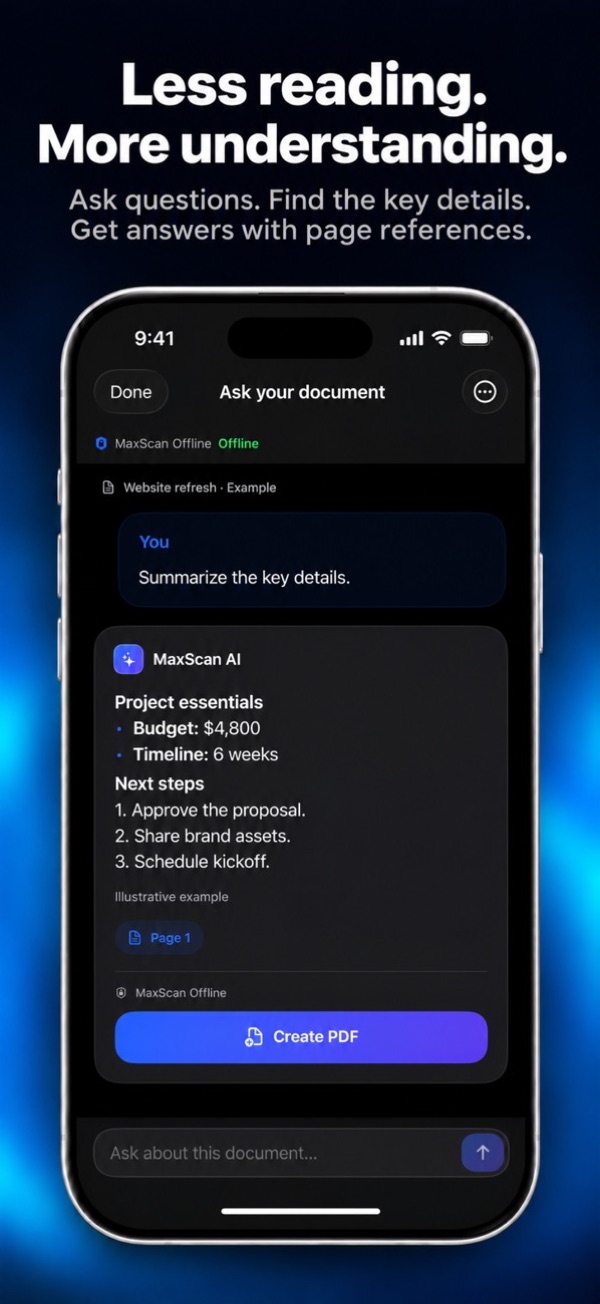
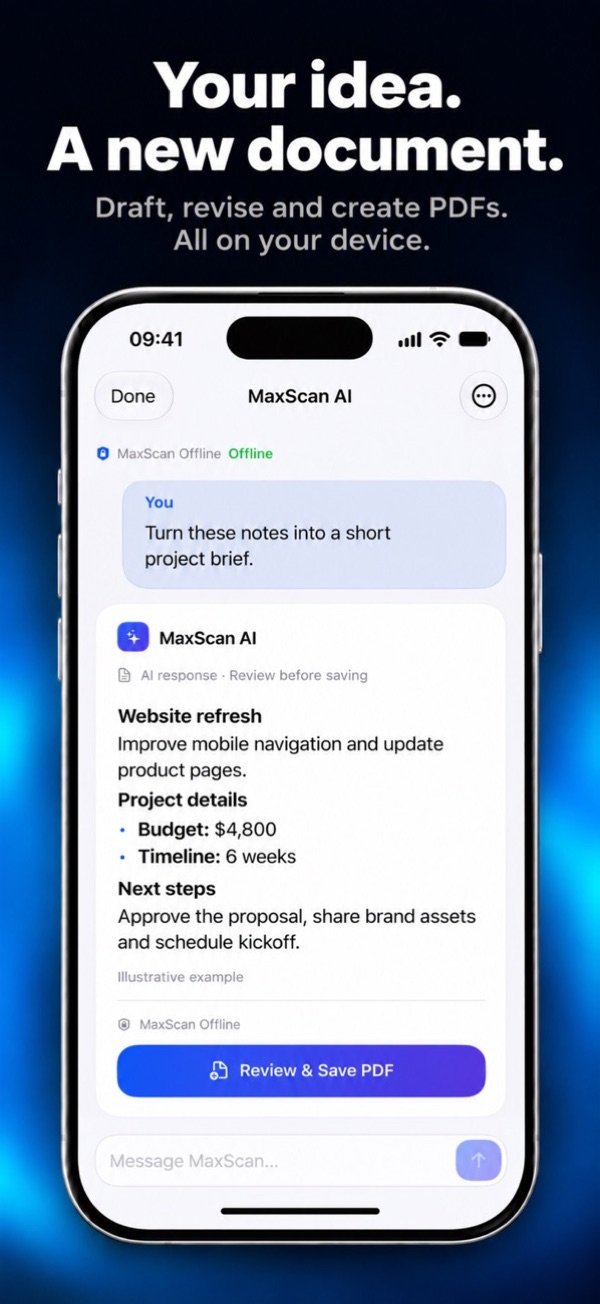
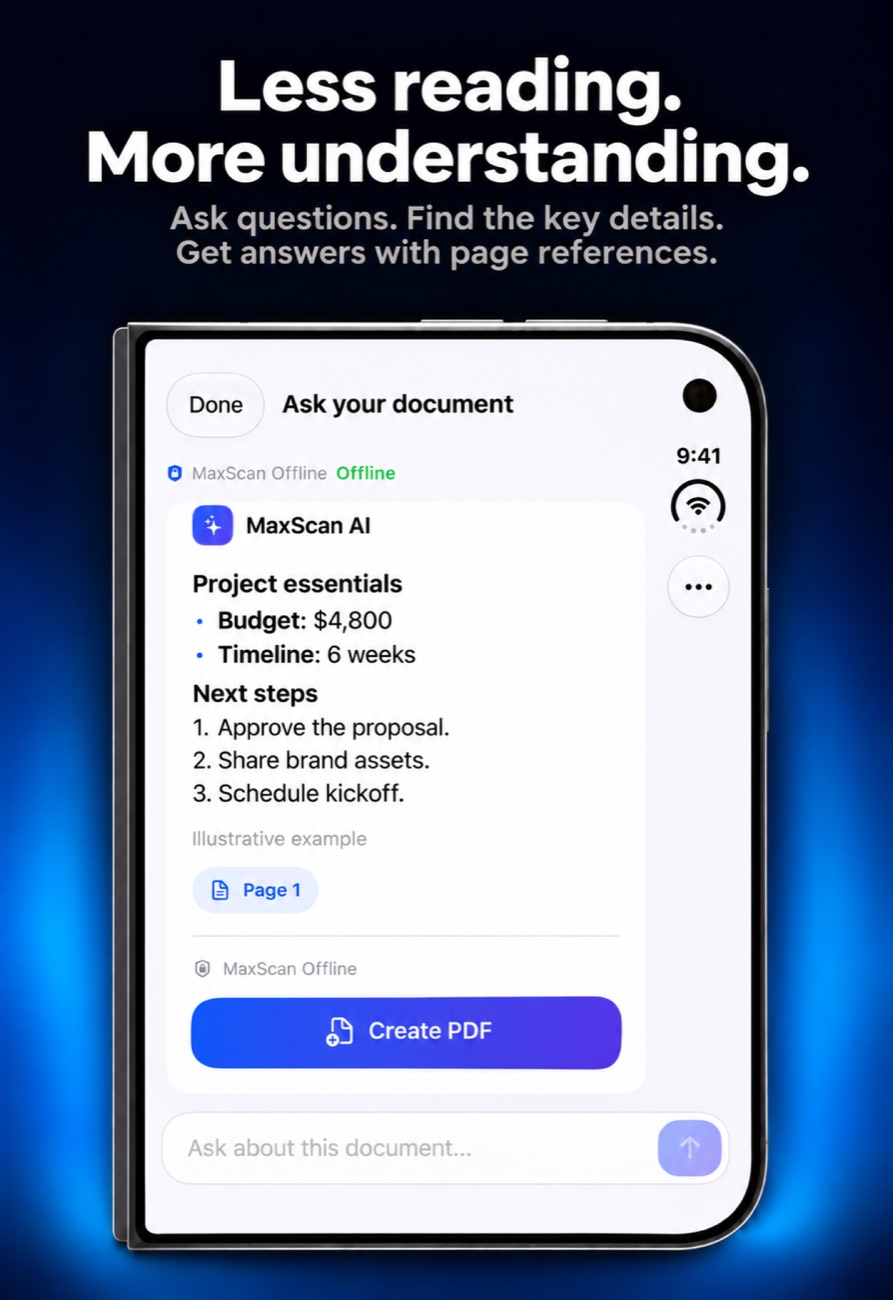
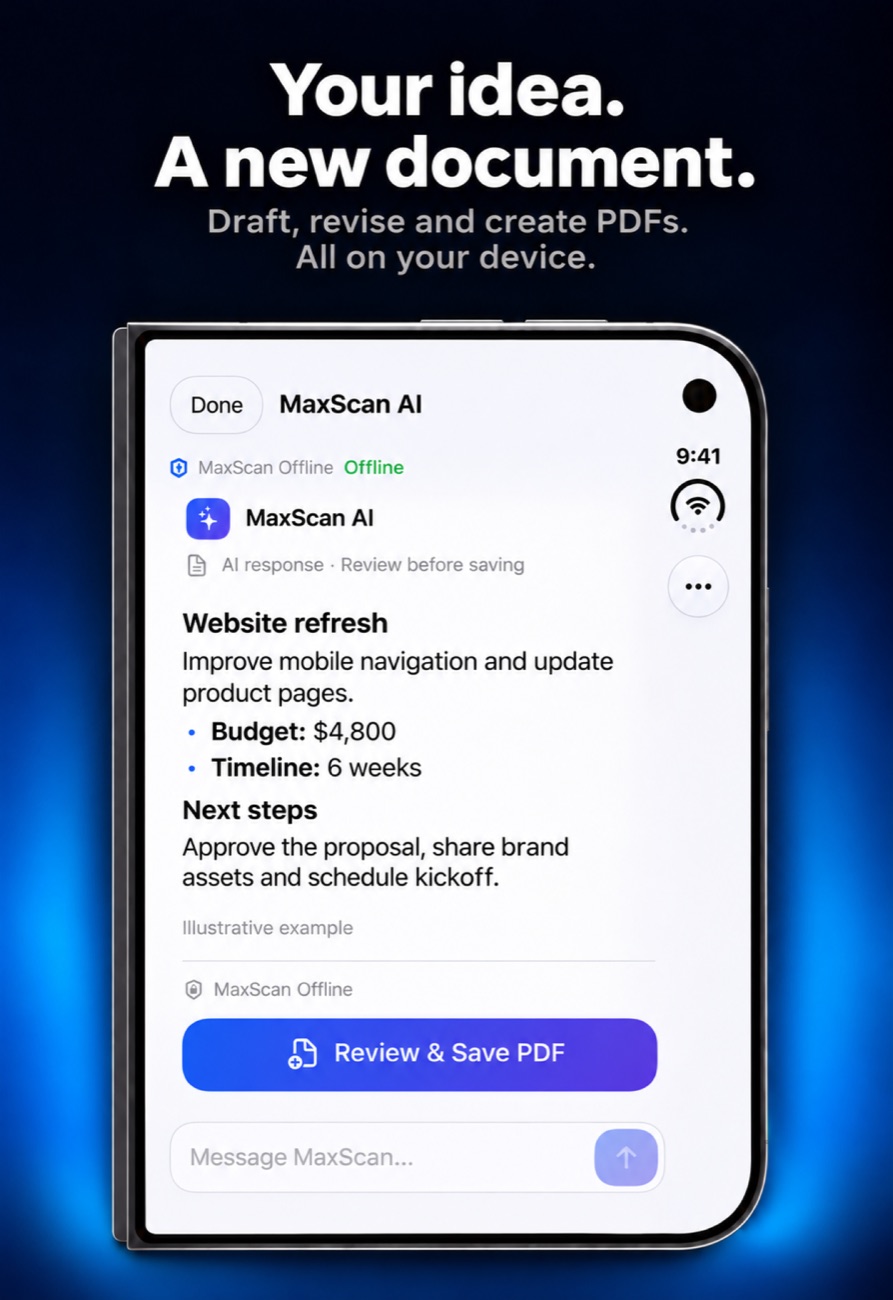
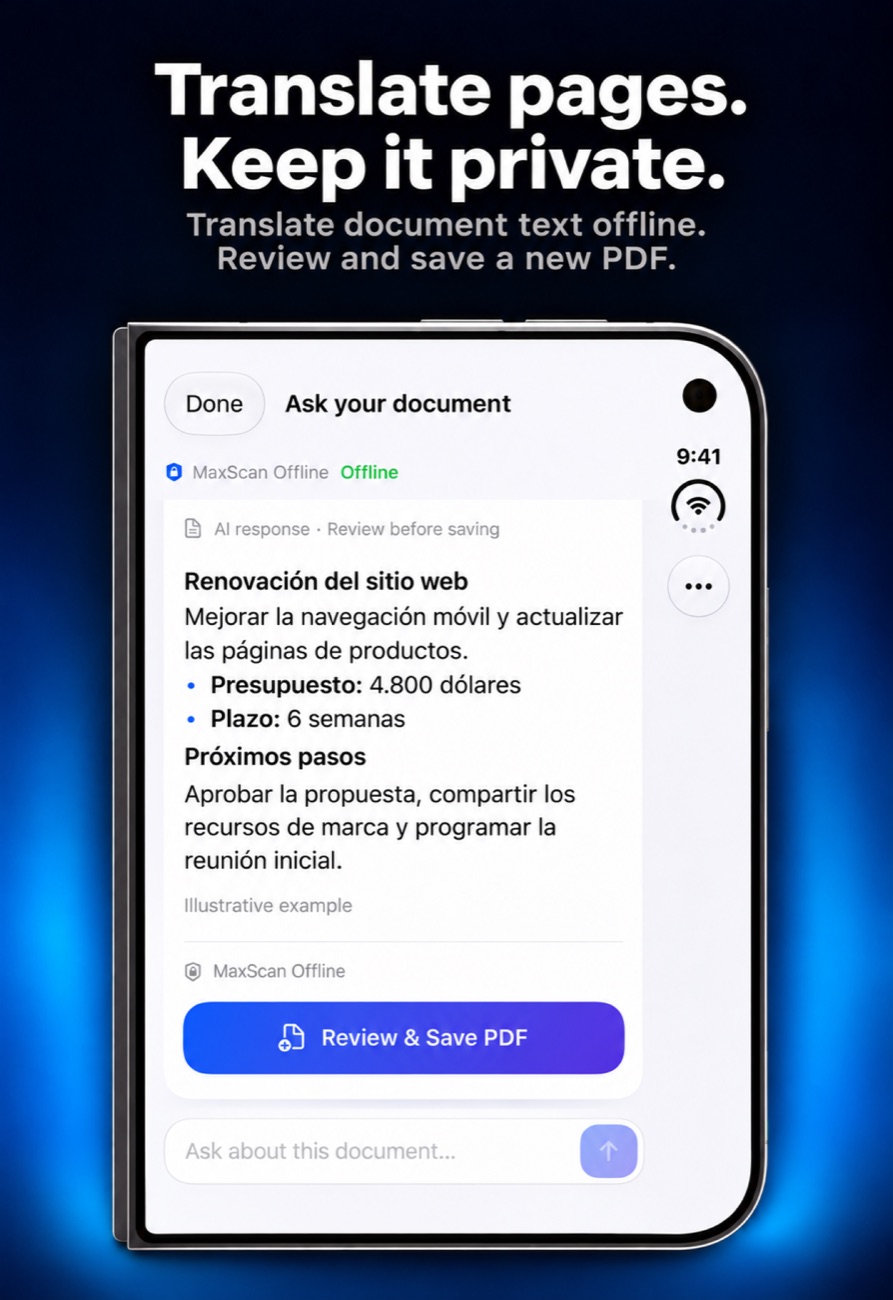
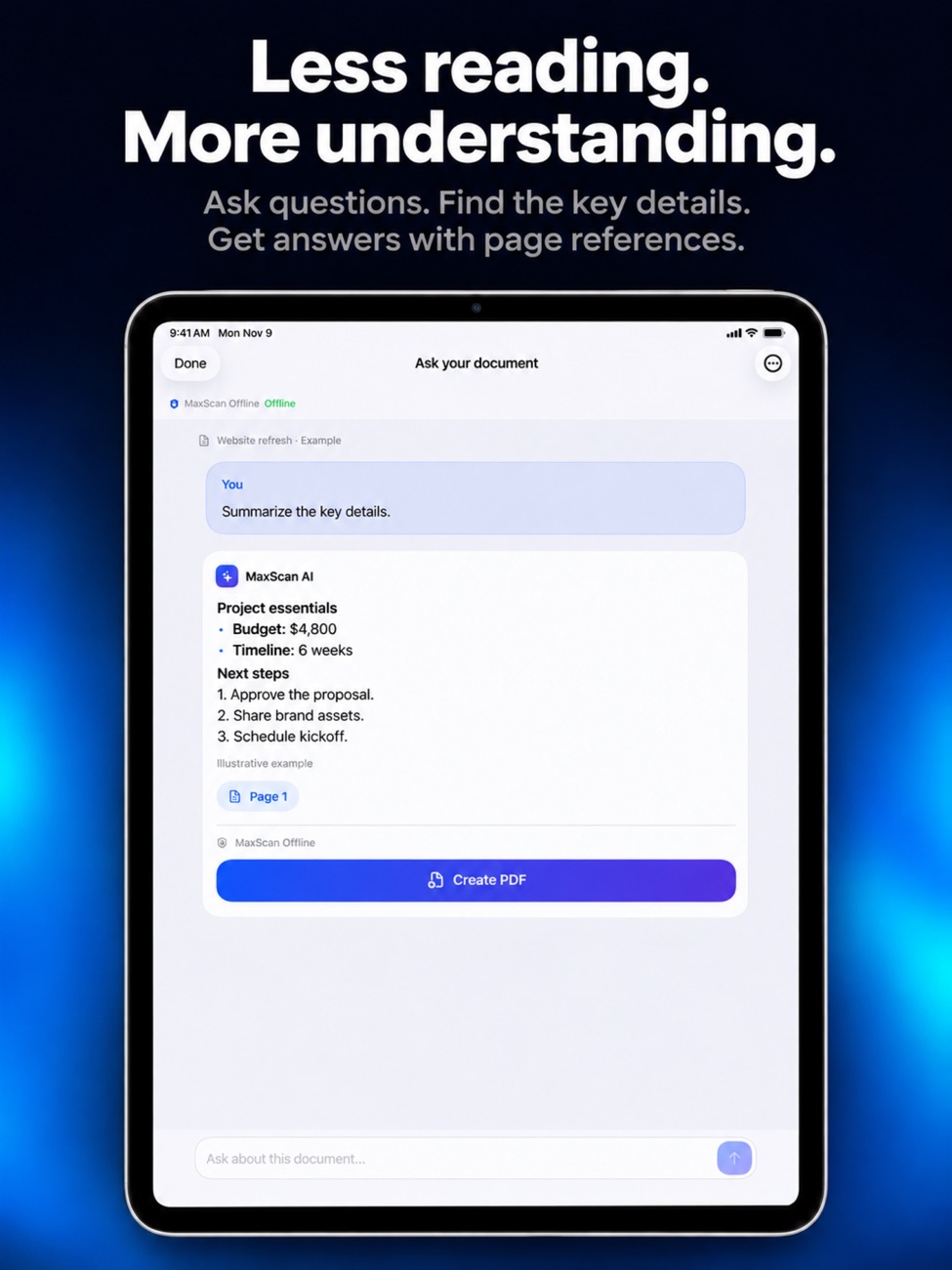
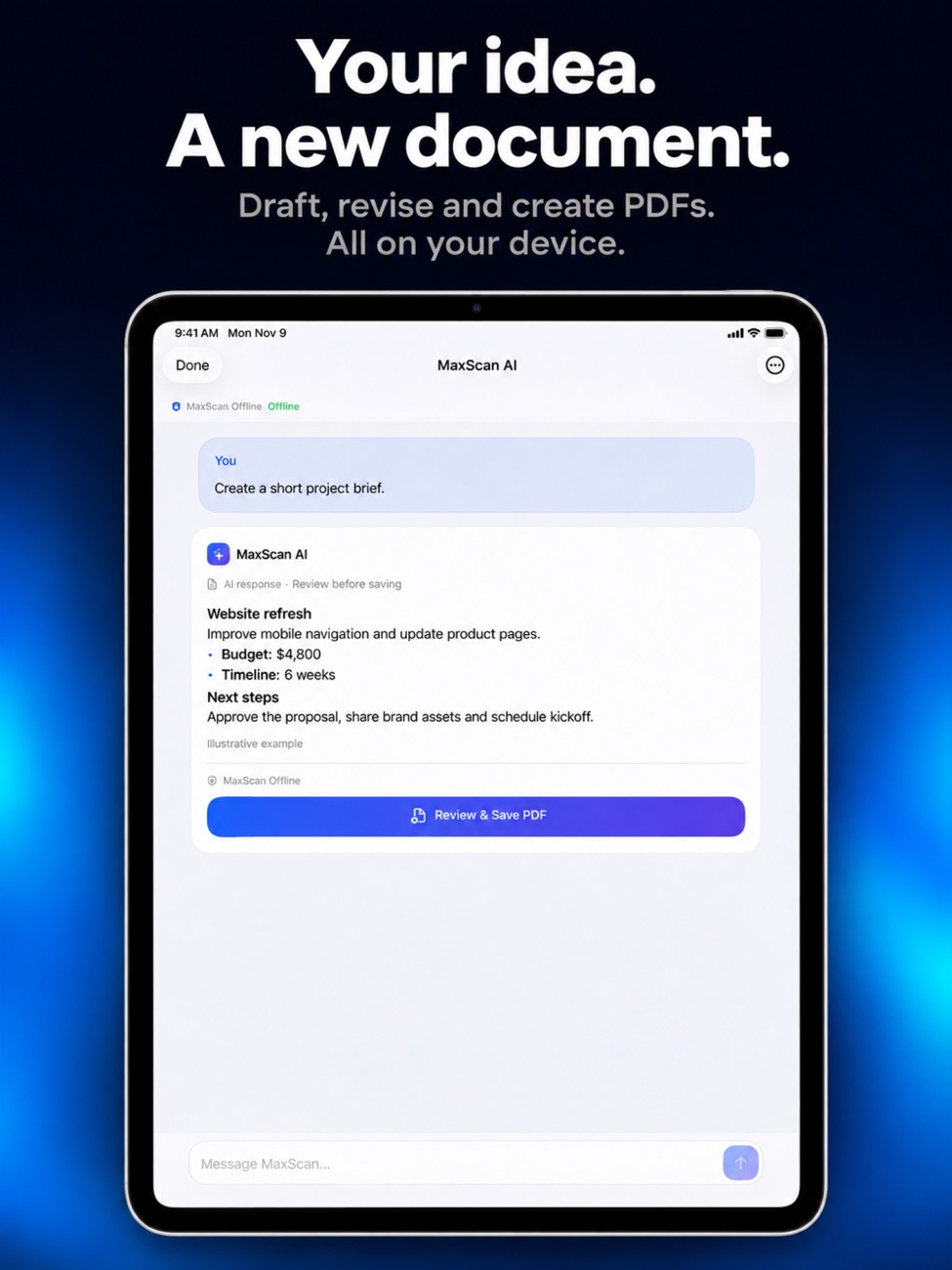
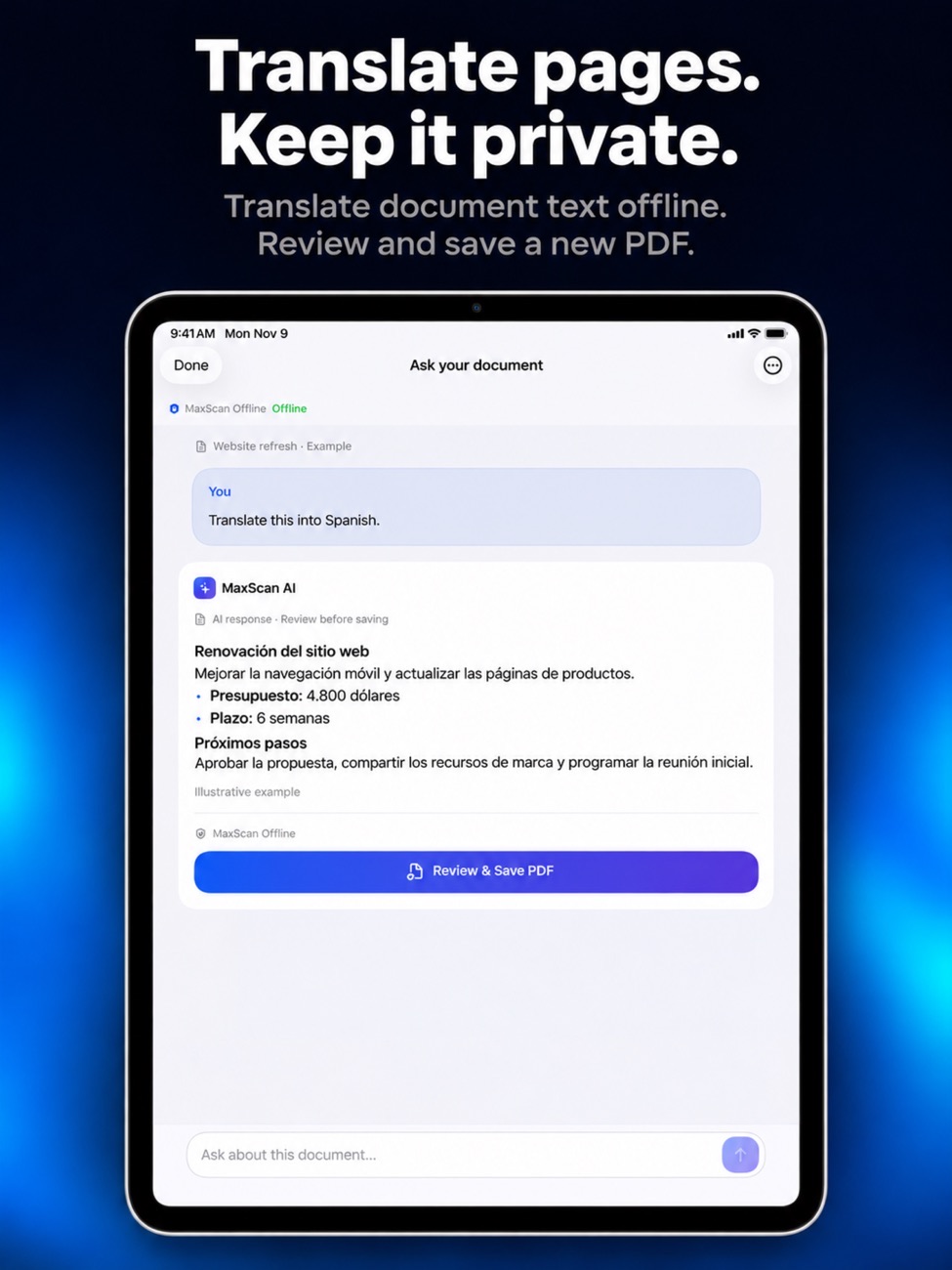
Ask your documents anything
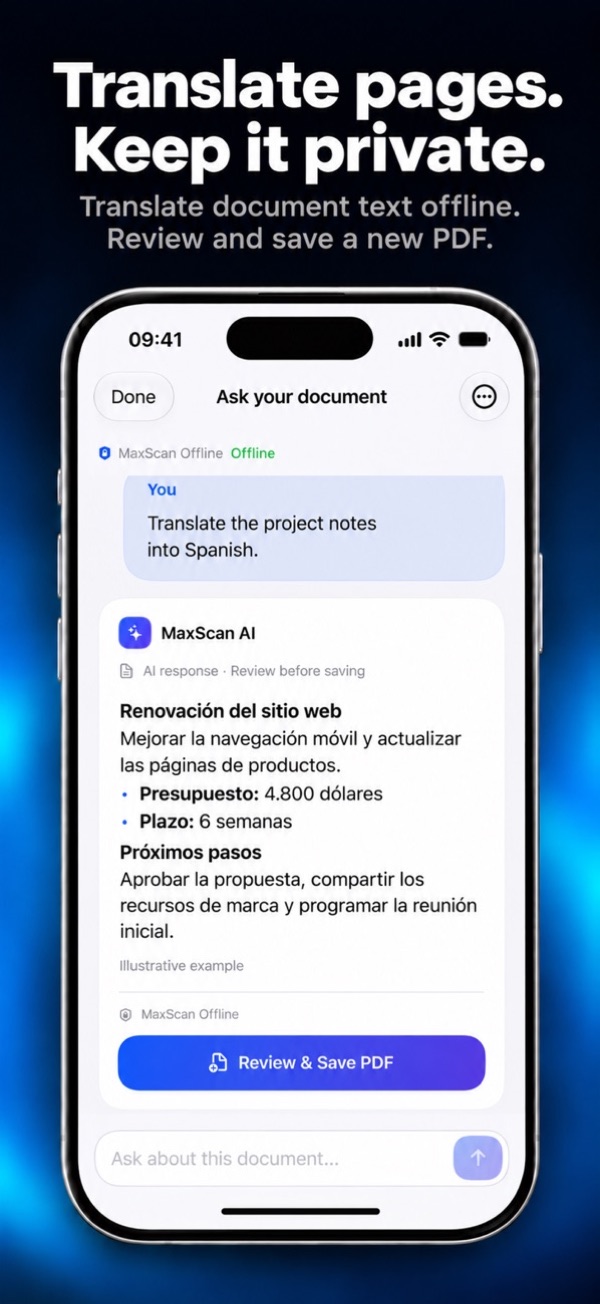
Ask questions, summarize key points, translate or request a rewrite. Start a new document from an idea, refine it in chat and export it as a PDF.
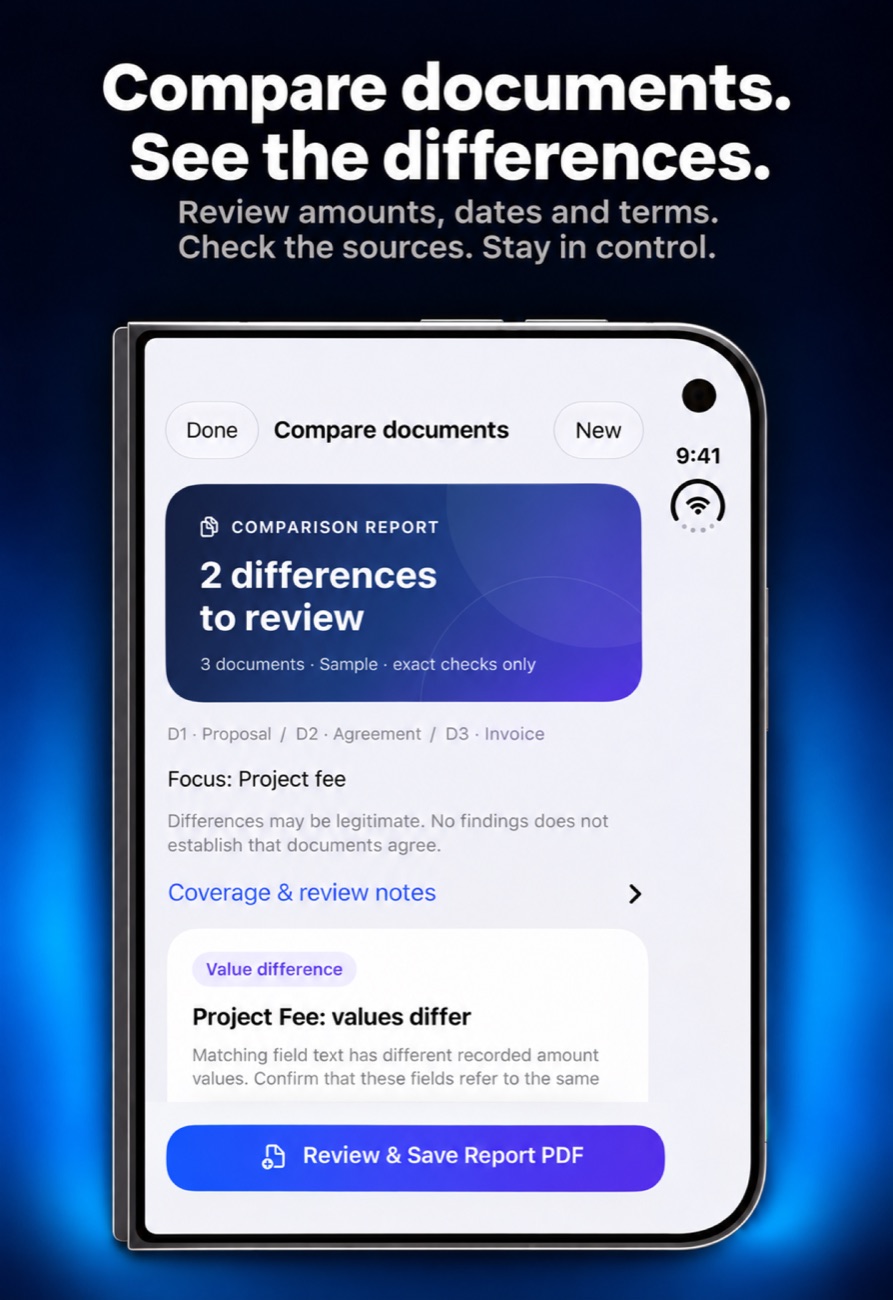
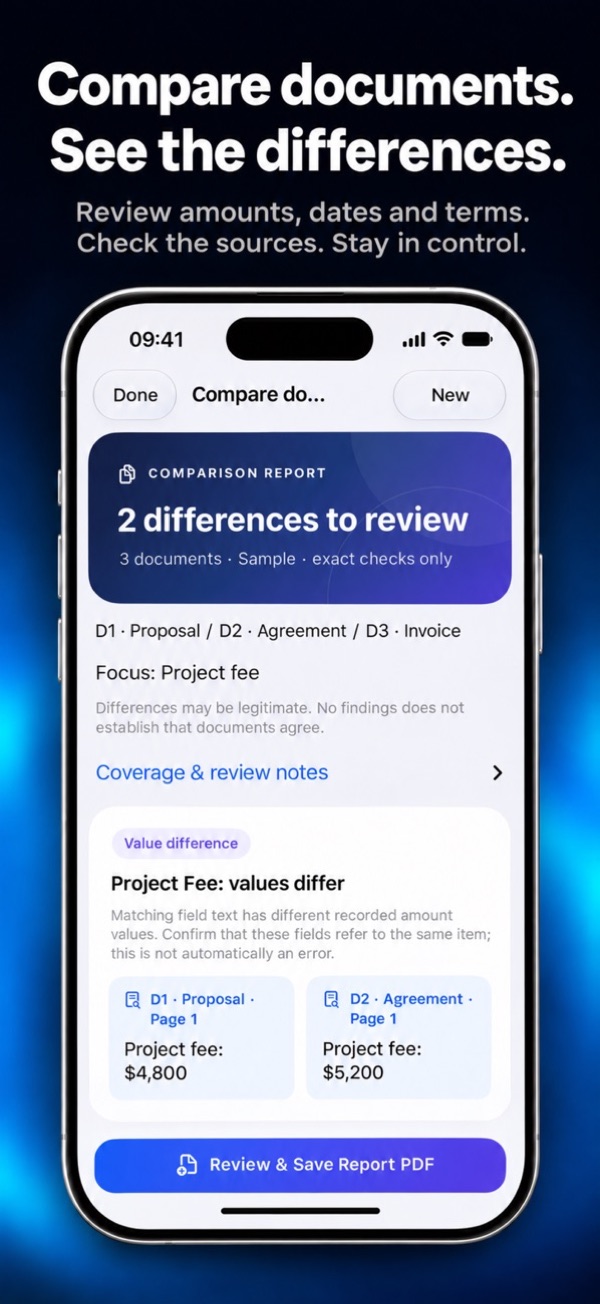
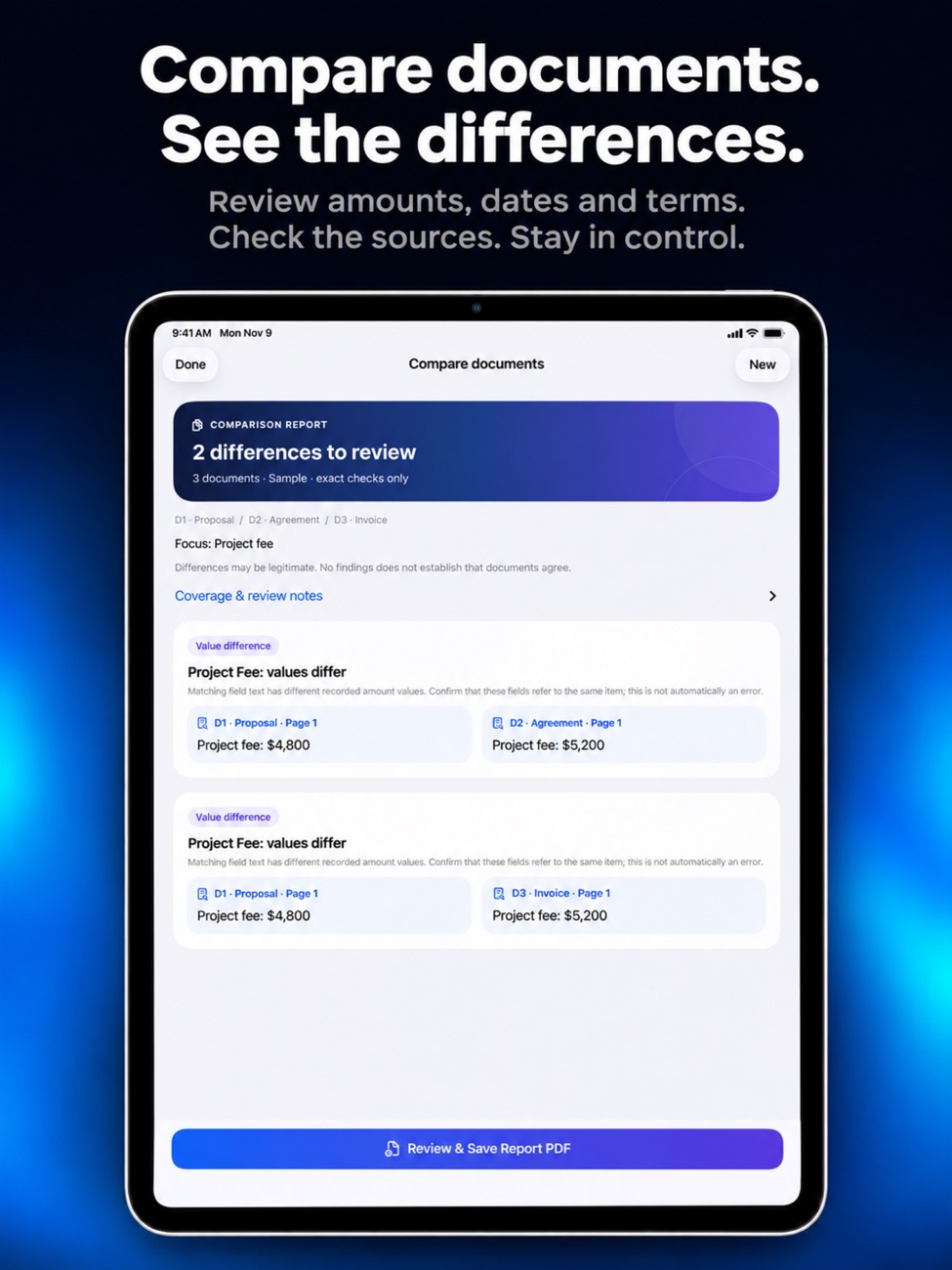
Compare 2–5 documents
Spot differences in amounts, dates and wording, with page references to check them yourself.
Works offline
A bundled model runs without a download. Apple Intelligence is used when your device supports it.
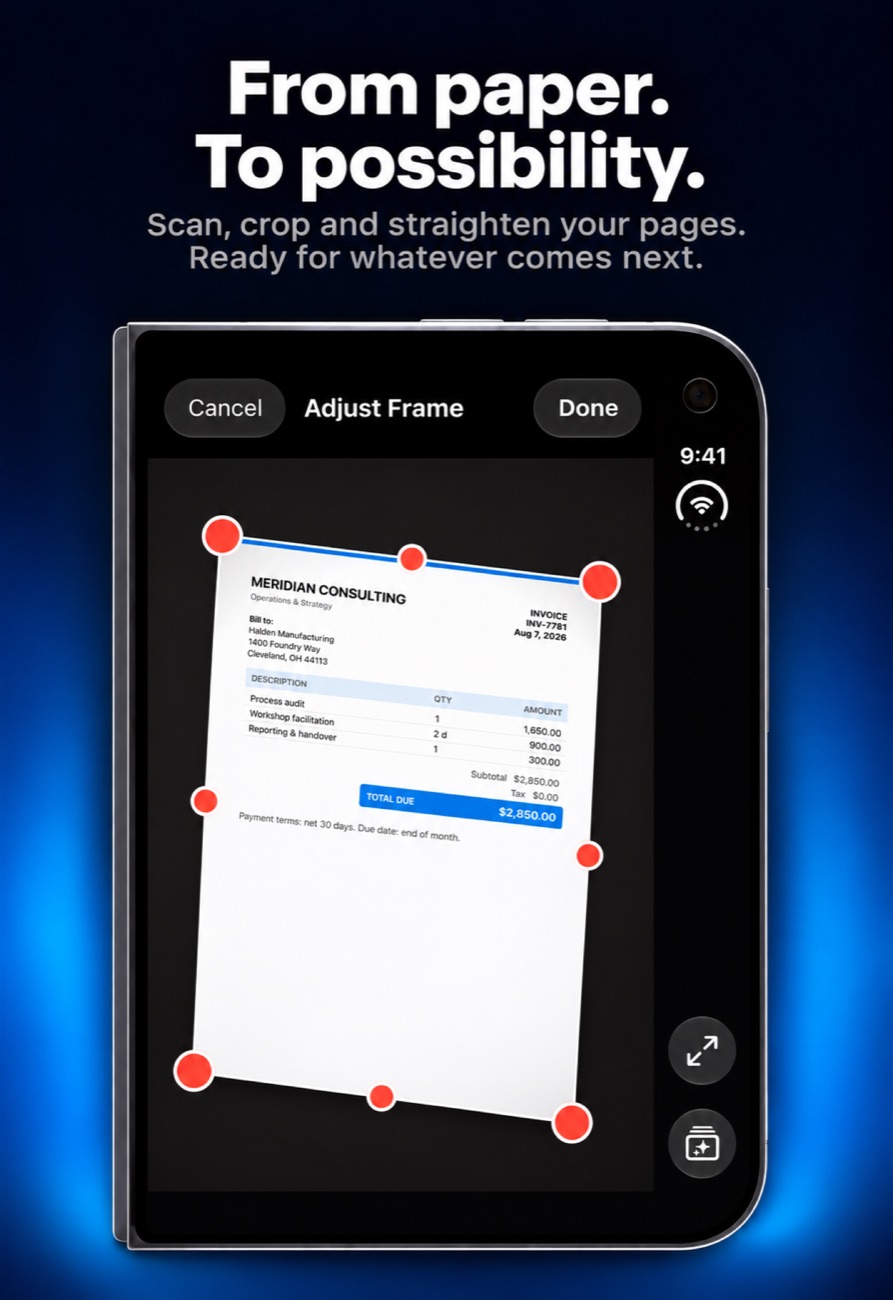
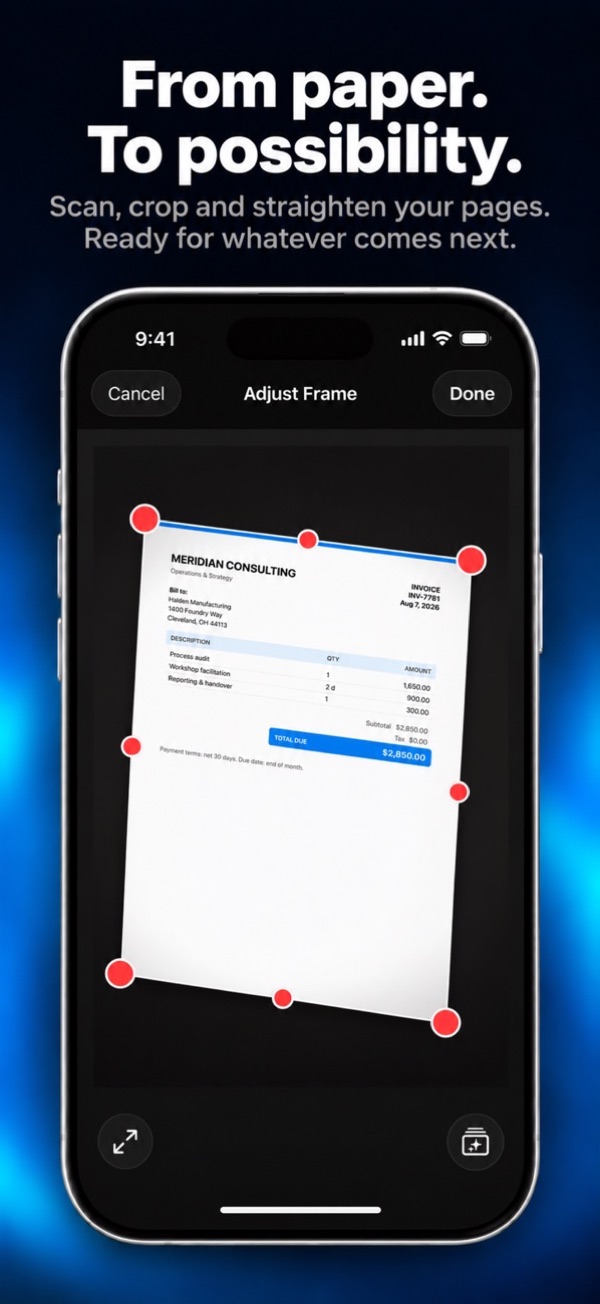
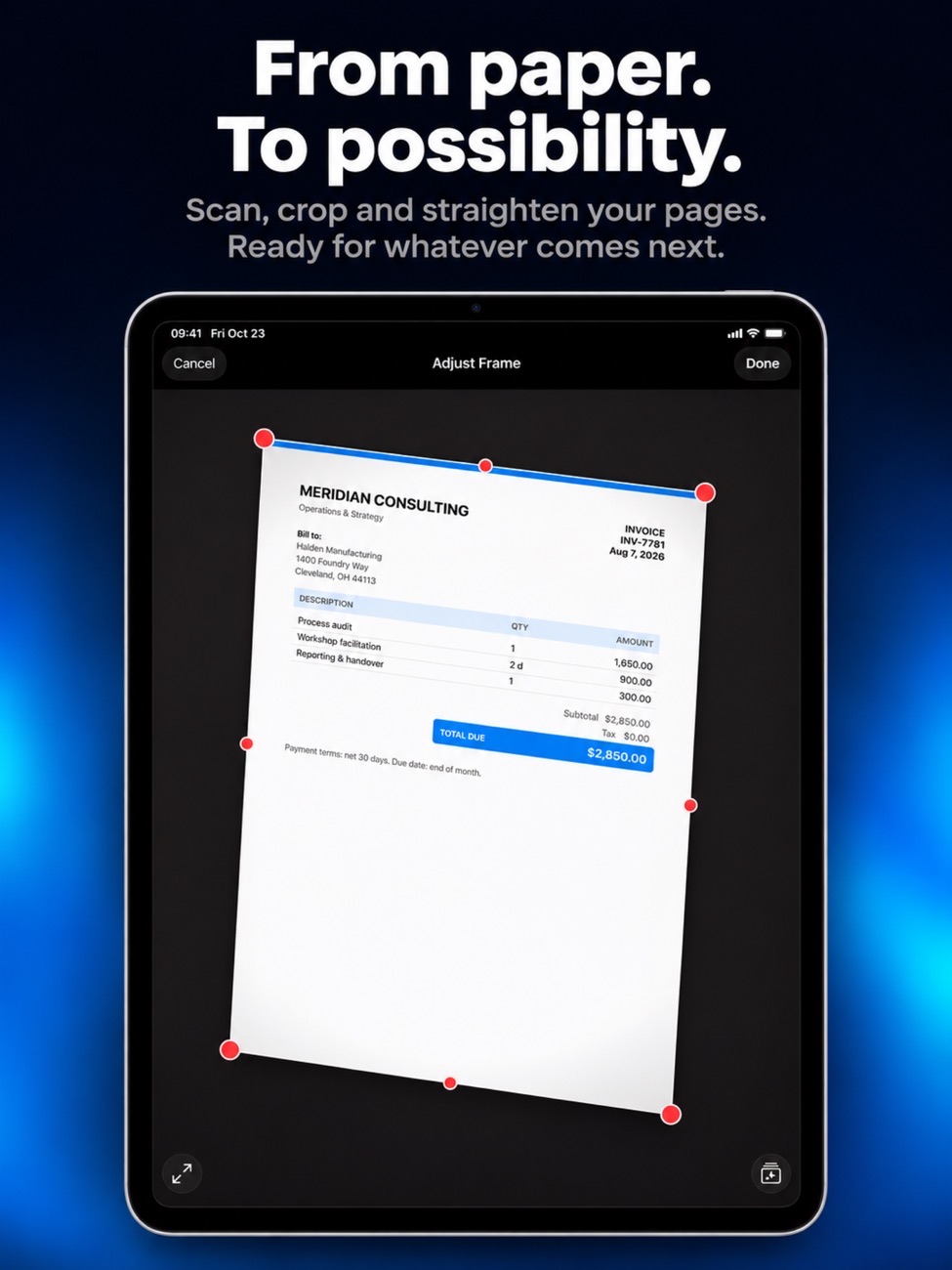
Clean multipage scans
Automatic edge detection, crop and filters. Rotate, reorder or remove pages. Free scanning is unlimited with no watermark.
Import what you already have
Bring in PDFs, images, plain text and Markdown files.
Pro, once
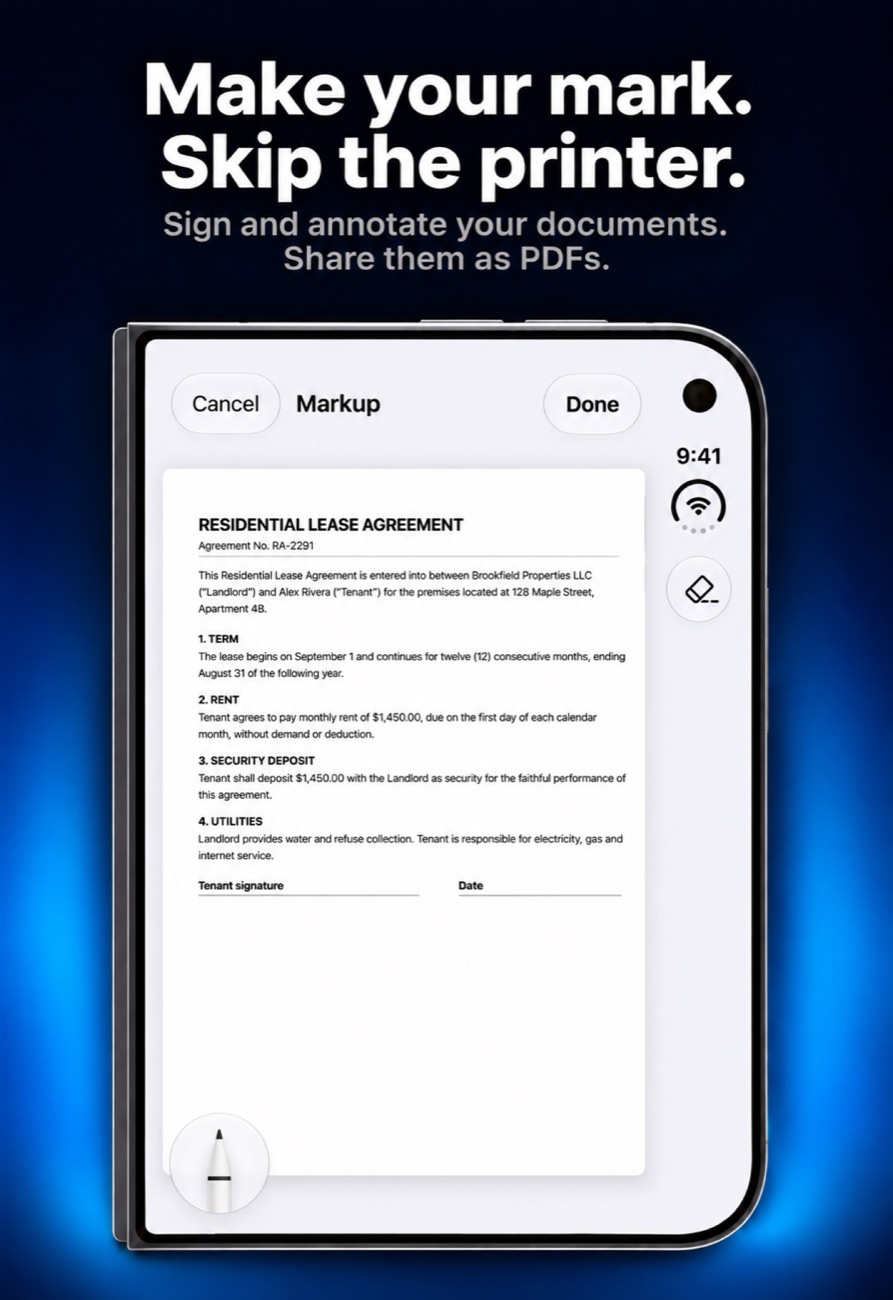
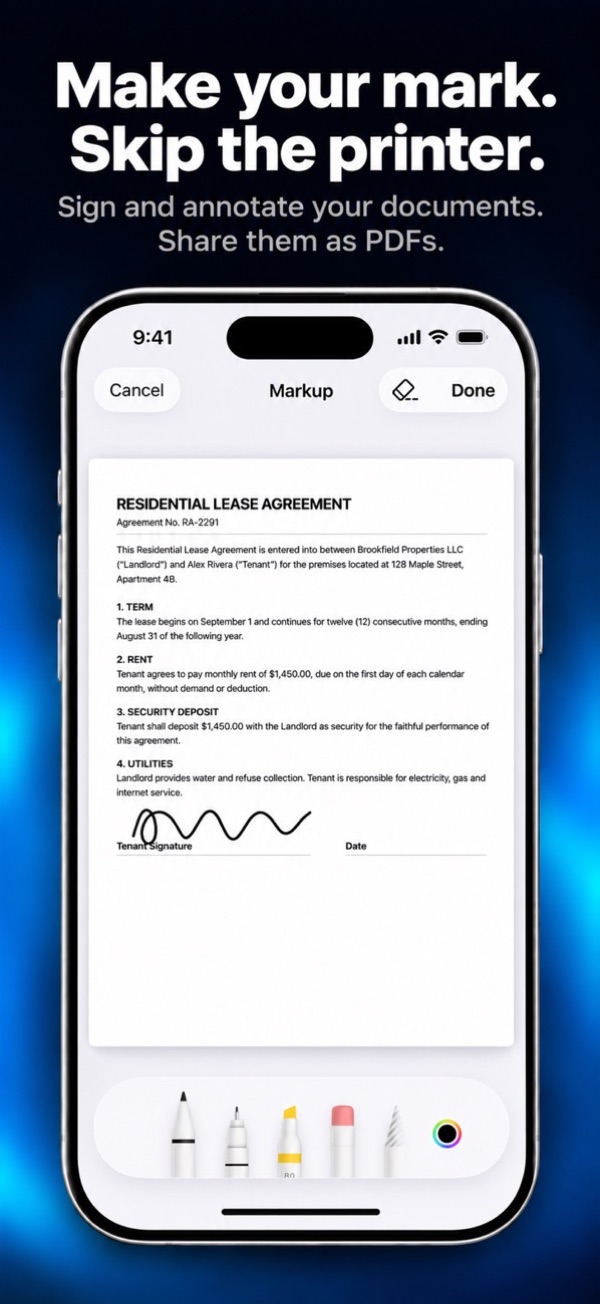
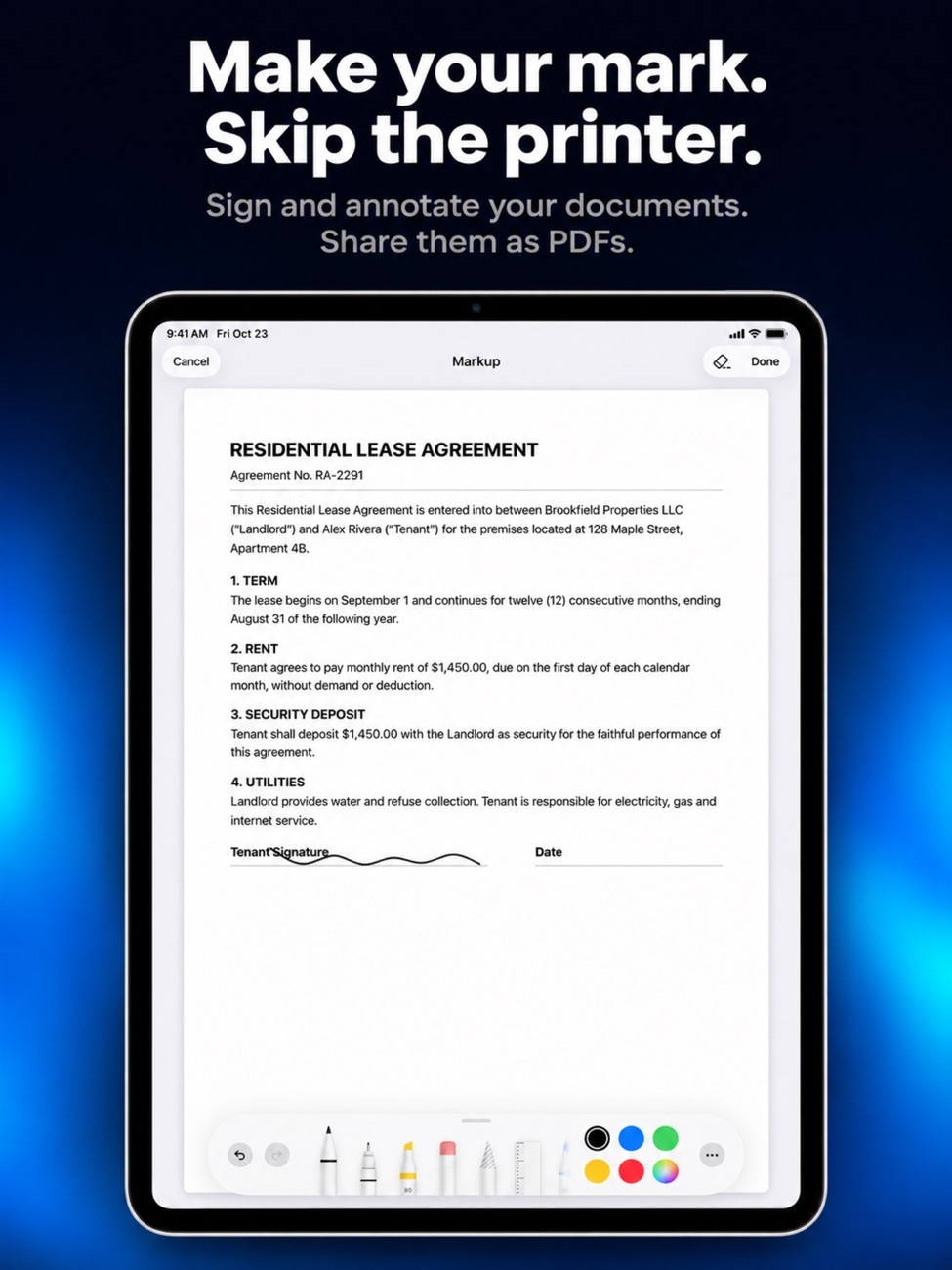
One purchase unlocks continued AI use, text recognition and search, smart folders, signatures, password-protected PDFs and receipt CSV export.
No subscription
Try five completed AI actions free. Pro is a one-time purchase, not a monthly bill.
Screenshots
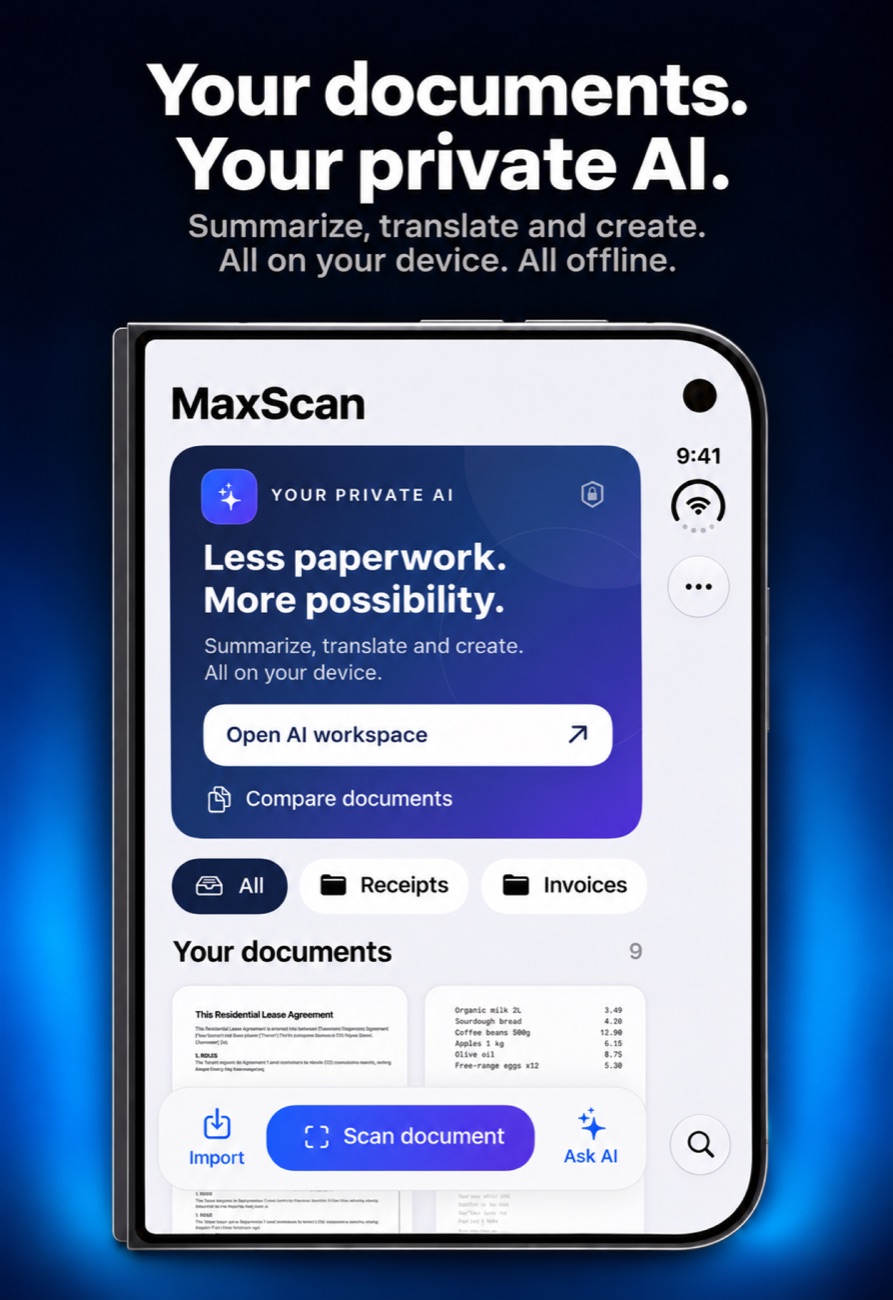
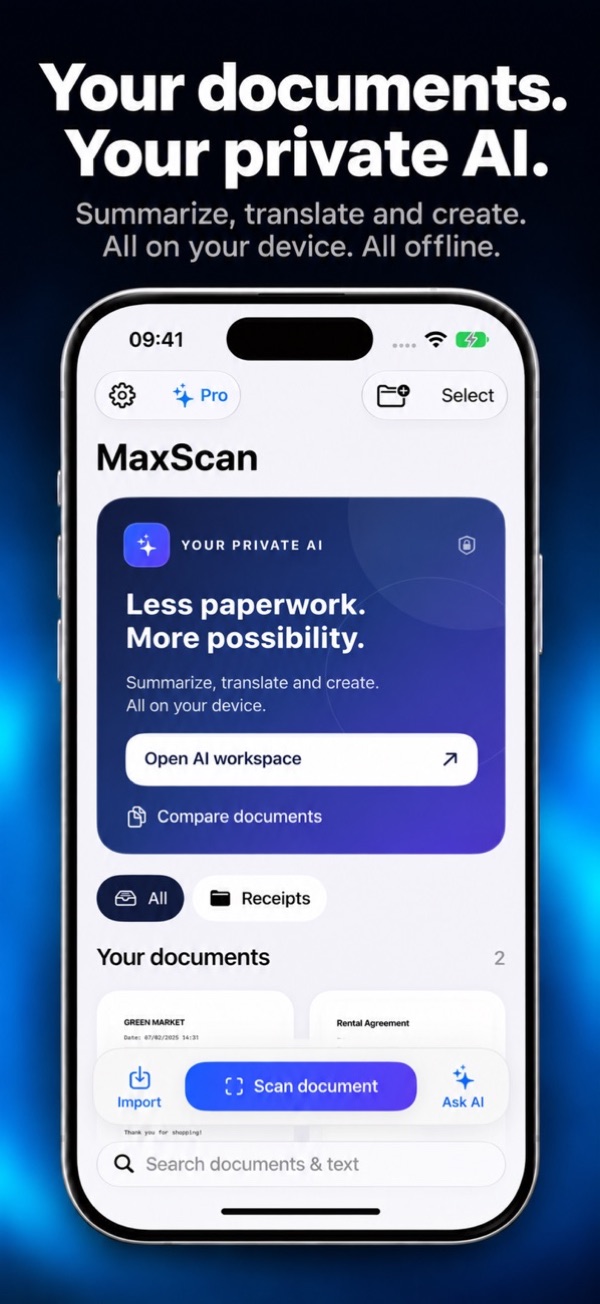
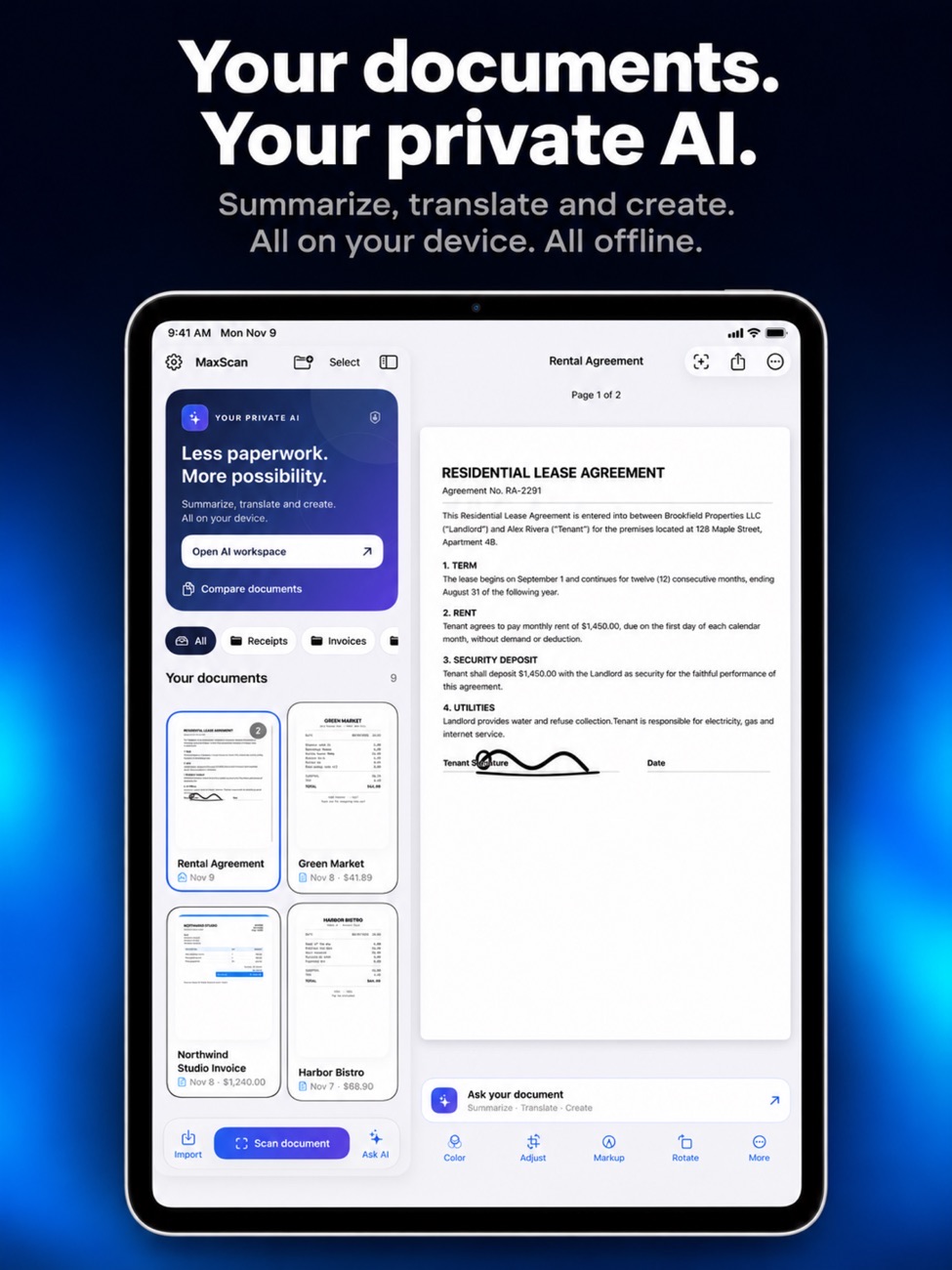
MaxScan on iPhone Duo, iPhone and iPad.
Is it right for you?
An honest look at who MaxScan is made for.
Great for
- Receipts and expense reports
- Contracts you want to check line by line
- Anyone who doesn't want documents in a cloud AI
Look elsewhere if you need
- Older iPhones with little memory (the AI needs a recent device)
- Team document management
Details
- Developer
- Sensonet
- Price
- Free
- Category
- Productivity
- Version
- 1.3 · updated 2026-11-11
- Requires
- iOS 17.0 or later
- Languages
- 8
- Size
- 1297 MB
- Age rating
- 4+
Privacy
AI processing happens on your device and documents aren't sent to a cloud AI service. No account, ads or tracking analytics.
Questions
Is MaxScan free?
Scanning is free and unlimited with no watermark. You can try five AI actions free; Pro is a one-time purchase.
Does the AI send my documents to a server?
No. The AI runs on your iPhone. Files only leave the device if you share them or use cloud storage yourself.
Which iPhones can run the AI?
It depends on your device's memory. Some older models can't run the bundled model, but they can still scan.
Can it export receipts to a spreadsheet?
Yes. Receipt tools with CSV export are part of Pro.
More apps from Sensonet


MaxScan privacy policyPrivacy Policy — MaxScan · Effective date: 13 November 2026
In short: MaxScan does not collect, store or share any personal data. Scanning, text recognition and the AI features all run on your iPhone or iPad. Your documents are never sent to us or to any AI server.
This policy covers the MaxScan app for iPhone and iPad, published by Sensonet (“we”, “us”).
Information we collect
None. There are no accounts, no advertising, no analytics and no third-party tracking software. The app does not send your scans, documents, receipts, signatures, questions or AI conversations to us or to anyone else.
Scanning and text recognition
With your permission, MaxScan uses the camera to scan documents. Pages are processed on the device, and text in them is recognised on the device using Apple’s Vision framework.
On-device AI
MaxScan’s AI features, including asking questions about a document, creating, translating and comparing documents, use a language model that runs entirely on your device. Documents and conversations are not sent to AI servers. If you open a file stored in iCloud Drive or another provider, the system may first download it to your device from that provider.
Information stored on your device
Your scans, documents, signatures, folders and settings are stored in the app’s private storage on your device. They may be included in your own device backups, depending on your settings. You can delete any document in the app, and deleting the app removes everything it stored.
Permissions the app asks for
- Camera: to scan documents.
- Add to Photos (optional): only when you choose Save to Photos. The app can add images to your library but cannot read it.
- Face ID (optional): to unlock the app when you turn on App Lock. Face ID is handled by iOS; the app never sees your biometric data.
Sharing that you start
Nothing is shared automatically. When you export or share a document, for example by email, Files, AirDrop or another app, it goes to the destination you choose and is handled by that service under its own terms.
Purchases and free trial
MaxScan Pro is purchased through Apple and the App Store; we do not receive your payment details. To keep track of the AI free trial, the app stores a small counter in your device’s secure storage. It contains no personal information and stays on your device.
Ratings
The app may occasionally show Apple’s standard rating prompt. Any rating you give is handled by Apple.
Children
The app does not collect personal information from anyone, including children.
Changes to this policy
If the app’s data practices change, we will update this policy and its effective date before the change takes effect.
Contact
Questions about this policy or your privacy can be sent to info@theappverdict.com. If you email us, we receive your email address and whatever you choose to write, and we use it only to reply.
Published by Sensonet, the developer of MaxScan. This page is the current version of the policy.