 Typebell · A mechanical typewriter for your notes
Typebell: Classic keys.
Modern notes.
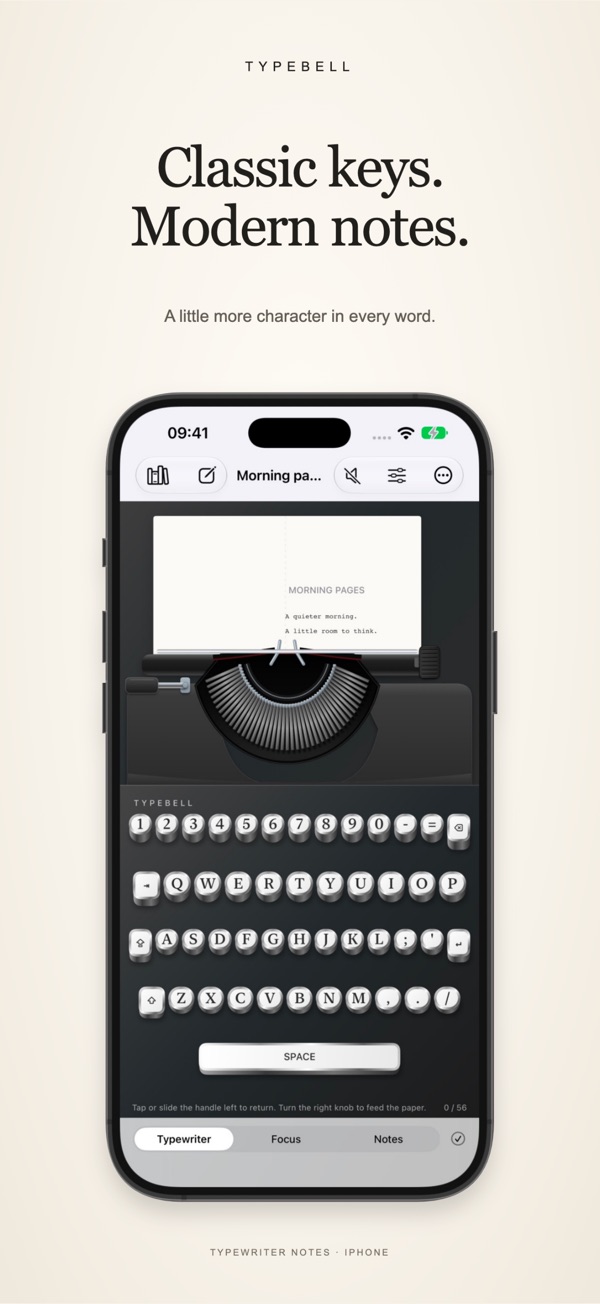
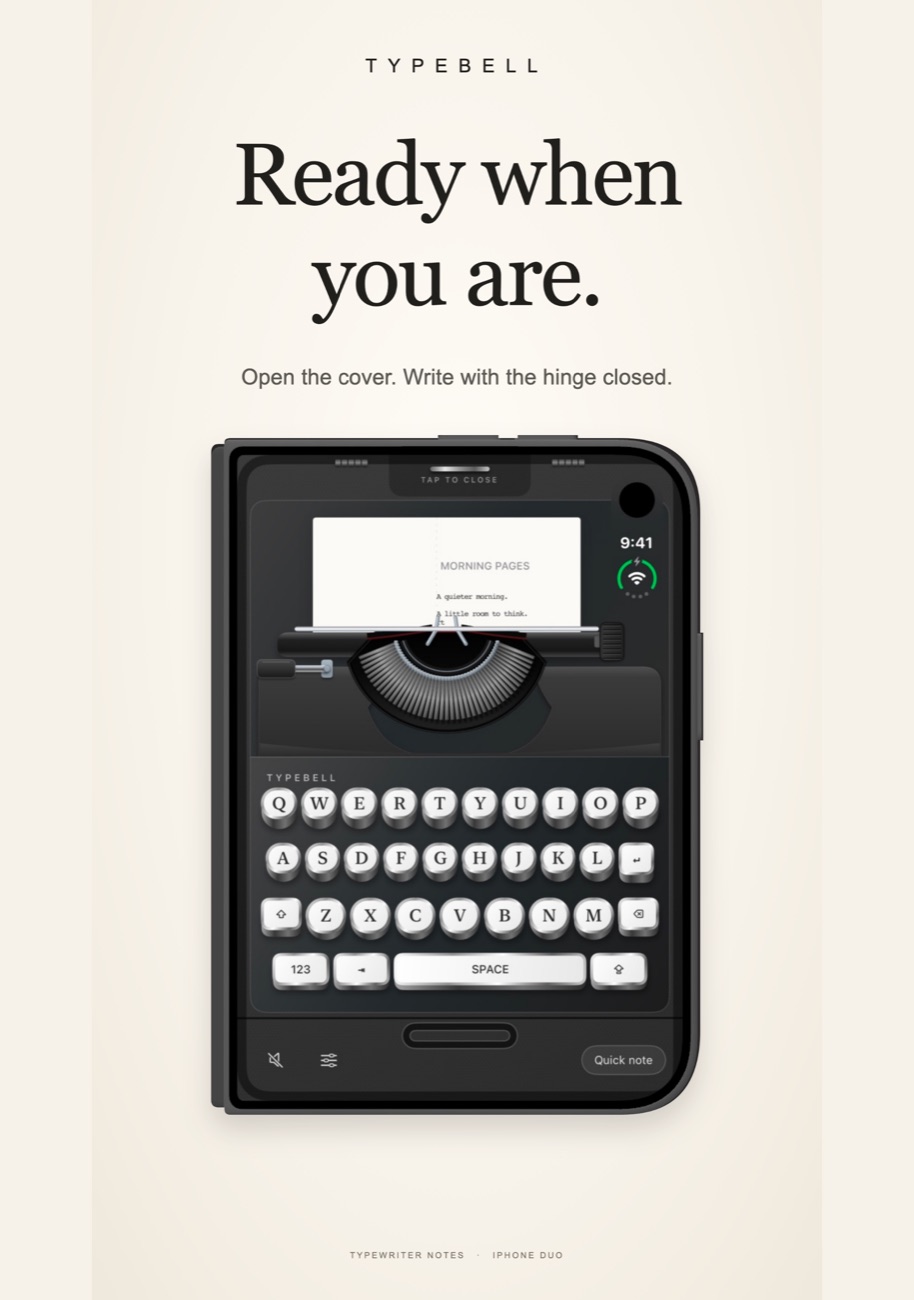
Typebell turns a note into a small ritual: mechanical keys, typebars that swing up to the paper and a paddle you slide to start the next line.
Write with
character.
All the feel of a typewriter, none of the correction fluid.
A typewriter that feels real
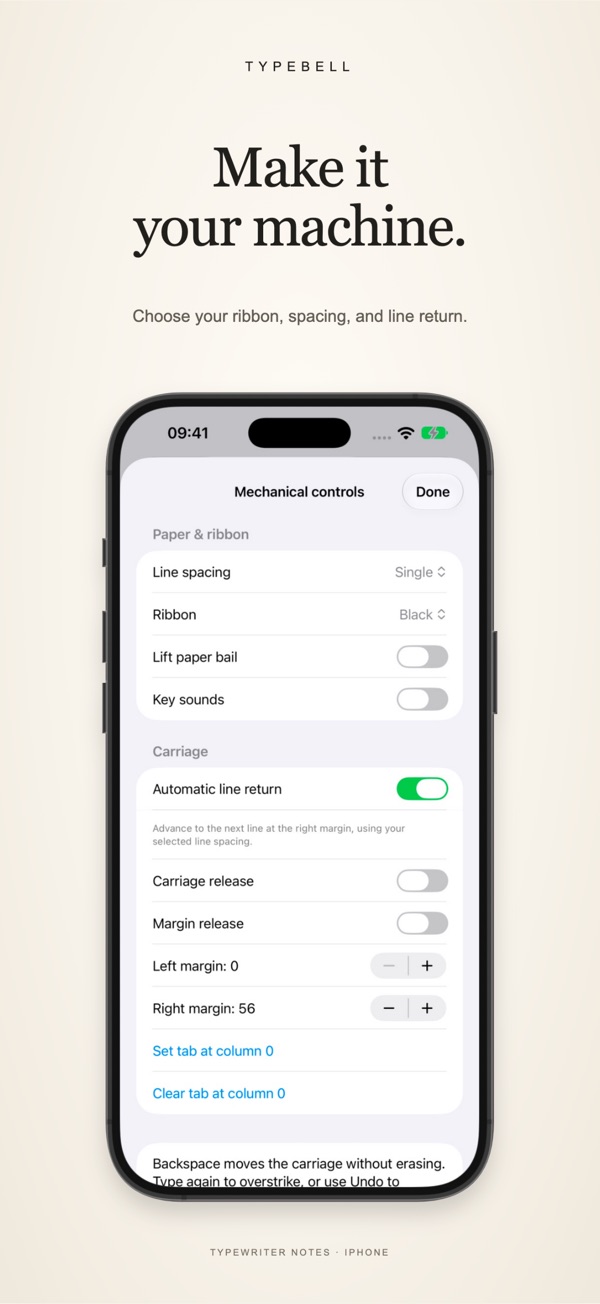
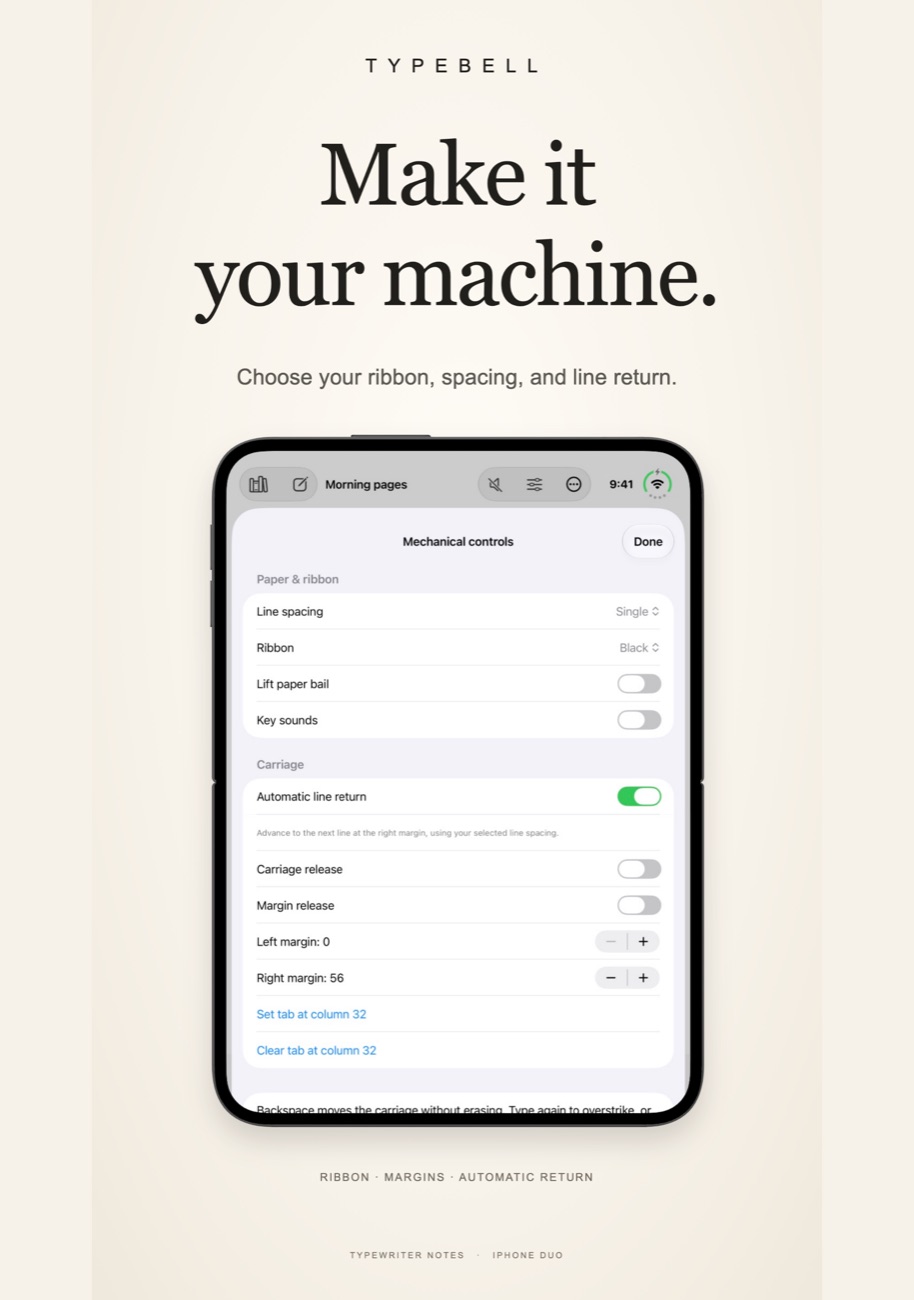
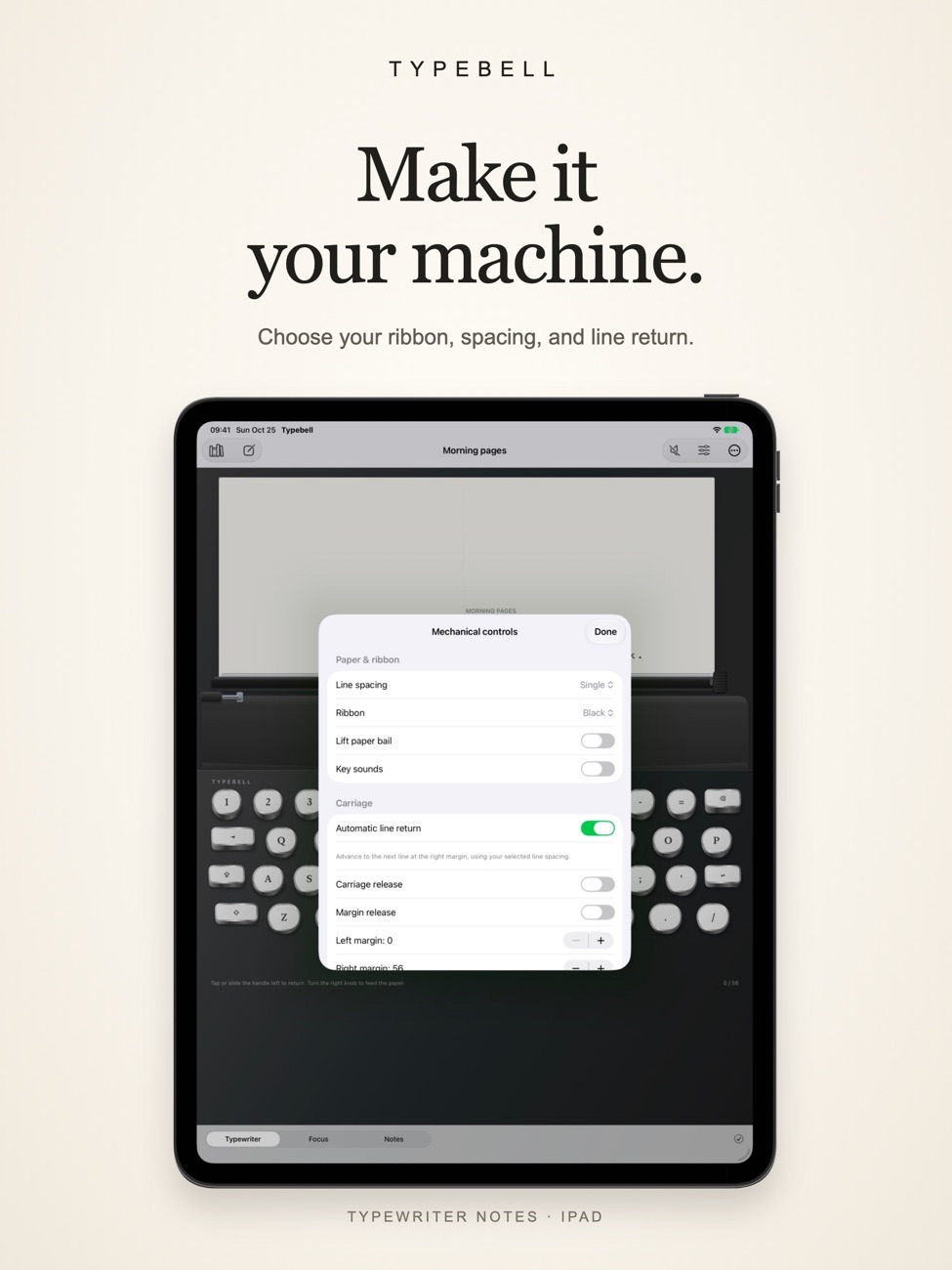
Tap or slide the carriage-return paddle, turn the paper-feed knob, pick a black or red ribbon and set margins and line spacing. Key sounds are optional.
Focus mode
Switch to a plain text editor with a word count when you just need to write.
Find any note
Create, rename and search notes by title or content.
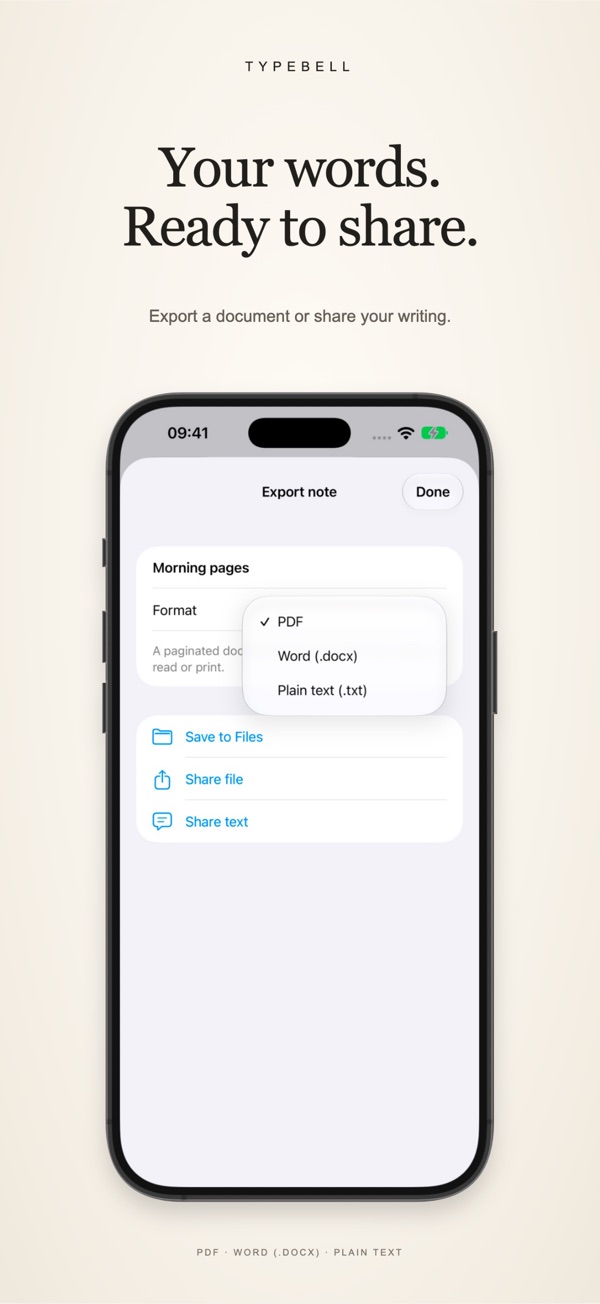
Export properly
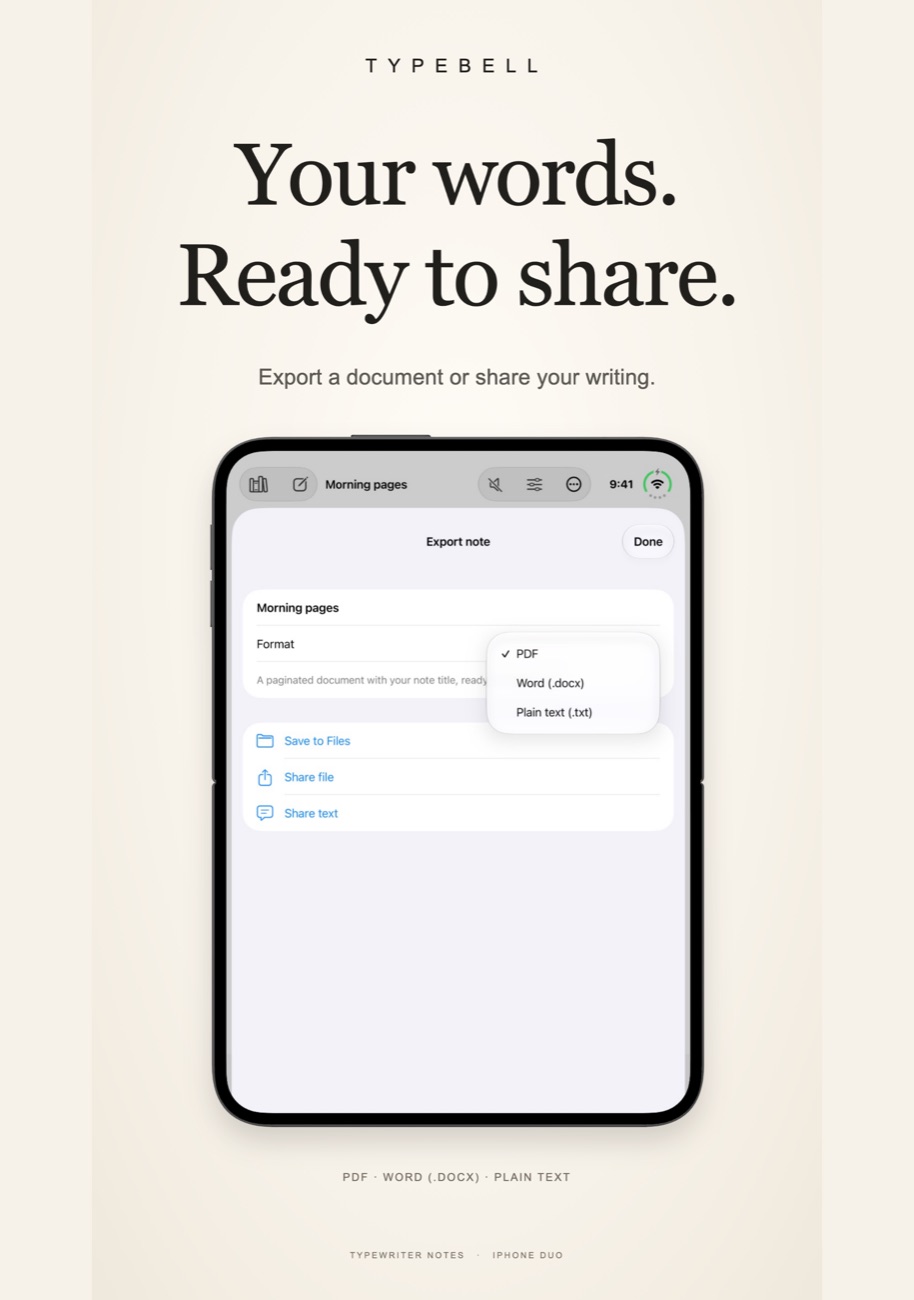
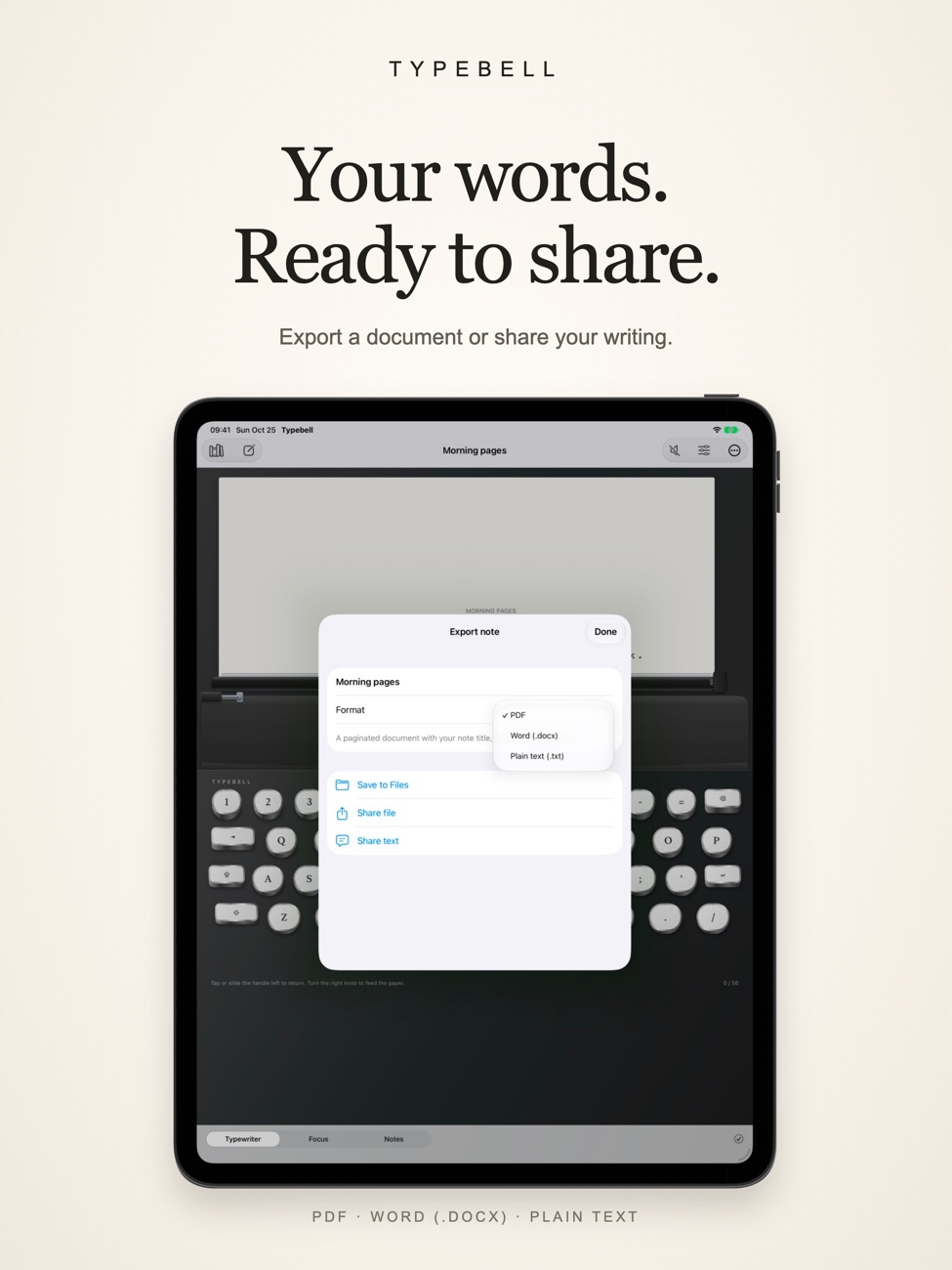
Save as PDF, editable DOCX or plain text, or share through the share sheet.
Keyboard friendly
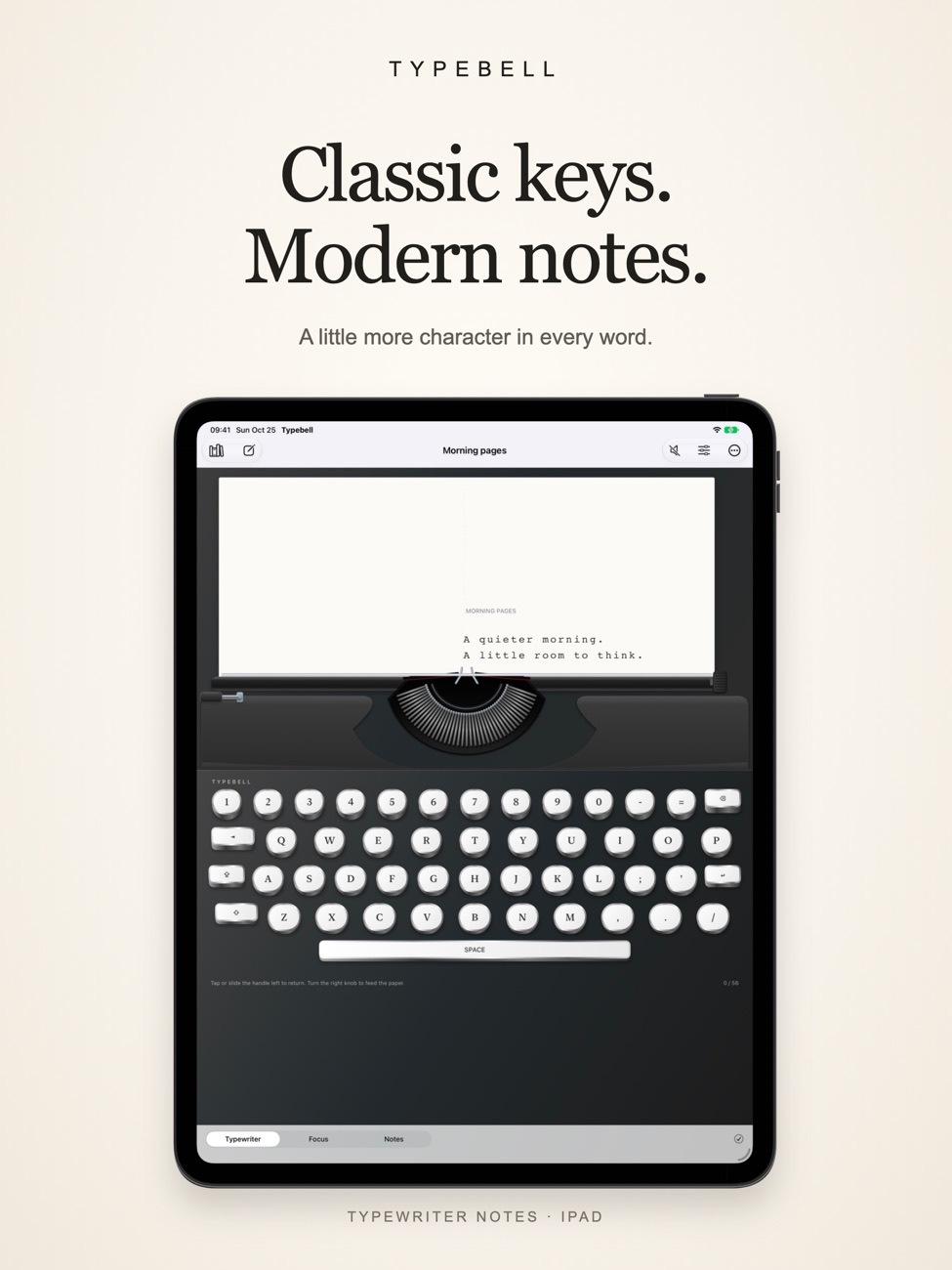
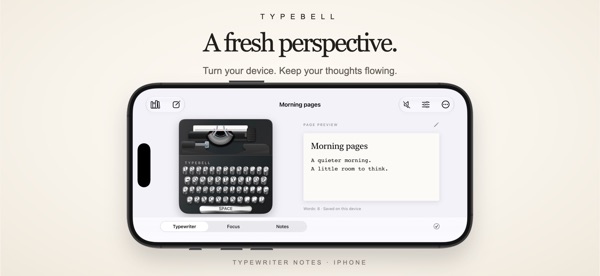
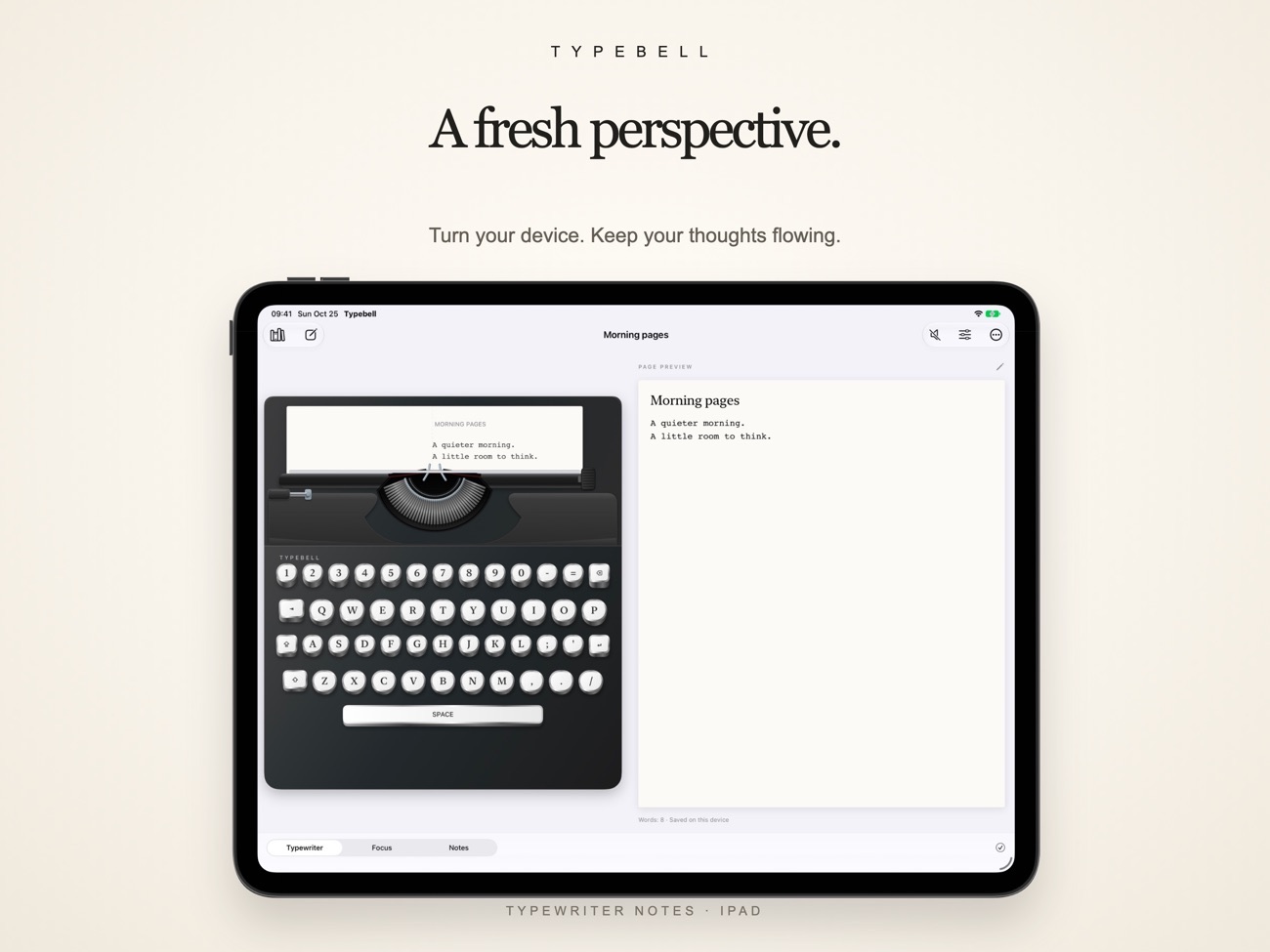
Portrait and landscape on iPhone and iPad, with support for a hardware keyboard.
Yours, offline
Notes save on your device and writing works without a connection. No account required.
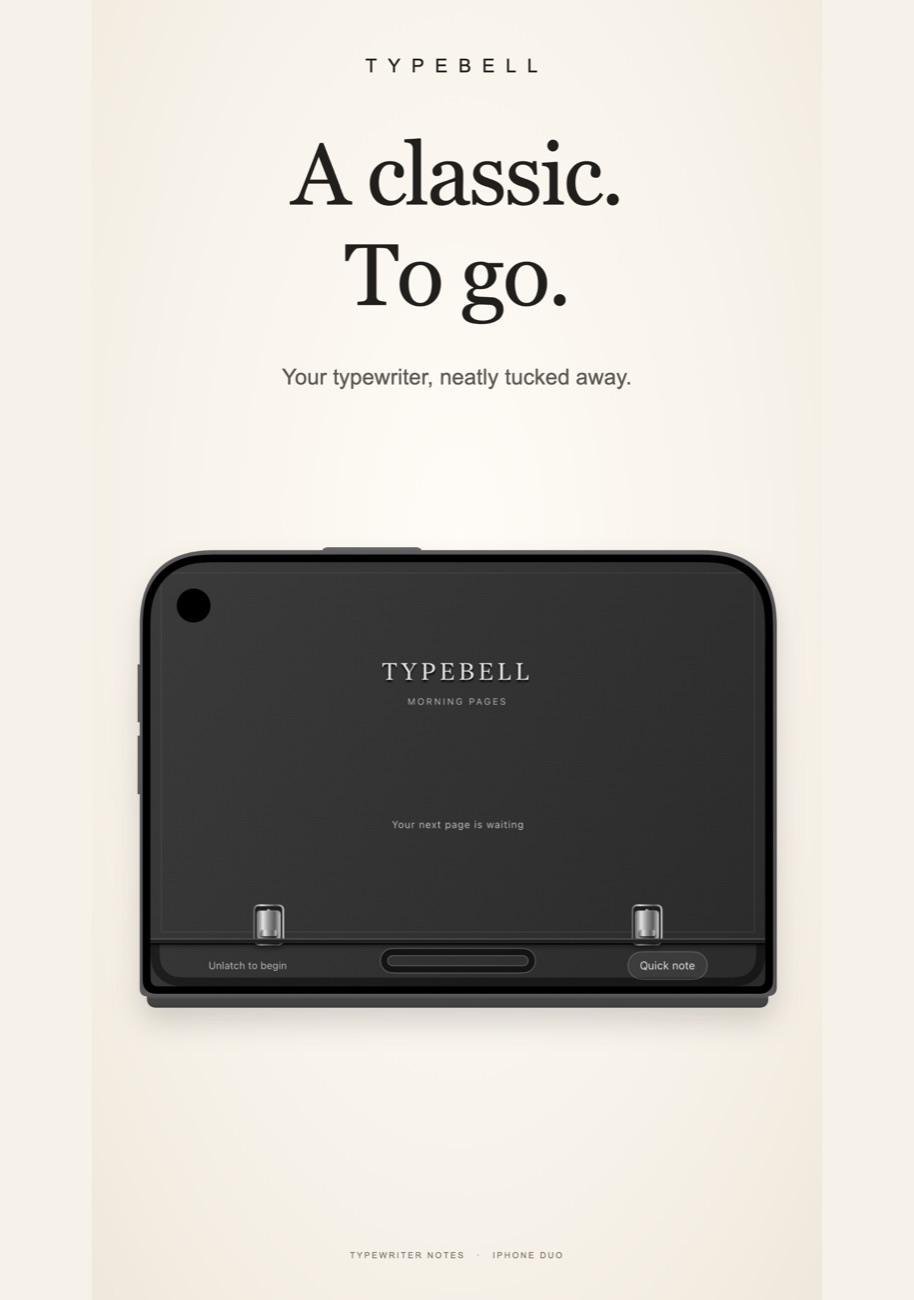
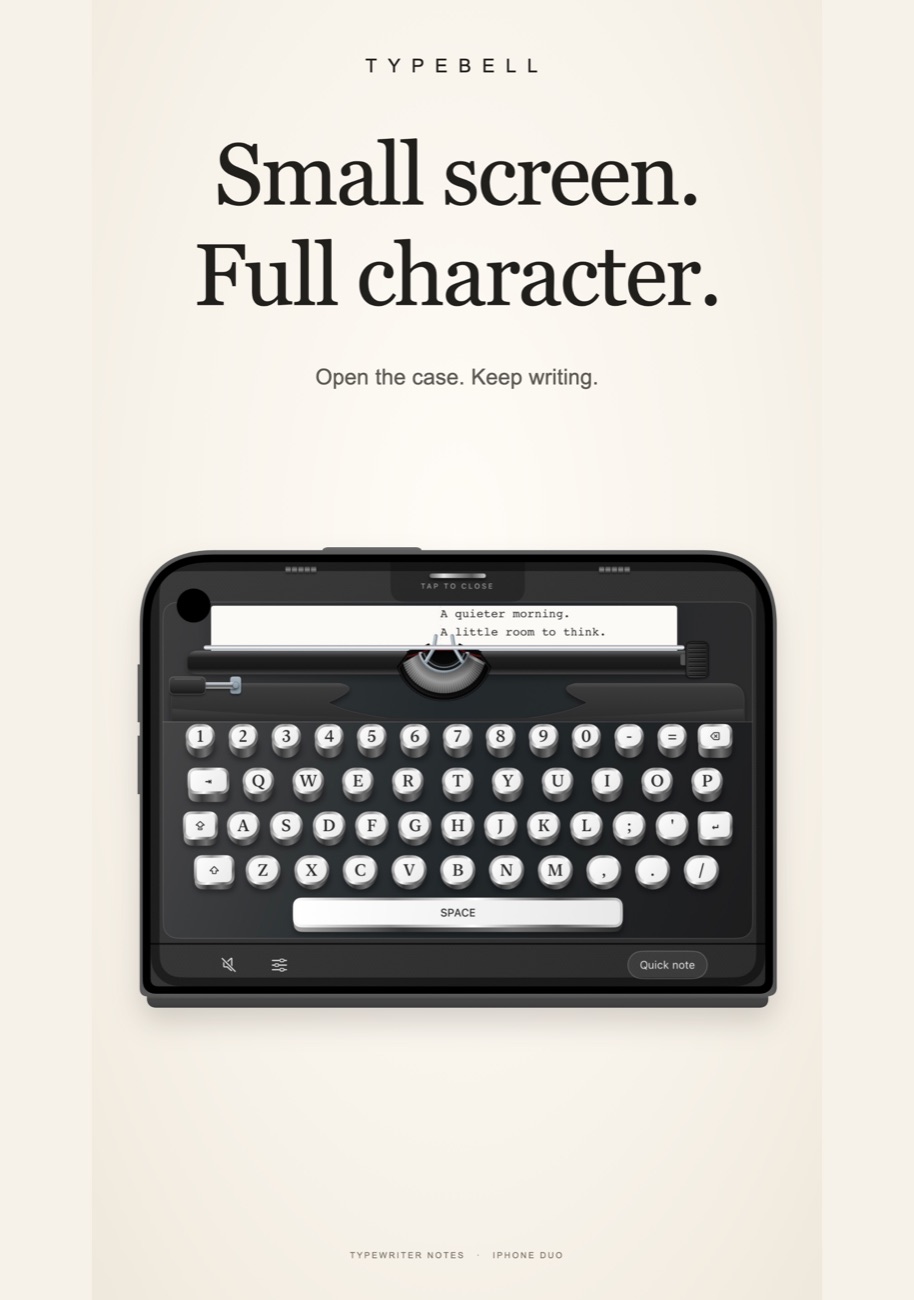
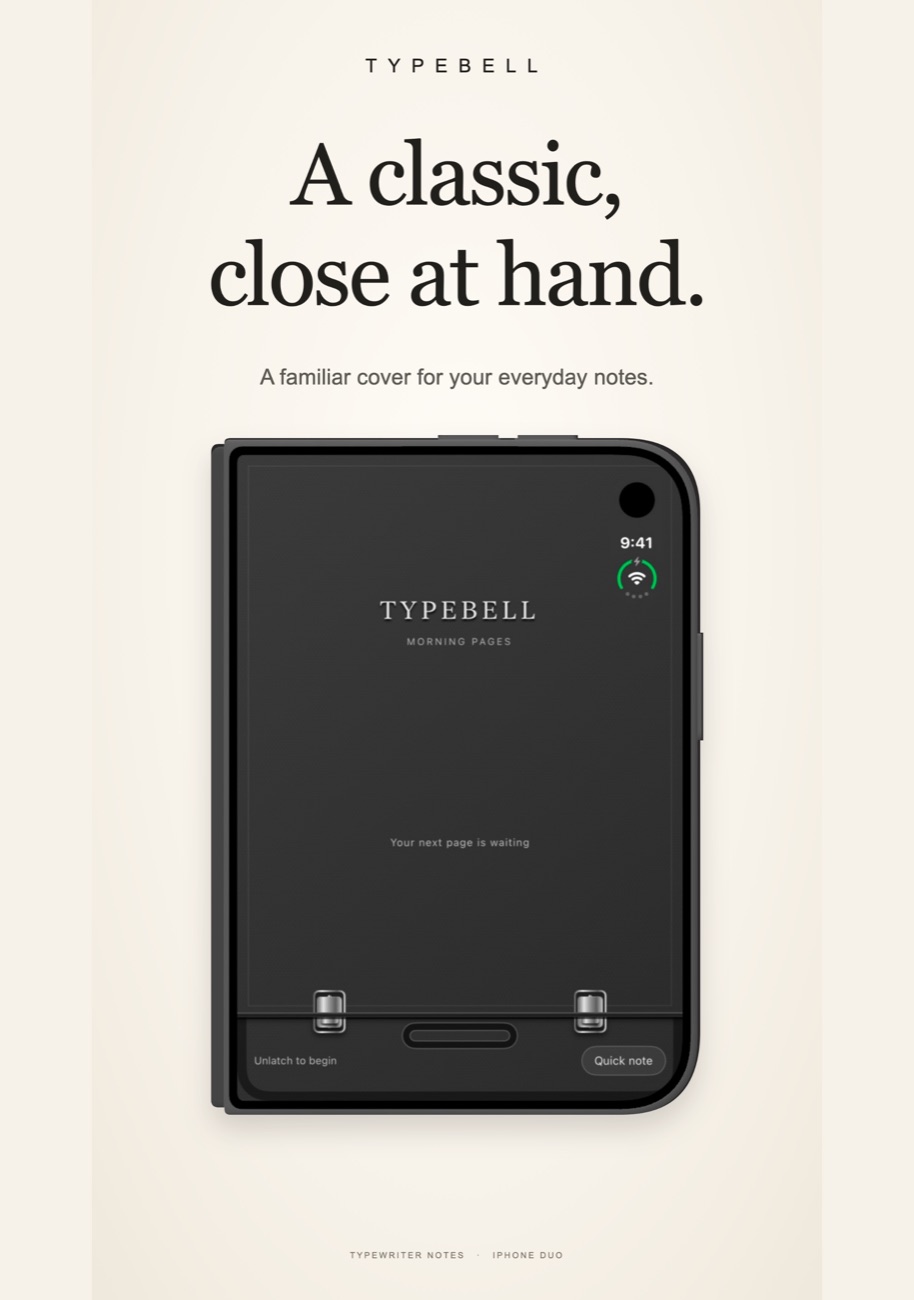
iPhone Duo laptop mode
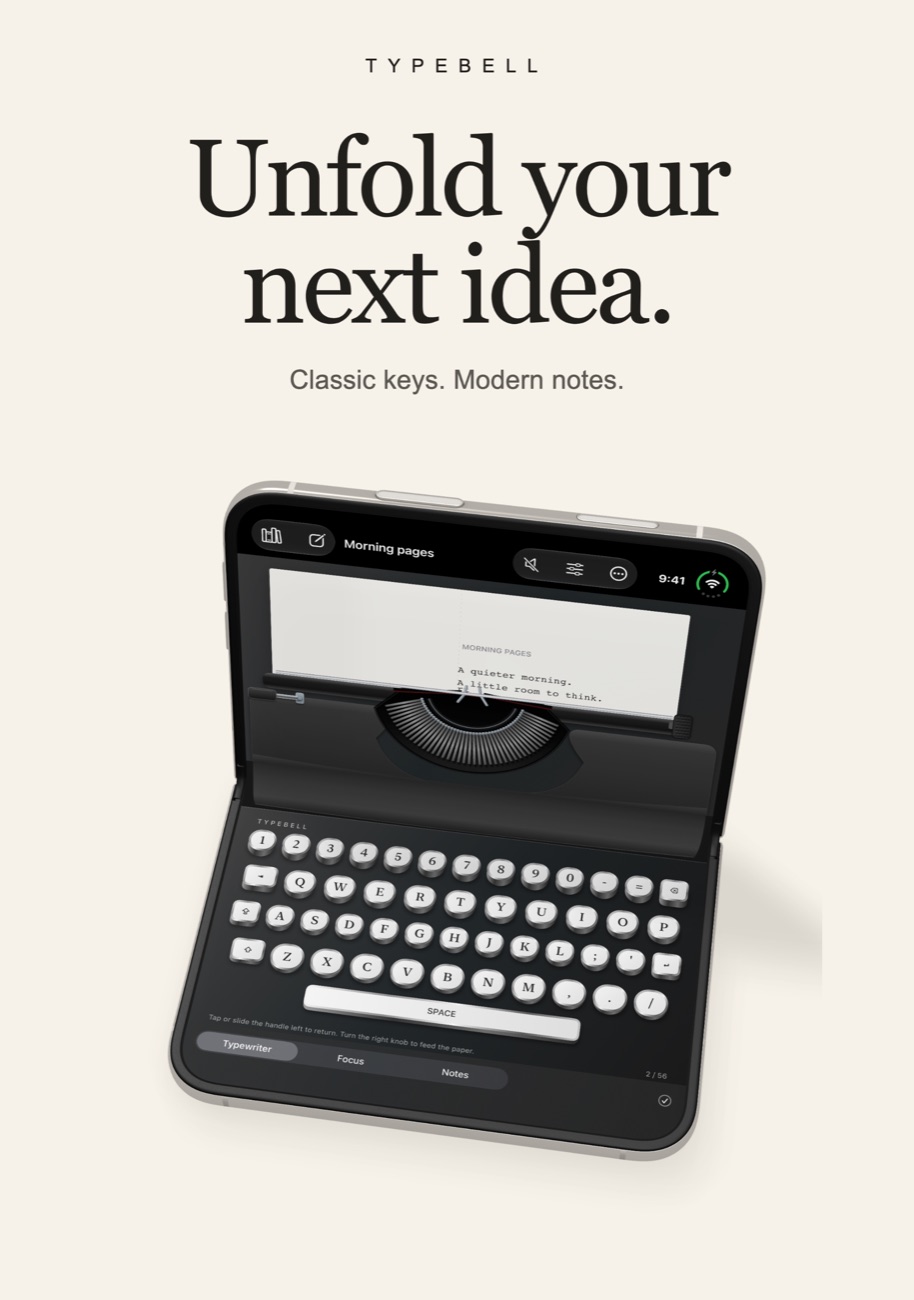
Fold your Duo like a little laptop: keys below, paper above.
Screenshots
Typebell on iPhone Duo, iPhone and iPad.
Is it right for you?
An honest look at who Typebell is made for.
Great for
- Journaling and morning pages
- Poetry and short fiction
- Anyone who writes better with a bit of ceremony
Look elsewhere if you need
- Syncing notes across devices (no cloud sync)
- Long documents with heavy formatting
Details
- Developer
- Sensonet
- Price
- $2.99
- Category
- Productivity
- Version
- 1.2 · updated 2026-10-27
- Requires
- iOS 18.0 or later
- Languages
- 10
- Size
- 5 MB
- Age rating
- 4+
Privacy
Typebell's App Store privacy label says Data Not Collected. Notes stay on your device; there's no built-in cloud sync.
Questions
Does Typebell sync with iCloud?
No. Notes are stored on your device. Export a PDF, DOCX or text file to move a note elsewhere.
Can I turn off the typewriter sounds?
Yes, key sounds are optional.
Does the export look like typewriter paper?
No. Exports contain clean, readable text rather than an image of the page.
Is there a subscription?
No. Typebell is a one-time purchase.


Typebell privacy policyPrivacy Policy
What this policy covers
Typebell is published by Sensonet. This policy explains how the Typebell app handles information when you create, edit, store and share notes. It also explains what happens if you contact us for support. Other websites and services you choose to use have their own privacy policies.
Your notes and settings
The app stores note titles, typed content, mechanical page information, modification dates and writing preferences in its local app storage. It uses this information to display and restore your notebook. Writing works offline.
Typebell does not require registration, provide its own cloud synchronization, or transmit your notebook to a developer-operated server. The app does not include third-party analytics, advertising or tracking SDKs.
Local recovery copies and device backups
Typebell keeps a previous valid notebook snapshot on your device so it can recover notes if the main file cannot be read. A deleted or changed note may remain in that previous snapshot until it is replaced by a later save.
Your operating system may include app data in device backups, including iCloud Backup, depending on your settings. Those backups are managed by Apple or the backup service you use; they are separate from Typebell and are not Typebell cloud synchronization.
Exporting and sharing
When you export a note as PDF, DOCX or plain text, Typebell creates the document on your device. You choose where to save it or which app or recipient receives it through the system sharing interface.
Temporary files created for the share sheet are scheduled for removal when it is dismissed. Copies you save or send remain in the destination you chose. Typebell cannot retrieve or delete those copies. The receiving app, storage provider or recipient is responsible for its handling of the shared content.
System features and permissions
Typebell does not request access to your camera, microphone, contacts or location. System keyboards, third-party keyboards, dictation, document providers and other operating-system services may process information under their own settings and policies.
Apple may process App Store transactions, download information, diagnostics or usage information under its own policies and your device settings. This policy describes Typebell’s own app behavior, not Apple’s independent processing.
Your choices and deletion
You can edit or delete notes within Typebell and choose whether to export or share them. Deleting a note removes it from the active notebook; the local recovery copy described above may retain earlier content.
To remove the app’s local notebook and recovery files, delete the app and its data using your device settings. Offloading the app can retain its data. Manage device backups, exported documents and shared copies separately in the services or locations where you keep them.
If you contact us
If you contact support, we receive the information you choose to provide, such as your contact details, message and attachments, and use it to respond to your request. Please avoid sending private note content unless it is needed to explain an issue. Information sent through an email or website service may also be processed by that service.
You can request help or ask about information you have provided through our support page.
This webpage
This policy page does not embed analytics, advertising, third-party fonts or tracking scripts. The website’s hosting services may process technical request information needed to deliver and secure the page. This does not give Typebell access to notes stored in the app.
Changes to this policy
If Typebell’s data practices change, we will update this page and its effective date. Material changes will be communicated through appropriate channels.
Published by Sensonet, the developer of Typebell. This page is the current version of the policy.