 Heart Rate Monitor+ · Pulse checker using your iPhone camera
Heart Rate Monitor+: Your pulse.
In 20 seconds.
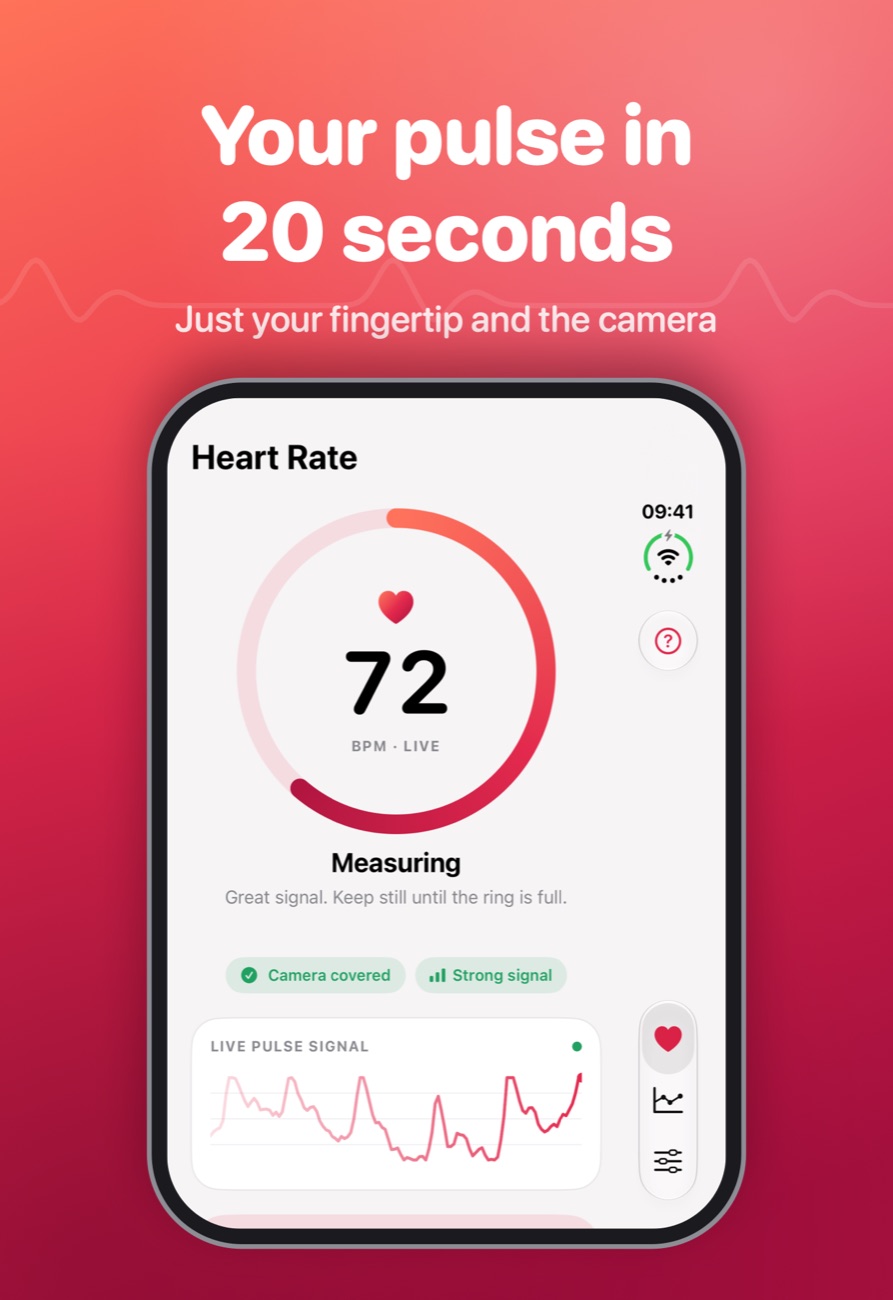
Rest a fingertip on the rear camera. The flash shines through your skin and the camera picks up the tiny colour change of each heartbeat. No watch, no chest strap.
Measured with light.
Checked twice.
It only shows a number when the signal is good enough to trust.
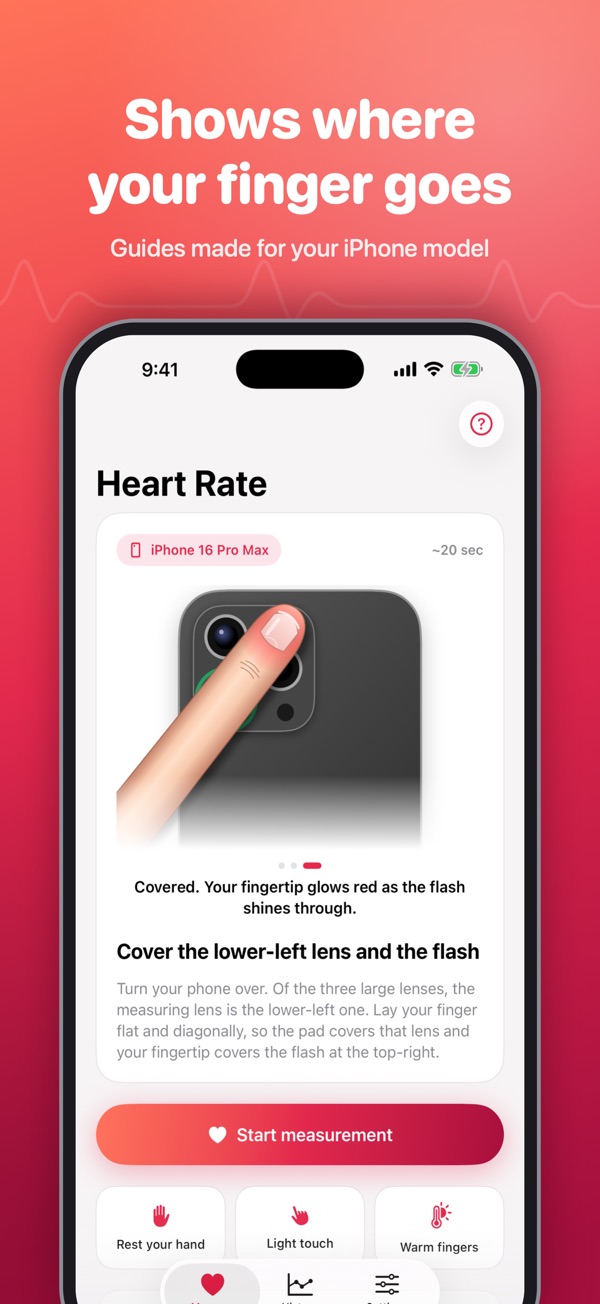
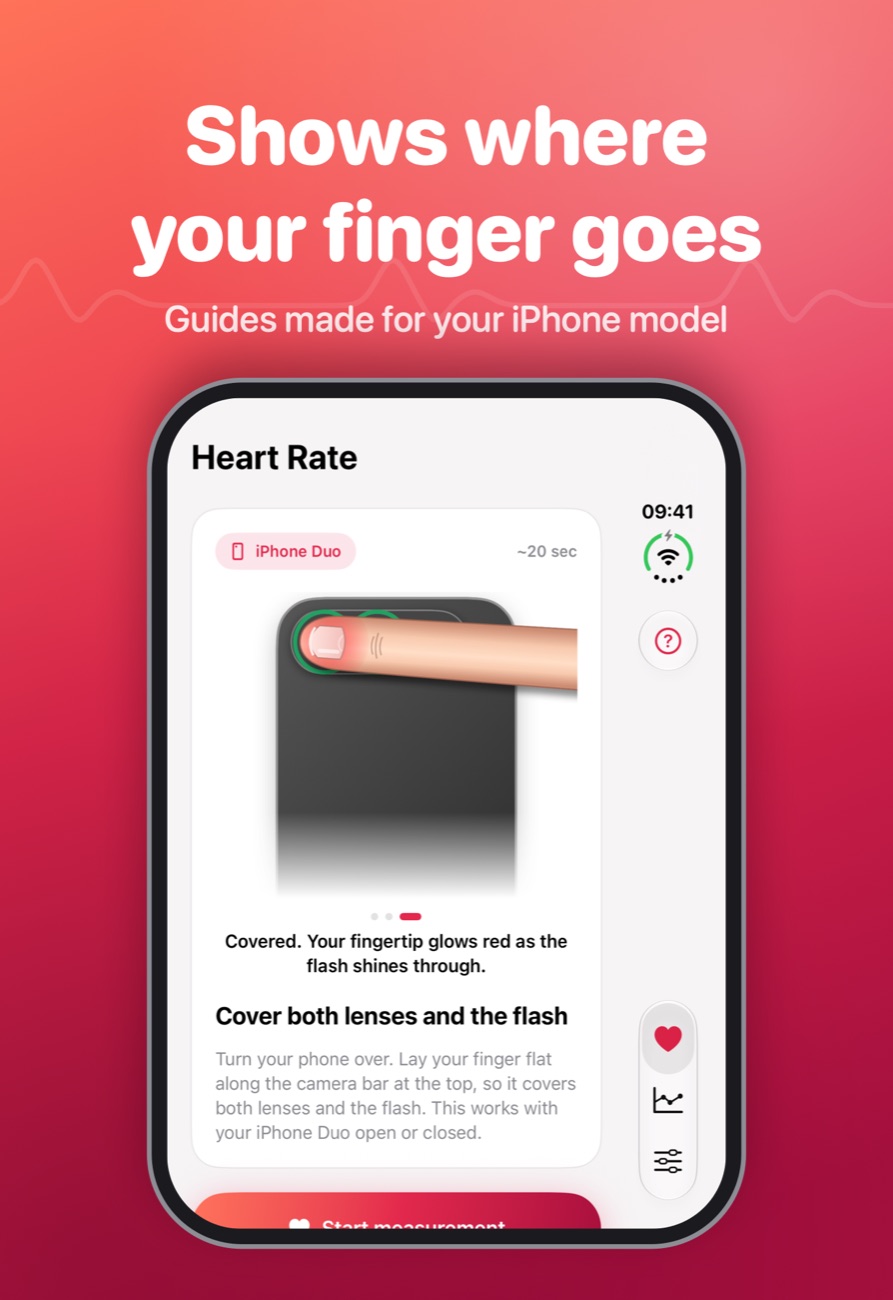
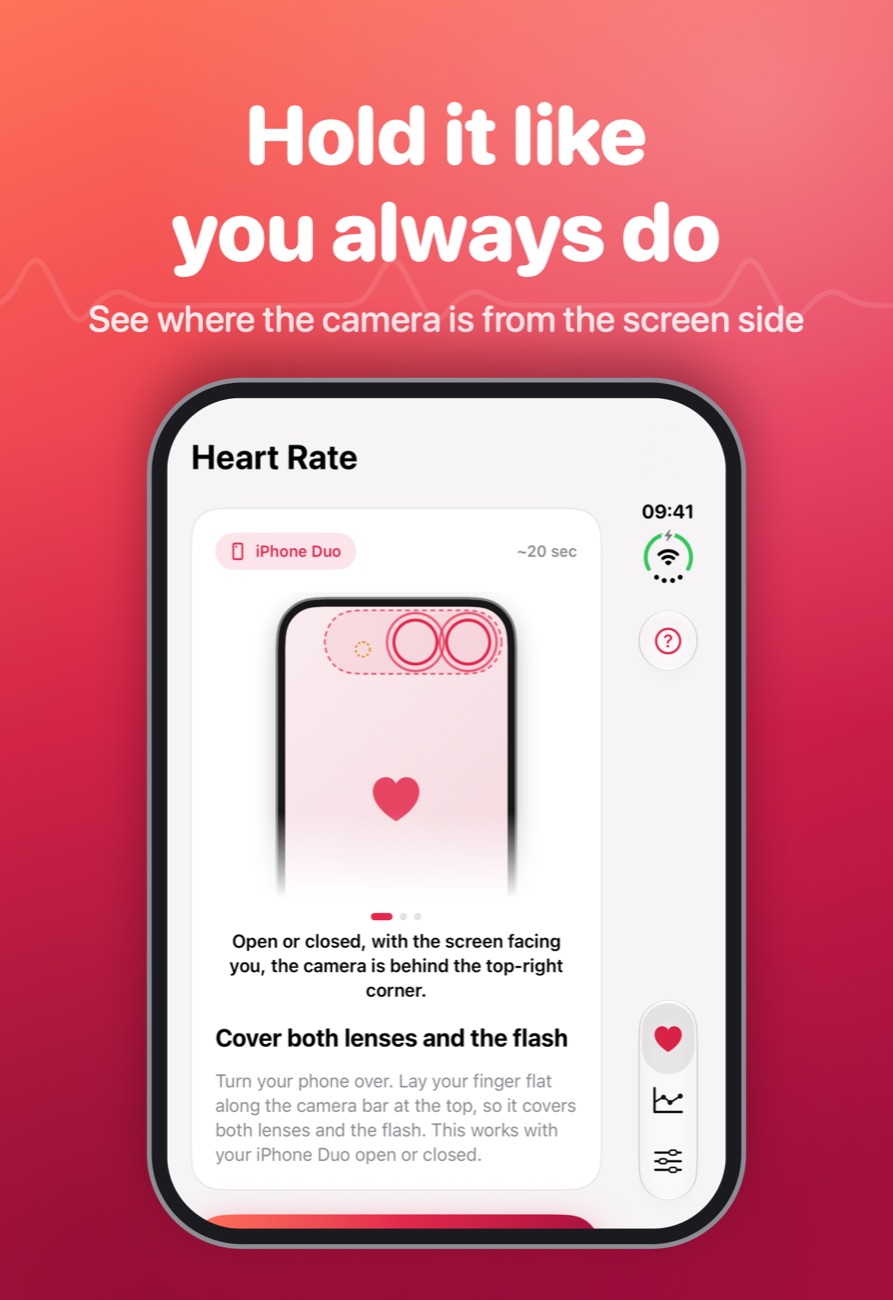
Shows you where to put your finger
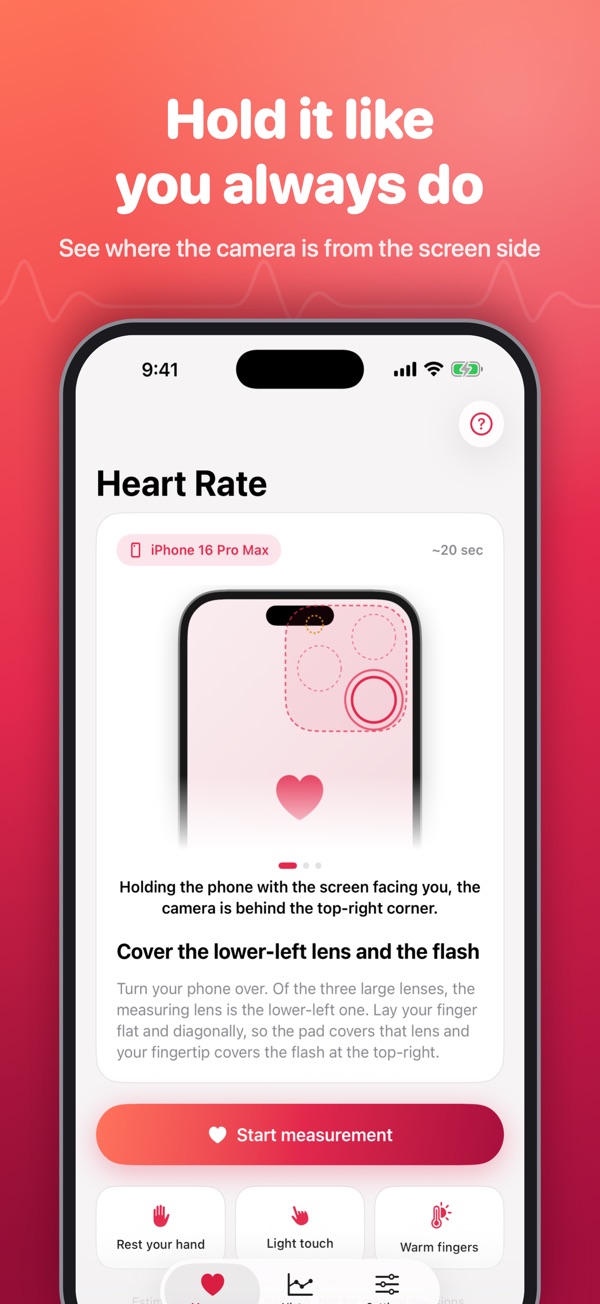
Every iPhone has a different camera bump. The app recognises your model and highlights the right lens and flash, first from the screen side, then turned over. A live "Camera covered" check confirms you've got it.
A result you can trust
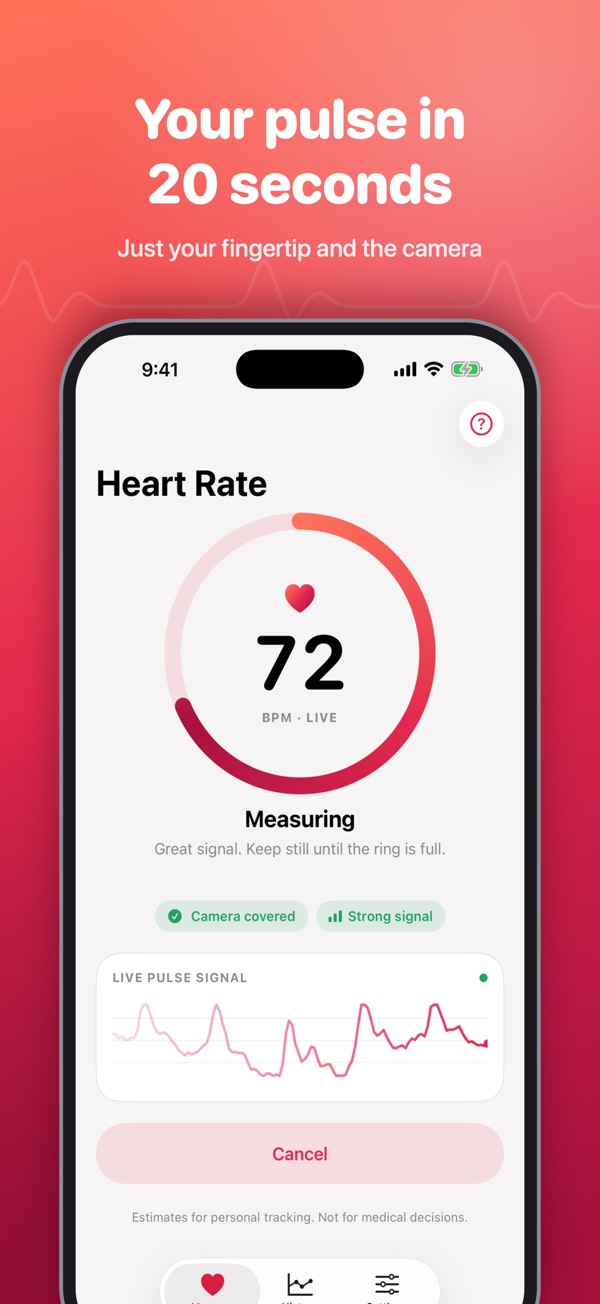
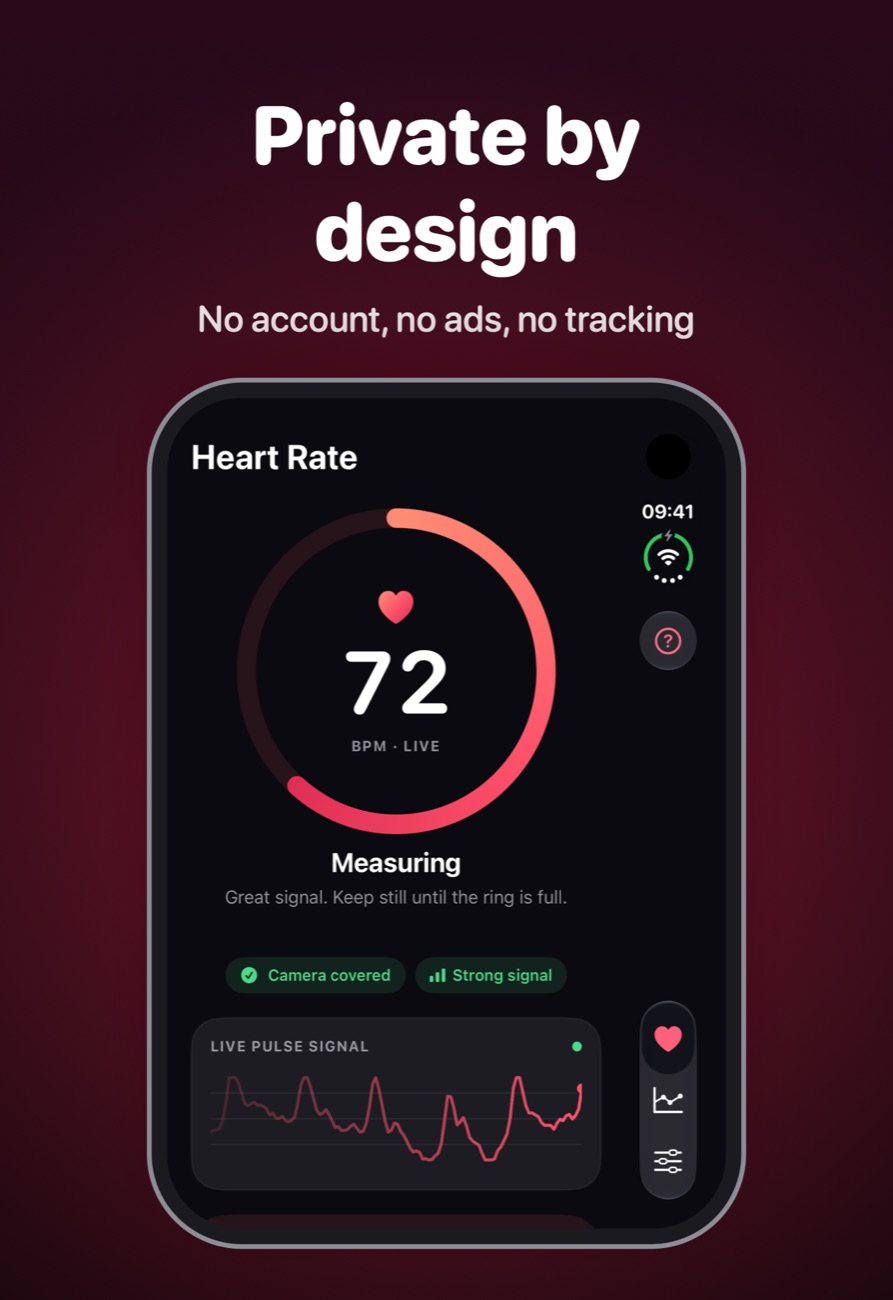
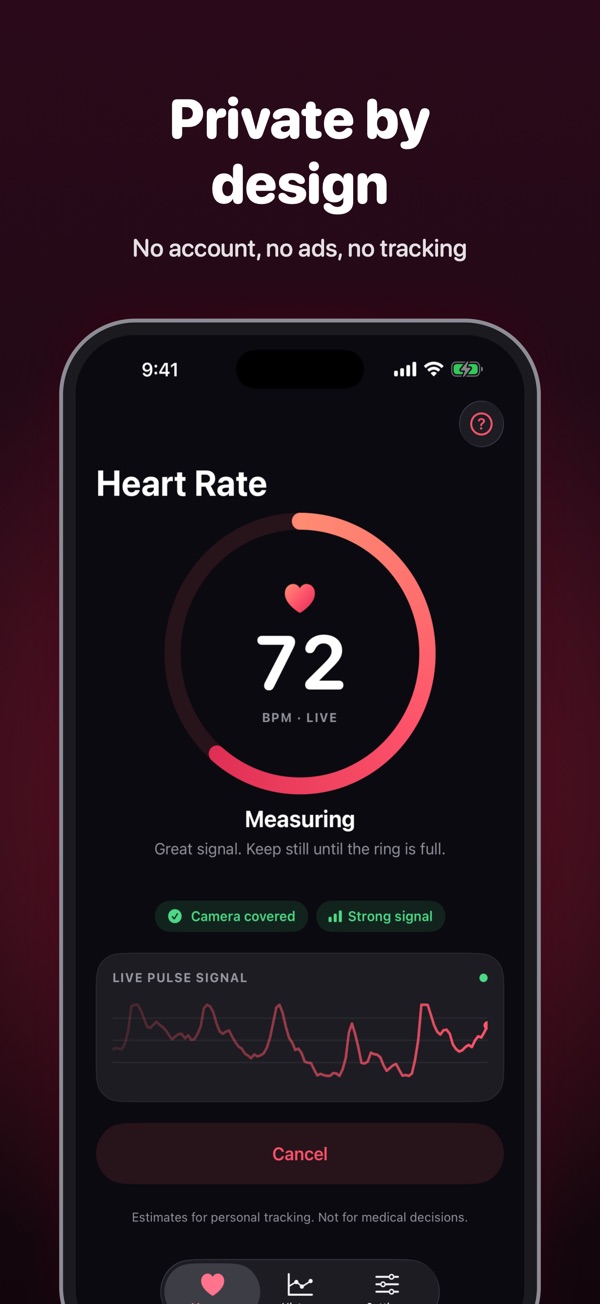
It reads the red and green light every second, filters out drift and only shows a result when consecutive measurements agree.
Forgiving
A small wobble won't restart the reading. If the signal is weak, it tells you why: press lighter, warm your fingers, hold still.
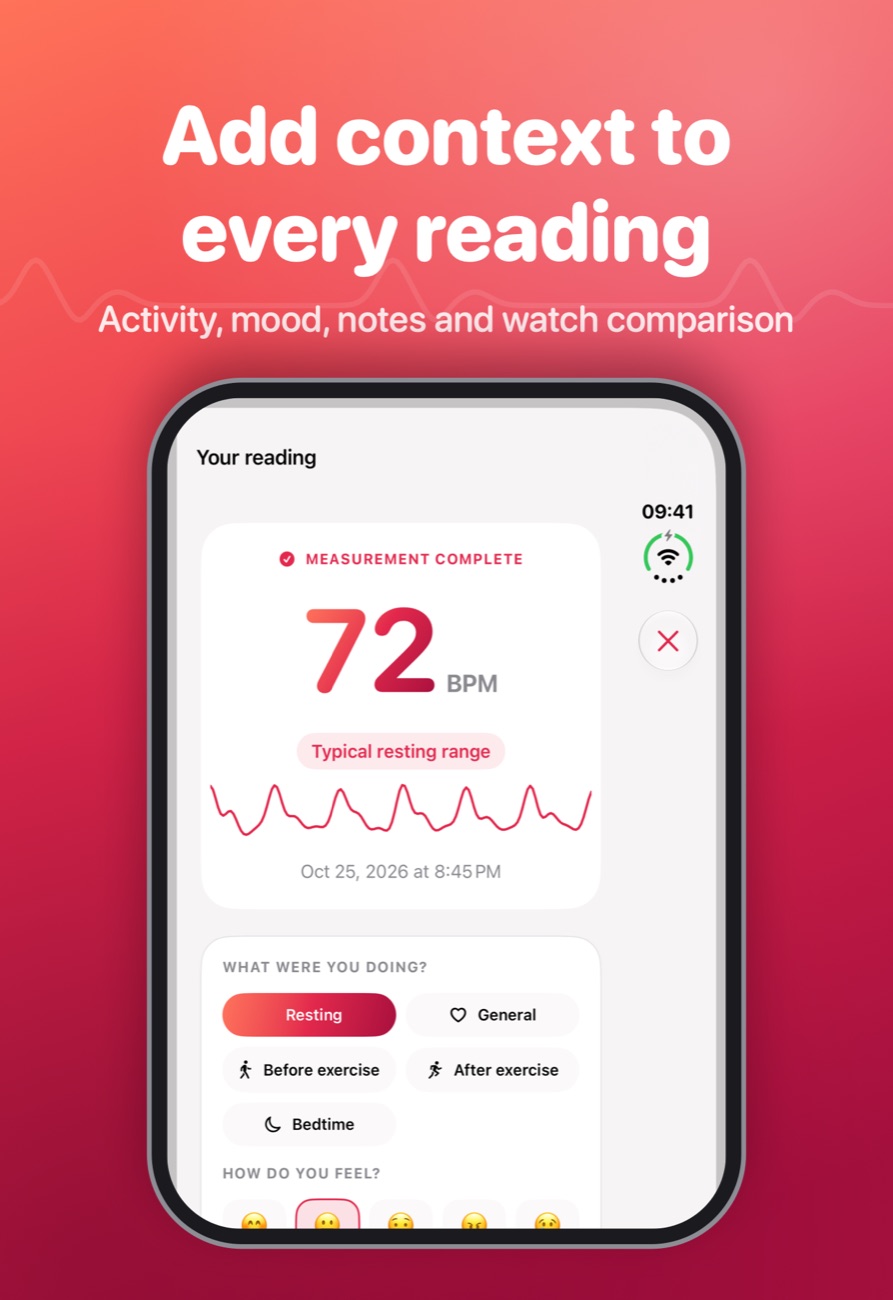
Tag every reading
Add activity, mood and notes: resting, before or after exercise, bedtime. Patterns become easy to spot.
Charts and export
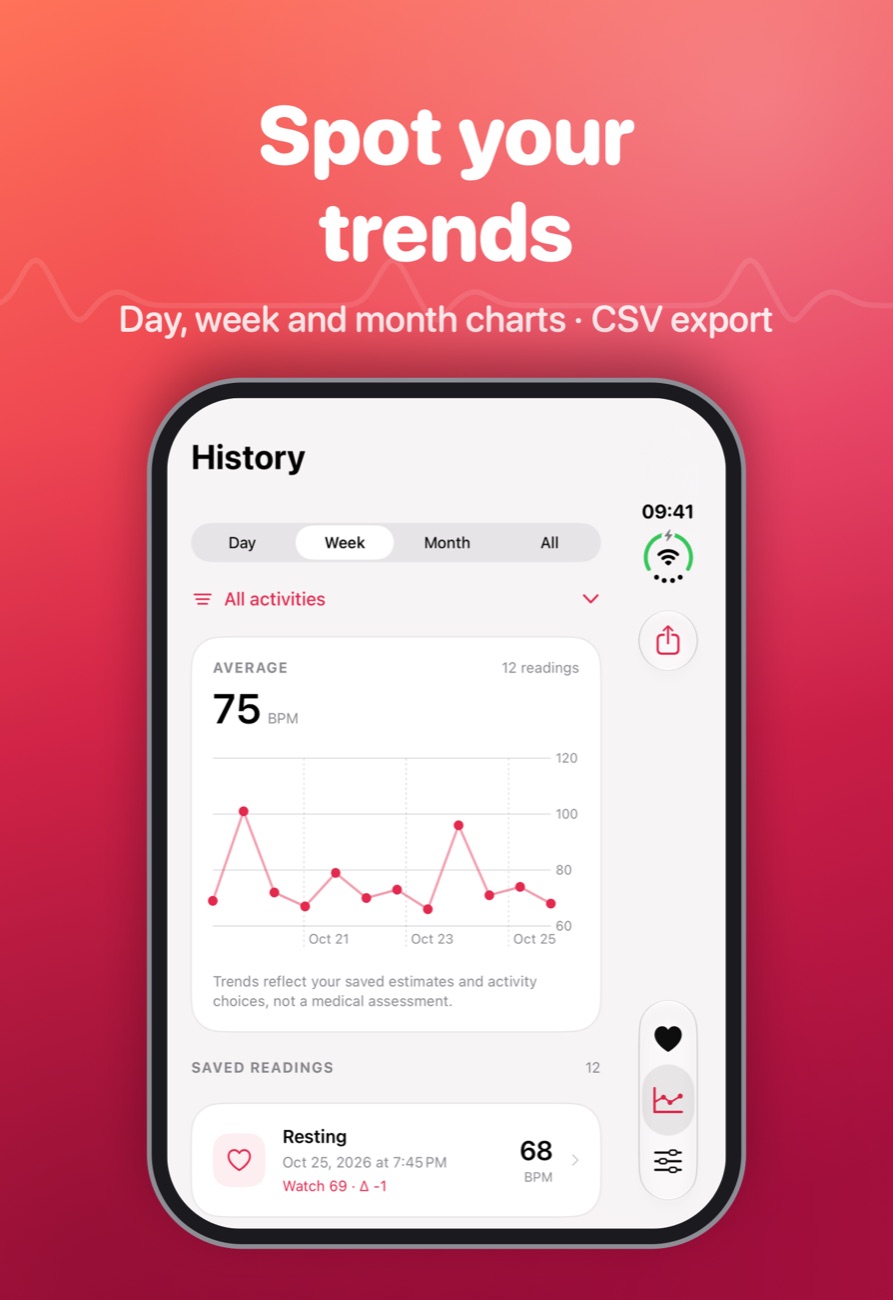
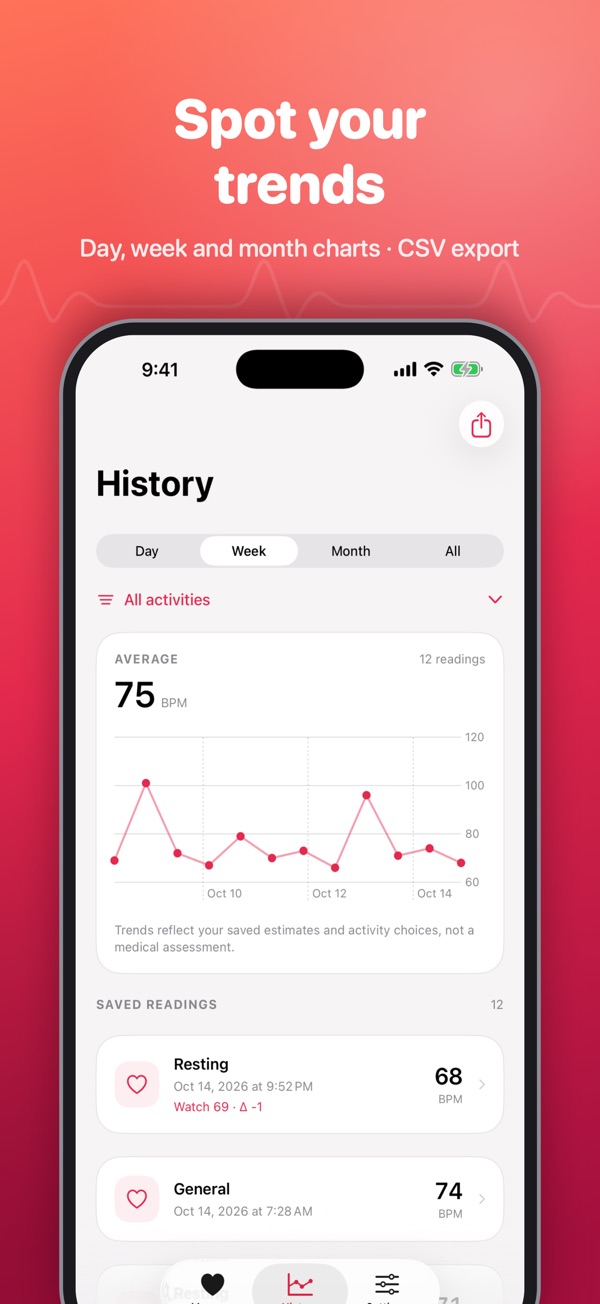
Day, week and month charts with averages and filters. Export everything as CSV whenever you like.
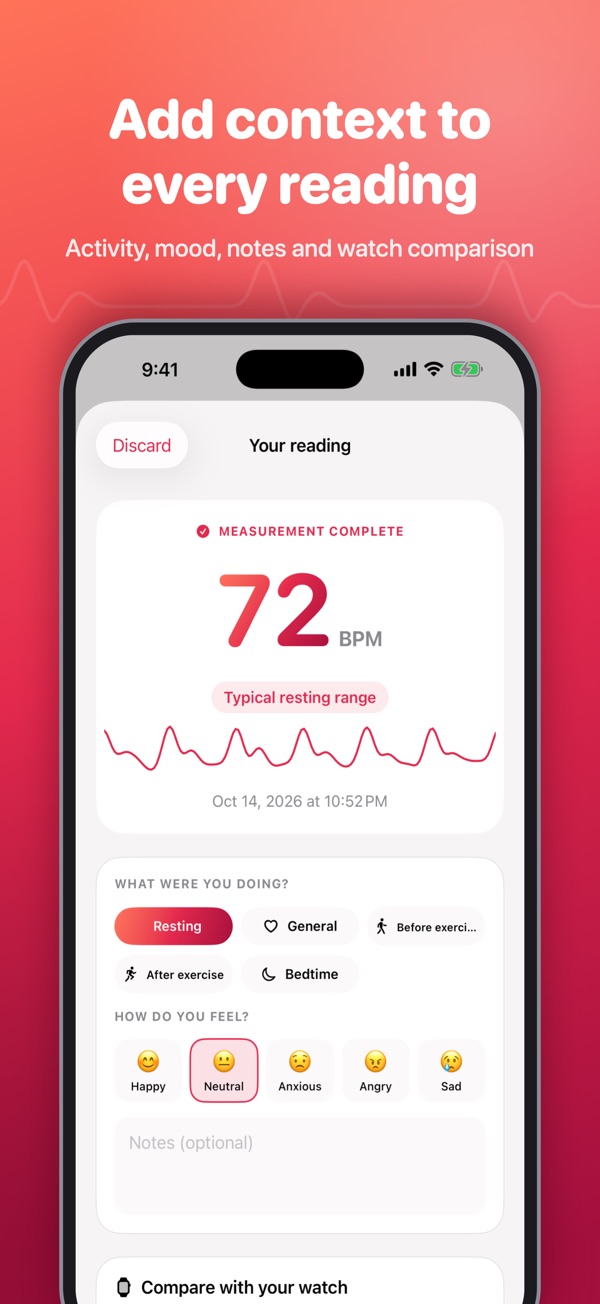
Compare with your watch
Enter your watch's reading and see the difference at a glance.
Taps when it's done
Your iPhone taps when the reading completes and buzzes if it couldn't get one, so you don't have to turn it over.
Screenshots
Heart Rate Monitor+ on iPhone Duo and iPhone.
Is it right for you?
An honest look at who Heart Rate Monitor+ is made for.
Great for
- Quick resting heart rate checks
- People without a smartwatch
- Logging pulse before and after exercise
Look elsewhere if you need
- Medical diagnosis (this is not a medical device)
- Continuous monitoring during workouts
Details
- Developer
- Sensonet
- Price
- $0.99
- Category
- Health & Fitness
- Version
- 2.2.1 · updated 2026-10-27
- Requires
- iOS 17.0 or later
- Languages
- 15
- Size
- 3 MB
- Age rating
- 4+
Privacy
Camera frames are processed on your iPhone and never saved. No account, no ads, no tracking and no in-app purchases. Readings stay on your device.
Questions
Can an iPhone really measure heart rate?
Yes. The camera and flash can detect the change in blood colour in your fingertip with each beat (photoplethysmography). Hold still and use a light touch for the best result.
How accurate is it?
Results are usually close to a watch or pulse oximeter at rest, but they're estimates. It isn't a medical device and shouldn't be used to diagnose anything.
Why can't I get a reading?
Pressing too hard, cold fingers or movement weaken the signal. Sit down, warm your hands and rest your finger lightly over the lens and flash.
Do I need an Apple Watch?
No. You only need your iPhone's rear camera and flash.


Heart Rate Monitor+ privacy policyHeart Rate Monitor+ Privacy Policy · Effective date: 15 October 2026
This policy explains how the Heart Rate Monitor+ app for iPhone (“the app”), published by Sensonet Bilişim (“we”, “us”), handles your information. The short version: the app does not collect, transmit or sell any personal data. Everything stays on your iPhone.
1. Information we collect
We do not collect any information. The app has no user accounts, no sign-in, no advertising, no analytics, no crash-reporting services and no third-party software development kits. It does not connect to the internet or to any server operated by us or anyone else.
2. Camera
The app asks for permission to use the rear camera and flash. While you measure, camera frames are analysed in your iPhone’s memory to detect the small colour changes in your fingertip caused by your pulse. Frames are reduced to average colour values and discarded immediately. No photos or videos are recorded, stored or sent anywhere. You can withdraw camera access at any time in iOS Settings › Heart Rate Monitor+.
3. Information stored on your device
If you choose to save a reading, the app stores it in its private storage on your iPhone. A saved reading can include the date and time, the estimated heart rate, measurement quality details, the activity and mood you select, your notes, an optional watch reading you enter for comparison, and your iPhone model and iOS version. If you used an earlier version of the app, your previous readings are imported and a backup copy of them is kept in the same private storage.
This data is protected by iOS file protection and is only accessible to the app. It may be included in your own iCloud or computer backups, according to your device settings. We have no access to it.
4. Sharing that you start
The app only shares data when you explicitly ask it to:
- CSV export: from History you can export your readings as a file and choose where to save or send it.
- Troubleshooting data: after an unsuccessful measurement you can choose to share that attempt’s signal data (timestamps and average colour values per camera frame, with no images) using the iOS share sheet.
Where that data goes is decided by you and handled by the destination you choose. Nothing is shared automatically.
5. Health information
Heart rate readings can be considered health information. Because they stay on your device and are never sent to us, we do not process them. The app does not read from or write to Apple Health.
The app is intended for general fitness and wellness only. It is not a medical device and does not provide a diagnosis.
6. Tracking
The app does not track you across apps or websites and does not use the advertising identifier.
7. Keeping and deleting your data
Your readings remain on your iPhone until you delete them. You can delete individual readings in the app, or remove all app data by deleting the app. Copies in your own backups are managed by you.
8. Children
The app does not knowingly collect information from anyone, including children under 13 (or the equivalent minimum age in your country), because it does not collect information at all.
9. Your rights
Depending on where you live, laws such as the EU and UK General Data Protection Regulation (GDPR), Turkey’s Personal Data Protection Law (KVKK) and US state privacy laws give you rights over personal data held about you. Because we hold no personal data from the app, there is nothing for us to access, correct, export or delete. You control all app data directly on your device. If you have a question about your rights, contact us using the details below.
10. Changes to this policy
If we change how the app handles information, we will update this page and the effective date above before the change takes effect.
11. Contact
Sensonet Bilişim · Email: info@theappverdict.com · Support: theappverdict.com/apps
Published by Sensonet, the developer of Heart Rate Monitor+. This page is the current version of the policy.