 Max Read · Speed reading, one word at a time
Max Read: Read faster.
Without trying.
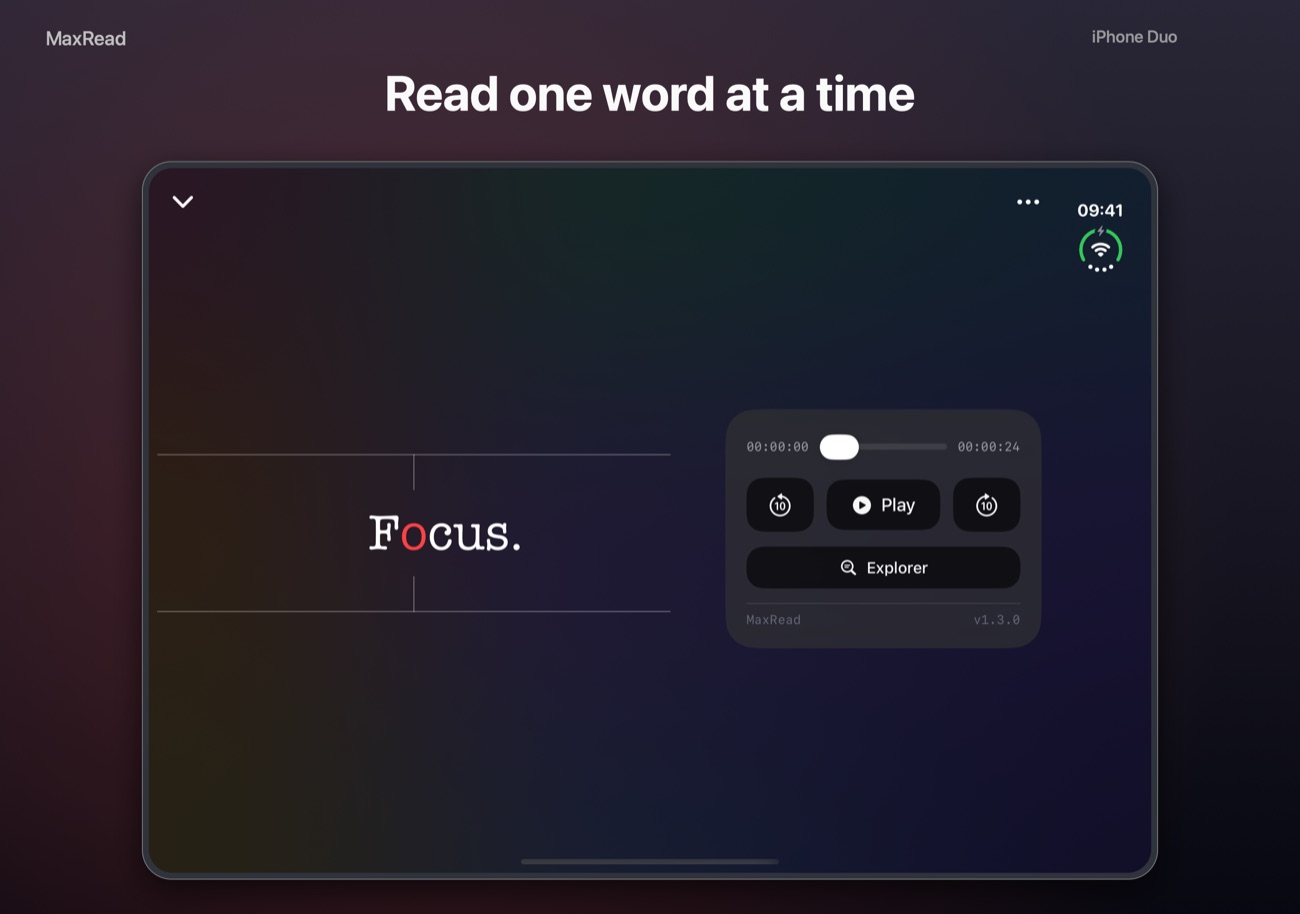
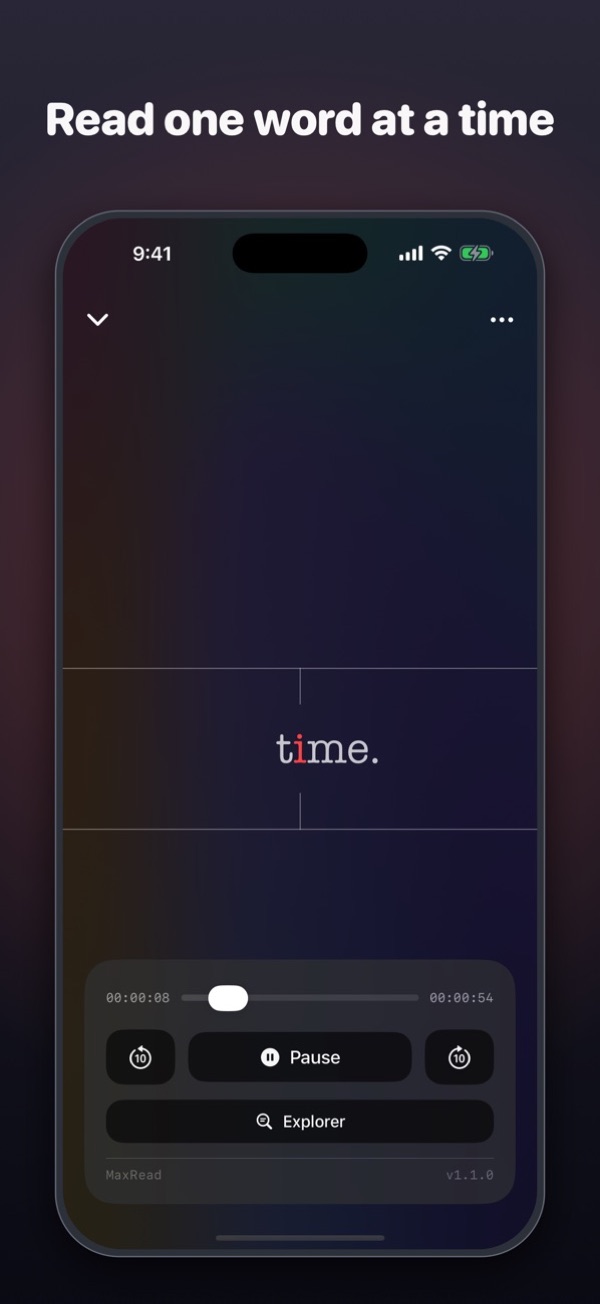
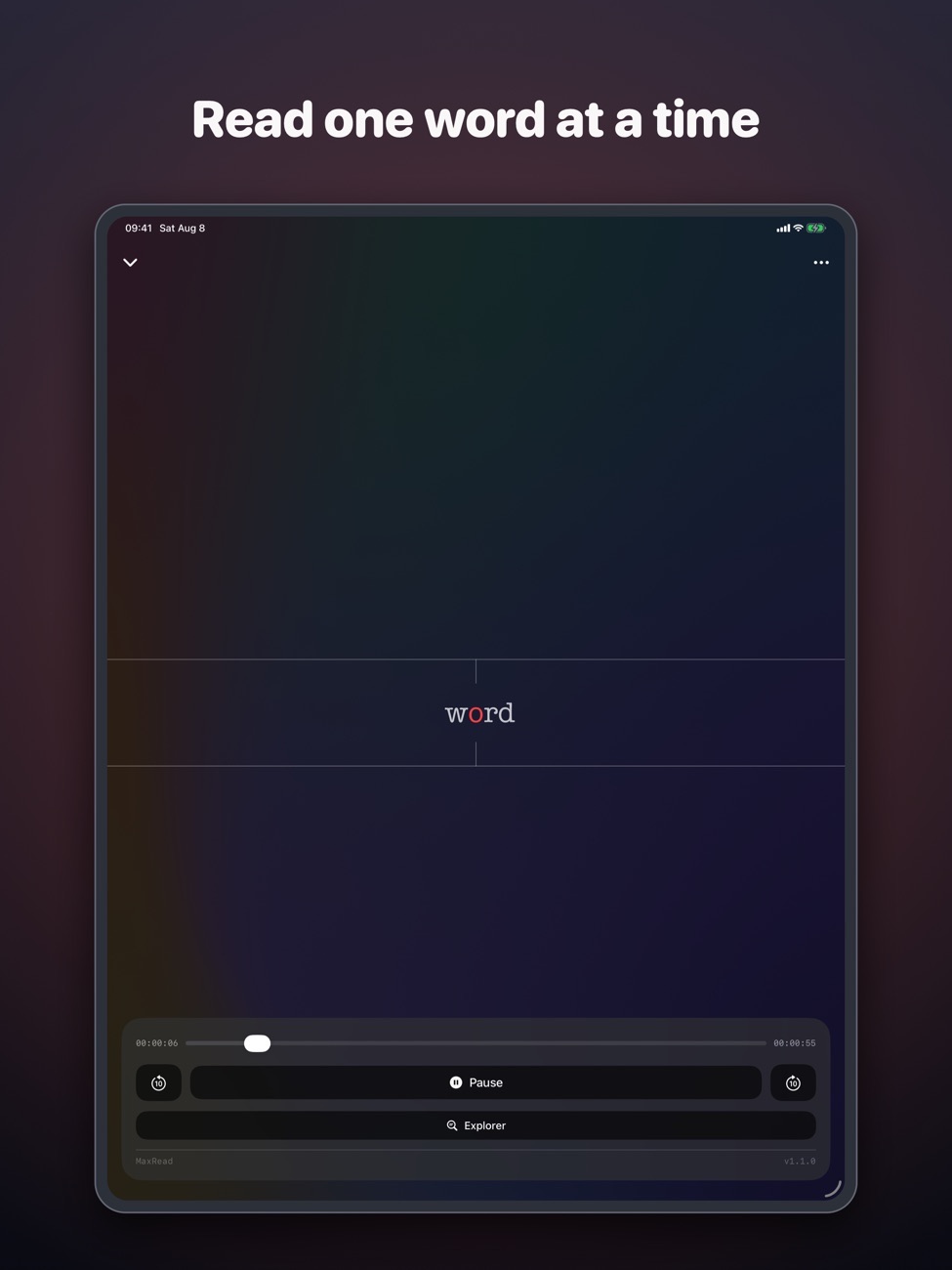
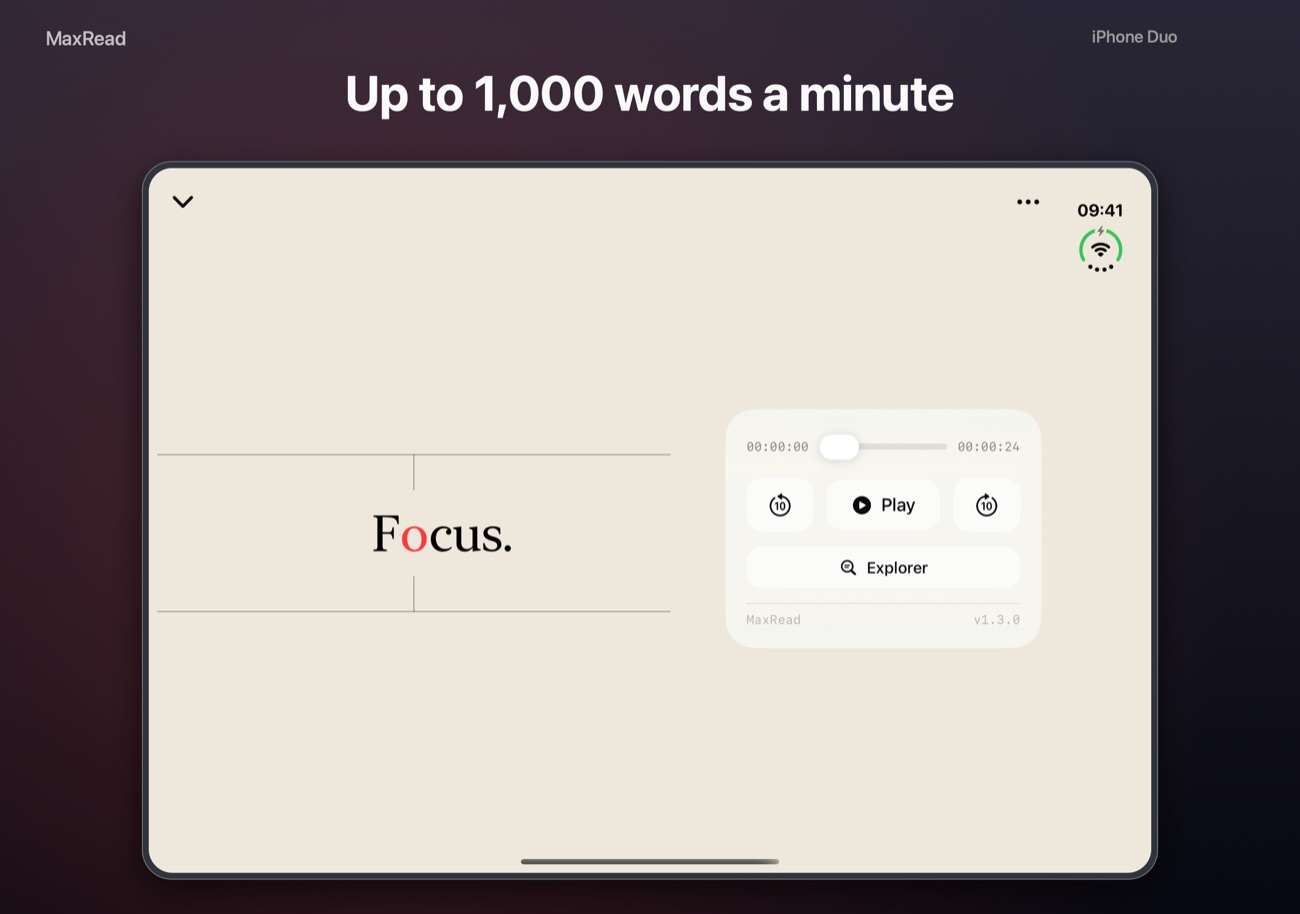
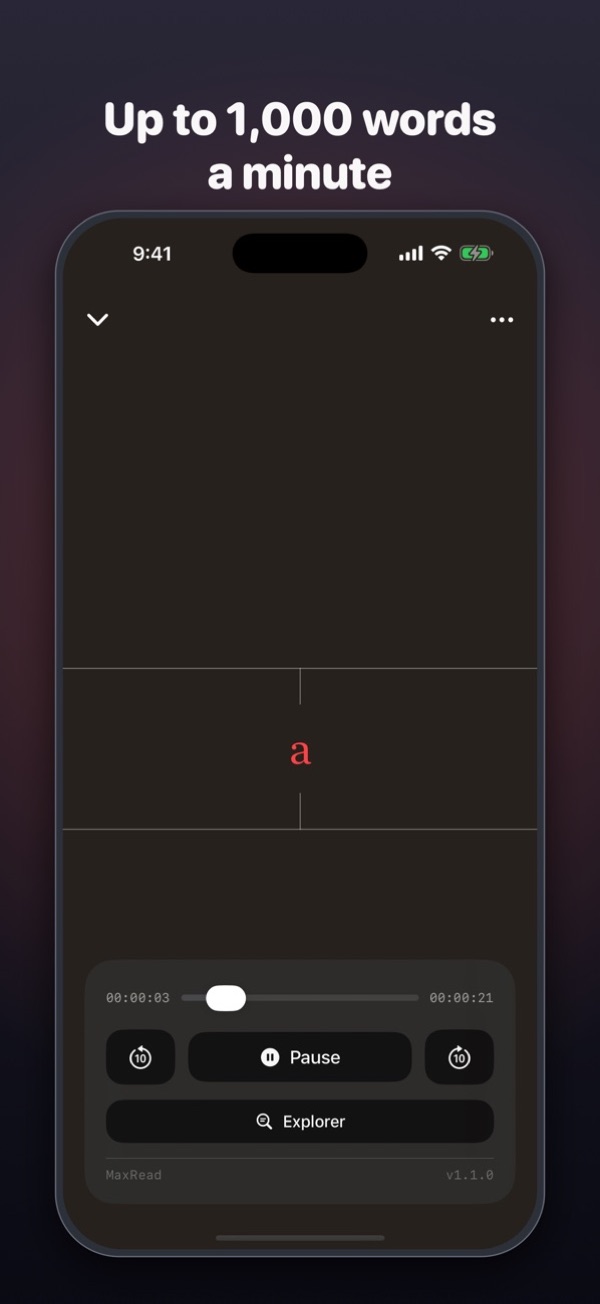
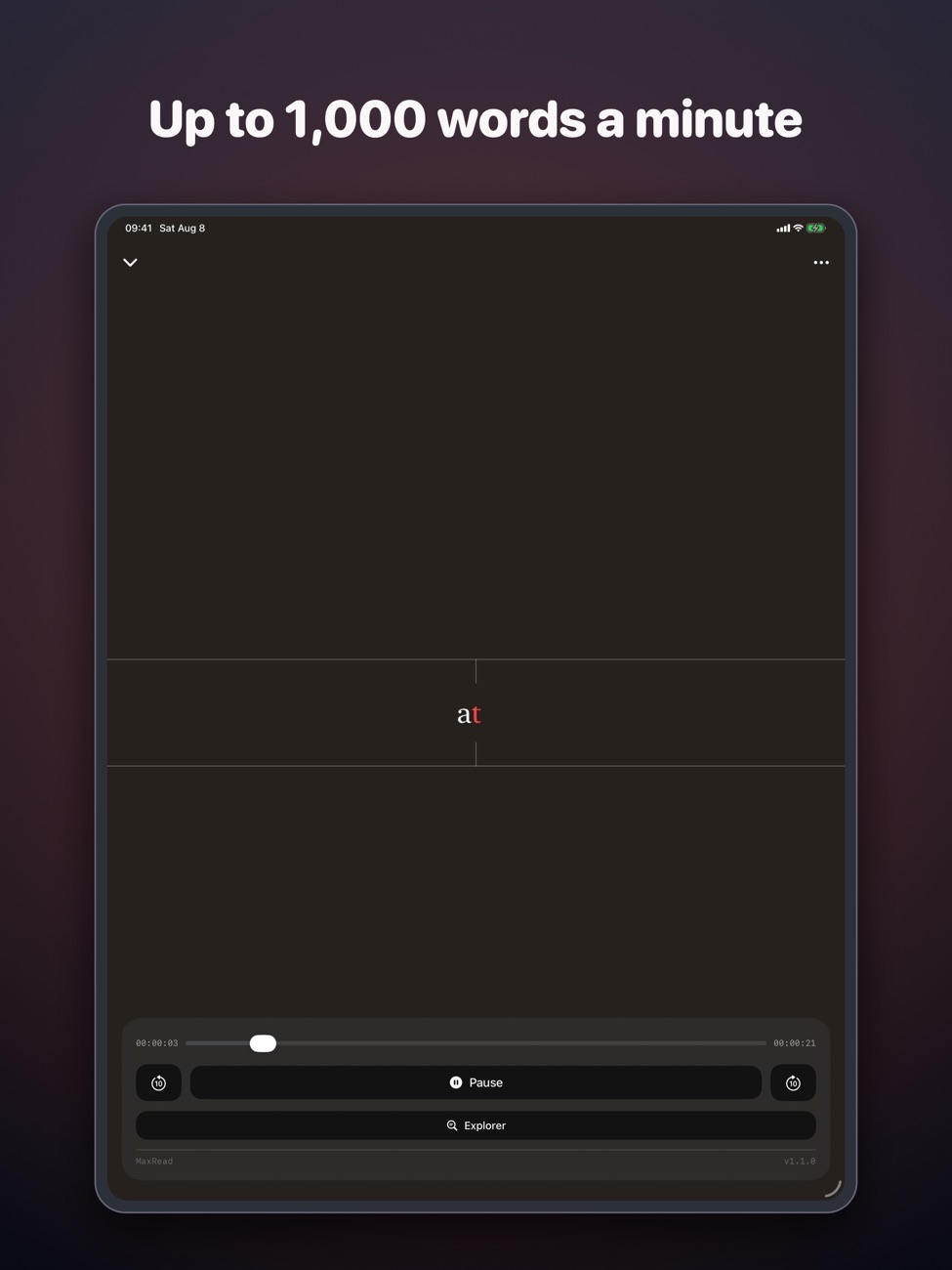
Max Read shows one word at a time in the same spot, lined up on a highlighted letter. Your eyes stop jumping and your pace climbs.
One word.
Right where you look.
When you read normally, your eyes spend a lot of time travelling between words. Max Read removes the travel.
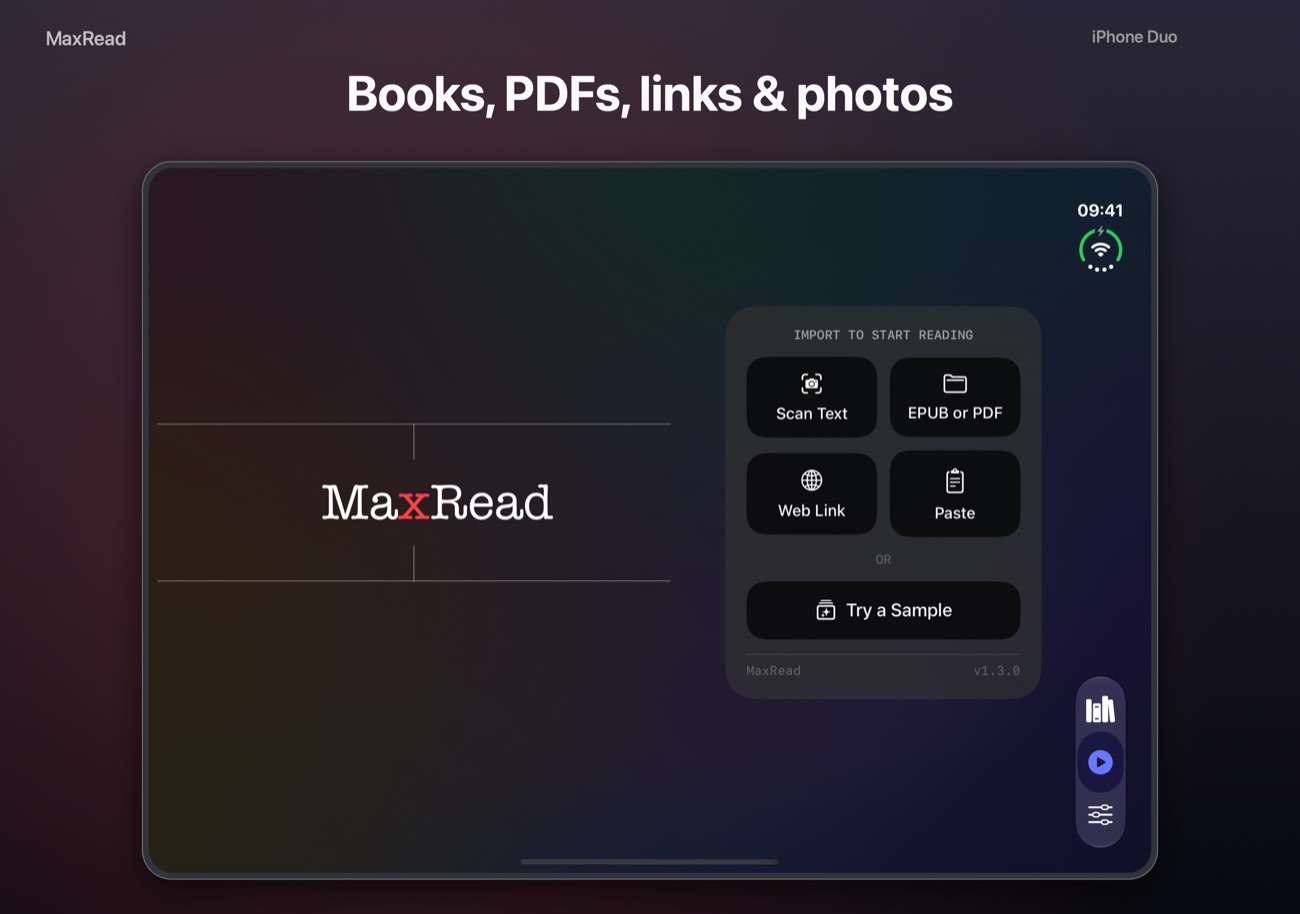
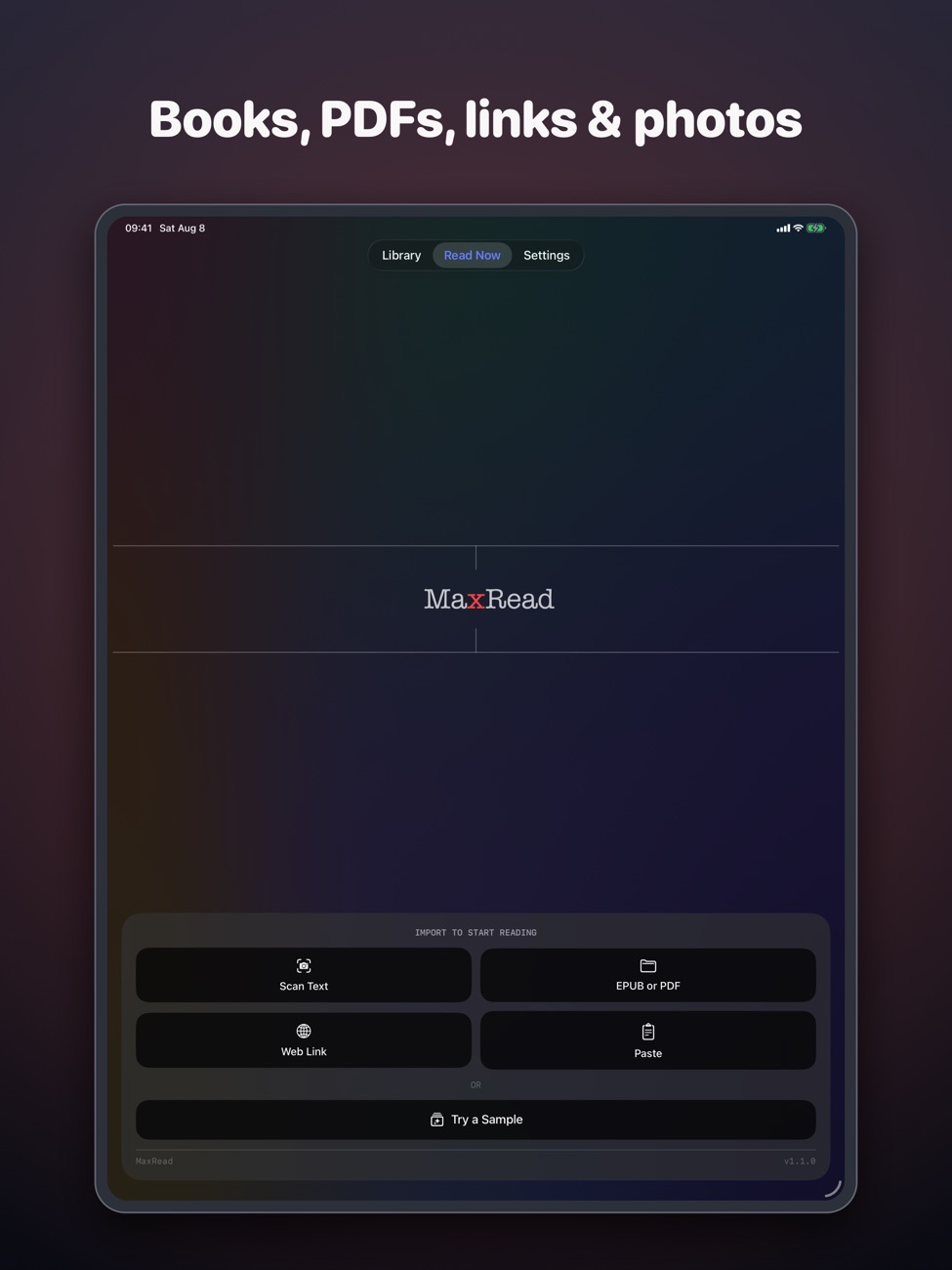
Read anything
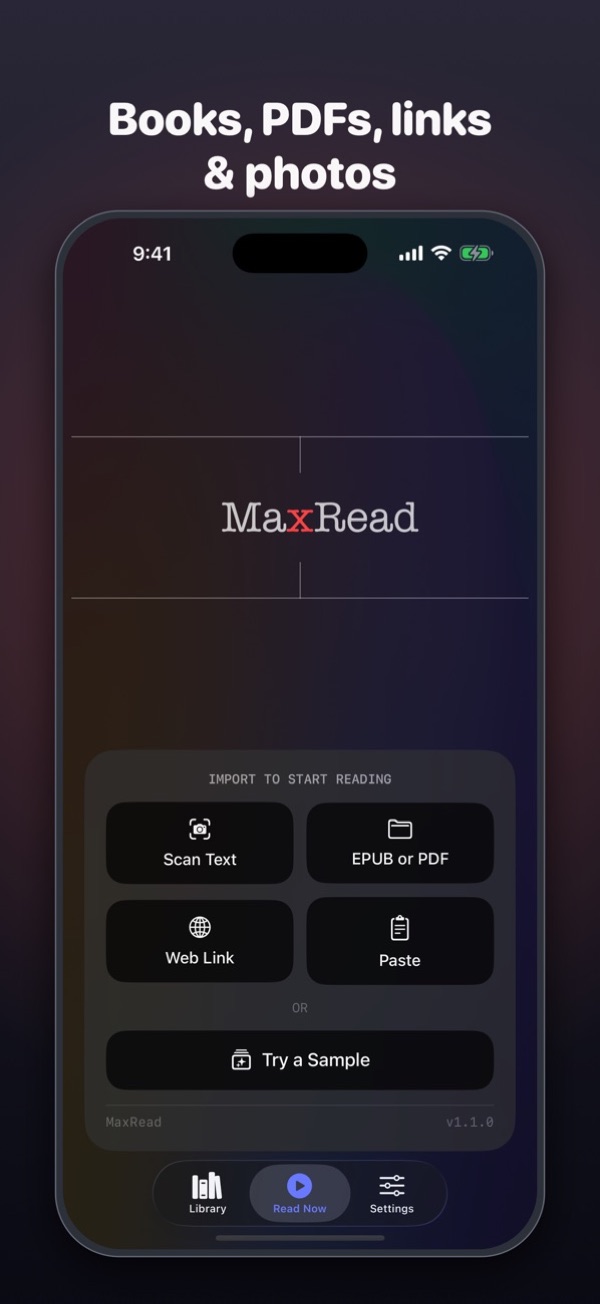
Import EPUB and PDF files, open a web article from a link, paste text from your clipboard or photograph a printed page and let text recognition do the rest.
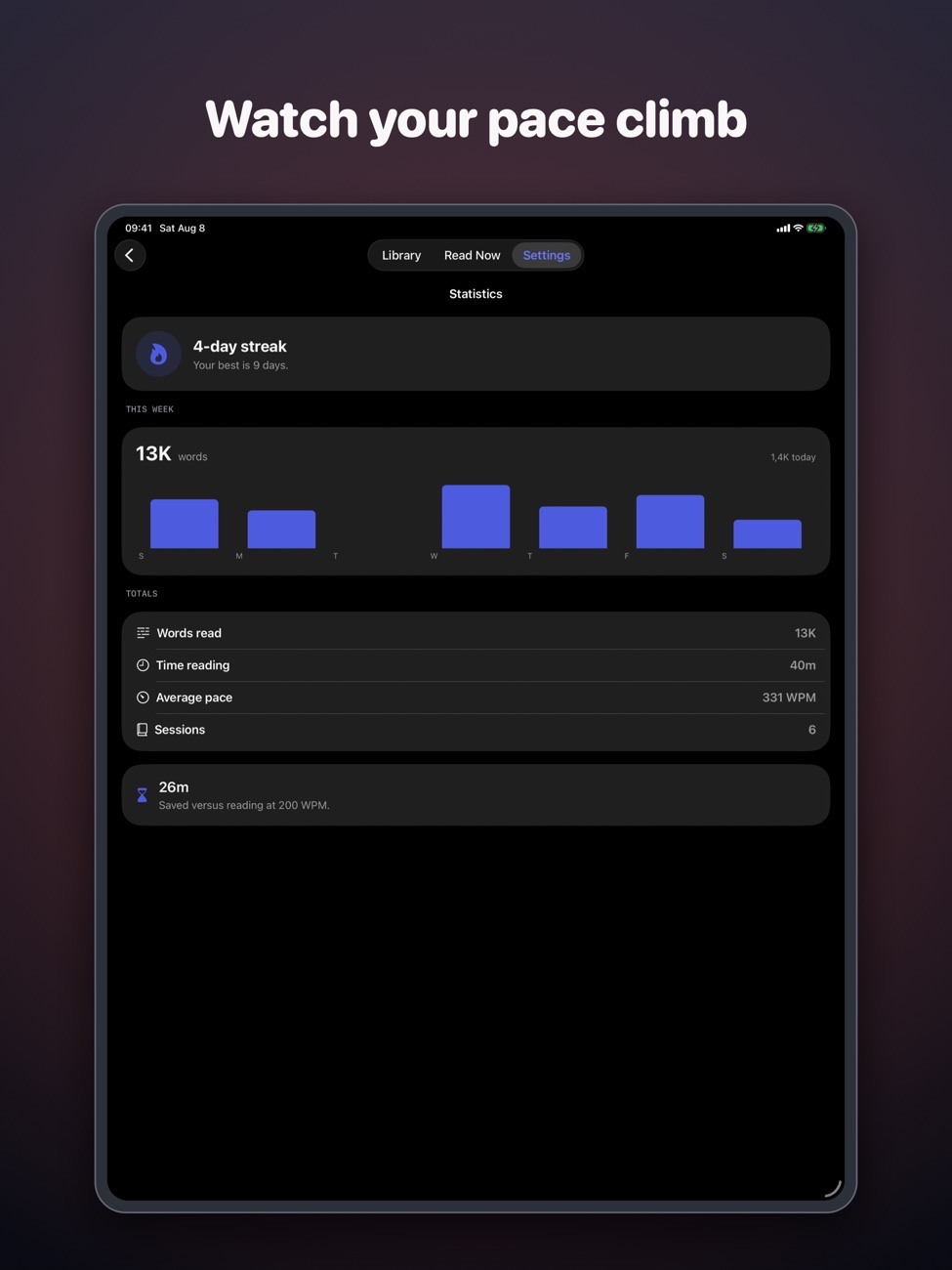
100 to 1,000 wpm
Start slow and turn it up as you get used to it.
Natural pauses
Add a short pause at the end of each sentence, with gentle haptics to keep the rhythm.
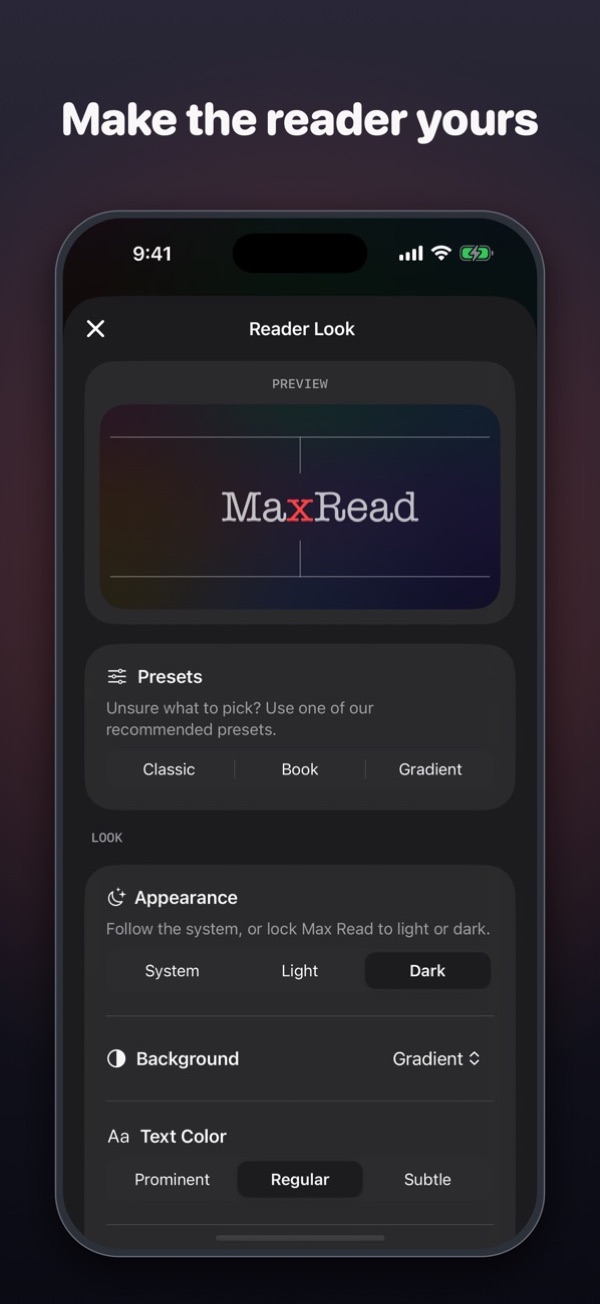
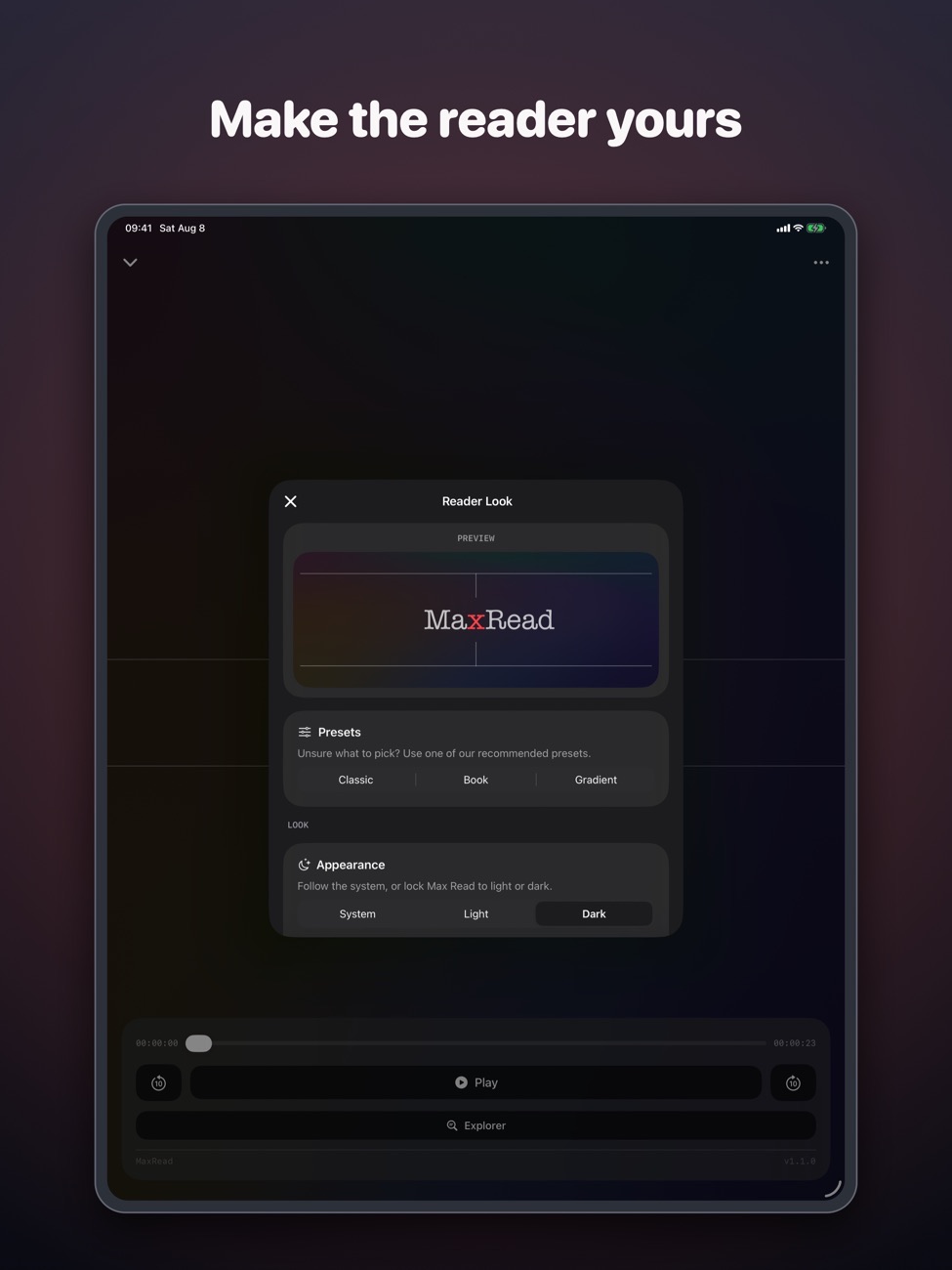
Make it comfortable
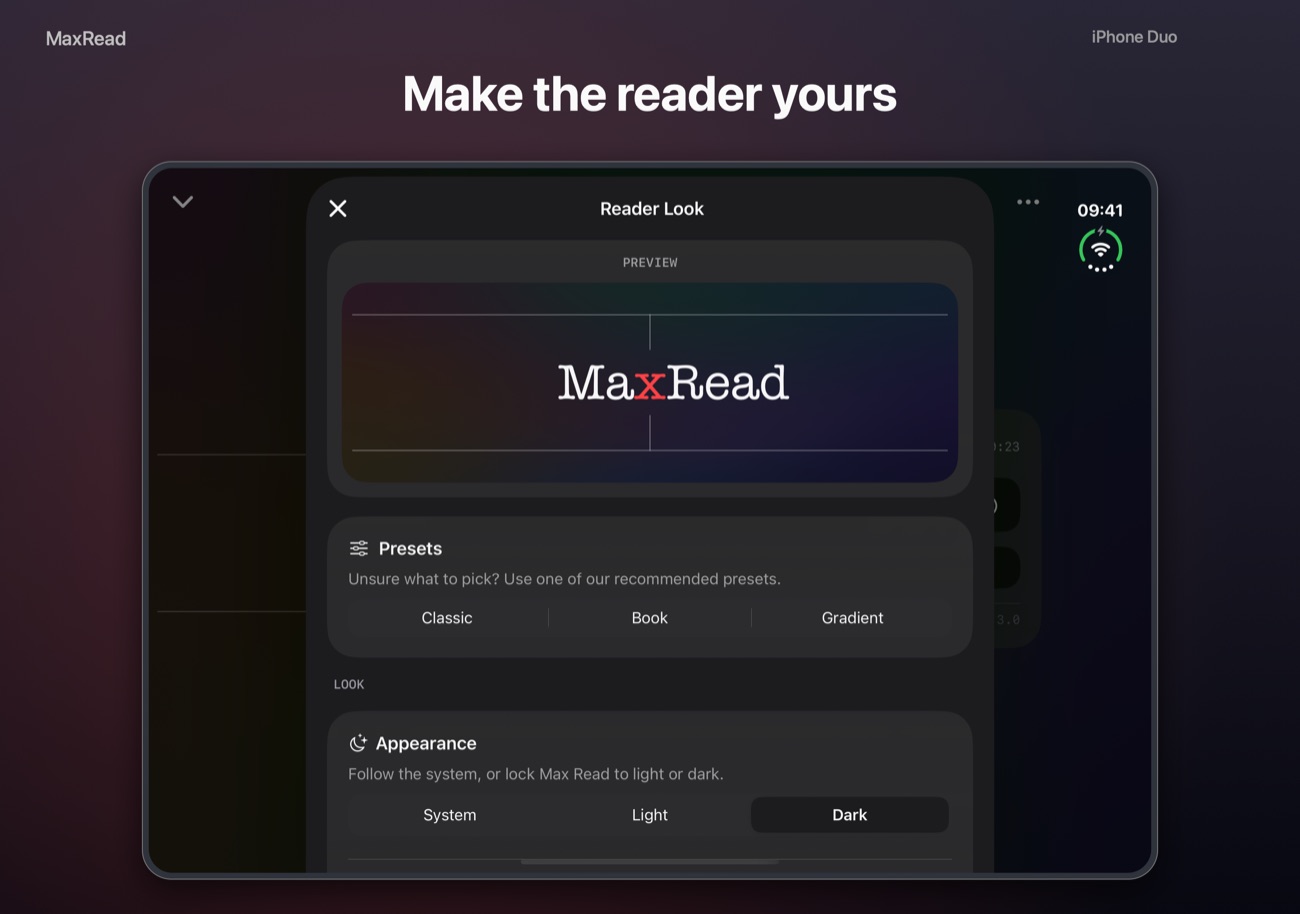
Serif, sans-serif or typewriter fonts in three sizes, four backgrounds and eight anchor colours.
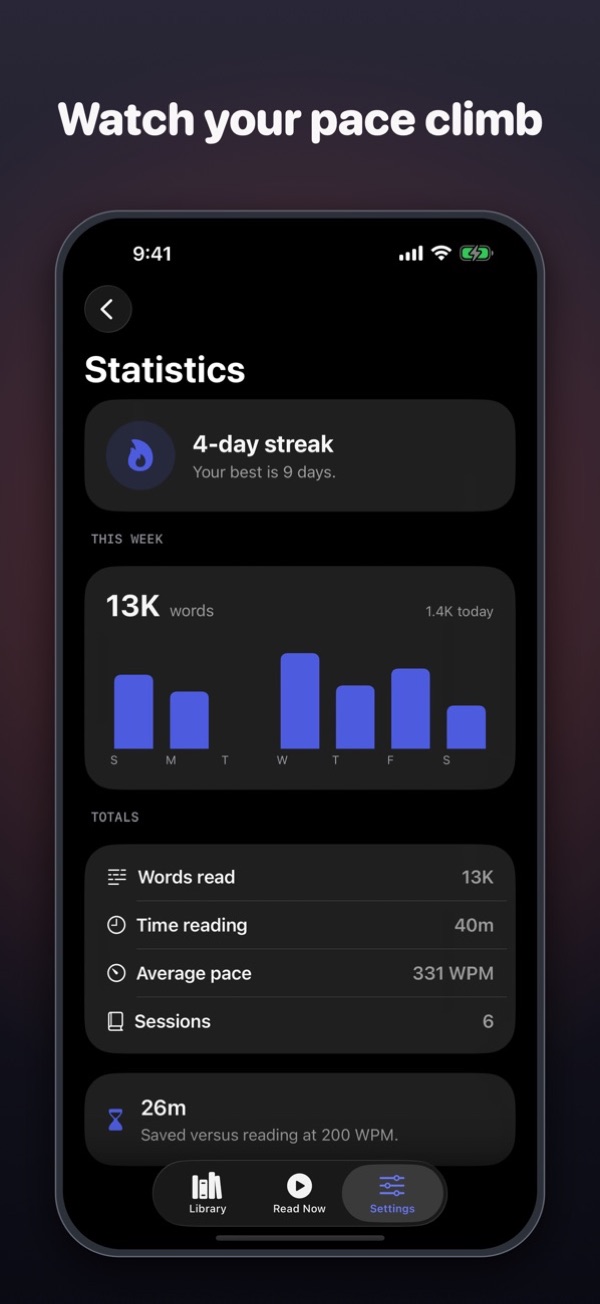
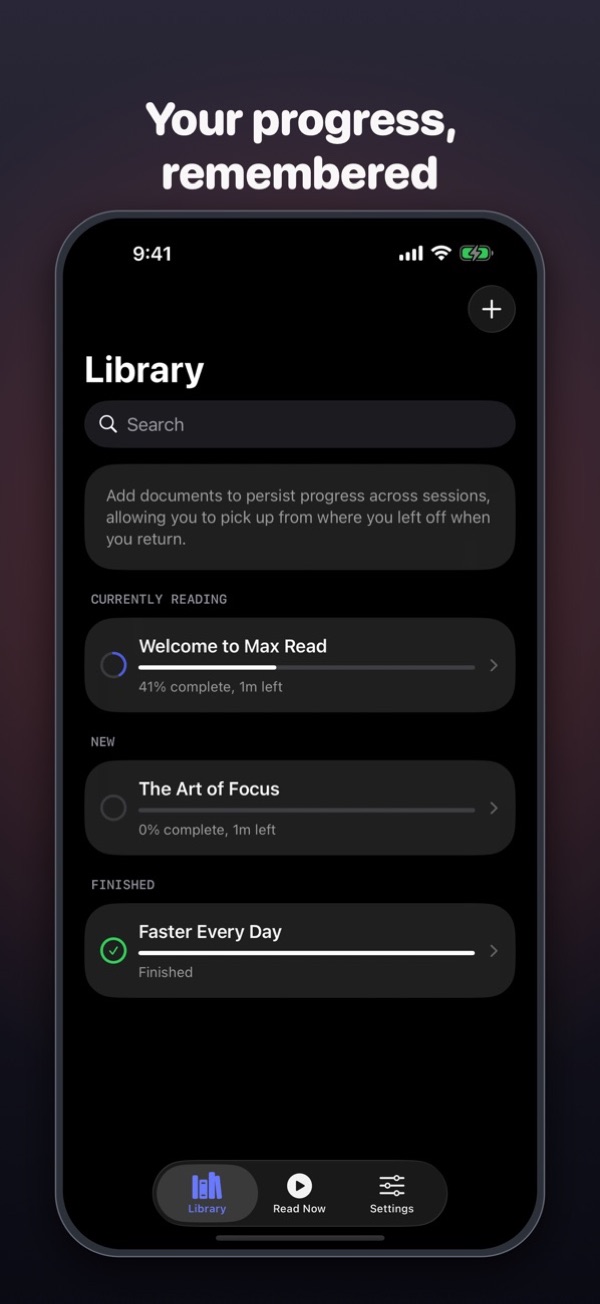
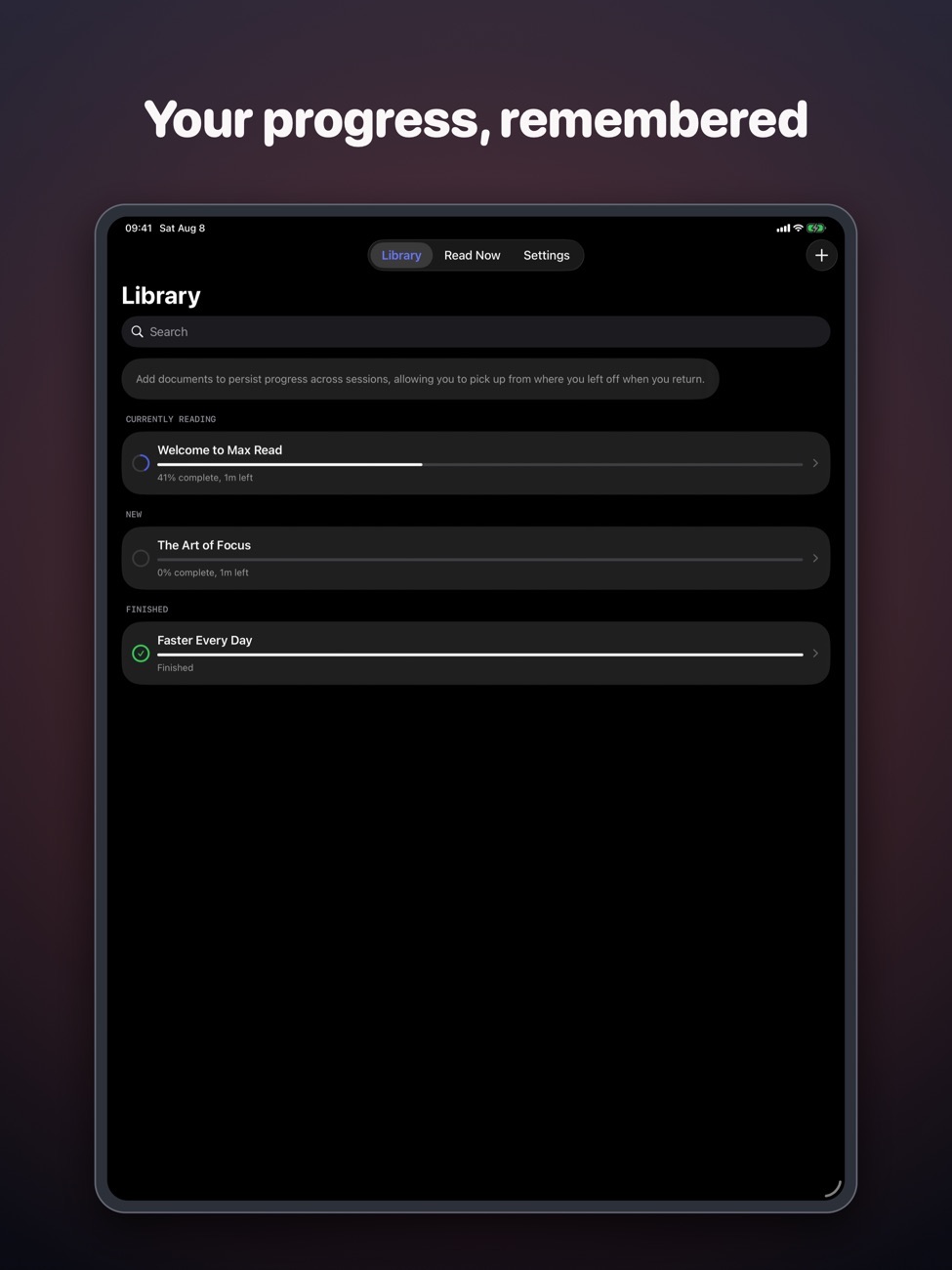
Your library
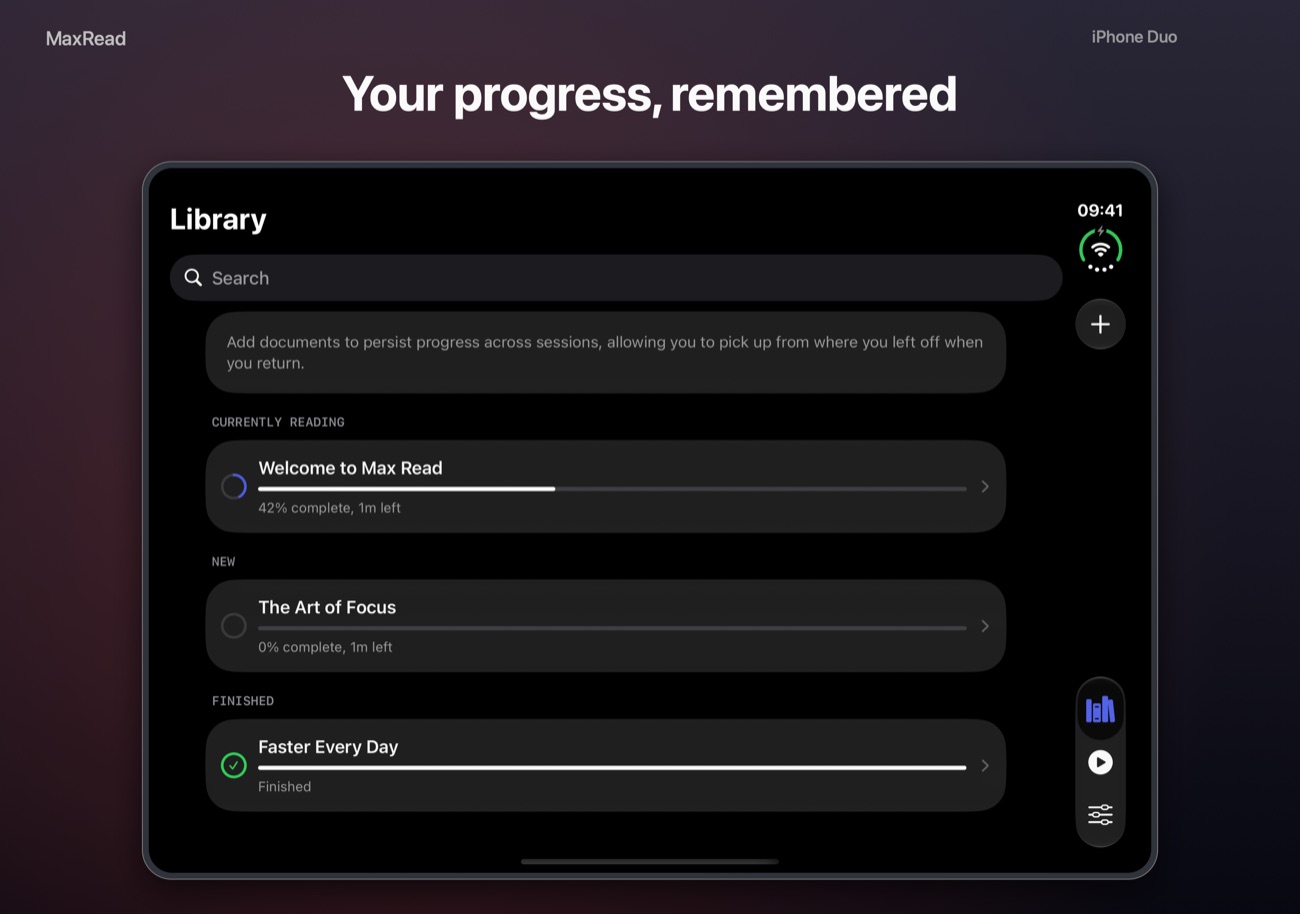
Every document keeps your progress and shows how much reading time is left.
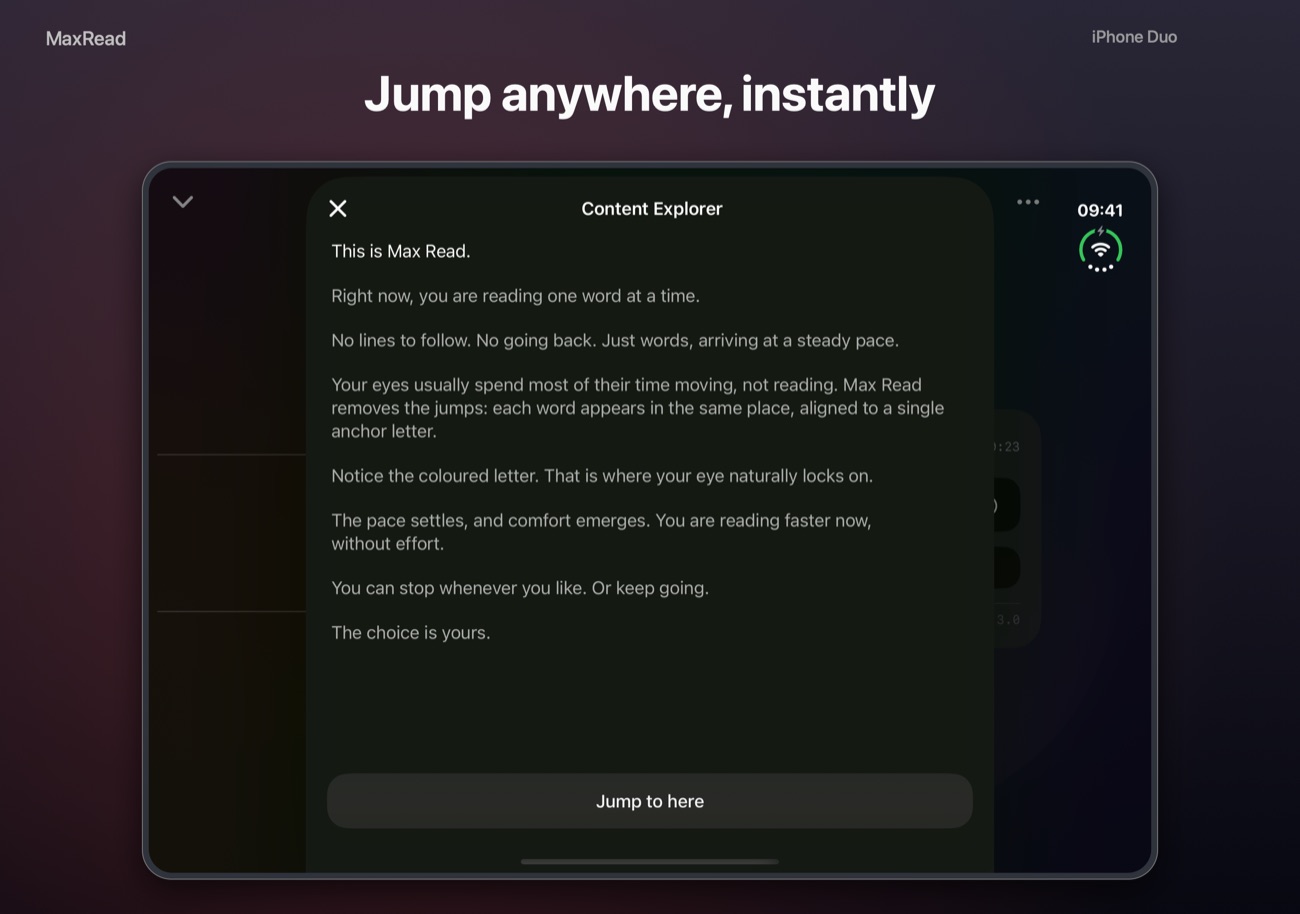
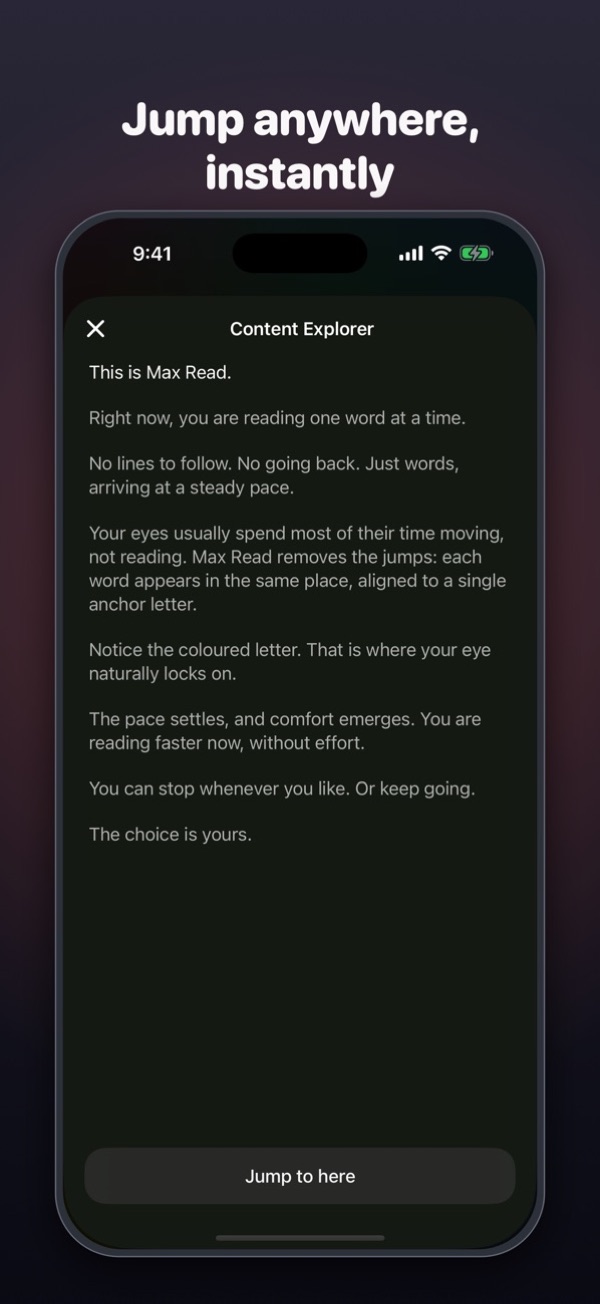
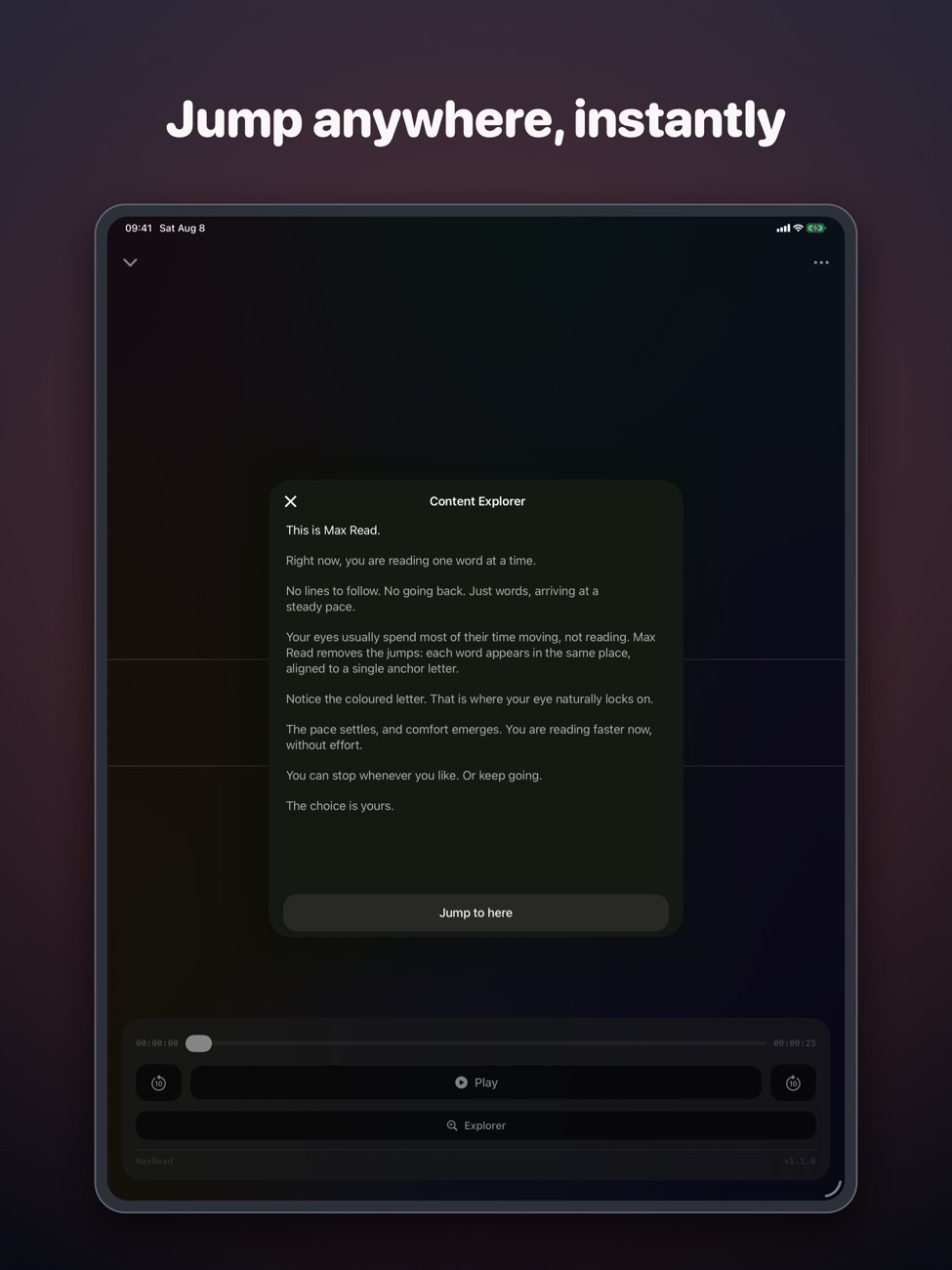
Jump anywhere
The Content Explorer shows the full text, so you can go back a paragraph or skip ahead.
Fits iPhone Duo
Layouts adjust as you open, close and fold your phone.
Screenshots
Max Read on iPhone Duo, iPhone and iPad.
Is it right for you?
An honest look at who Max Read is made for.
Great for
- Getting through articles and non-fiction
- Students with long reading lists
- Commutes in short bursts
Look elsewhere if you need
- Dense technical material you need to re-read
- Picture books or heavy formatting
Details
- Developer
- Sensonet
- Price
- Free
- Category
- Productivity
- Version
- 1.3 · updated 2026-10-23
- Requires
- iOS 18.0 or later
- Languages
- 14
- Size
- 2 MB
- Age rating
- 4+
Privacy
No account needed. Your library stays on your device.
Questions
Does speed reading actually work?
Showing one word at a time (called RSVP) removes the eye movements between words, which helps many people read faster. For complex material, slow down: comprehension matters more than speed.
What files can I read?
EPUB, PDF, web articles from a link, pasted text and photos of printed pages.
Is Max Read free?
Yes, it's free to download on the App Store.
What's a good speed to start at?
Try 250–300 words per minute, then raise it by 50 at a time.


Max Read privacy policyPrivacy Policy — Max Read · Last updated: July 2026
Max Read (“the app”) is developed by Sensonet Bilişim Teknolojileri Elektronik Yazılım Sanayi ve Ticaret Ltd. Şti. (“we”, “us”). This policy explains how the app handles your information. In short: Max Read does not collect, store, or transmit any personal data to us or to any third party.
Information We Collect
None. Max Read has no user accounts, no sign-up, and no analytics or tracking. We do not collect your name, email address, location, contacts, or usage data.
How Your Content Is Handled
Everything you read in Max Read stays on your device:
- Documents you import (EPUB and PDF files, pasted text, and web articles) are processed and stored only on your device. They are never uploaded to us.
- Photos and camera scans (OCR). When you scan printed text, the image is analyzed entirely on your device using Apple’s on-device text-recognition technology. Photos and the text extracted from them are not sent to us or to any server. We do not keep your photos.
- Web links. When you import an article from a link, the app fetches that page directly from the website you chose, solely to display its text to you. We do not log or receive the links you open.
- Reading progress and preferences (your library, reading position, pace, and appearance settings) are saved locally on your device only.
Camera and Photo Access
Max Read requests access to your camera and photo library only when you choose to scan text. This access is used exclusively to convert an image you select into readable text on your device. You can grant or revoke this permission at any time in the iOS Settings app.
Purchases
Subscriptions and one-time purchases are processed by Apple through the App Store. We never see or receive your payment details. Purchase and subscription management is handled by Apple in accordance with the [Apple Privacy Policy](https://www.apple.com/legal/privacy/). To restore or cancel a purchase, use your Apple Account settings.
Feedback
If you contact us through the in-app feedback option, your device’s Mail app opens a pre-addressed message to info@theappverdict.com. Sending it is entirely your choice, and any information you include is provided voluntarily. We use it only to respond to you and improve the app.
Third Parties
Max Read does not include third-party advertising, analytics, or tracking software. We do not sell or share any information, because we do not collect any.
Children’s Privacy
Max Read does not collect personal information from anyone, including children.
Changes to This Policy
If we ever update this policy, the revised version will be posted at this address with an updated date.
Contact
If you have questions about this Privacy Policy, contact us at:
info@theappverdict.com
Published by Sensonet, the developer of Max Read. This page is the current version of the policy.