 My Contacts Editor + · Clean up and back up your contacts
My Contacts Editor +: Fewer duplicates.
Safer contacts.
Merge the duplicates that pile up over the years, back up your address book and clear out old entries in bulk.
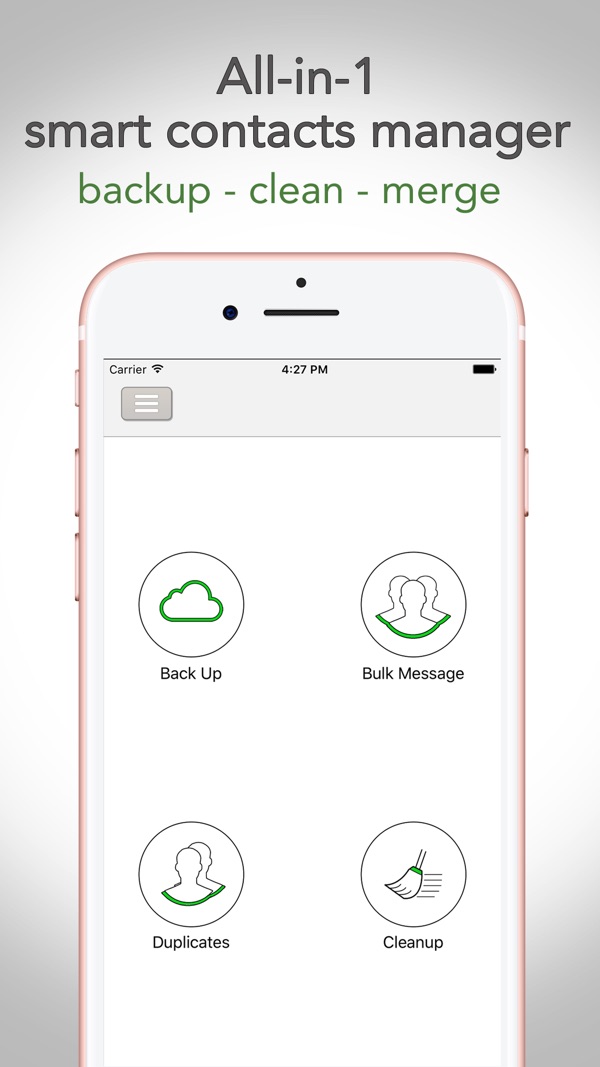
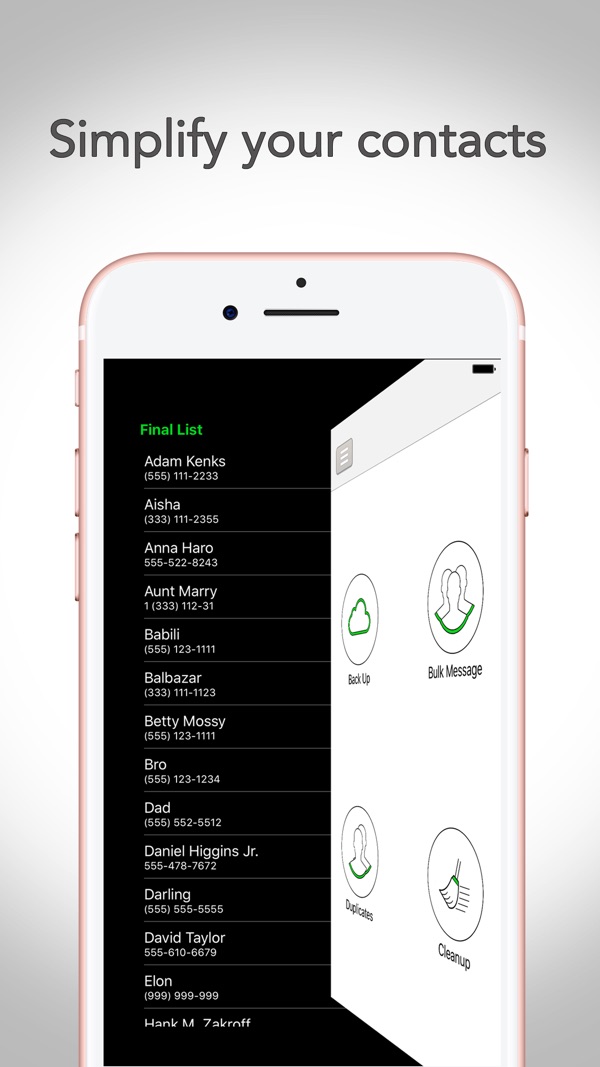
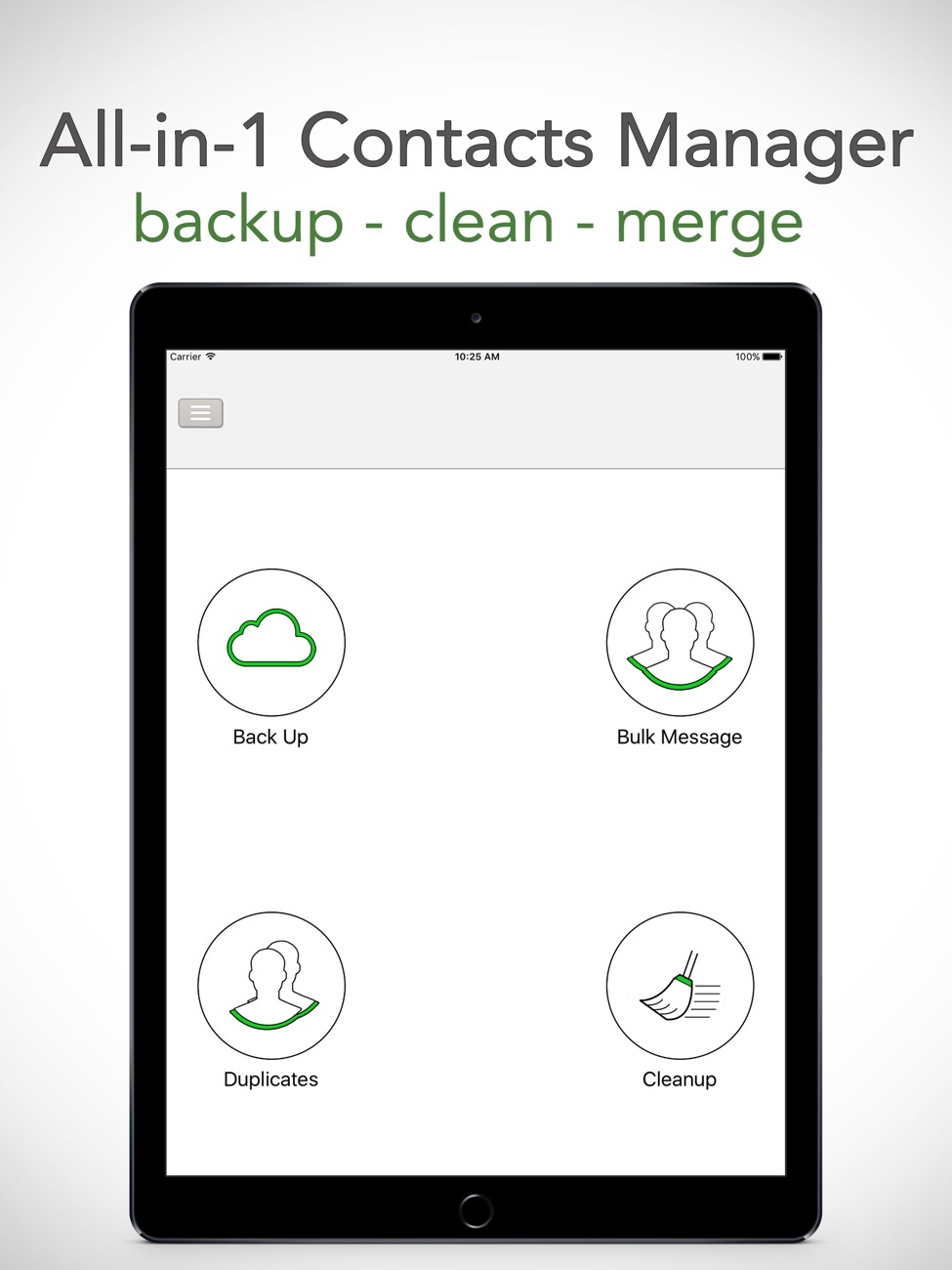
A tidy address book
in minutes.
Four tools that should probably be built into iOS.
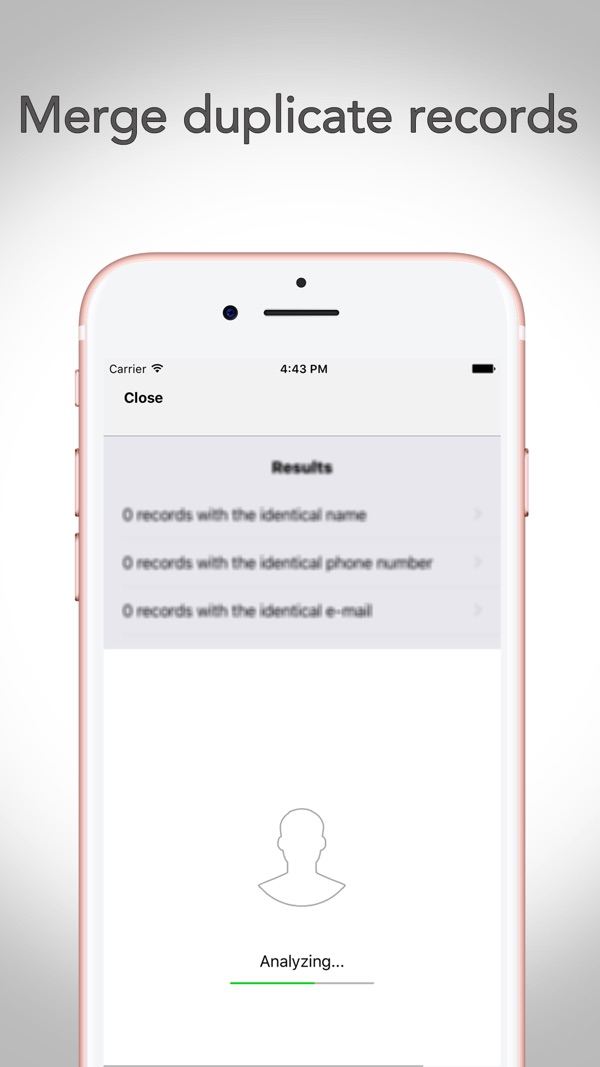
Merge duplicates
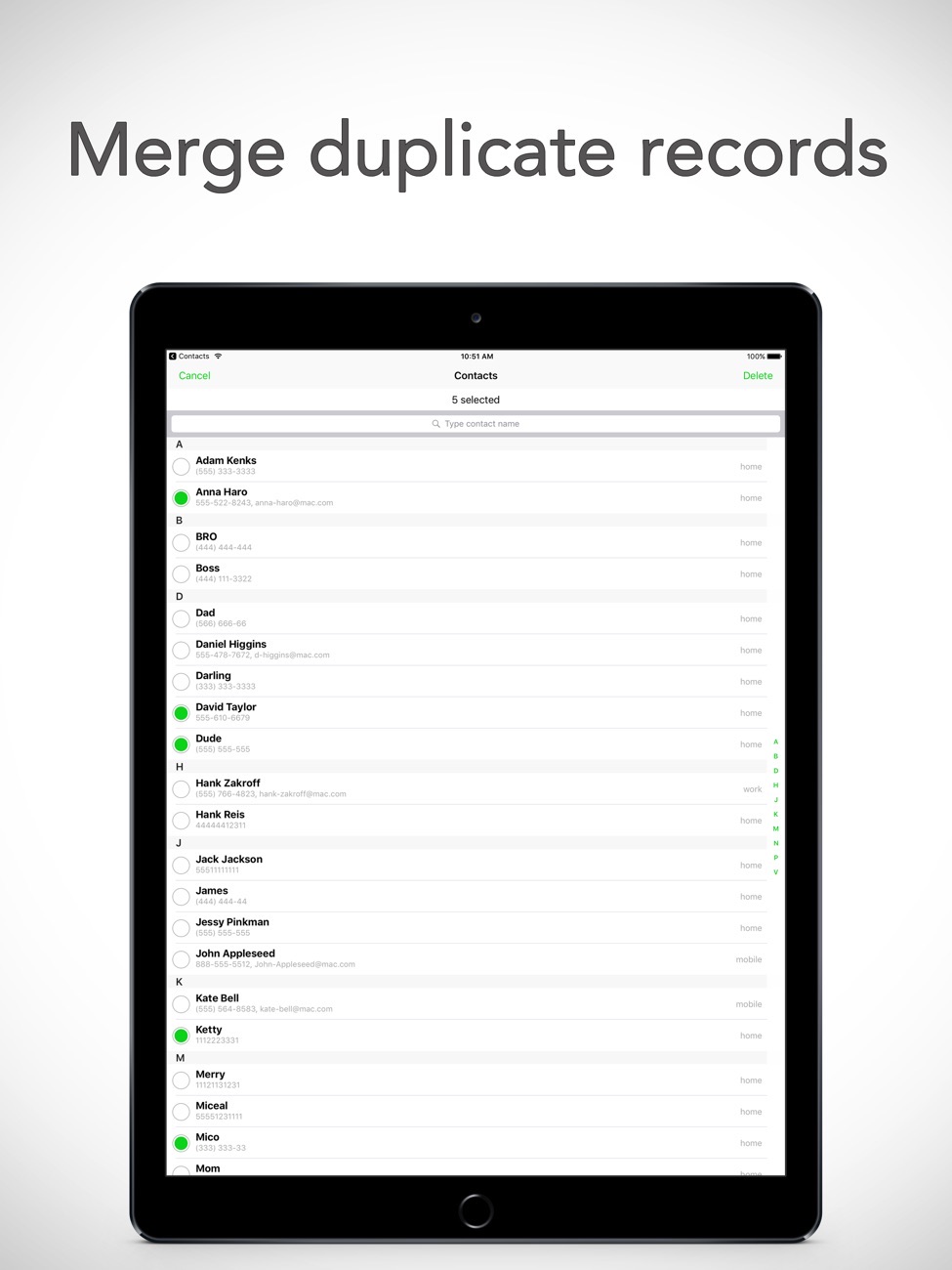
The app scans your contacts for records with the same name, phone number or email and merges them, so one person is one contact again.
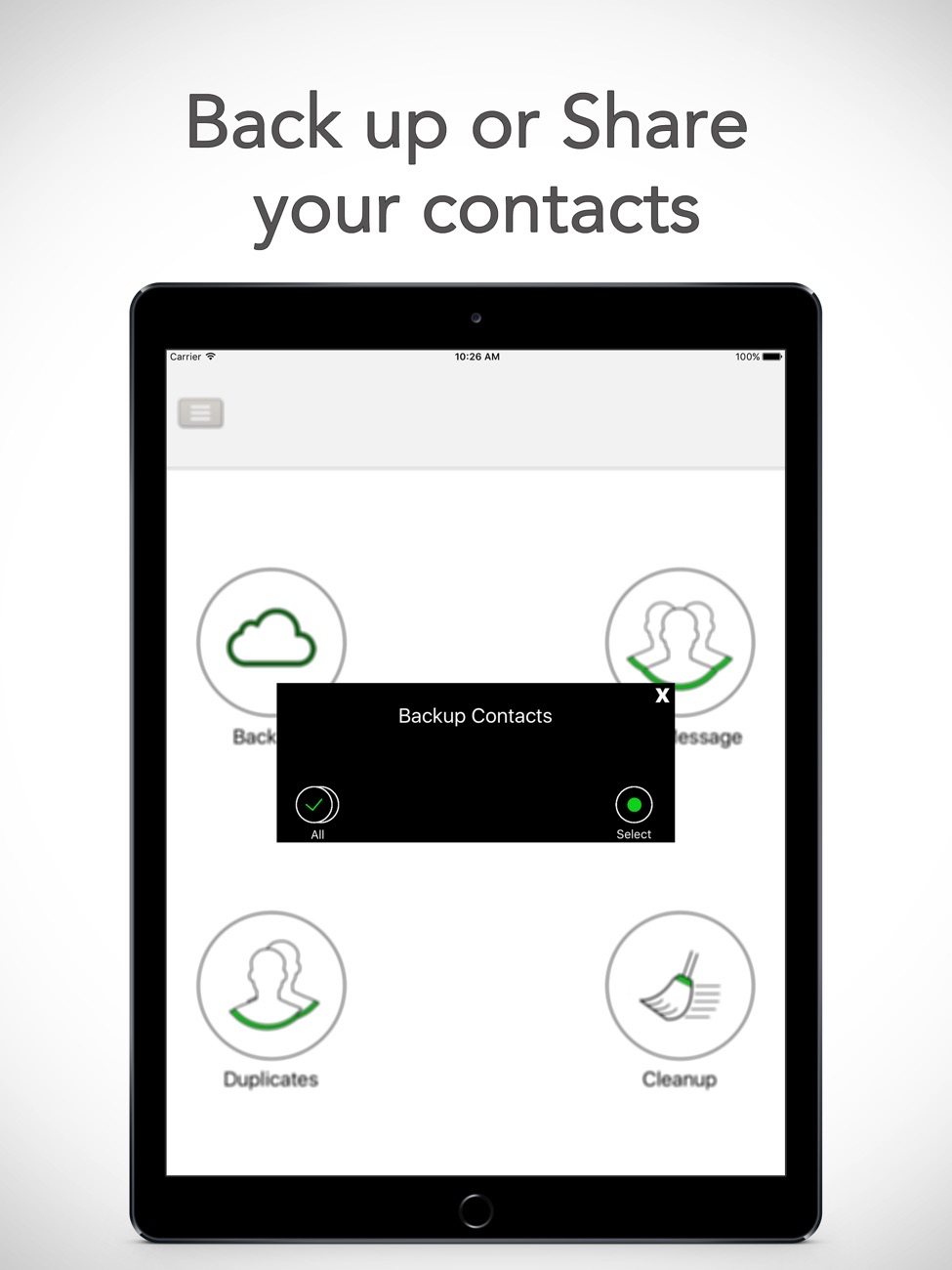
Back up
Back up everything or just the contacts you choose.
Share the backup
Send it by email, AirDrop or save it to Files, even if you haven't set up Mail.
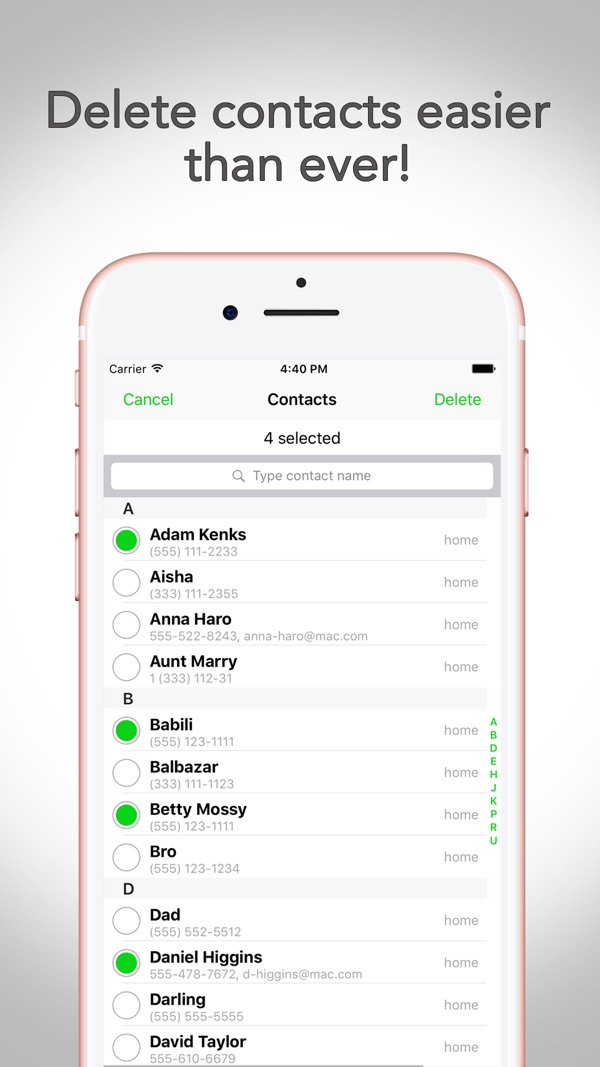
Delete in bulk
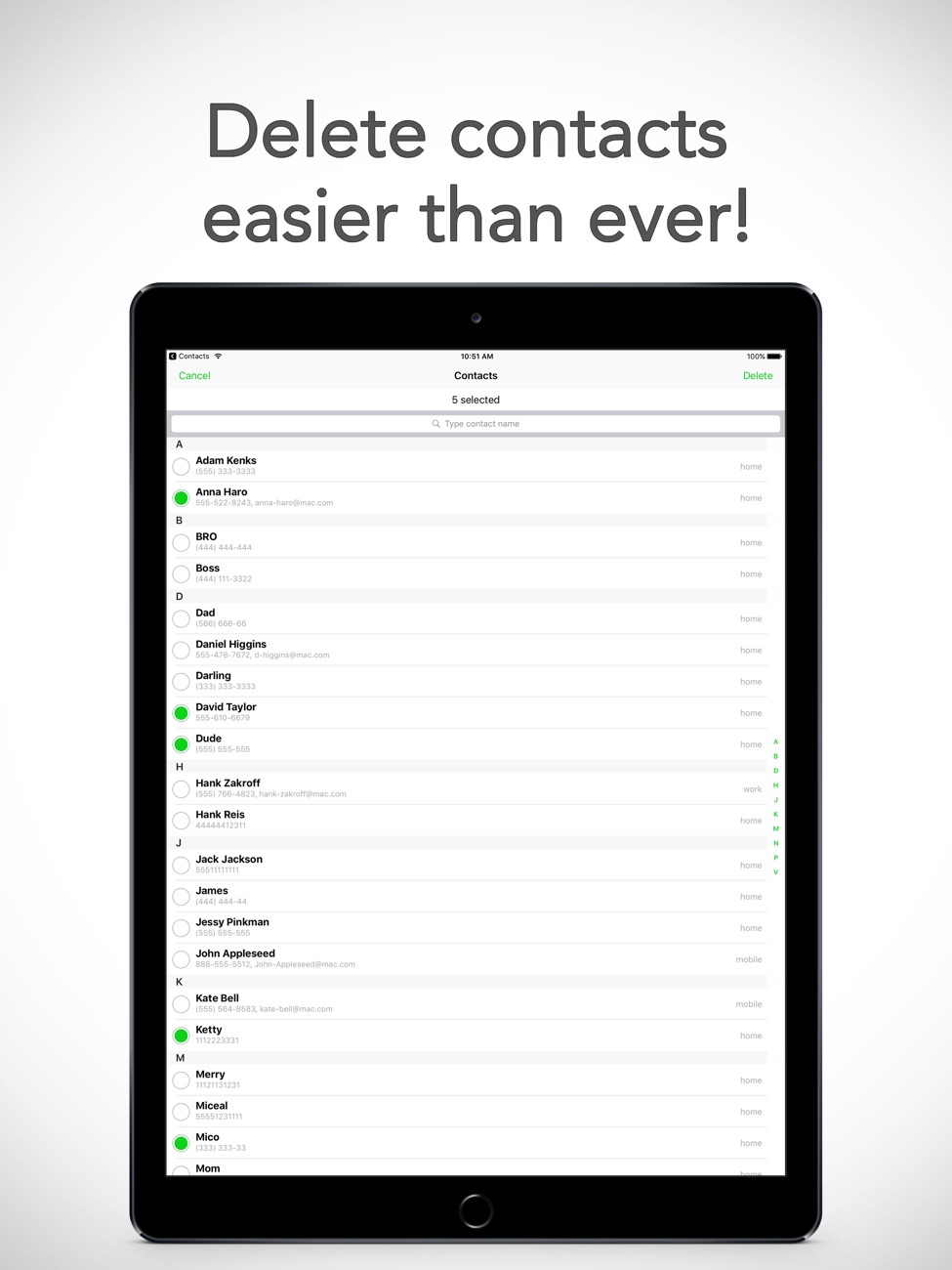
Select contacts and remove them in one go, or clear the whole list when you're starting fresh.
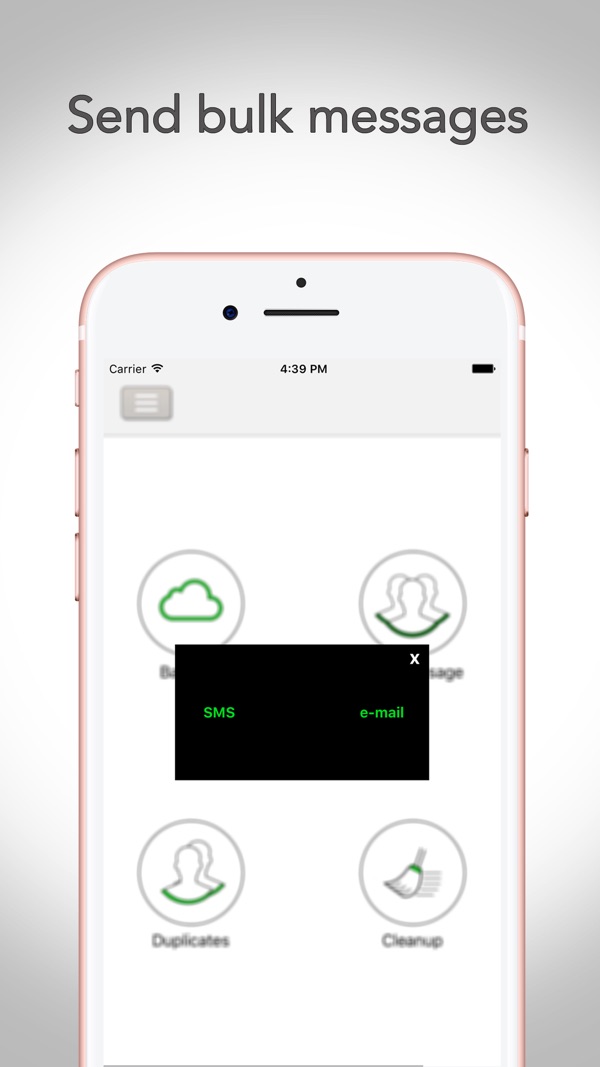
Group messages
Pick people and send them the same SMS or email at once.
Quick and light
A small app with a clear interface and no sign-up.
One price
No ads and no in-app purchases.
Screenshots
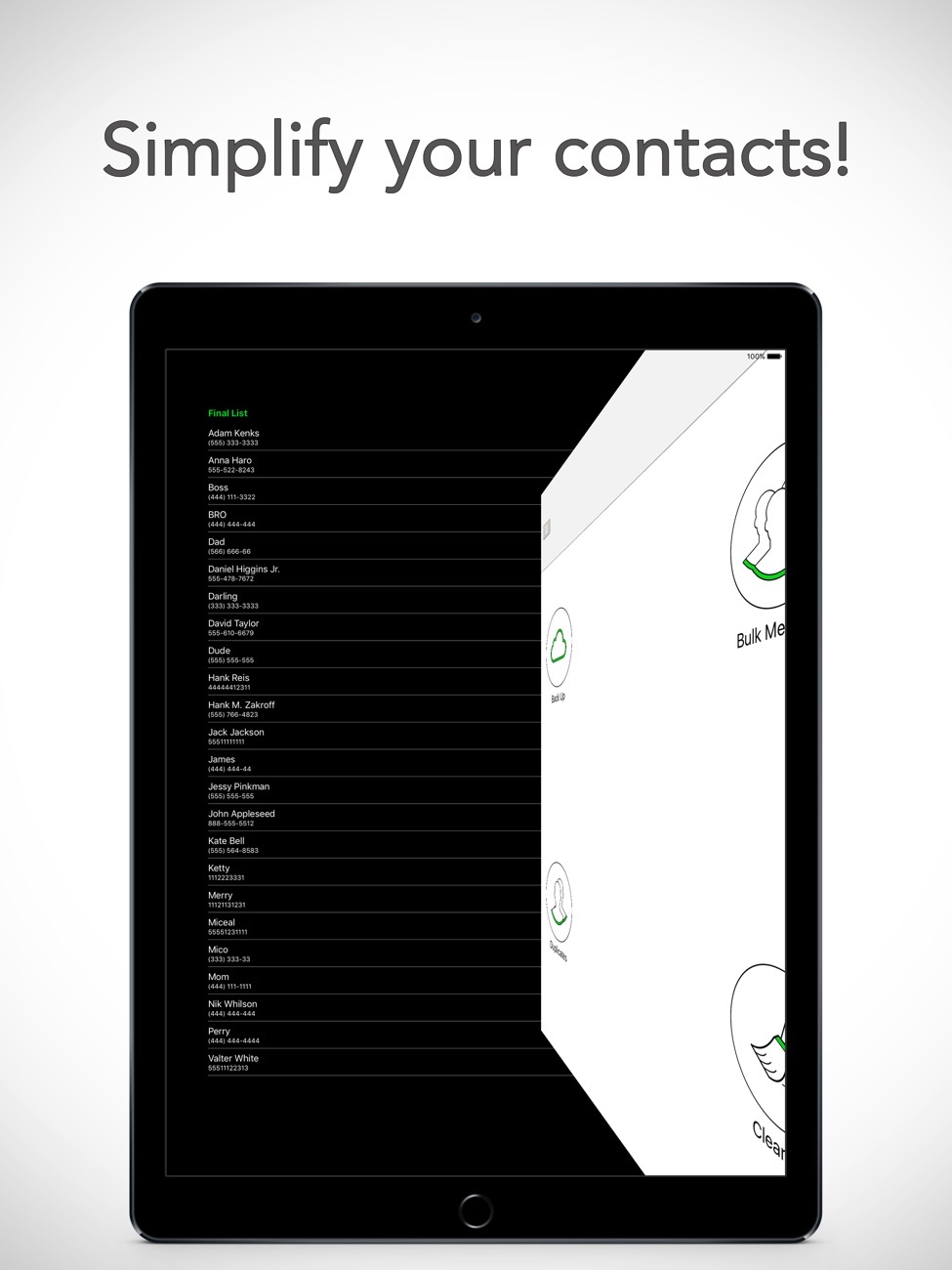
My Contacts Editor + on iPhone and iPad.
Is it right for you?
An honest look at who My Contacts Editor + is made for.
Great for
- Switching phones
- Cleaning up years of duplicates
- Sending one message to a group
Look elsewhere if you need
- CRM-style contact management
Details
- Developer
- Sensonet
- Price
- $0.99
- Category
- Productivity
- Version
- 1.40 · updated 2026-06-15
- Requires
- iOS 15.0 or later
- Languages
- 2
- Size
- 4 MB
- Age rating
- 4+
Privacy
No account and no ads. Backups go only where you send them.
Questions
How do I merge duplicate contacts on iPhone?
Open the Merge tool. The app lists contacts that share a name, phone number or email, and merges them into one.
How do I back up iPhone contacts without iCloud?
Use Backup to export all or selected contacts, then save the file to Files, AirDrop it to a Mac or email it to yourself.
Can I delete all contacts at once?
Yes. Bulk delete lets you remove selected contacts or the whole list. Make a backup first.


My Contacts Editor + privacy policyPrivacy Policy — My Contacts · Effective date: June 13, 2026
This Privacy Policy explains how the My Contacts (Rehberim) app (“the app”, “we”, “us”) handles your information. The short version: the app does not collect, transmit, or store your data on any server. Everything happens locally on your device.
1. Information the app accesses
To do its job, the app needs access to the contacts stored on your device. With your permission, it reads contact information such as names, phone numbers, and email addresses in order to:
- Back up your contacts to a vCard (.vcf) file,
- Find and merge duplicate contacts,
- Delete contacts you select (“Cleanup”),
- Help you send a message or email to contacts you choose (“Bulk Message”).
The app asks for contacts permission through the standard iOS prompt. You can grant or revoke this access at any time in Settings → Privacy & Security → Contacts. If access is not granted, the app’s contact-related features will not function, but no data is accessed.
2. How your information is used
All processing is performed entirely on your device. Your contacts are used only to provide the features listed above, at your explicit request. The app does not:
- send your contacts or any personal data to us or to any third party,
- upload your data to any server or cloud service that we operate,
- use your data for advertising, profiling, or marketing,
- track you across apps or websites.
3. Data we collect
None. We do not operate any servers and we do not receive any information from the app. We do not collect analytics, usage statistics, device identifiers, location, or crash data. The app has no user accounts and no login.
4. Sharing of information
The app never shares your data automatically. The only time your contact data leaves your device is when you choose to share it yourself — for example, when you create a backup file and then send it by email, AirDrop, Messages, or save it to the Files app. In those cases the data is handled by the iOS feature or third-party service you select, under that provider’s own terms and privacy policy. We are not involved in and have no access to that transfer.
Any messages or emails you send to your contacts through the app are created and sent using Apple’s standard Mail and Messages composer; the app does not send them on your behalf or in the background, and we never see their content.
5. Data storage and retention
Backup files (.vcf) and any changes to your address book (merges, deletions) are stored in the locations you choose on your own device or in the destinations you share them to. We do not retain copies of anything. Deleting the app removes its access to your contacts; any backup files you have already saved or sent remain wherever you stored them and are under your control.
6. Third-party services
The app does not integrate any third-party analytics, advertising, or tracking SDKs. It relies only on Apple’s standard on-device frameworks (Contacts, Mail, Messages, and the system share sheet).
7. Children’s privacy
The app does not knowingly collect any personal information from anyone, including children. It is rated suitable for ages 4 and up and contains no data collection, ads, or external links.
8. Your rights and choices
Because all of your data stays on your device and under your control, you can:
- Revoke contacts access at any time in iOS Settings,
- Delete any backup files you created,
- Remove the app to end its access entirely.
Since we hold no data about you, there is nothing for us to access, correct, or delete on our side.
9. Security
Your contact data never leaves your device through the app, so it is protected by your device’s own security (passcode, Face ID/Touch ID, and iOS data protection). Any data you choose to share is protected by the security of the destination you select.
10. Changes to this policy
If this policy changes, the updated version will be posted at this address with a new effective date. Material changes will be reflected here before they take effect.
Contact Us
If you have any questions about this Privacy Policy, you can contact us at: info@theappverdict.com
Published by Sensonet, the developer of My Contacts Editor +. This page is the current version of the policy.