 iWater · Water reminder & drink tracker
iWater: Drink water.
On your schedule.
Pick your reminder times, log a drink in a tap and see how your week went. Plus a little refrigerator that's a lot more fun than a progress bar.
Small sips.
Better days.
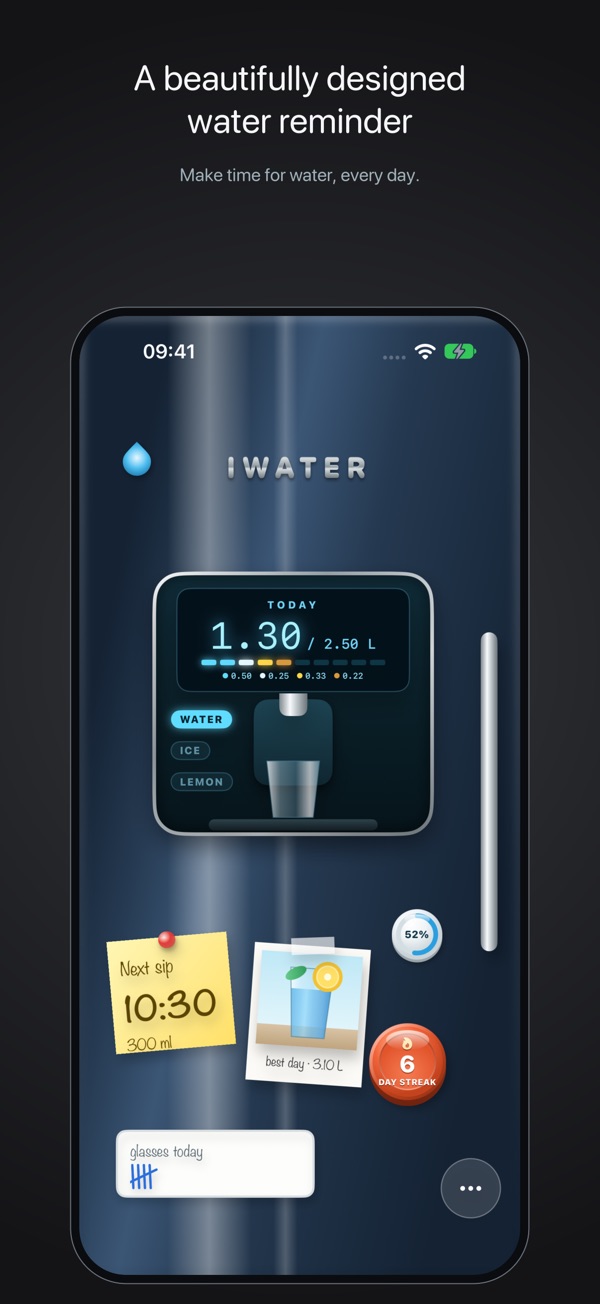
A water reminder that works around your routine, not the other way round.
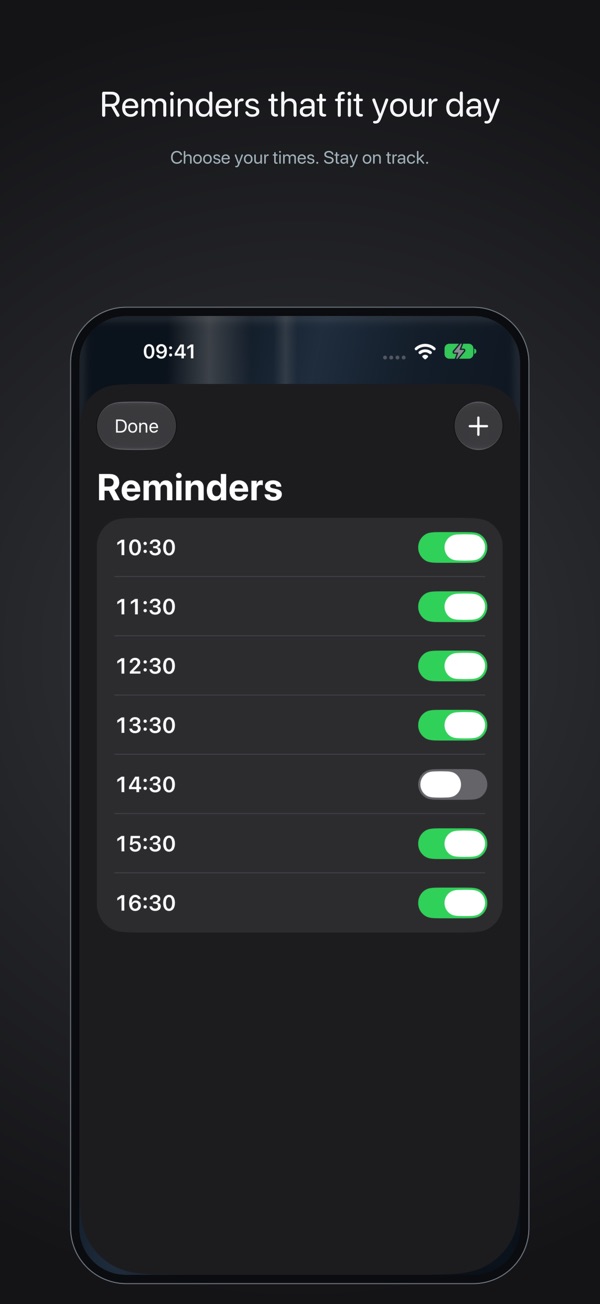
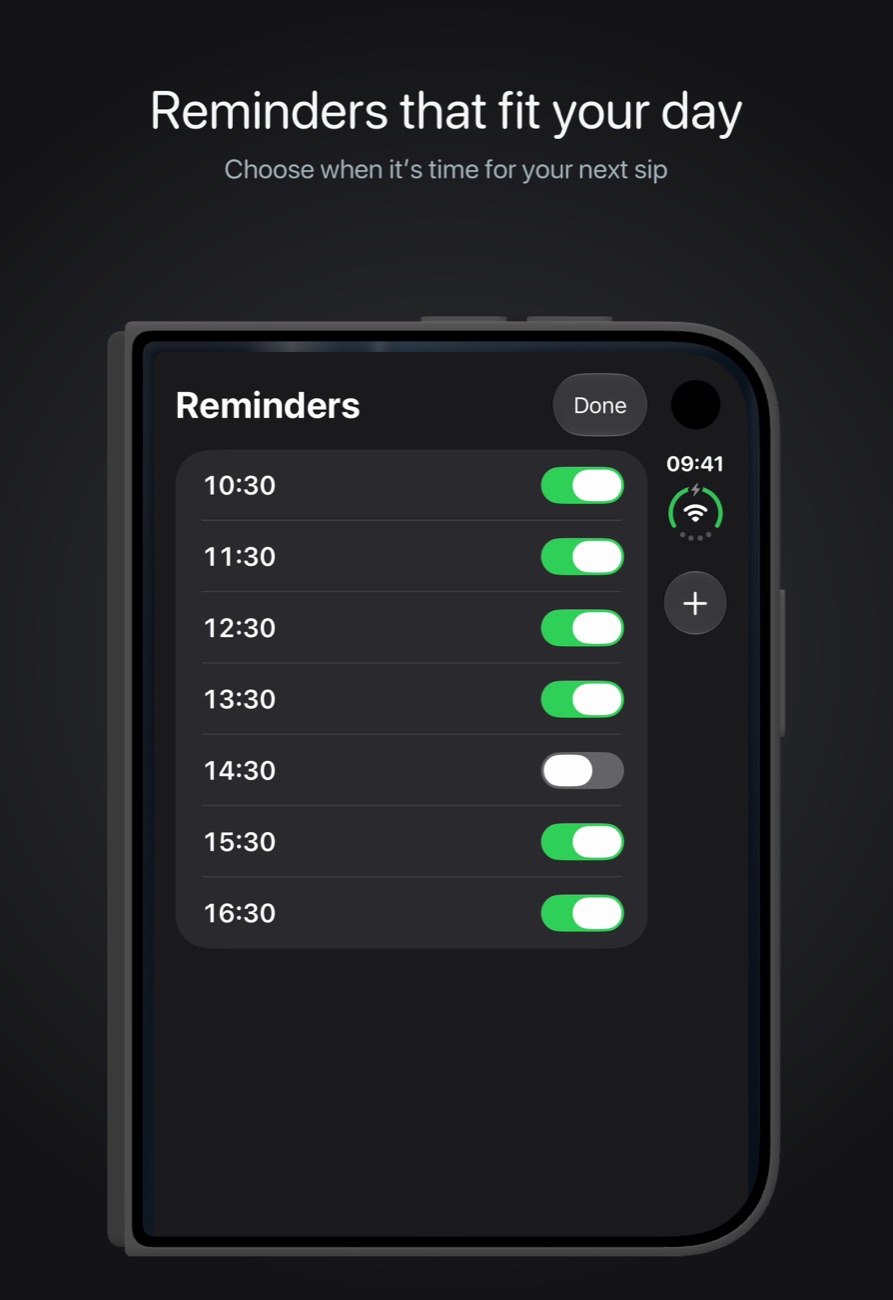
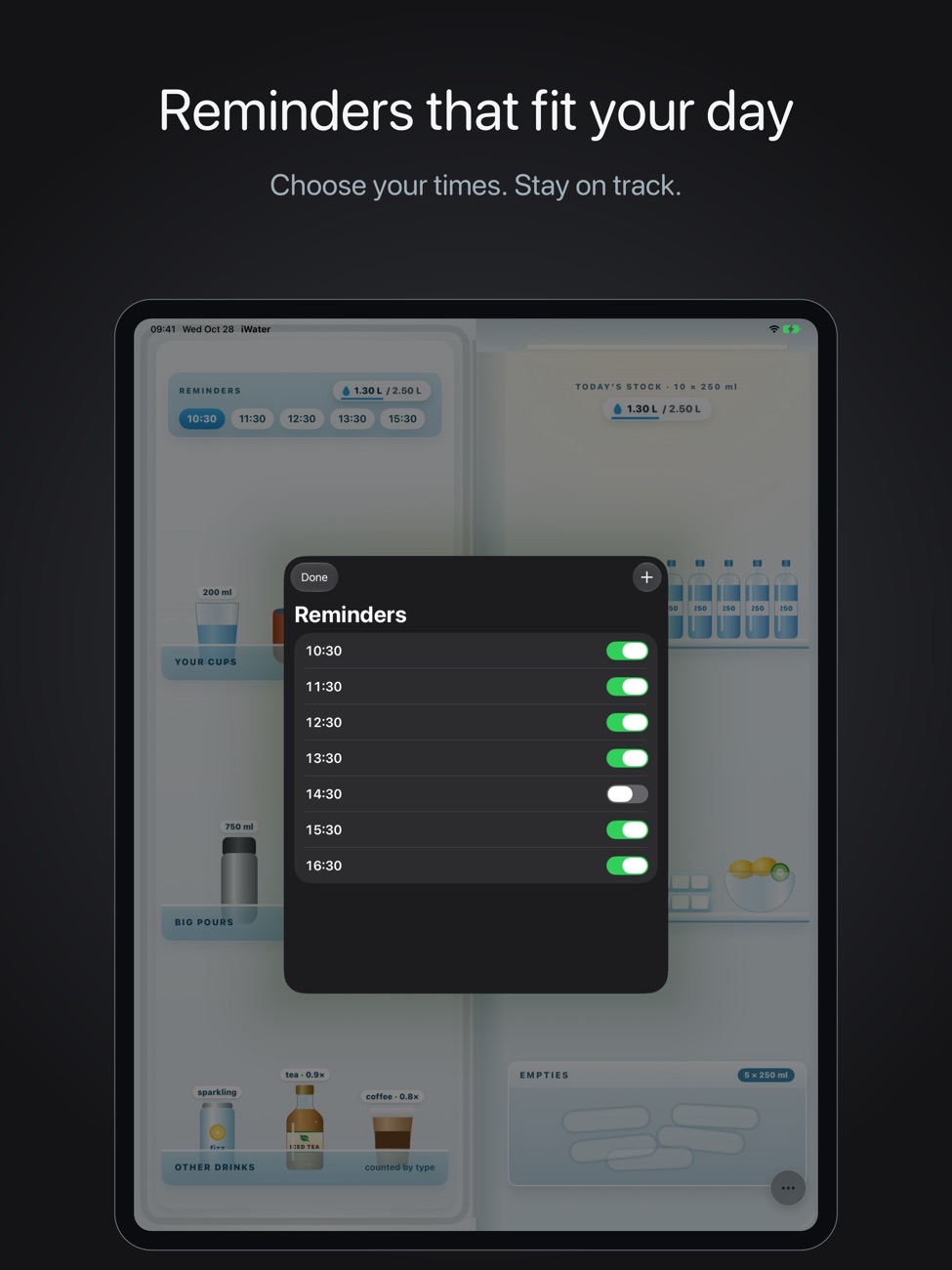
Reminders at the times you pick
Set your own reminder times and switch each one on or off. A 7am glass on weekdays only? Done. Times follow your 12- or 24-hour clock.
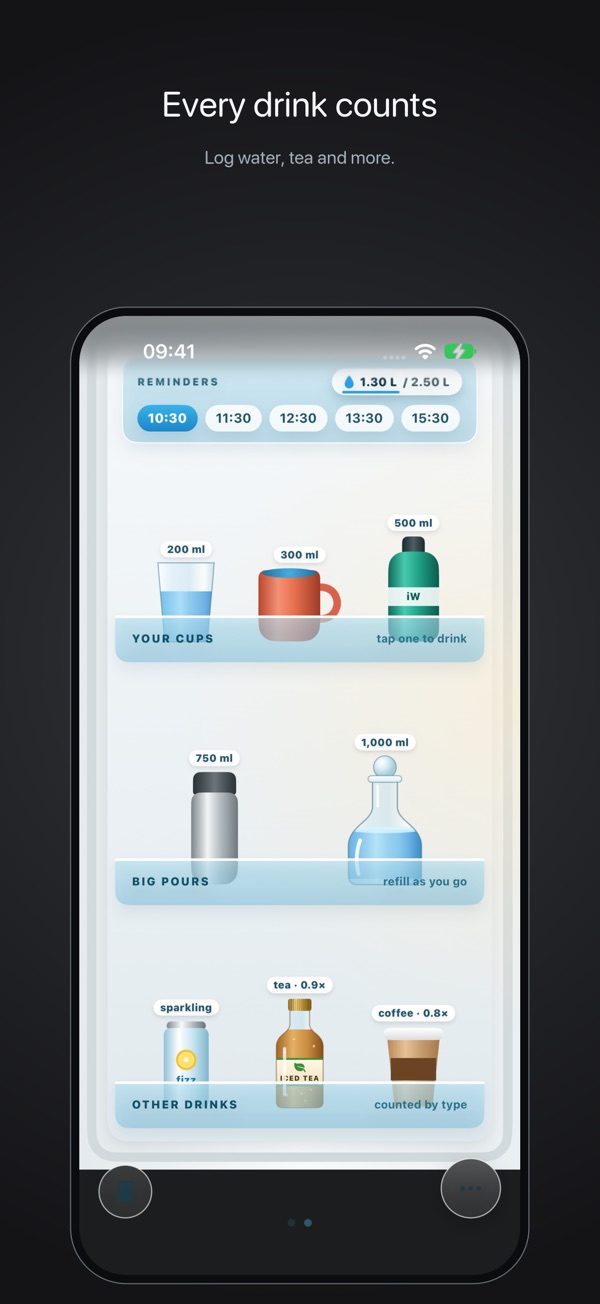
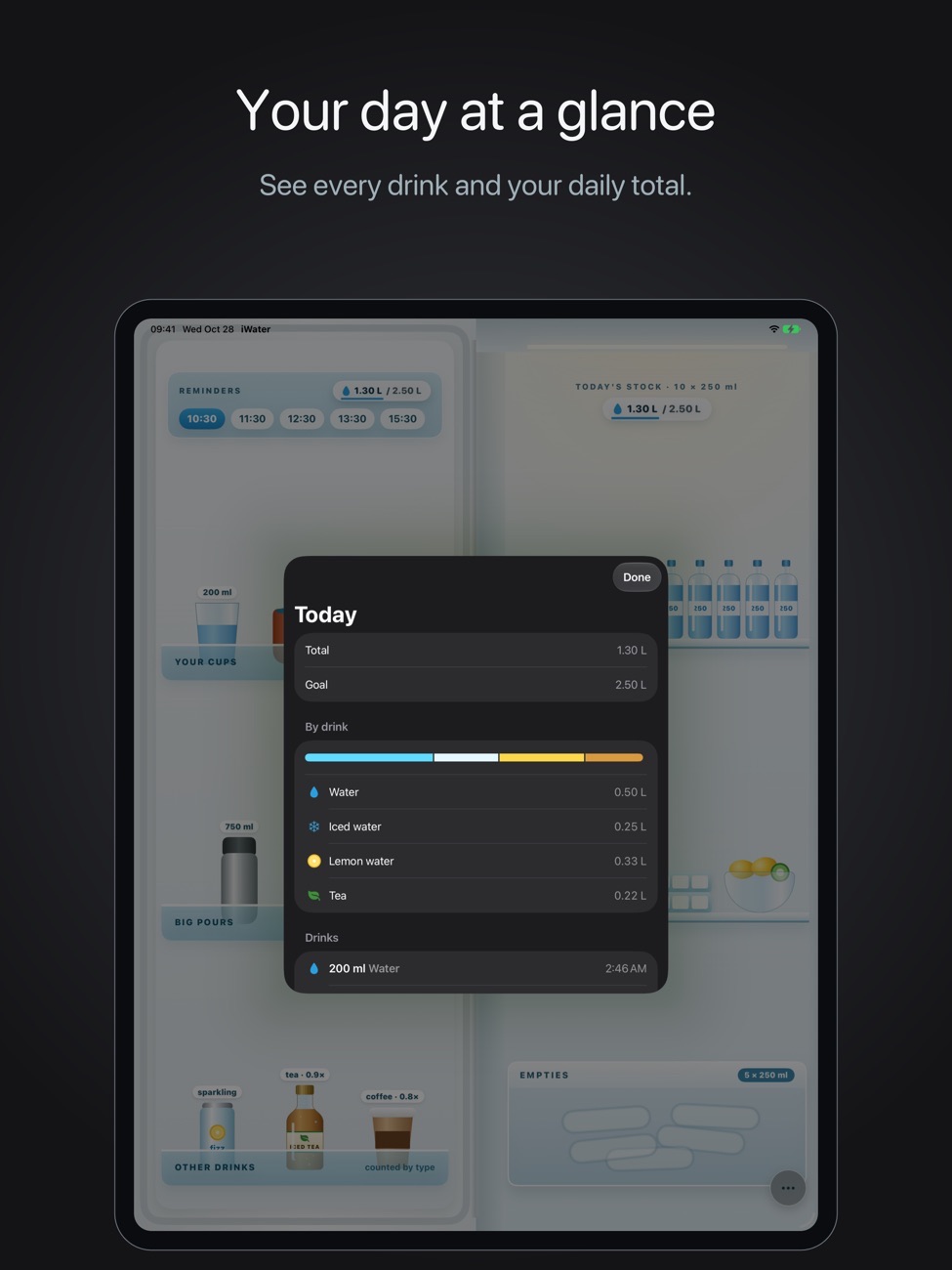
Every drink counts
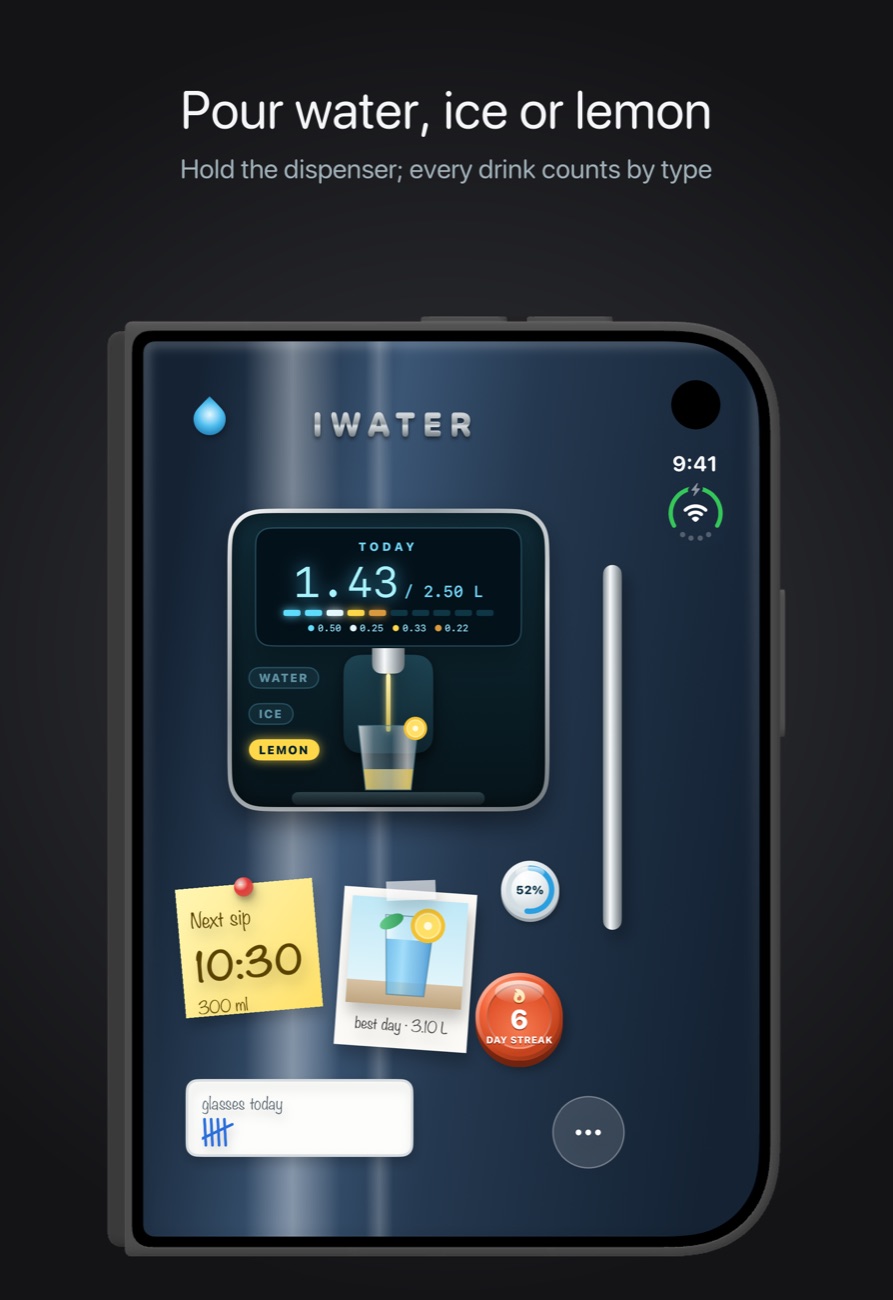
Water, iced water, lemon water, tea, coffee and sparkling water.
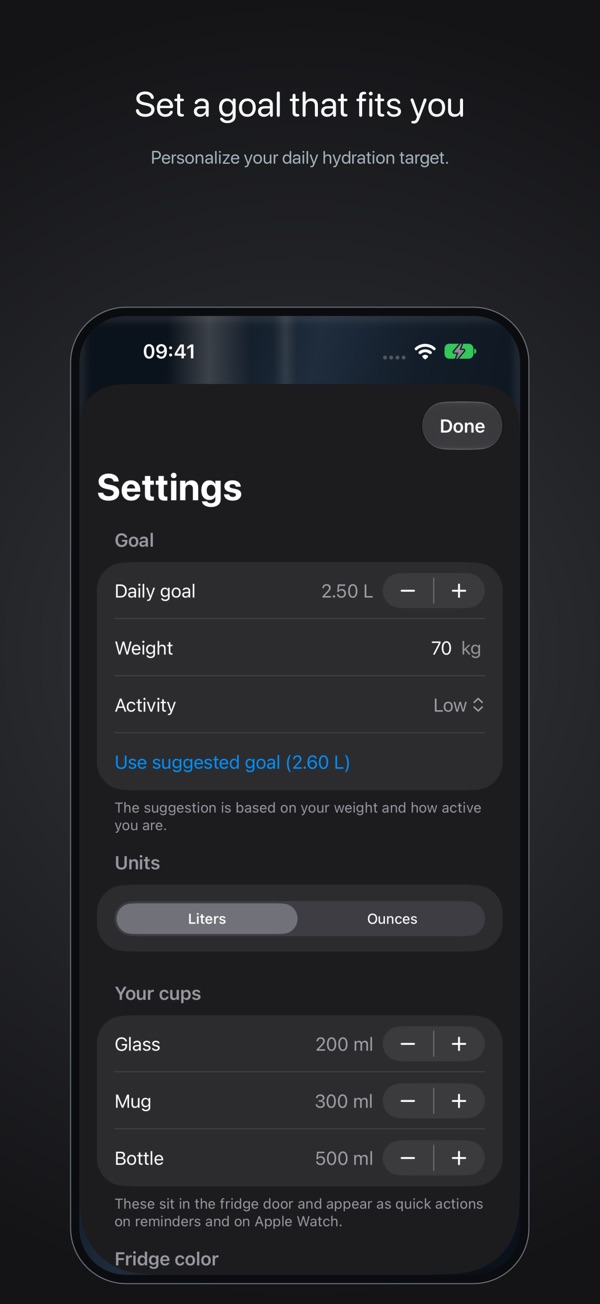
Your cup sizes
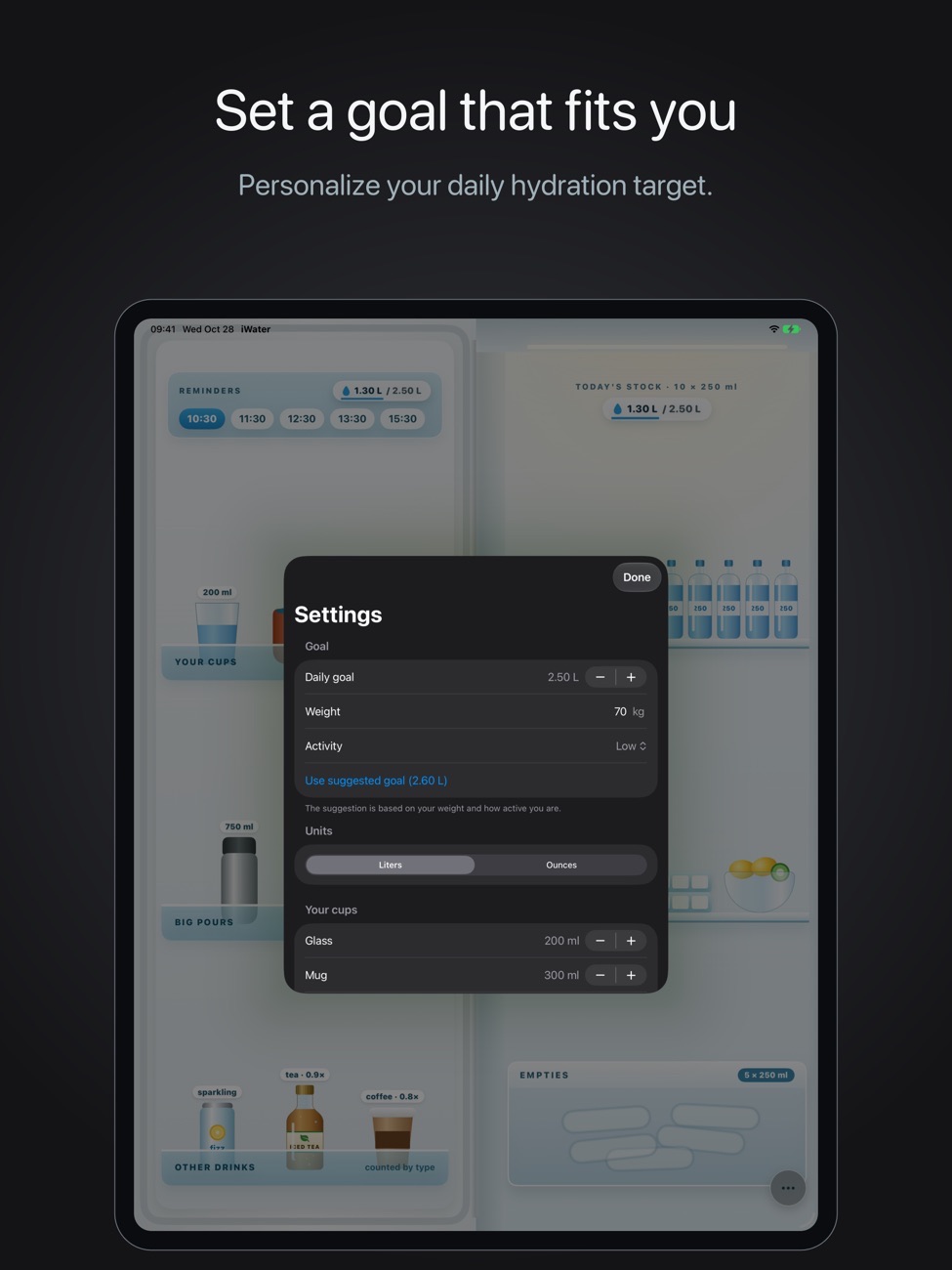
Set the size of your glass, mug and bottle once, then log with a tap. Liters or ounces.
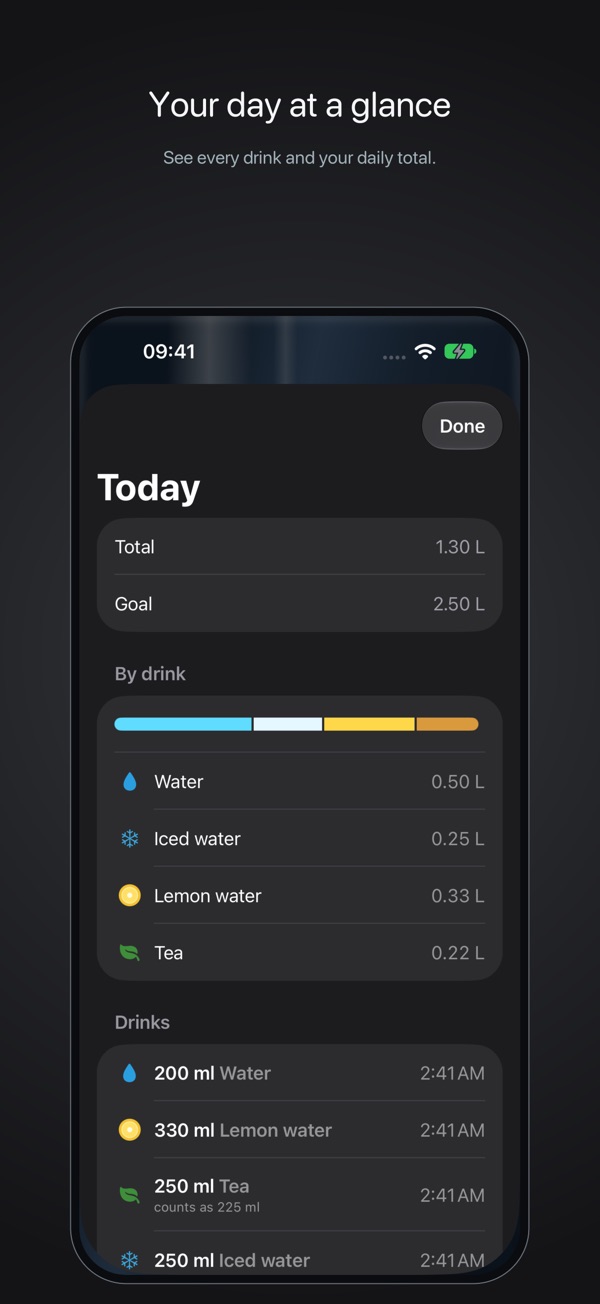
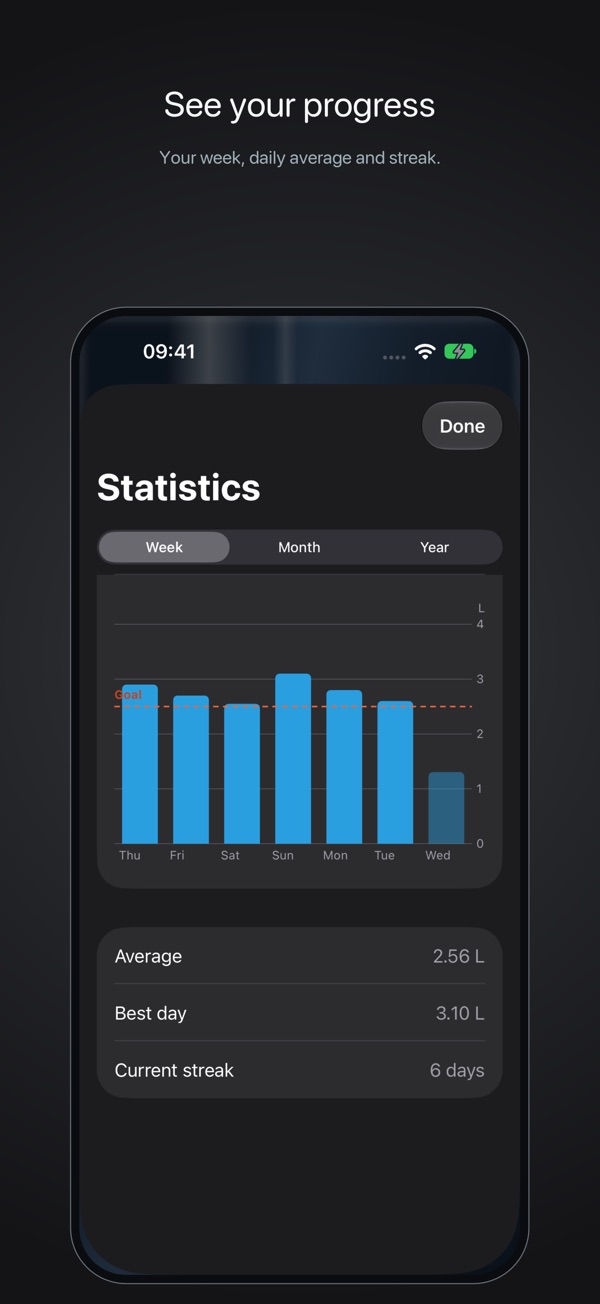
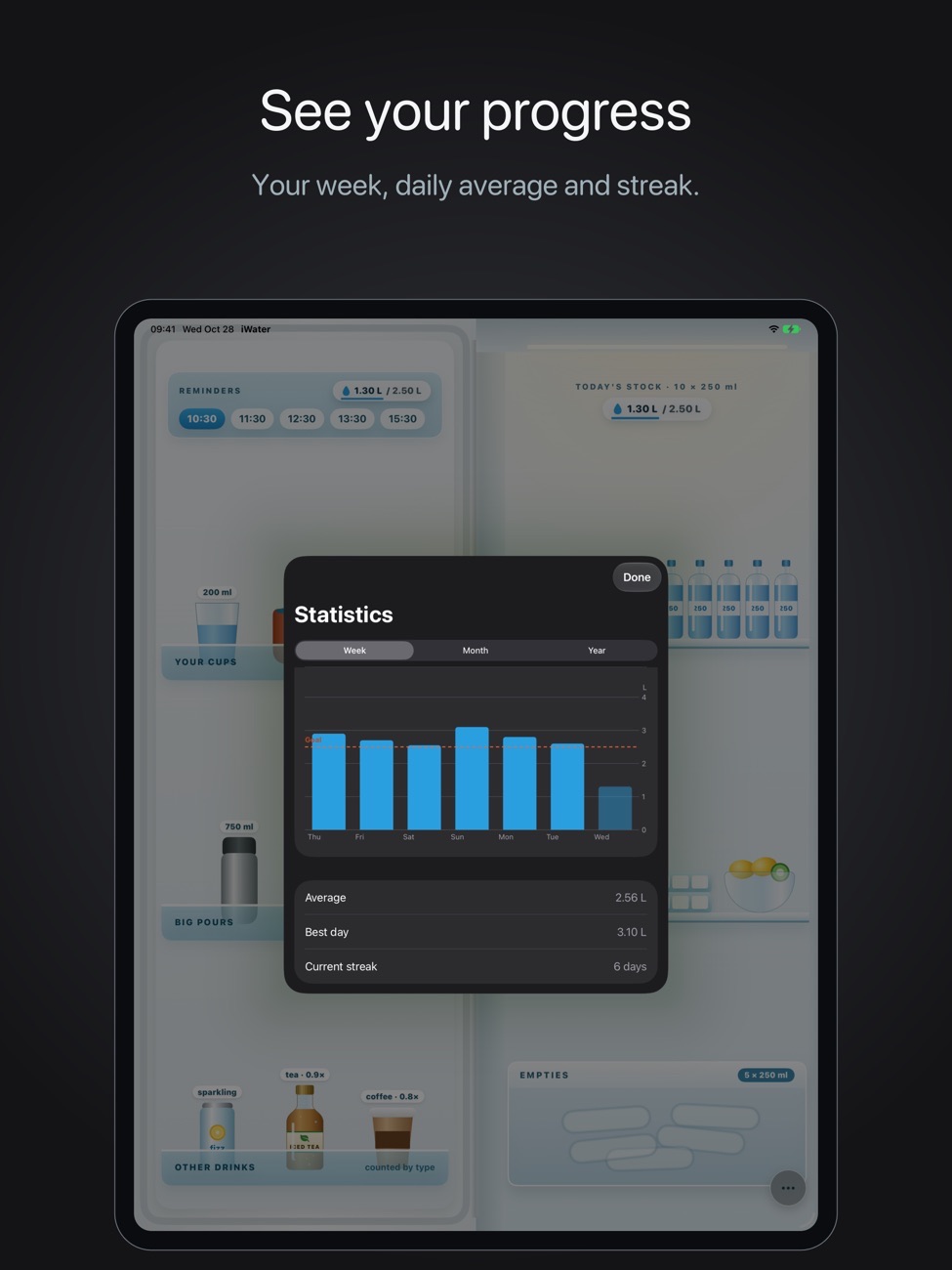
Charts that tell a story
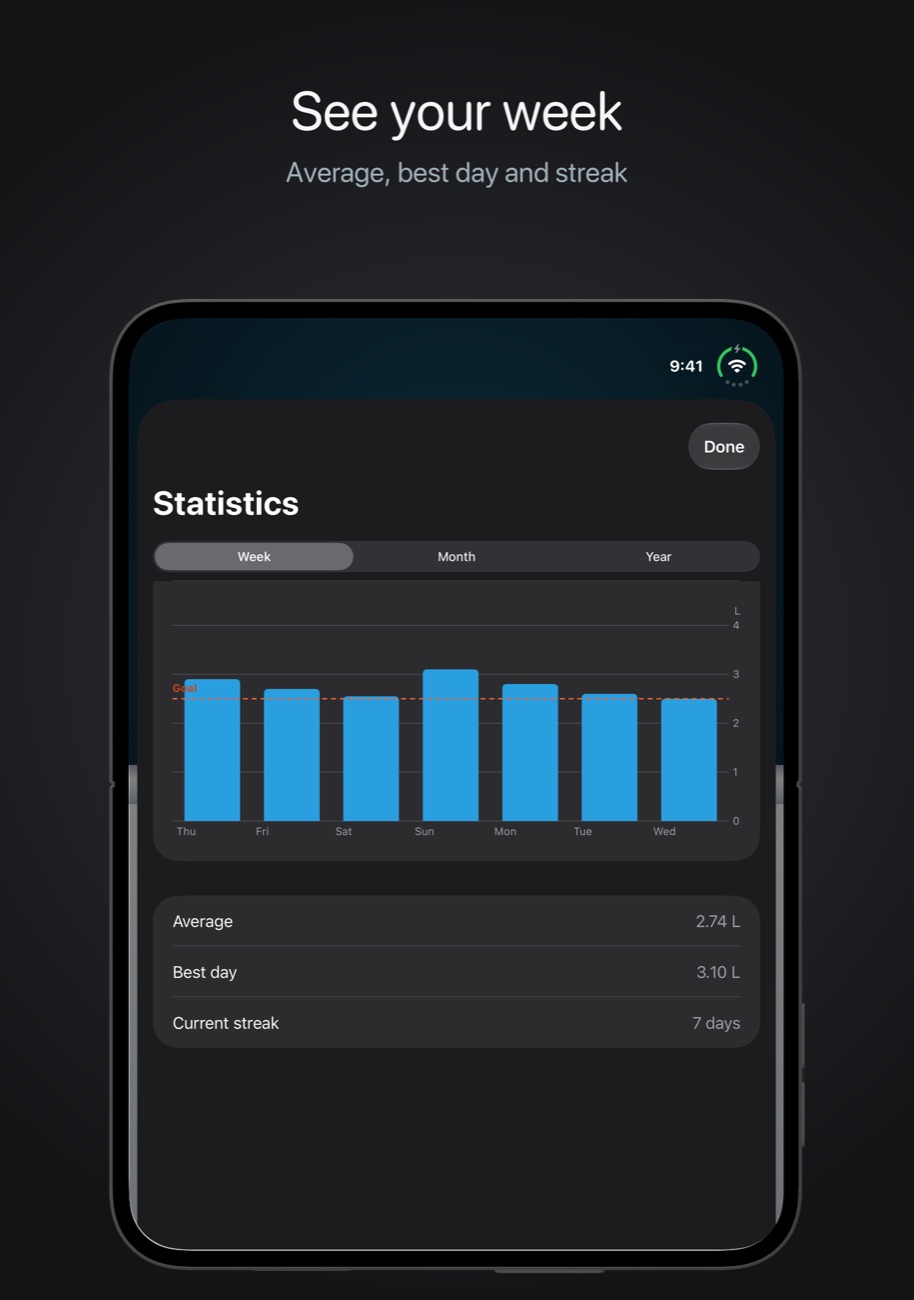
Weekly, monthly and yearly charts with your daily average, best day and current streak.
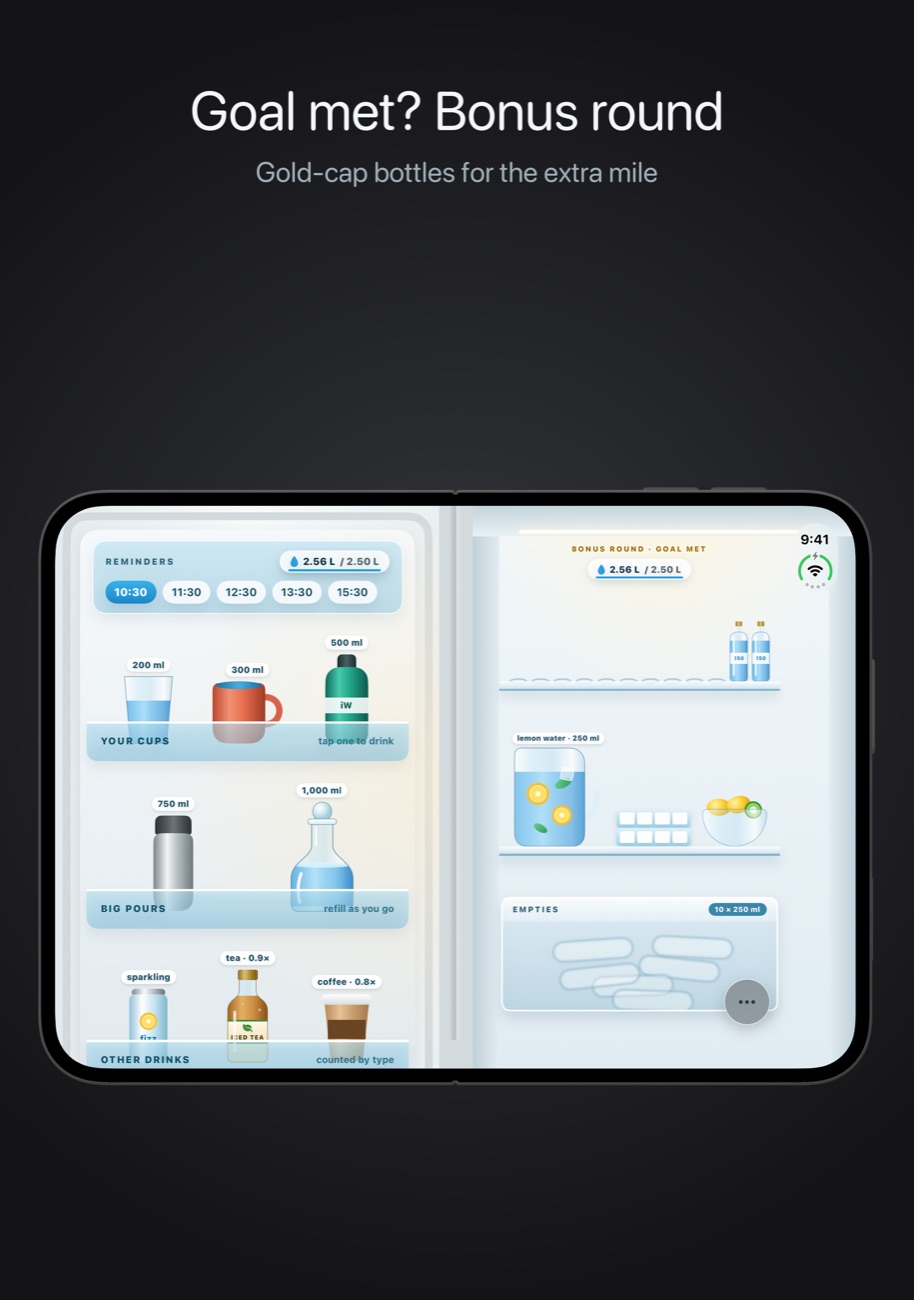
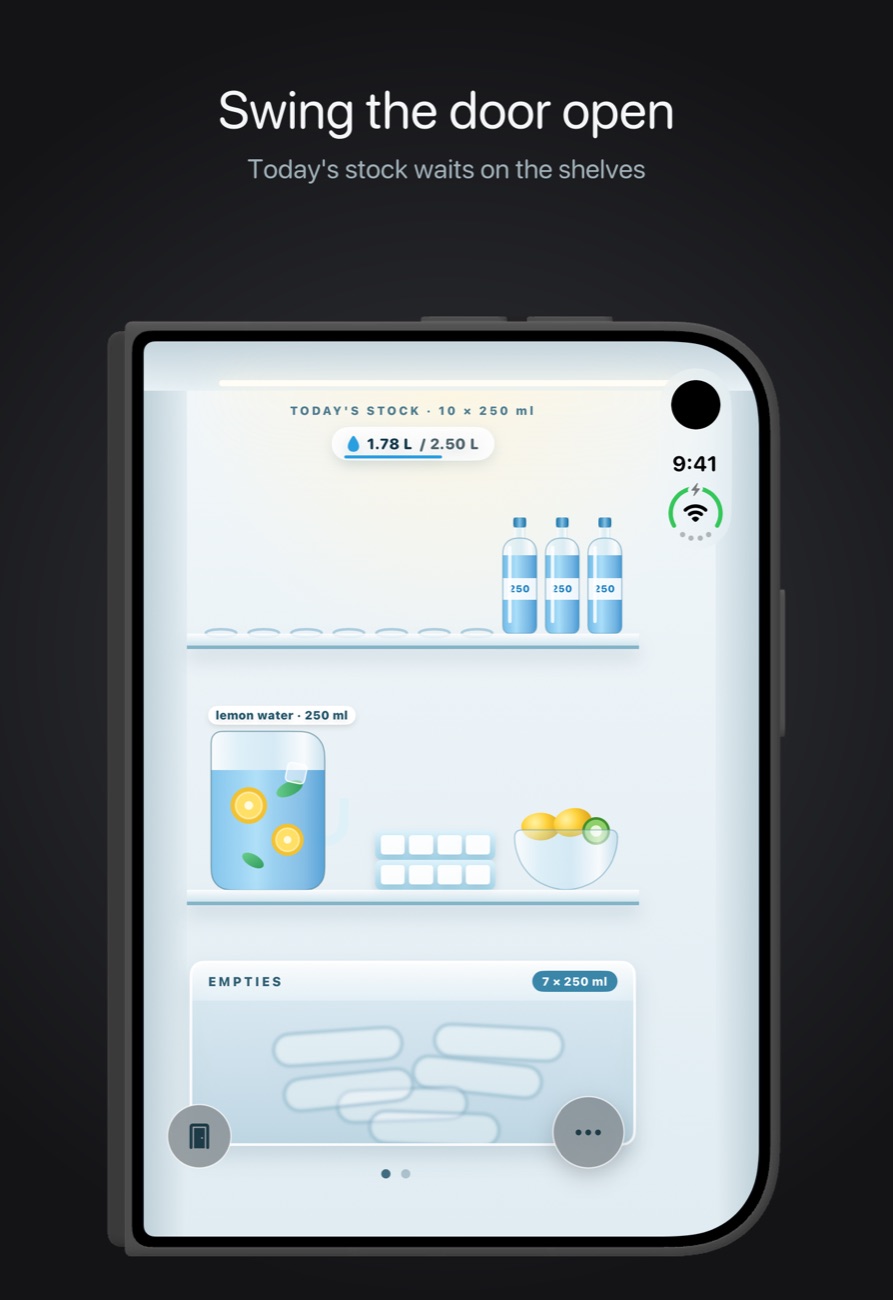
A fridge full of details
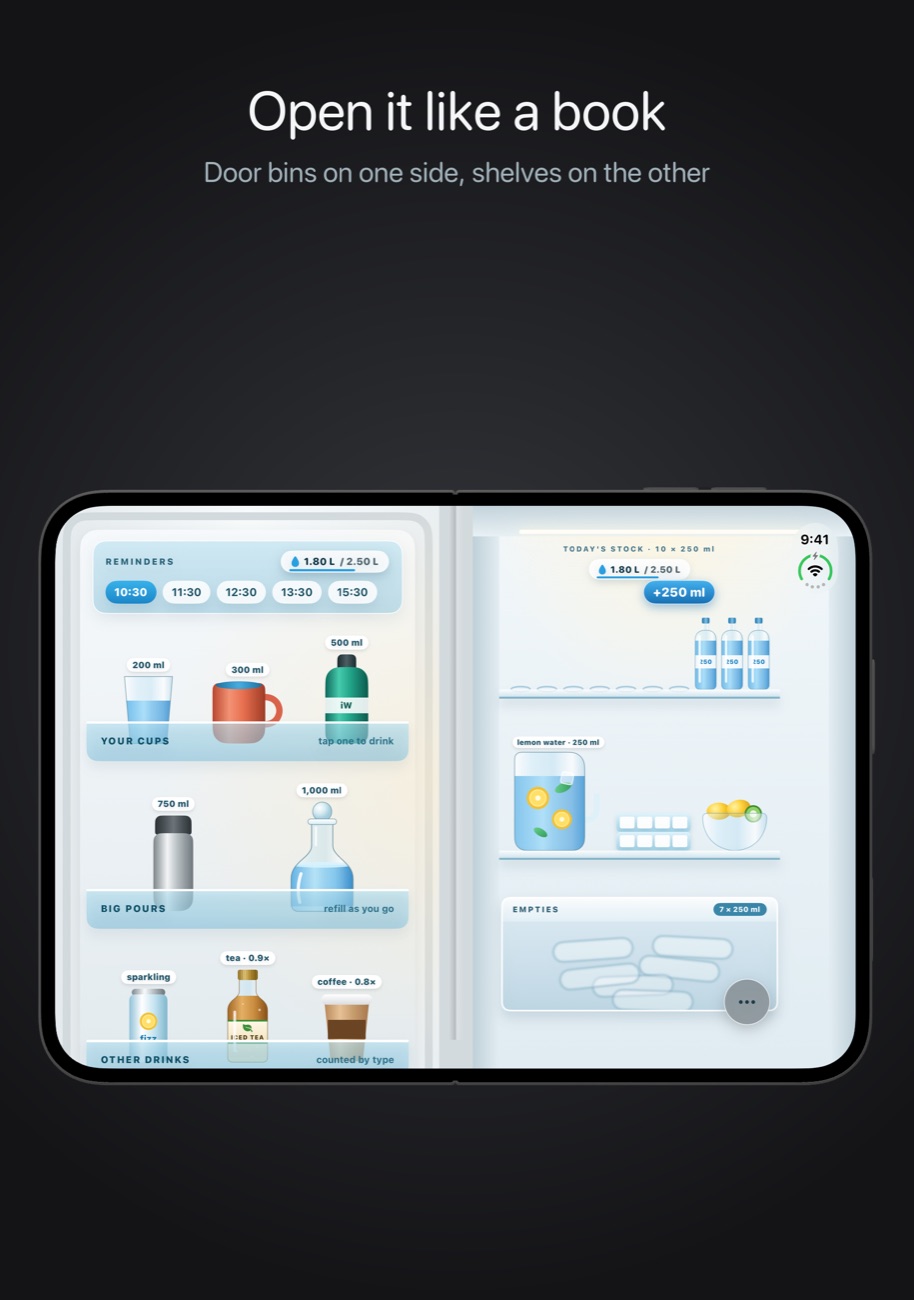
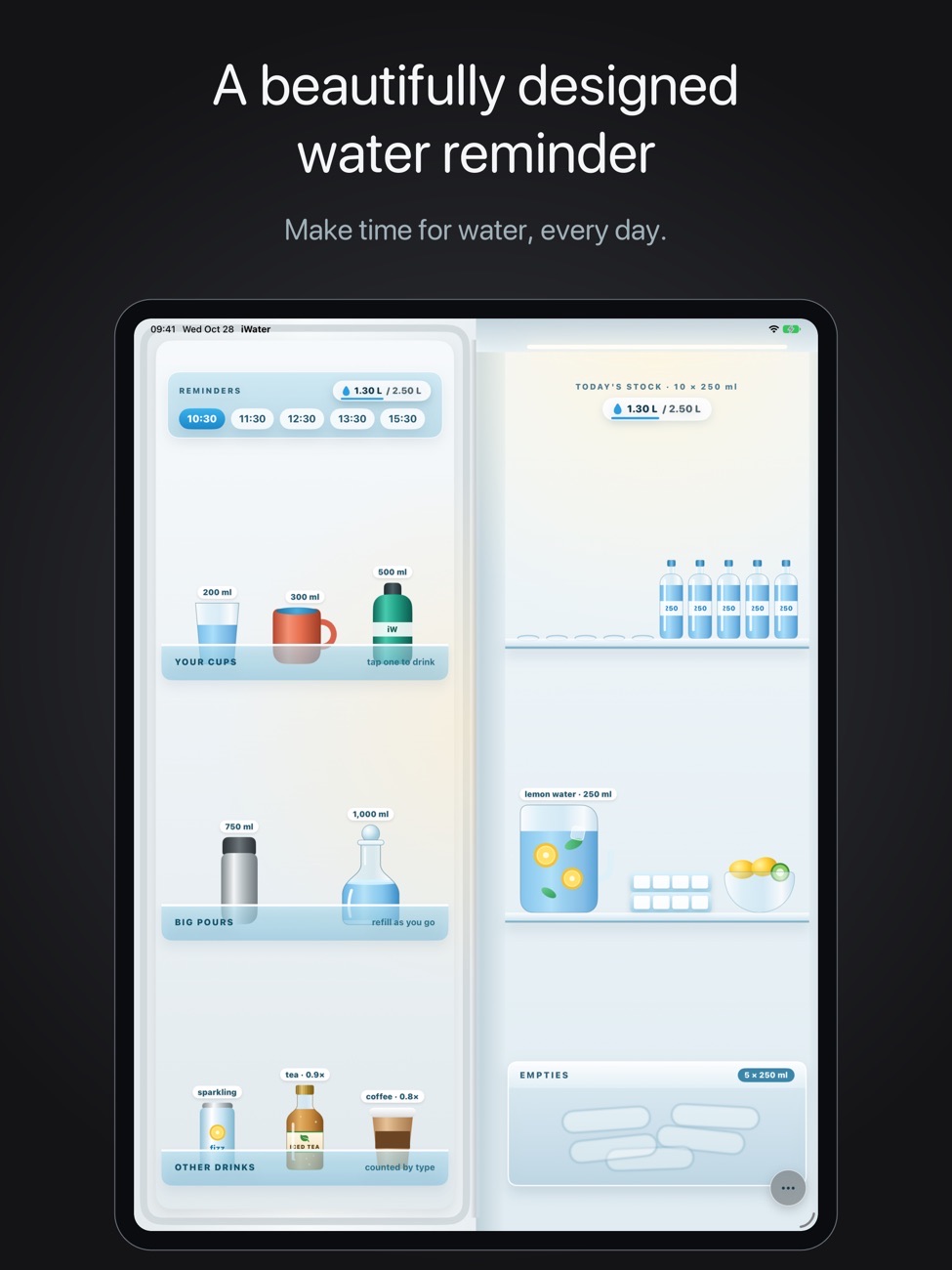
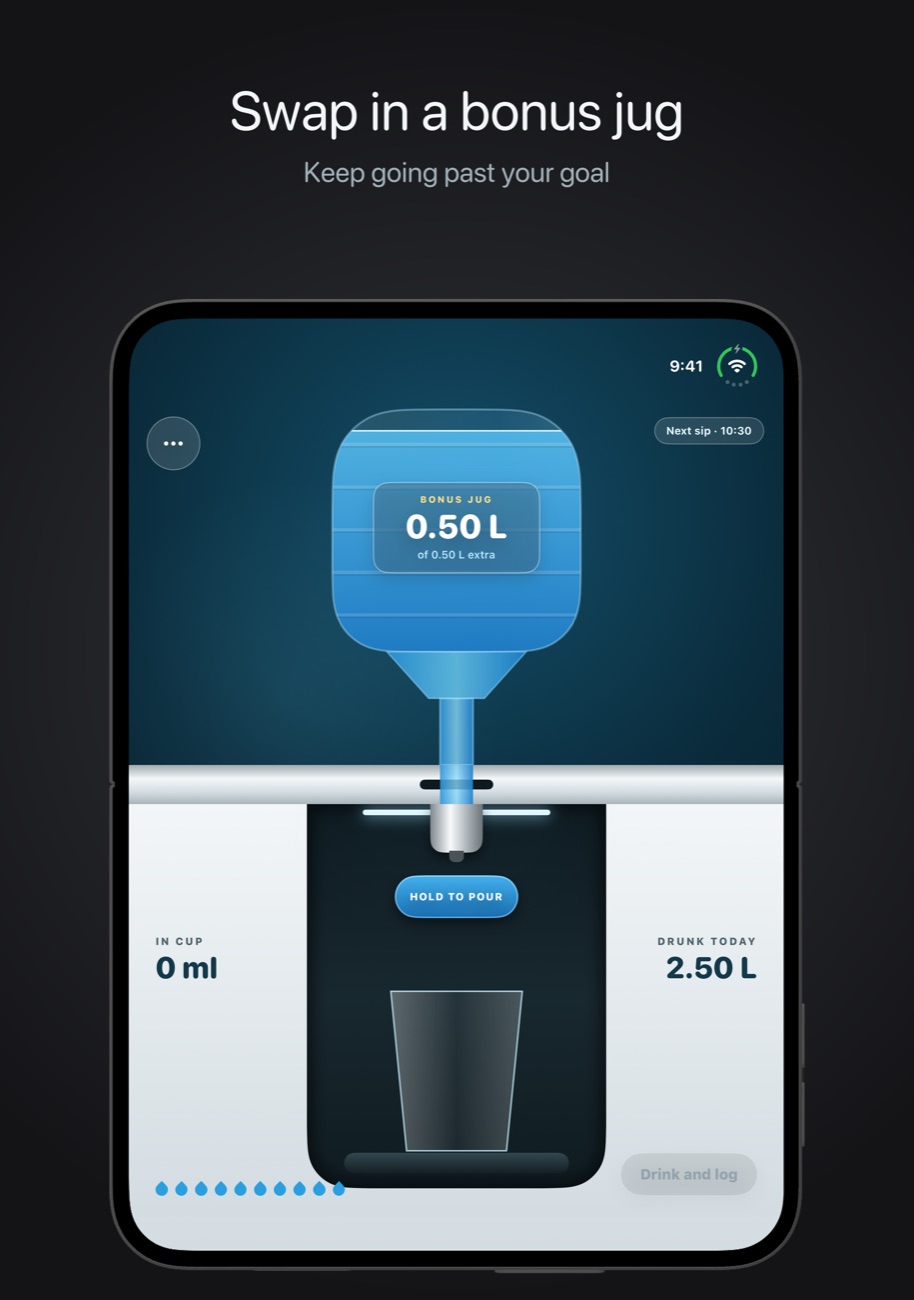
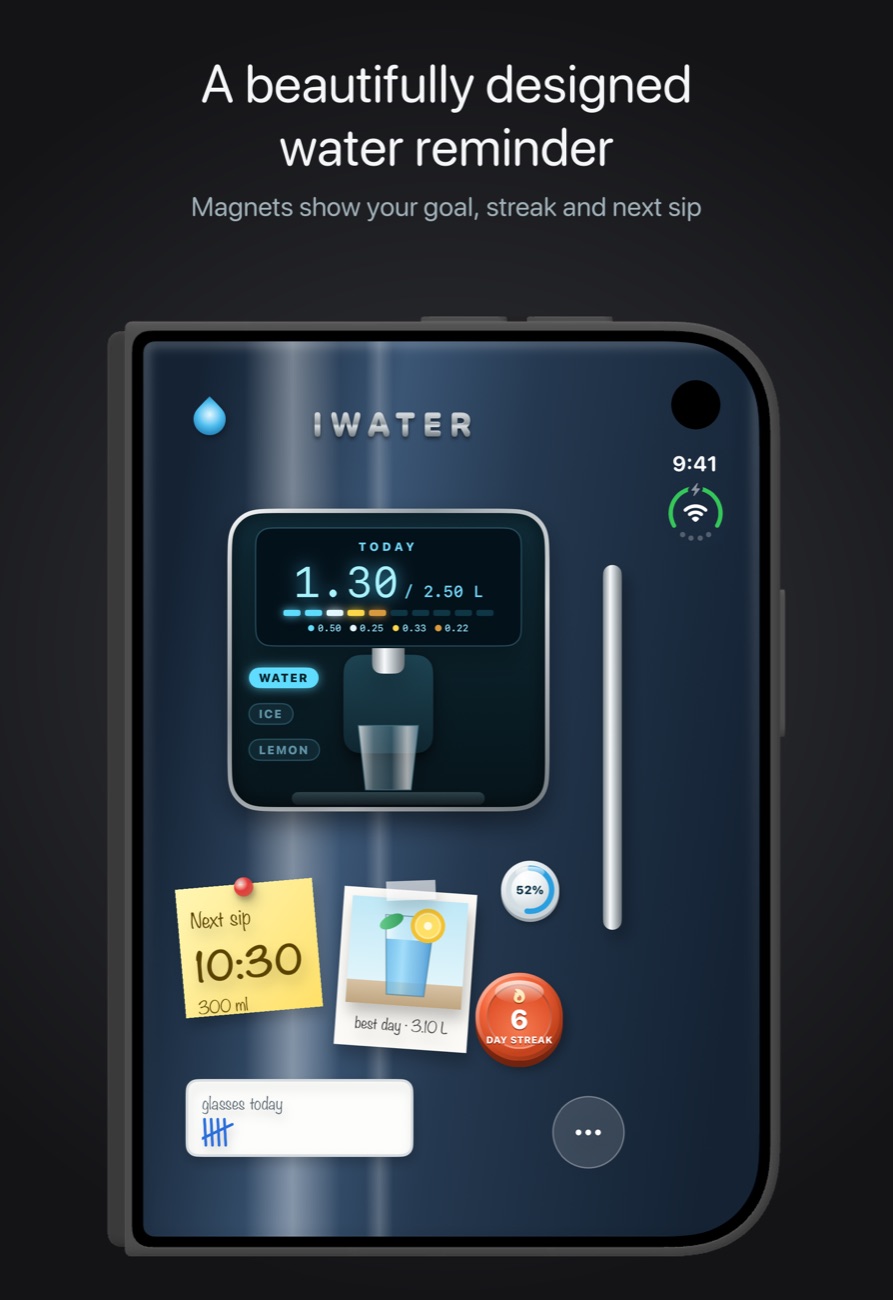
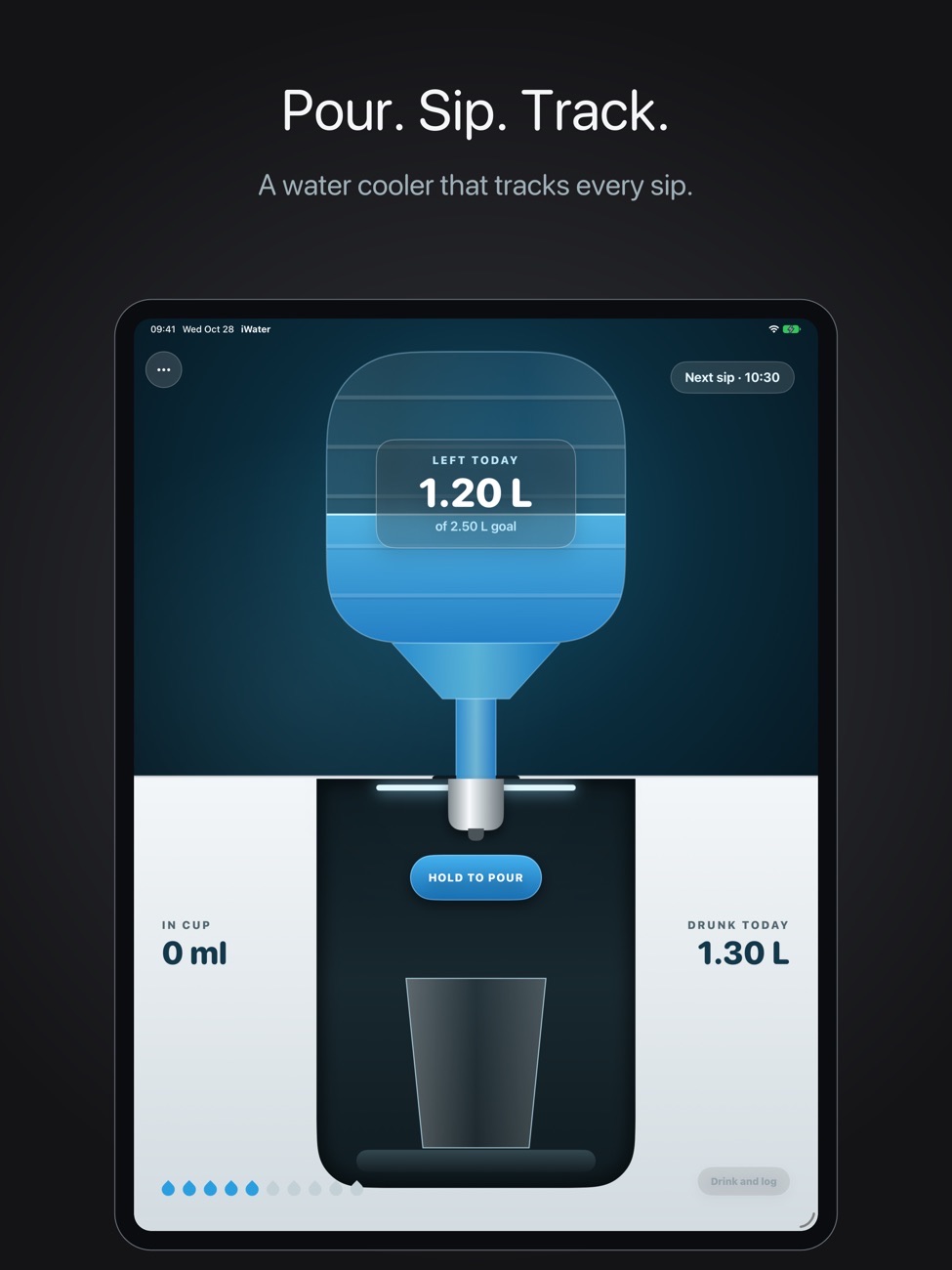
Open the refrigerator, browse the shelves and pour a drink. Hit your goal and you unlock bonus water.
On your wrist
The Apple Watch app shows today's progress and logs a drink without reaching for your phone.
Made for iPhone Duo
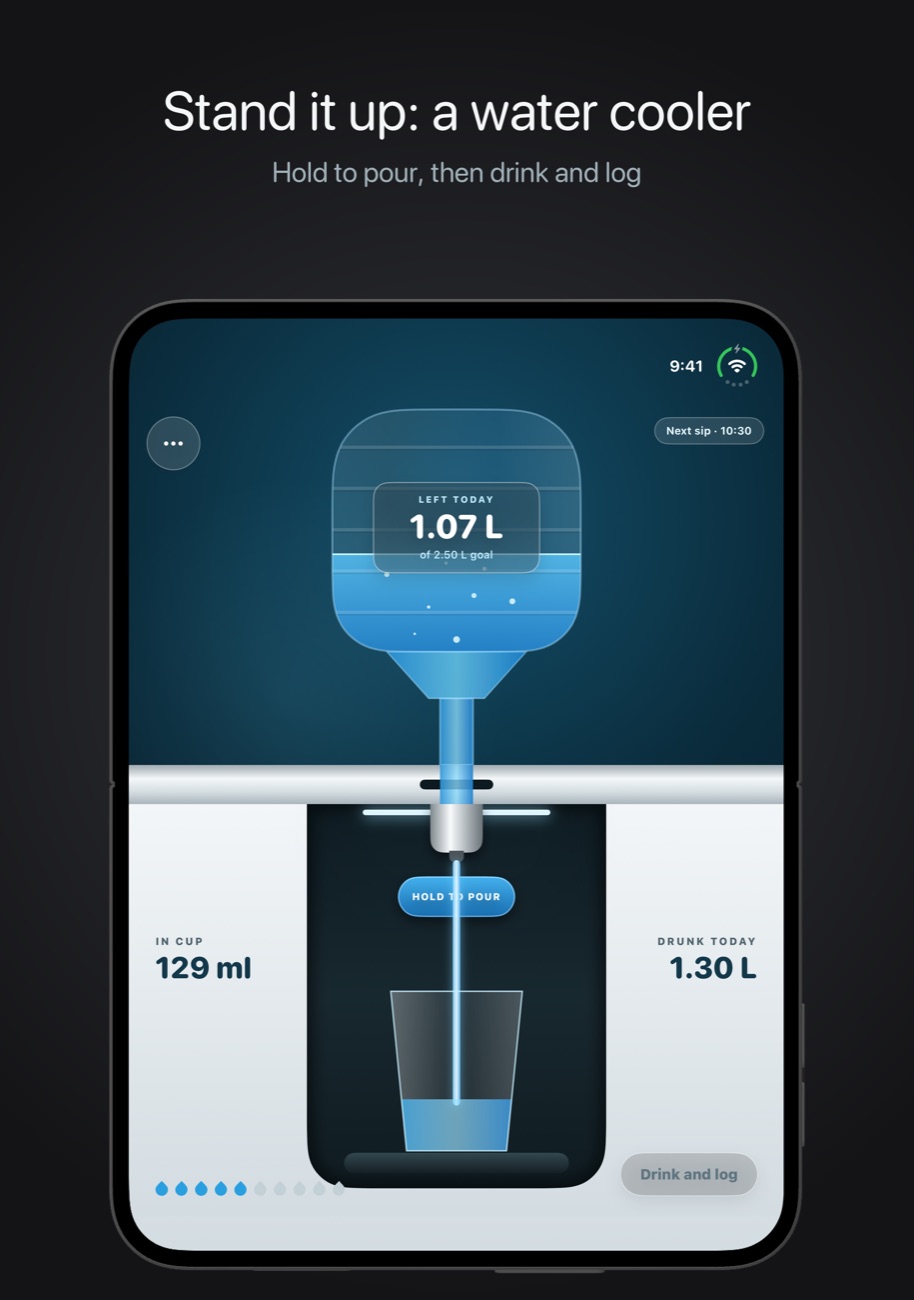
Unfold the fridge on iPhone Duo and rotate it to use the water cooler.
Screenshots
iWater on iPhone Duo, iPhone and iPad.
Is it right for you?
An honest look at who iWater is made for.
Great for
- Anyone who forgets to drink during work
- People tracking coffee and tea too
- Apple Watch owners
Look elsewhere if you need
- Detailed nutrition or calorie tracking
Details
- Developer
- Sensonet
- Price
- $2.99
- Category
- Health & Fitness
- Version
- 3.2 · updated 2026-11-08
- Requires
- iOS 17.0 or later
- Languages
- 14
- Size
- 6 MB
- Age rating
- 4+
Privacy
iWater's App Store privacy label says Data Not Collected. Your drinks and settings stay on your device.
Questions
How much water should I drink a day?
It depends on your size, activity and climate. iWater lets you set your own daily goal, so you can follow your doctor's advice instead of a generic number.
Can I log tea and coffee as well?
Yes. iWater has water, iced water, lemon water, tea, coffee and sparkling water.
Does iWater work on Apple Watch?
Yes. You can check progress and log a drink from the watch.
Is there a subscription?
No. iWater is a one-time purchase.


iWater privacy policyPrivacy Policy for Velvetempo, Mouse, iWater & Presentation Pointer & Baby Monitor · Last updated: 5 June 2026
Overview
We respect your privacy. This policy explains what information the App handles and how. In short: the App does not collect, transmit, or share any personal data. Everything the App stores stays on your device.
Information We Do Not Collect
We do not collect, store on our servers, or share any personal information. The App does not require an account, does not ask for your name, email address, or location, and does not include any advertising or third-party analytics or tracking software.
Information Stored on Your Device
To function, the App saves the following information locally on your device only:
- Your daily water-intake records and history
- Your reminder times and settings
- Your daily water goal, preferred measurement unit, and other app preferences
This data is stored on your device (and shared between your iPhone and paired Apple Watch using Apple’s secure app-group container). It is never transmitted to us or to any third party. We have no access to it.
Notifications
With your permission, the App schedules local notifications on your device to remind you to drink water. These reminders are generated and delivered entirely on your device by the operating system; no reminder content or schedule is sent to us or to any external server. You can disable notifications at any time in your device’s Settings.
Apple Watch
If you use the App on a paired Apple Watch, your reminder and intake information is shared between your iPhone and Apple Watch through Apple’s on-device app-group mechanism. This data remains on your devices.
Health Data
The App does not access Apple Health (HealthKit) and does not read or write any health or fitness data outside of its own on-device storage.
Data Security
Because your information never leaves your device, it is protected by your device’s built-in security and encryption. If you delete the App, the data it stored on your device is removed by the operating system.
Children’s Privacy
The App does not collect personal information from anyone, including children. It is suitable for users of all ages.
Changes to This Policy
We may update this Privacy Policy from time to time. Any changes will be posted on this page with an updated “Last updated” date.
Published by Sensonet, the developer of iWater. This page is the current version of the policy.