 Pace · Pedometer & walking tracker for iPhone
Pace: Every step.
A story.
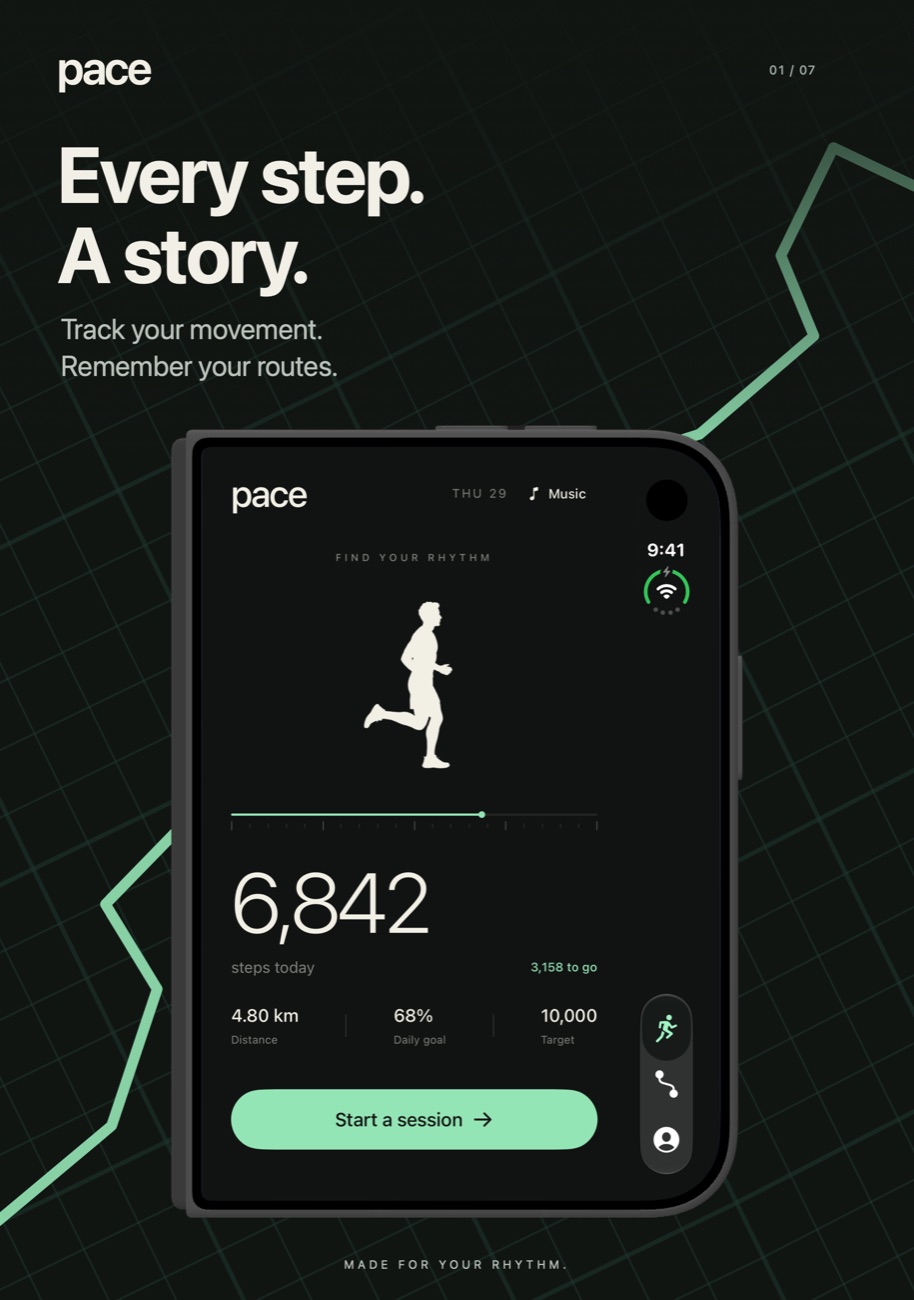
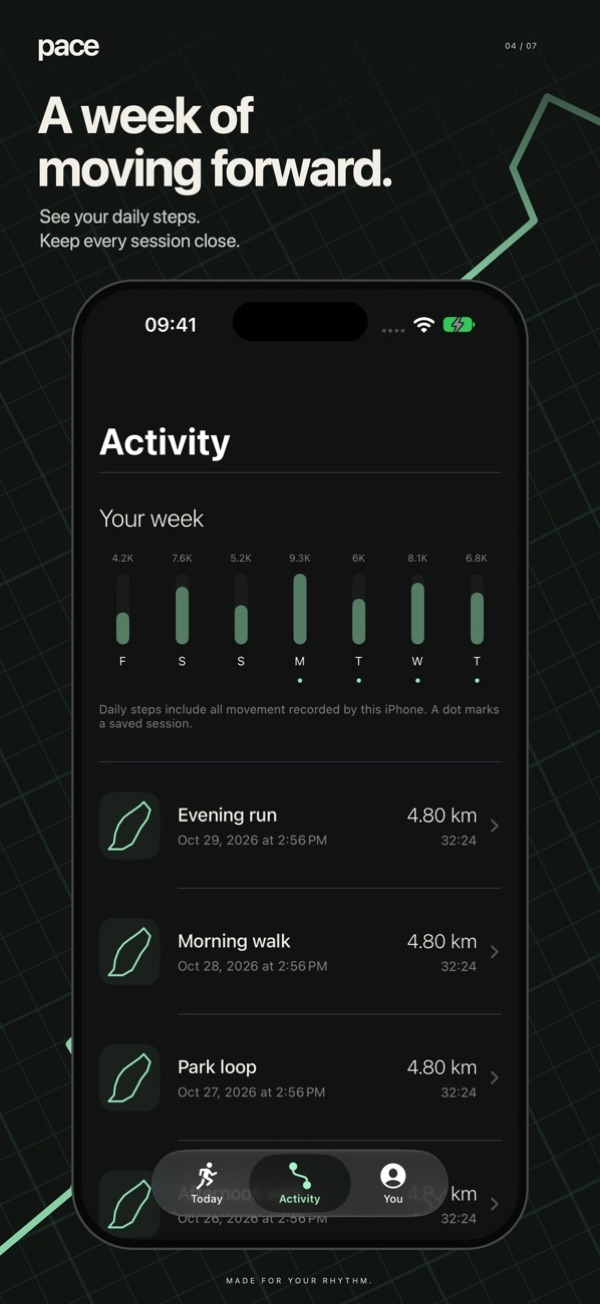
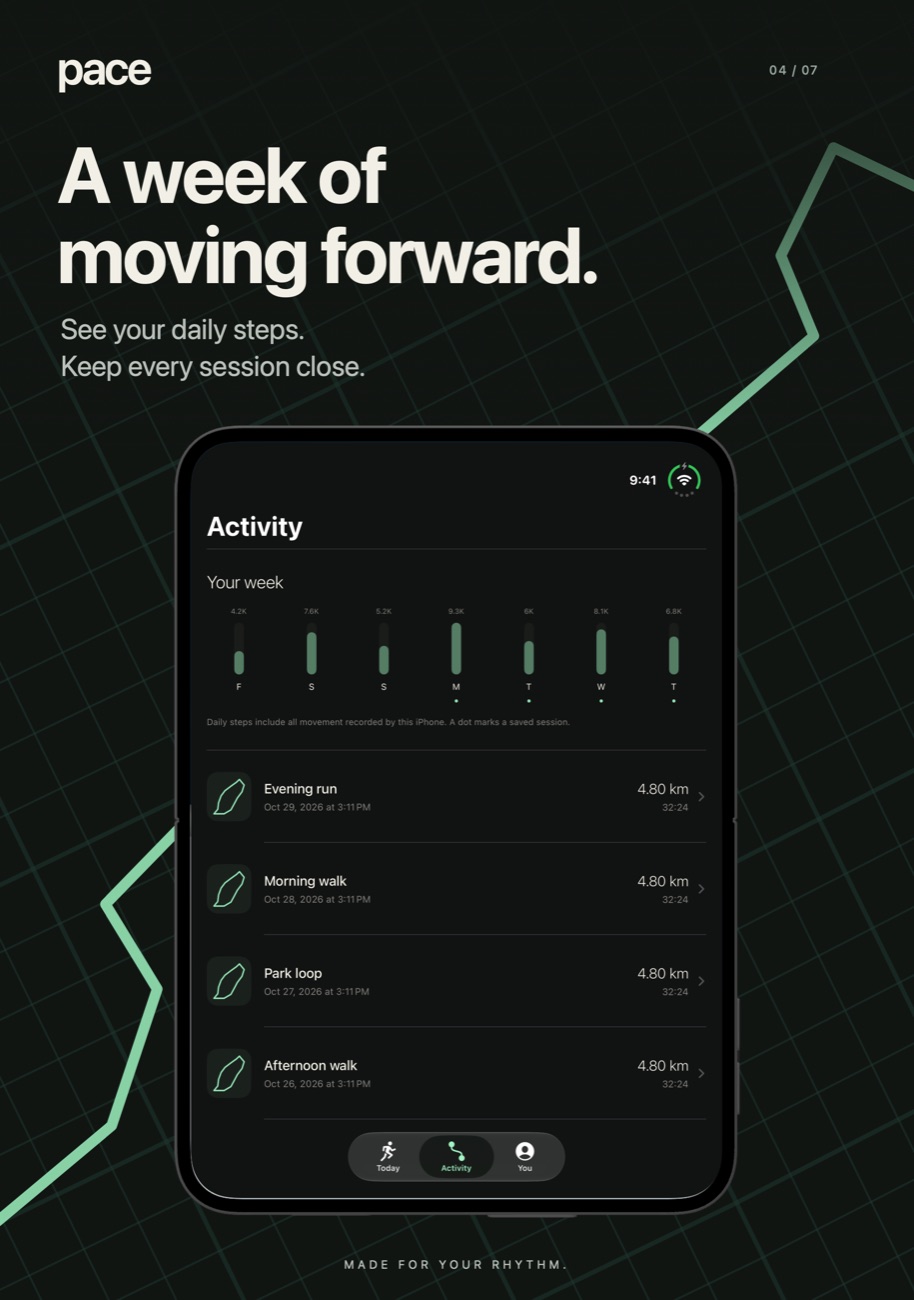
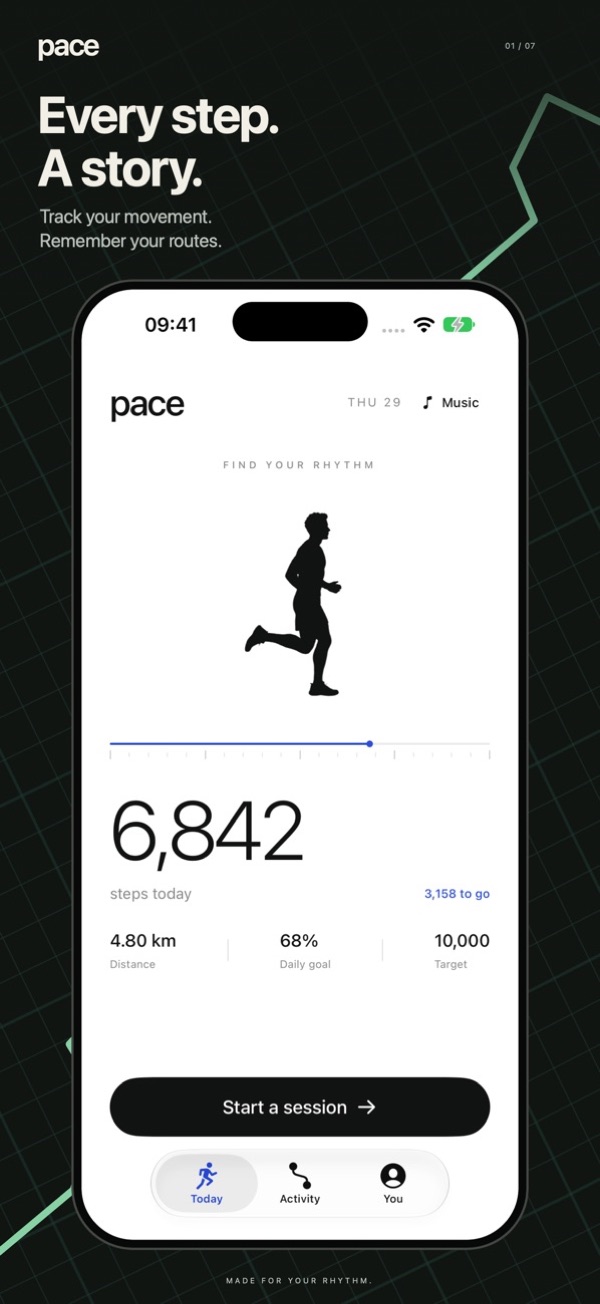
Pace counts your steps through the day and records the walks and runs you want to remember: the route, the pace, the splits.

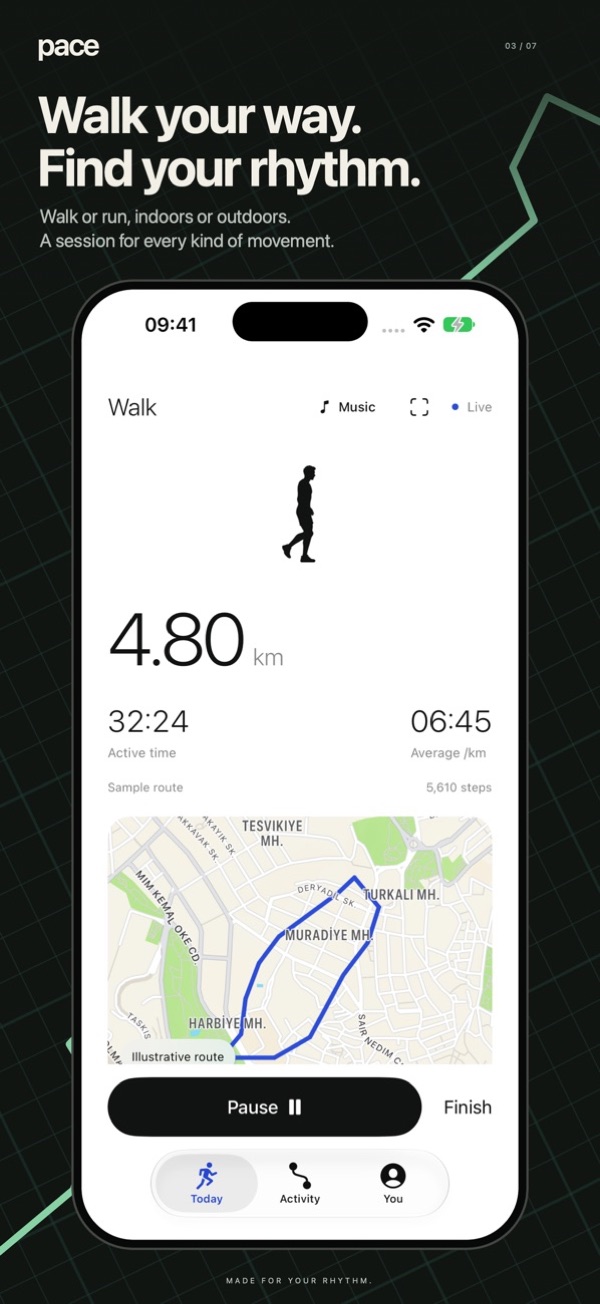
Built for walkers.
Ready for runners.
A daily step counter and a session tracker in one app, without accounts or upsells.
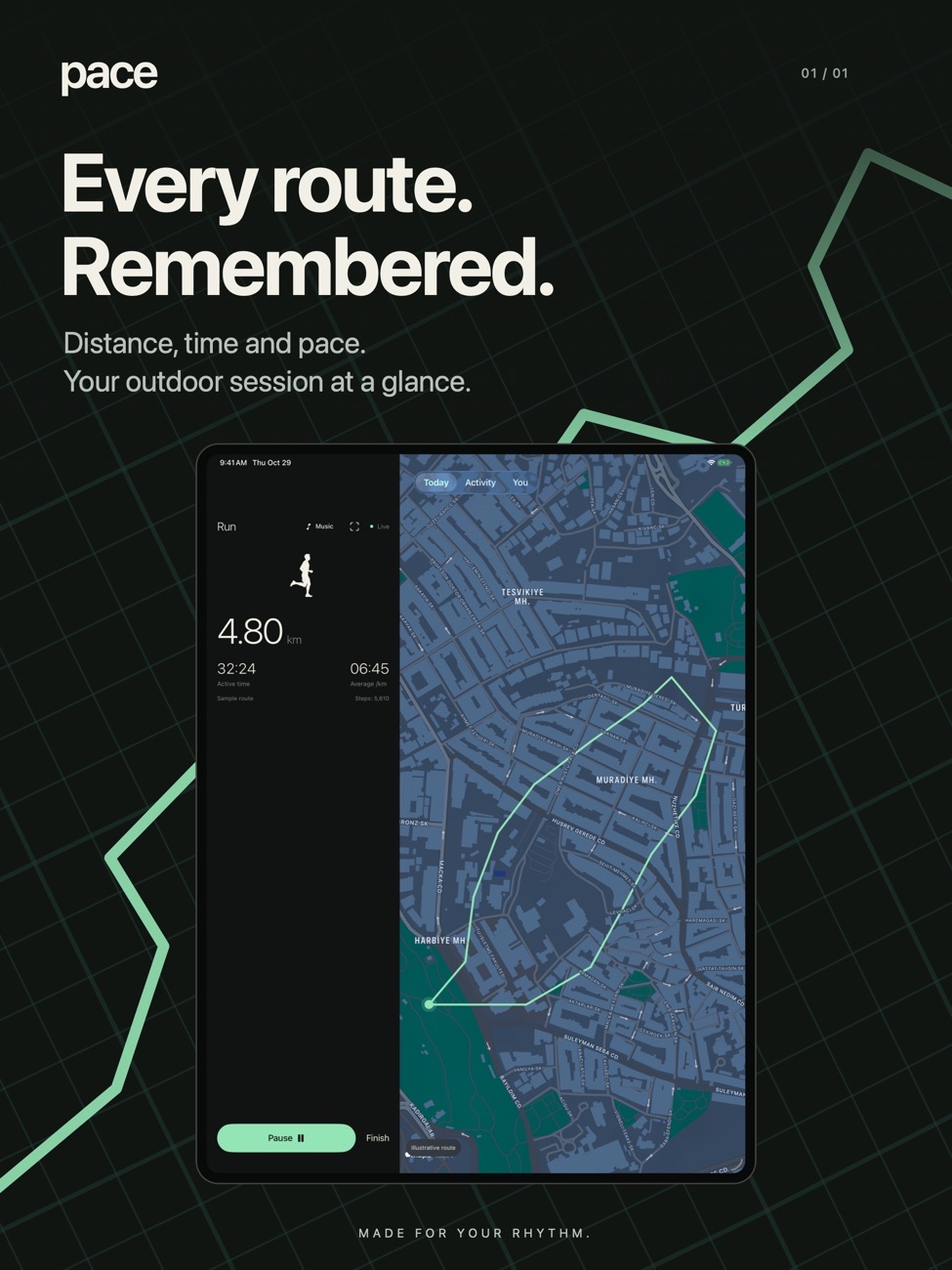
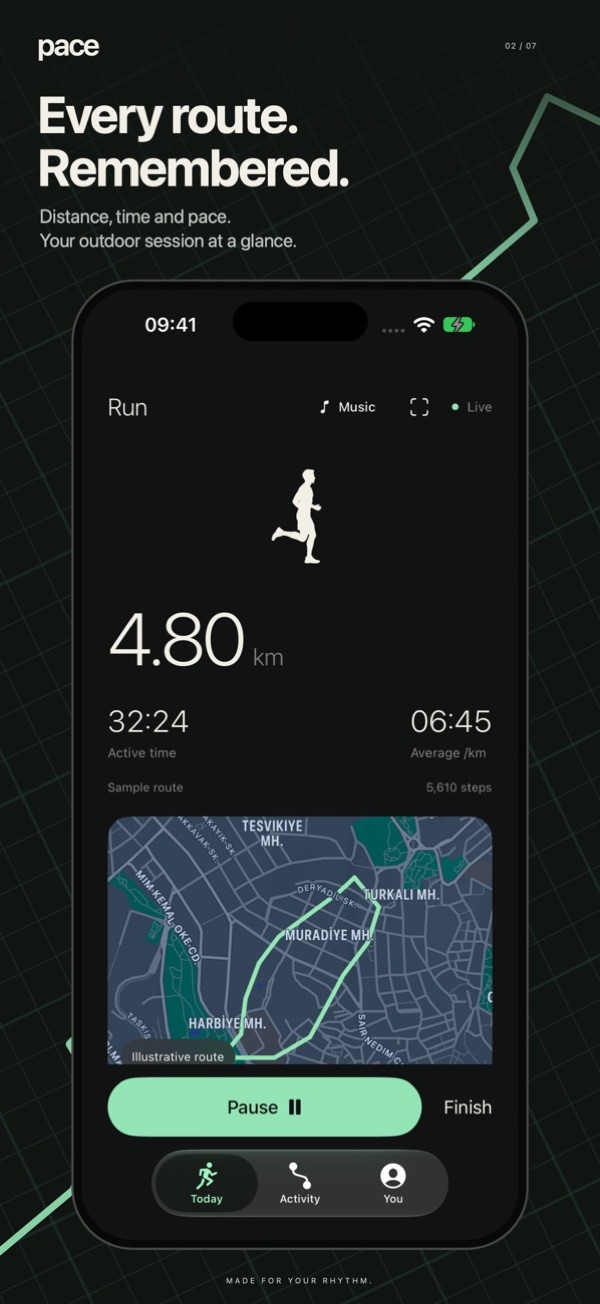
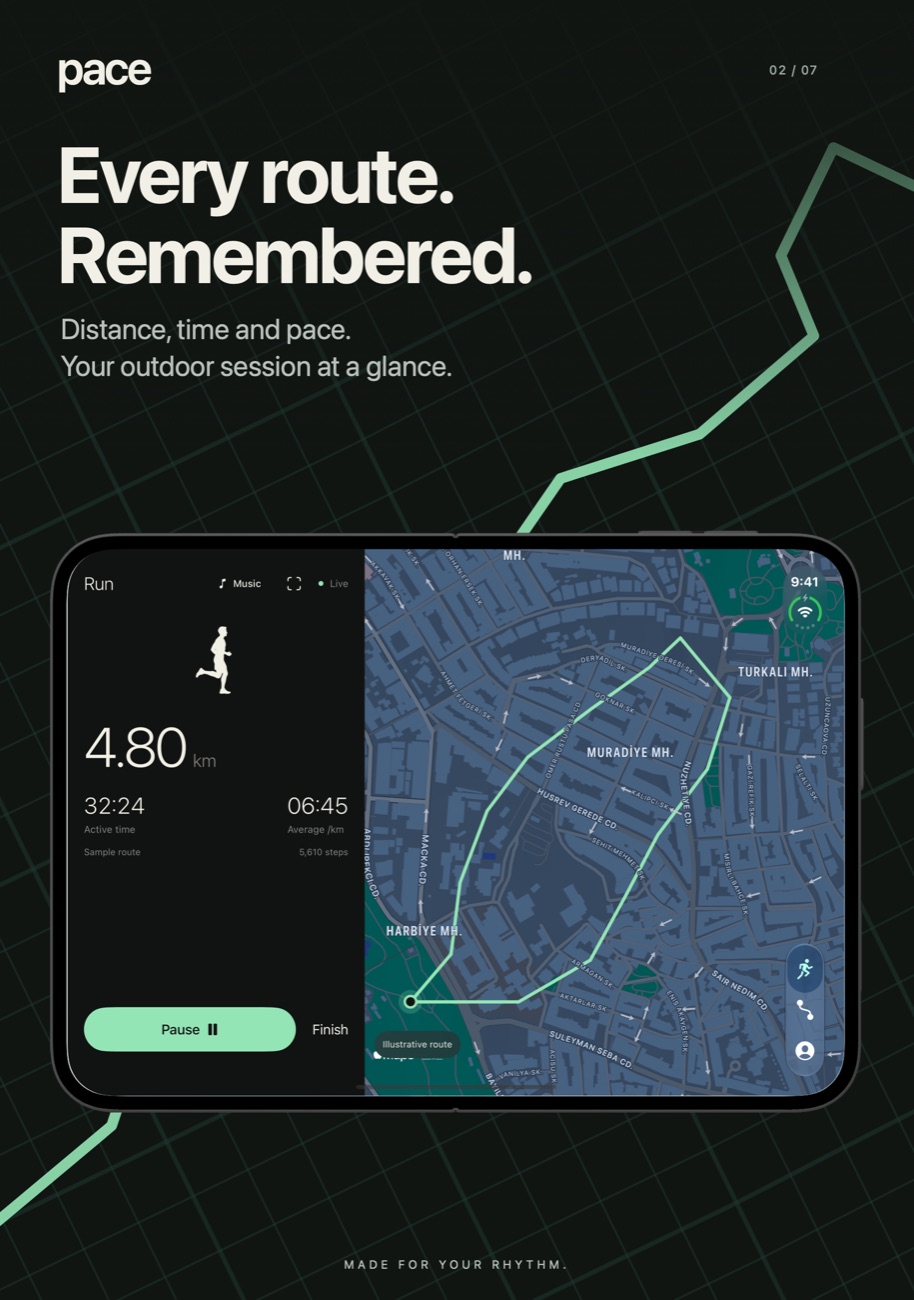
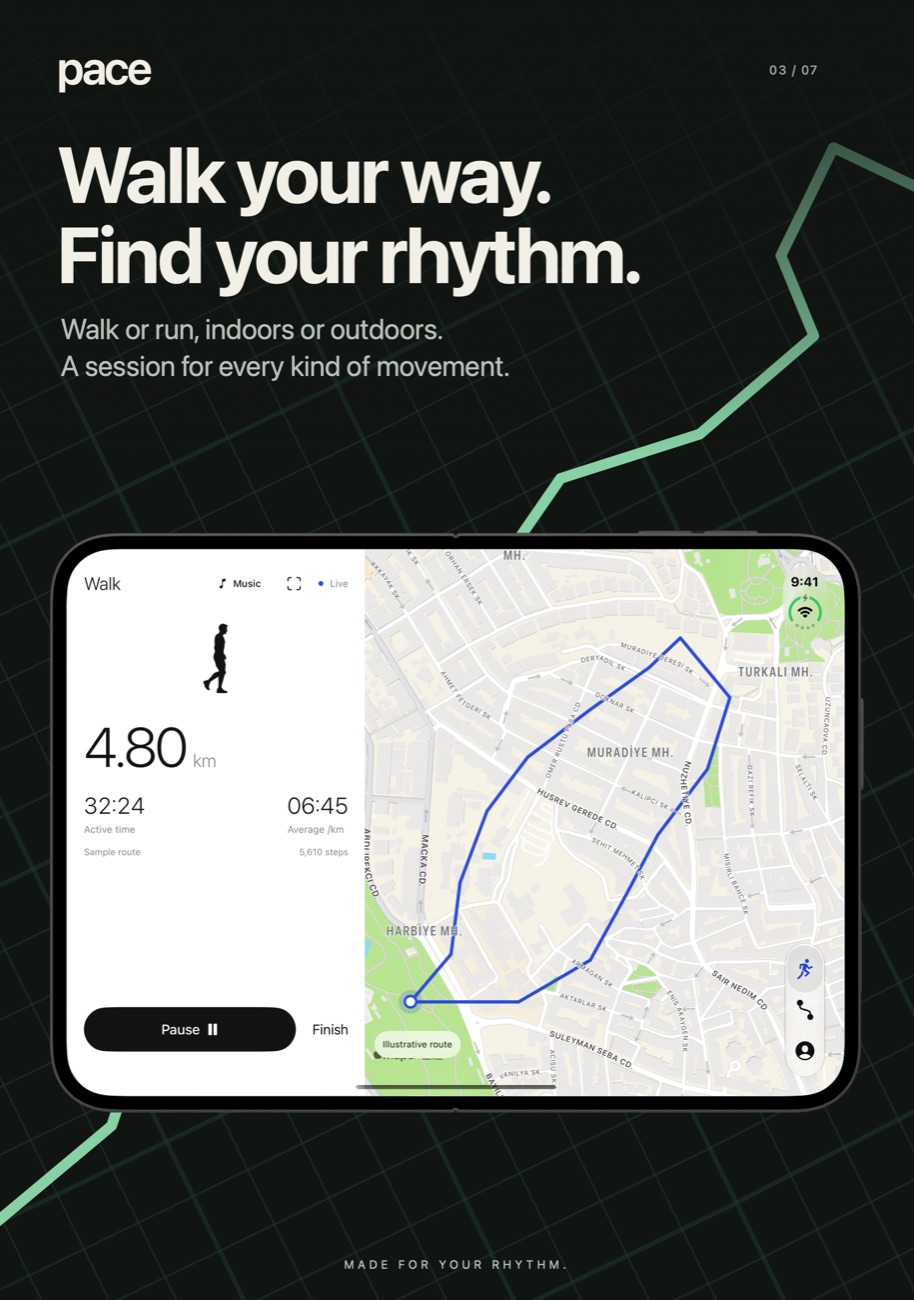
GPS routes, pace and splits
Record outdoor walks and runs with distance, active time, average pace and per-kilometre or per-mile splits. If you pause, or GPS drops out under a bridge, the route breaks there instead of drawing a straight line across the map.
Daily step goal
Steps and distance come from your iPhone's motion sensors, so you don't need a watch. Set your own target in steps.
Indoor sessions
Treadmill or a long corridor? Pick an indoor walk or run. Distance is estimated from motion data, not GPS.
Route posters
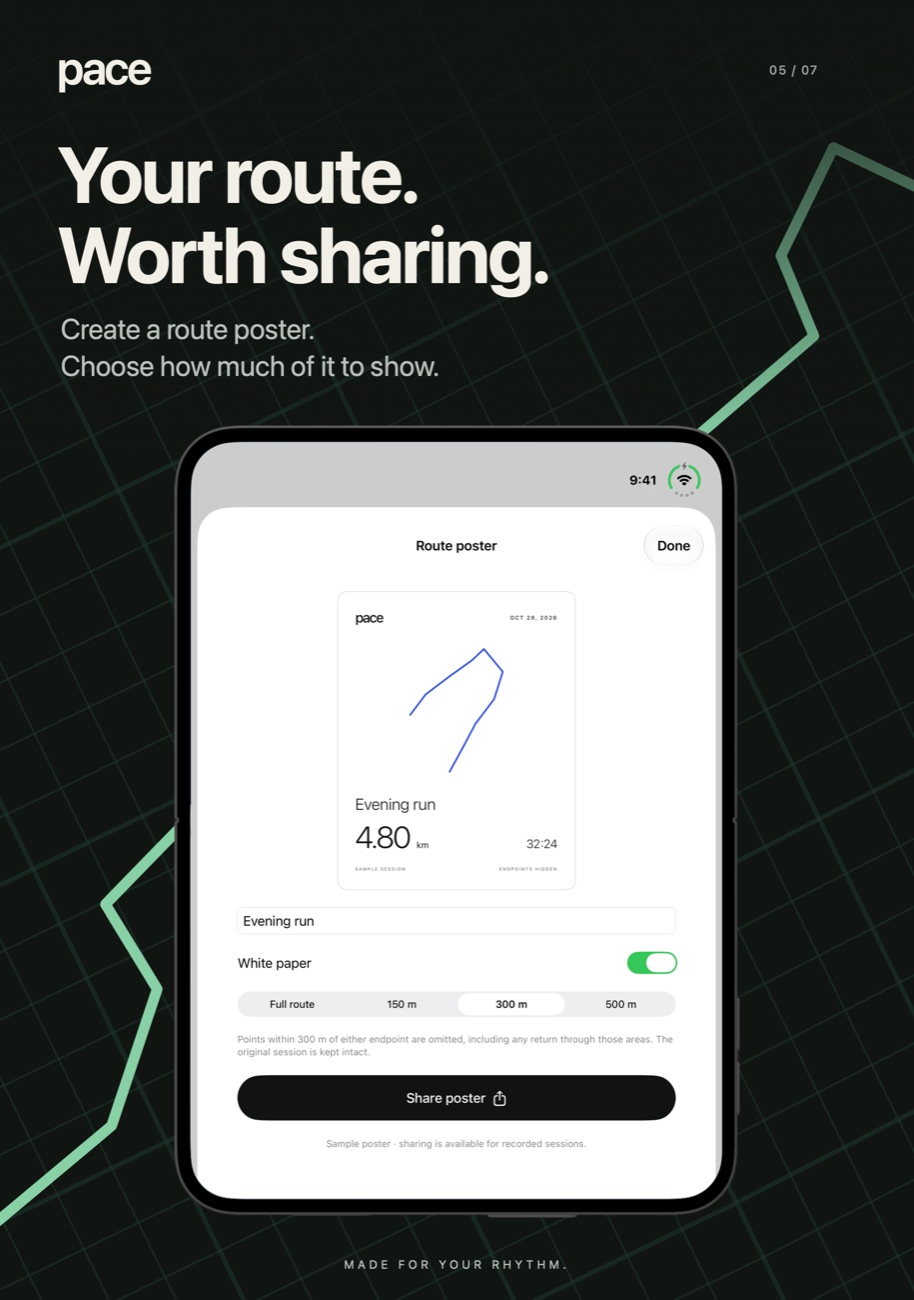
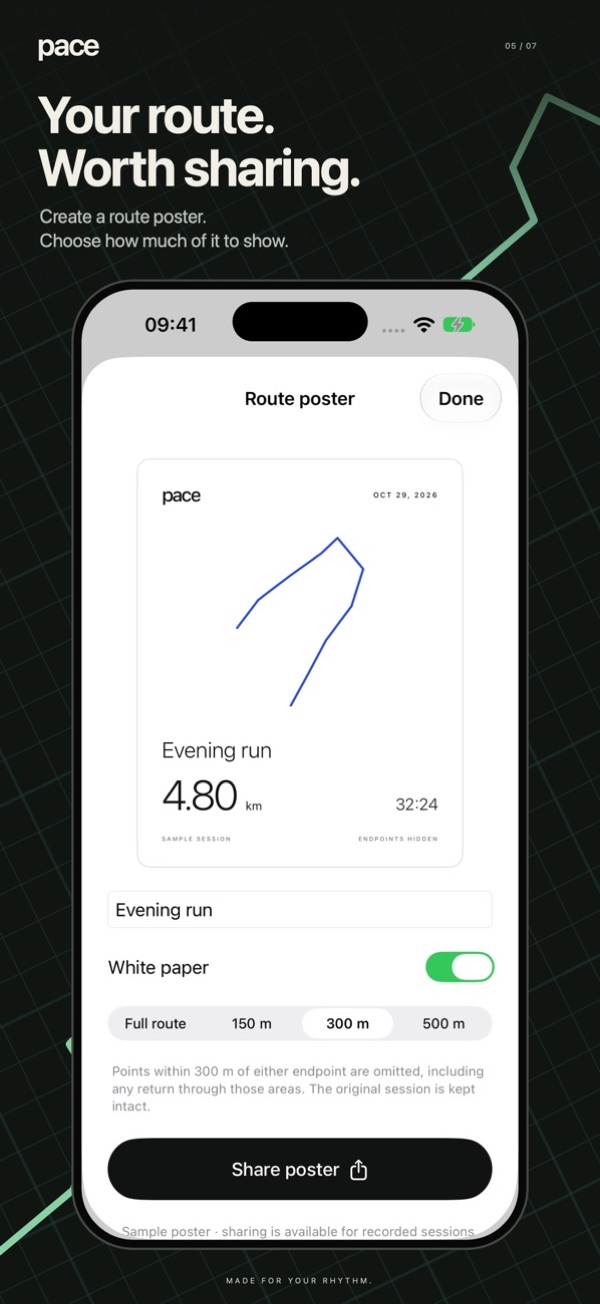
Turn a session into a 1080 × 1350 poster. You can blank out a 150, 300 or 500 m circle around your start and finish so your front door isn't on it.
Music when you want it
Pick songs from your music library and control playback mid-session. No player takes over the workout screen.
Race your earlier self
Choose a saved outdoor route and repeat it. A marker shows where you were last time, with an estimated time gap when GPS can match your position.
Apple Health and GPX
Save finished workouts to Apple Health if you like, and export any route as a GPX file for other mapping apps.
Screenshots
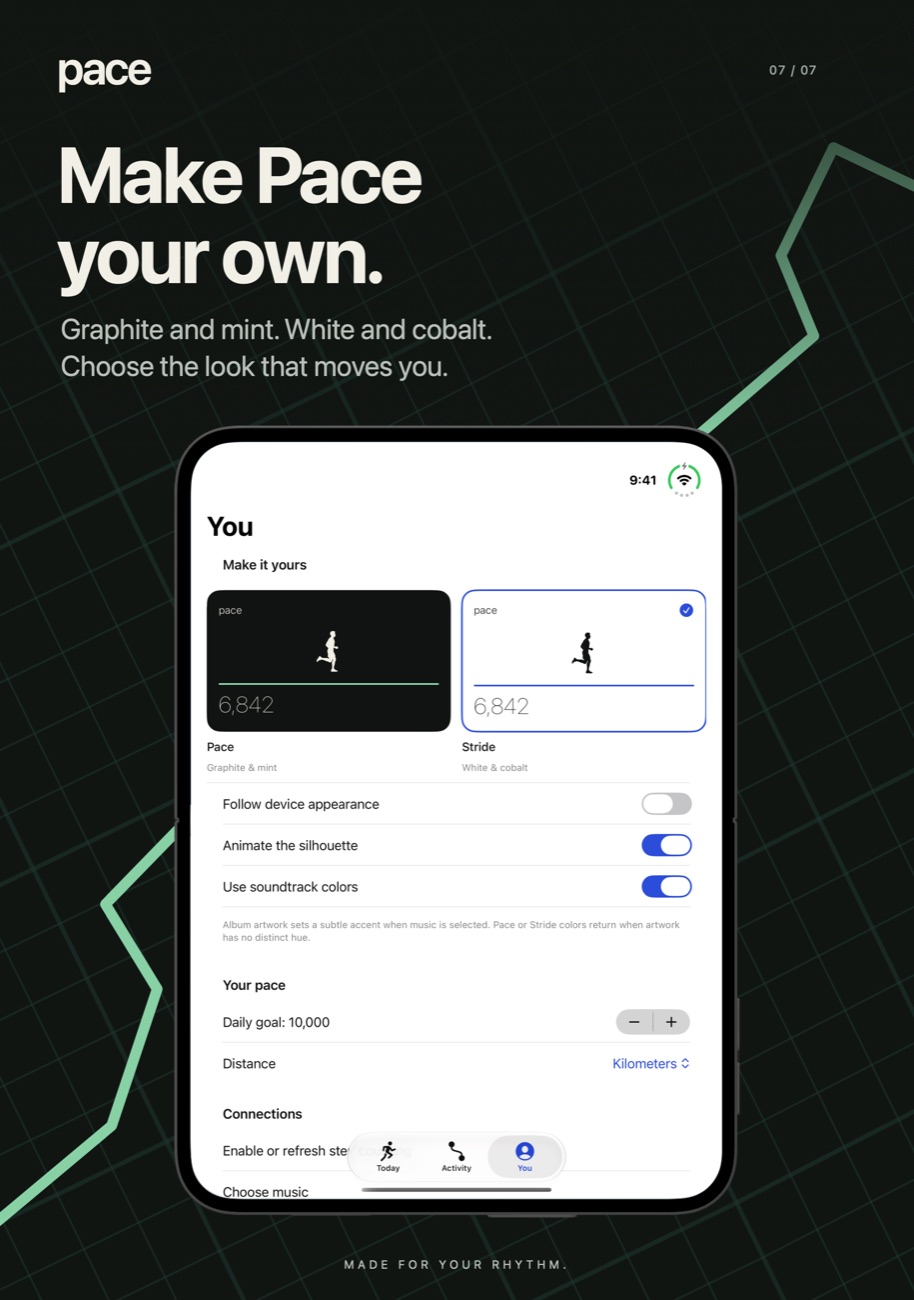
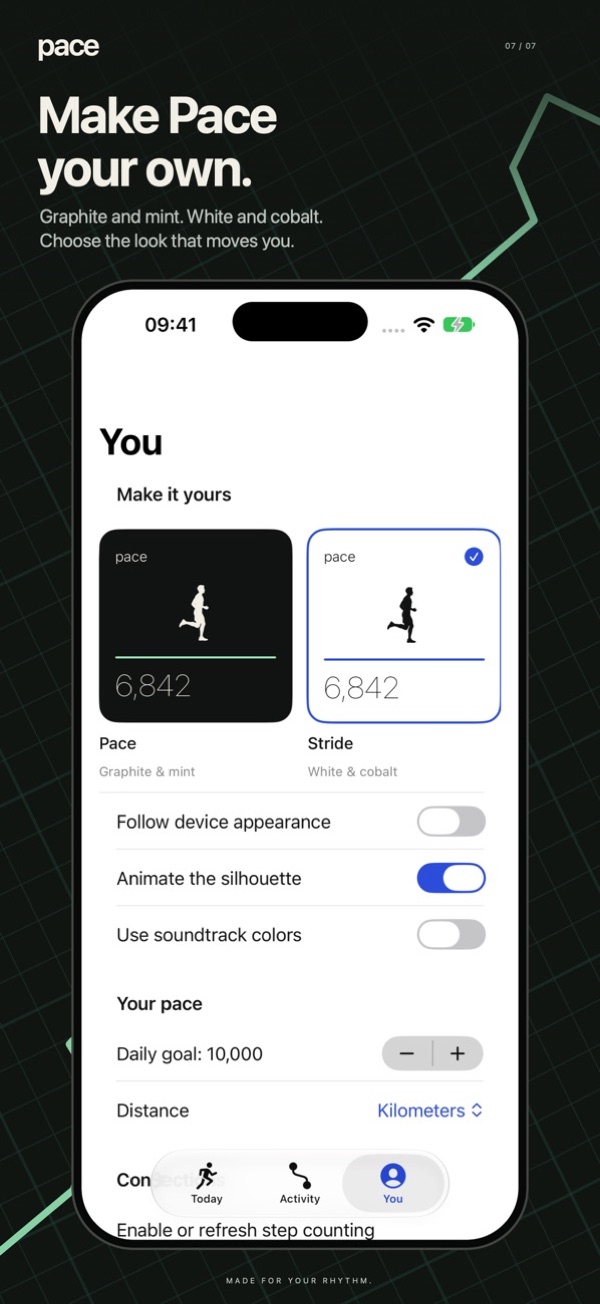
Pace on iPhone Duo, iPhone and iPad.


Is it right for you?
An honest look at who Pace is made for.
Great for
- People who want steps and walk maps in one app
- Walkers who don't wear a watch
- Anyone tired of subscriptions
- Privacy-minded users: nothing leaves the phone
Look elsewhere if you need
- Apple Watch-first users (no Watch app yet)
- Training plans or coaching
- Leaderboards and social challenges
Details
- Developer
- Sensonet
- Price
- $1.99
- Category
- Health & Fitness
- Version
- 3.0 · updated 2026-11-10
- Requires
- iOS 18.0 or later
- Languages
- 14
- Size
- 13 MB
- Age rating
- 4+
Privacy
Sessions are stored on your iPhone. Pace's App Store privacy label says Data Not Collected: no account, ads or analytics. Location is only used while you record an outdoor session.
Questions
Does Pace count steps without an Apple Watch?
Yes. It reads step data from your iPhone's built-in motion coprocessor, so keep the phone in a pocket or bag while you walk.
Does Pace work on a treadmill?
Yes. Start an indoor walk or run. Distance is an estimate from motion data, and indoor sessions don't produce splits yet.
Is there a subscription?
No. Pace is a one-time $1.99 purchase with no in-app purchases.
Will my history from the old Pedometer app be kept?
Yes. When you update, compatible step history from the original app is imported once and the original data is left untouched.
Can I export my routes?
You can export routes as GPX files, save workouts to Apple Health or share a route poster.
See how Pace compares
We compared 8 pedometer apps on price, Apple Watch support, GPS and privacy. Read: The best pedometer apps for iPhone in 2027 →
More apps from Sensonet


Pace privacy policyPrivacy Policy — Pace · Effective date: 13 November 2026
This policy covers Pace, the walking, running and step-tracking app for iPhone published by Sensonet (“we”, “us”).
Information handled on your device
With your permission, Pace uses Motion & Fitness data to count steps and estimate indoor activity, and precise location to record outdoor routes, distance and pace. Location tracking may continue during an active outdoor session while the screen is locked. Pace stores session routes, activity metrics, names, notes, goals and preferences locally on your device. Compatible records from the earlier Pedometer app can be imported locally.
What we collect
Pace has no account service and does not send your activity records, location history or music-library information to servers operated by us. It contains no advertising or third-party analytics or tracking SDKs. We do not sell your personal data or use your activity information for advertising.
Music library
If you grant Media & Apple Music permission, Pace lets you select music from your device’s music library and controls playback through Apple’s system player. It can display track information and album artwork. Pace does not provide a music catalog or upload your library to us. Playback and any streaming performed by Apple’s services are subject to Apple’s settings and privacy policy.
Apple Health
Health export is optional. If you choose to save a completed activity and grant permission, Pace writes walking or running workouts, distance and eligible workout routes to Apple Health. Pace does not request permission to read your existing Health records. Health data is not sent to us or used for advertising. Apple Health storage, synchronization and access by other apps follow the permissions and settings you control in Apple Health.
Maps and Apple services
Pace uses Apple Maps to display maps and routes. Map requests are handled by Apple under its privacy policy. Other system features, including device backups, music playback and Health synchronization, may process information according to your Apple settings. Local storage does not mean that user-enabled system backups or exports can never leave the device.
Sharing and exports
You may choose to export GPX files or share route posters through the system share sheet. GPX exports contain the recorded route, including location and timestamps. The option to hide areas around a route’s start and finish applies to the poster only; it does not remove those locations from GPX exports or the saved activity. Exported information is handled by the recipients or services you select under their own terms and privacy policies.
Storage, deletion and choices
You can revoke location, motion, music-library and Health permissions in device settings. You can delete saved sessions in Pace. Deleting Pace removes its local app data from the device, but it does not automatically delete workouts already saved to Apple Health, copies shared with others, exported files or device backups. Manage those copies in the relevant service or app.
Support and policy updates
If you contact info@theappverdict.com, we receive the information you choose to include in your message and use it to respond. Avoid including sensitive route or health information unless necessary for your request. We may update this policy as Pace changes; the current version will always be on this page.
Published by Sensonet, the developer of Pace. This page is the current version of the policy.