 Presentation Pointer · Laser pointer & slide clicker for Mac and PC
Presentation Pointer: Present.
Point. Move on.
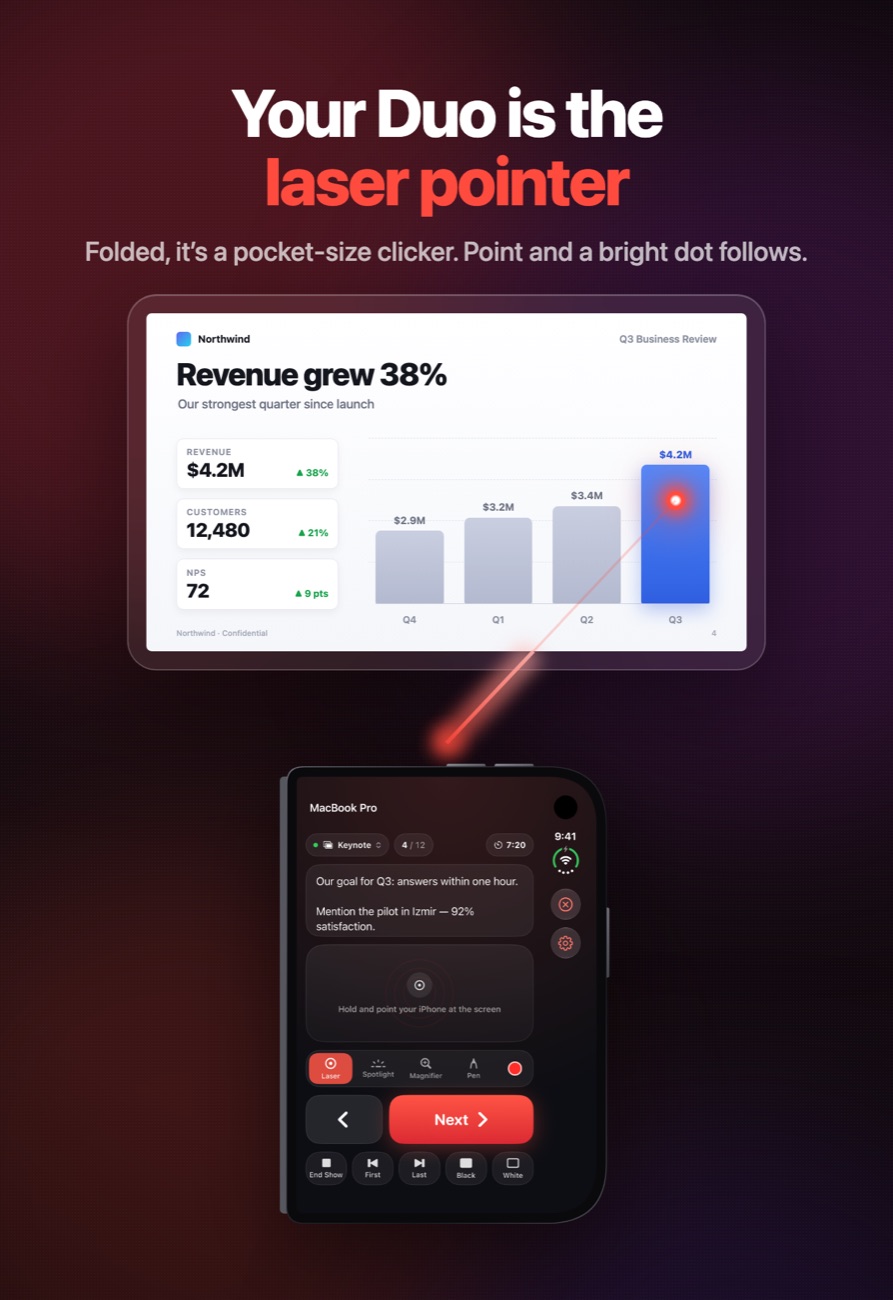
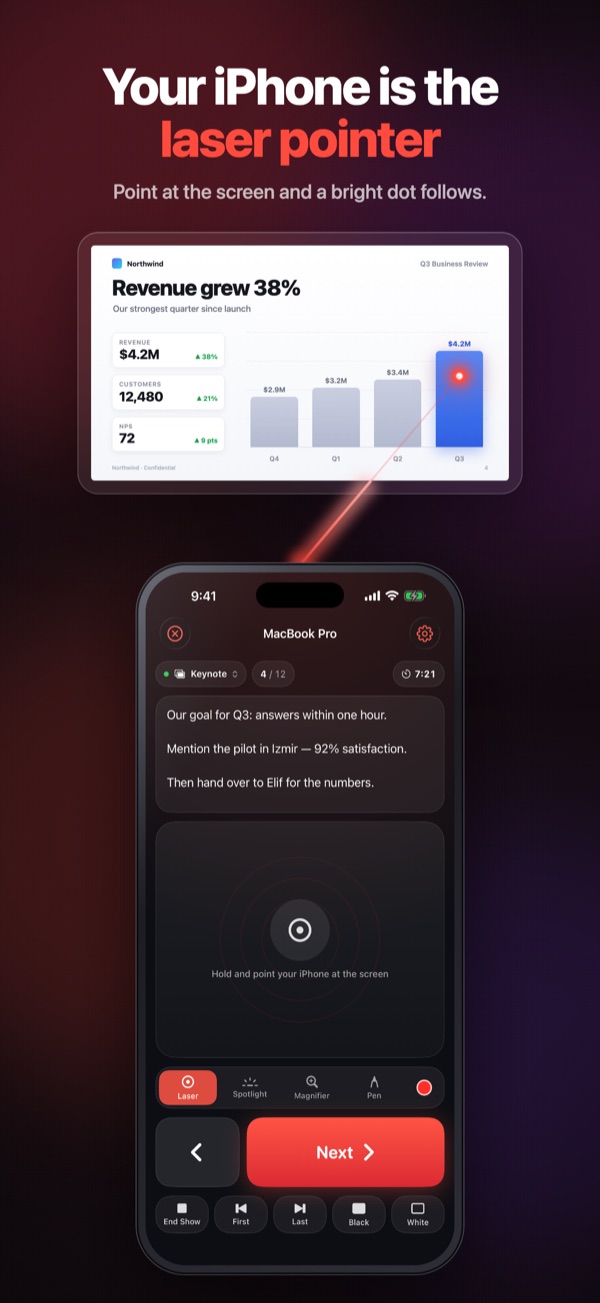
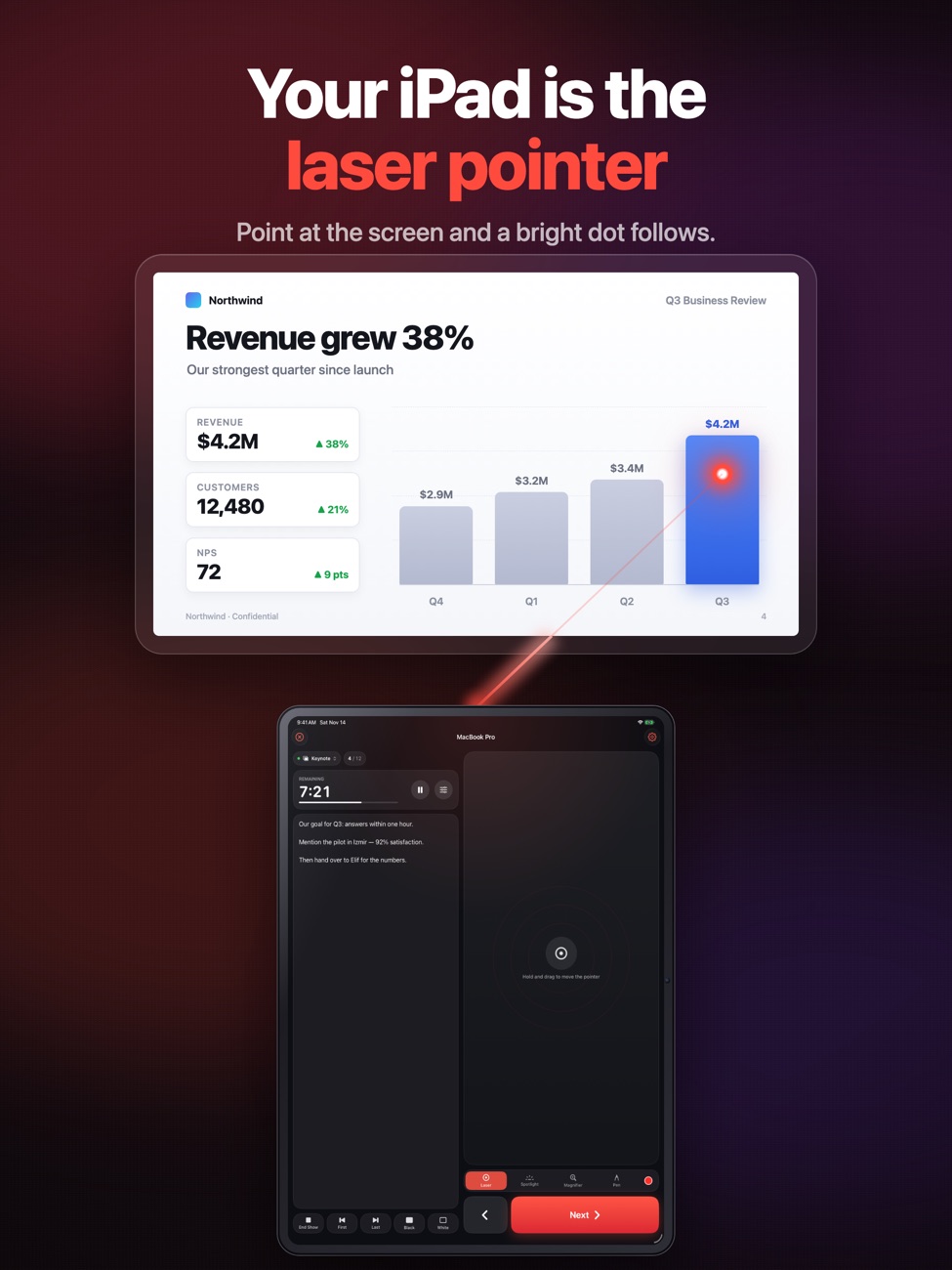
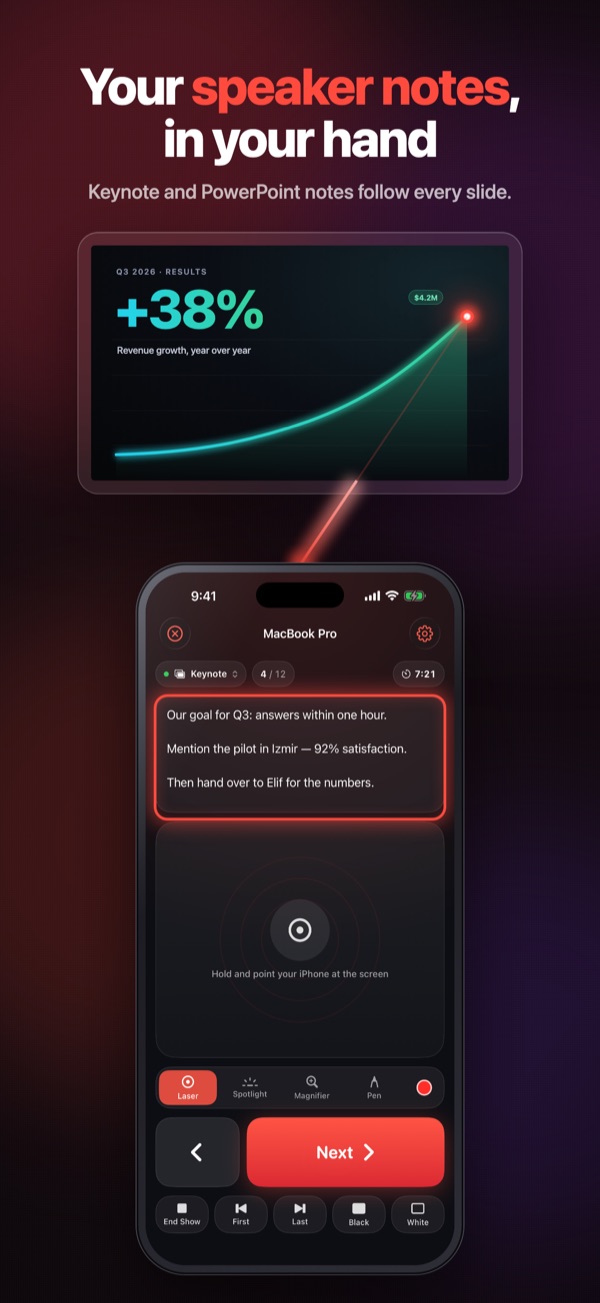
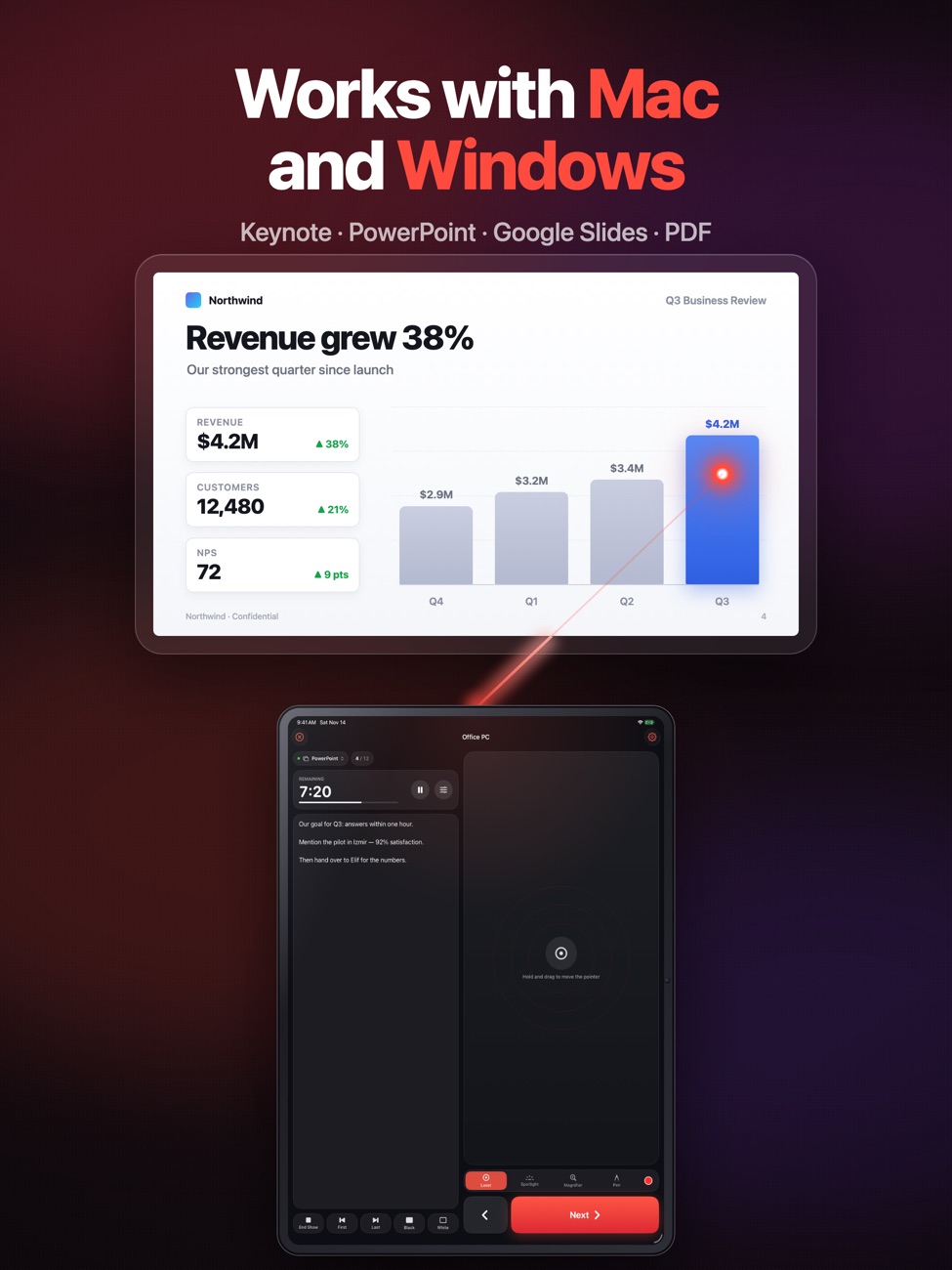
Hold the pad and point your iPhone at the screen: a bright laser dot follows your hand, on the projector and in Zoom, Teams and Meet screen shares. Works with your Mac or Windows PC.
Leave the clicker
at home.
One less gadget in your bag, and no batteries to die mid-talk.
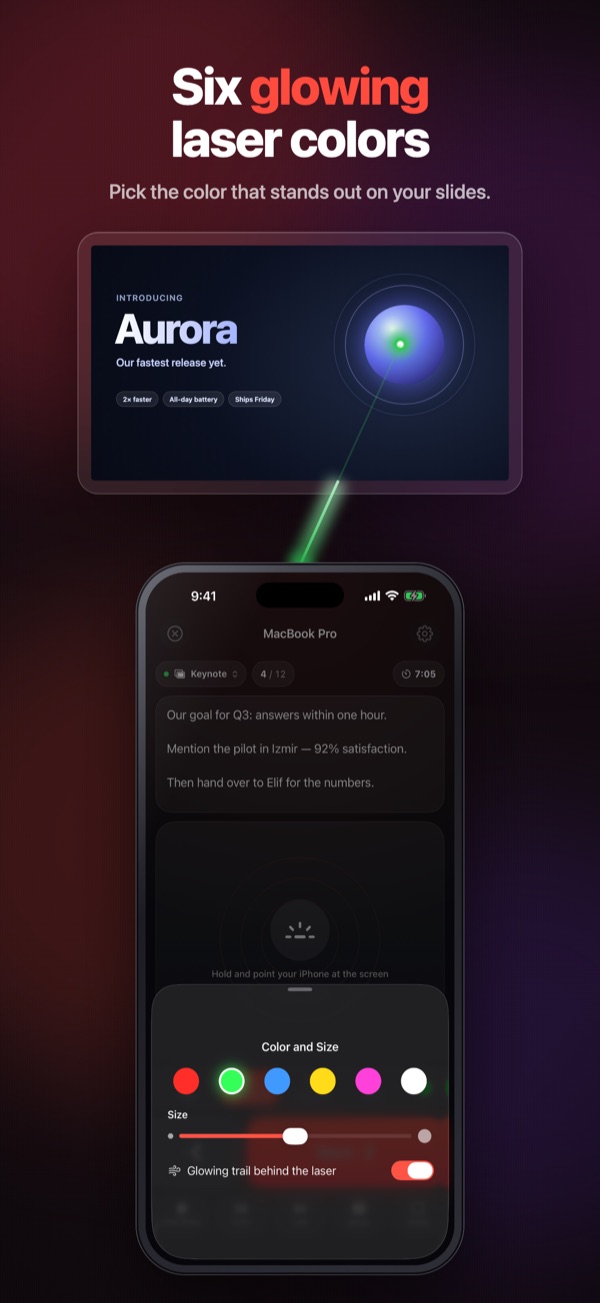
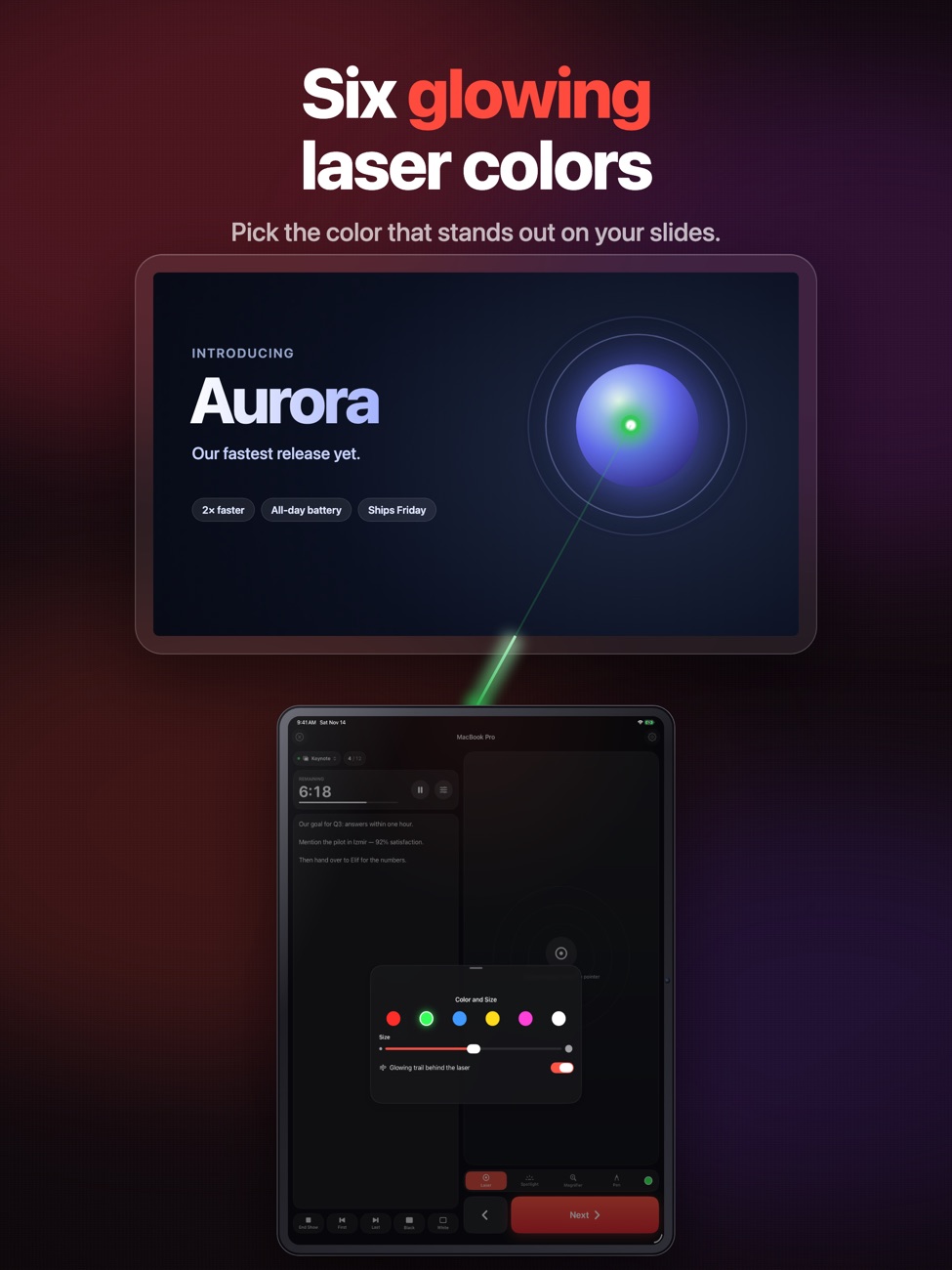
A laser that follows your hand
Point your iPhone at the screen and the dot follows smoothly. It shows on the projector and in Zoom, Teams and Meet screen shares, where a real laser can’t be seen.
Full slide control
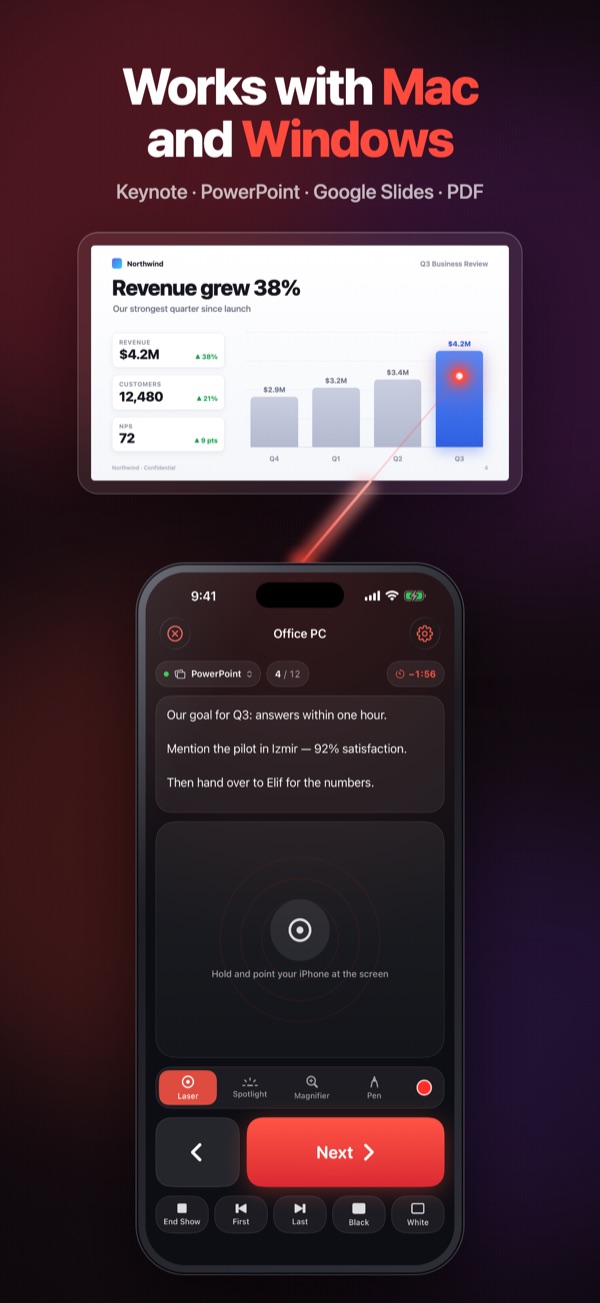
Next and previous, first and last, play and end the show, jump to any slide, or black out the screen.
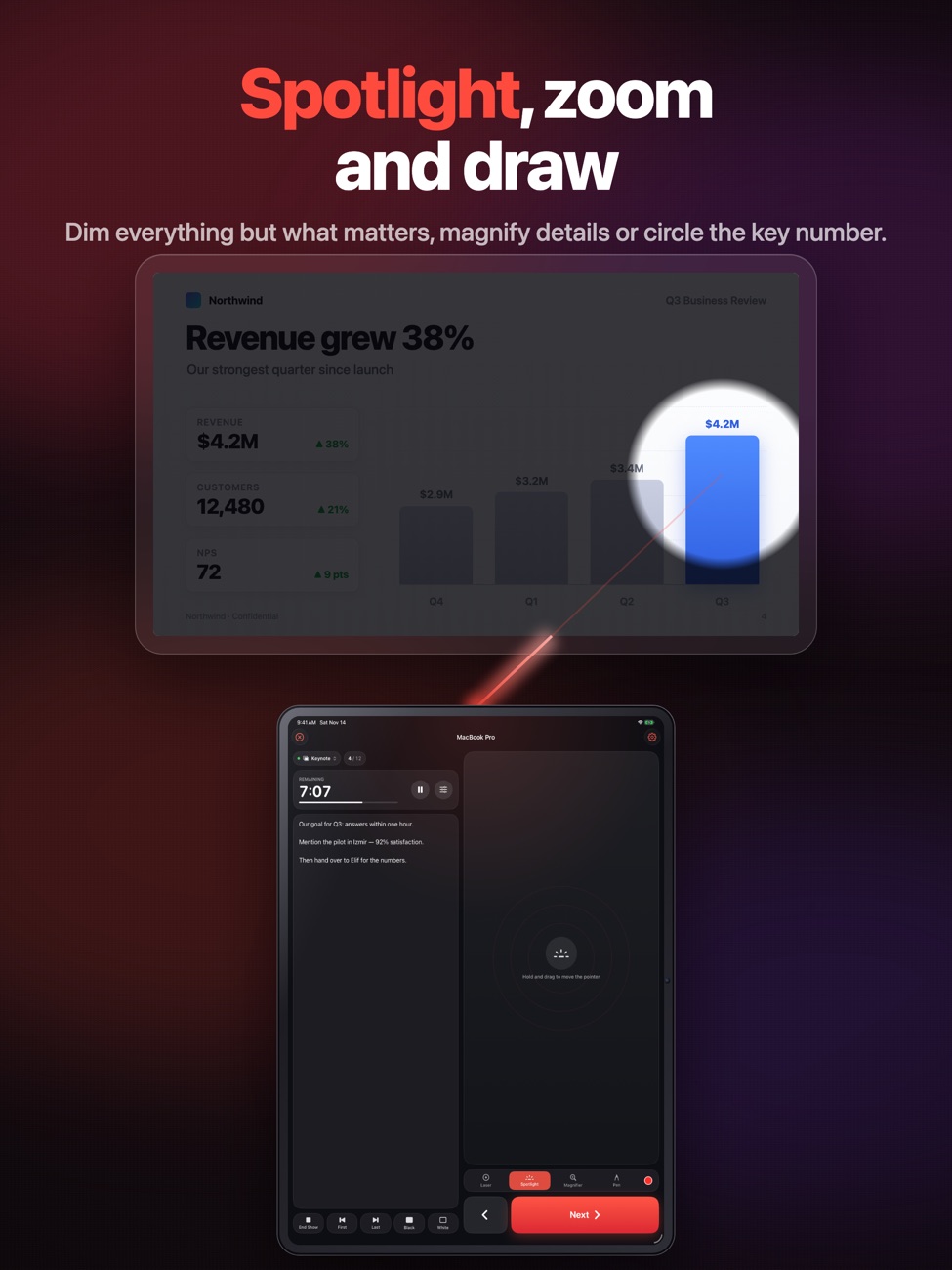
Spotlight, zoom and pen
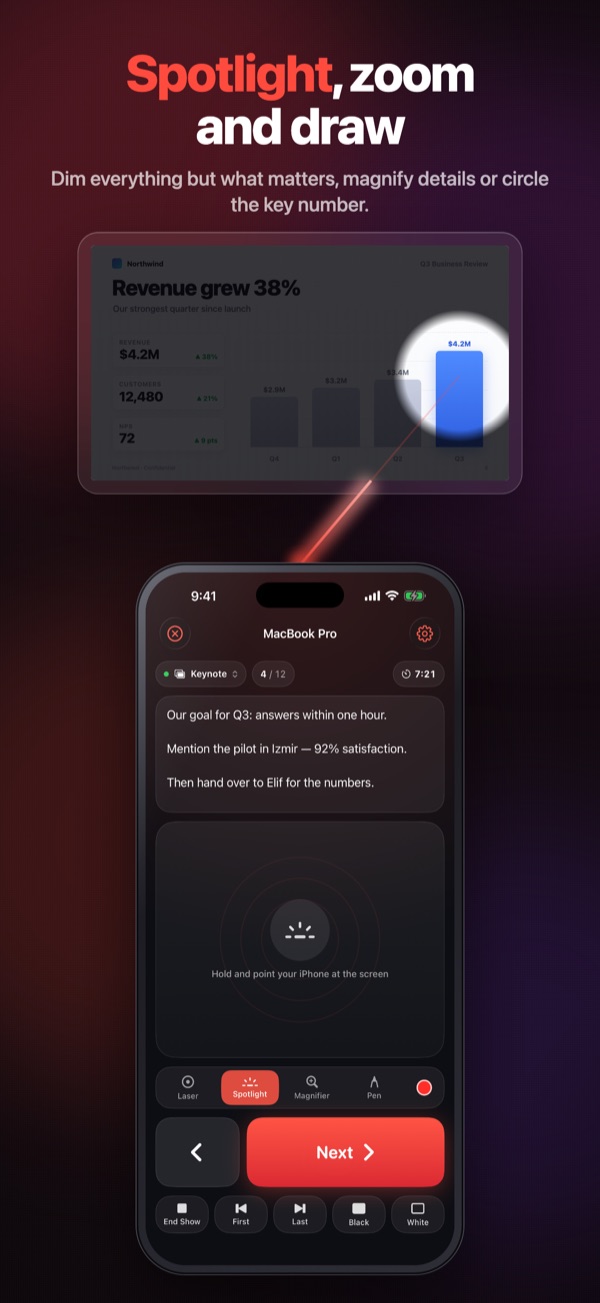
Dim everything except what you’re talking about, magnify a detail or circle the key number.
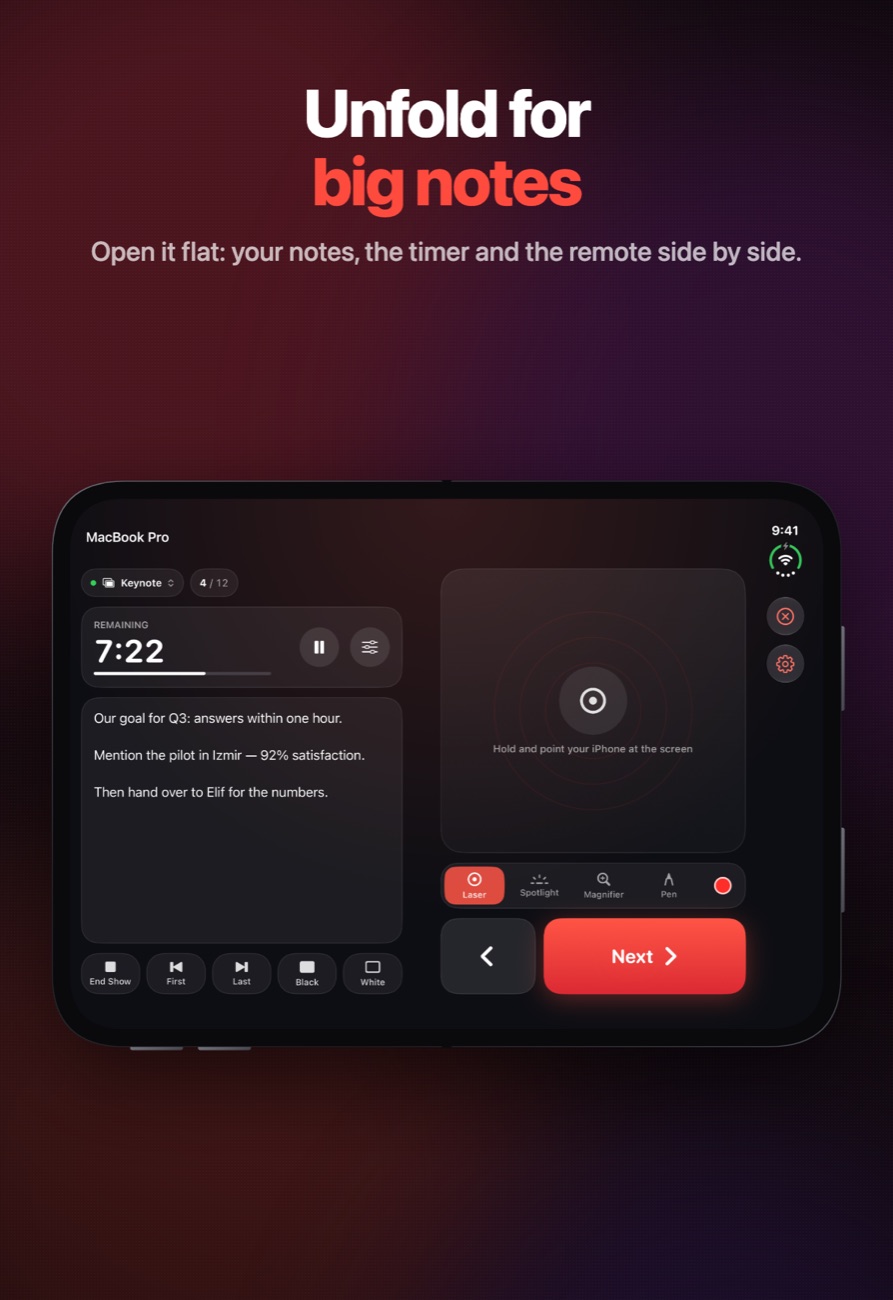
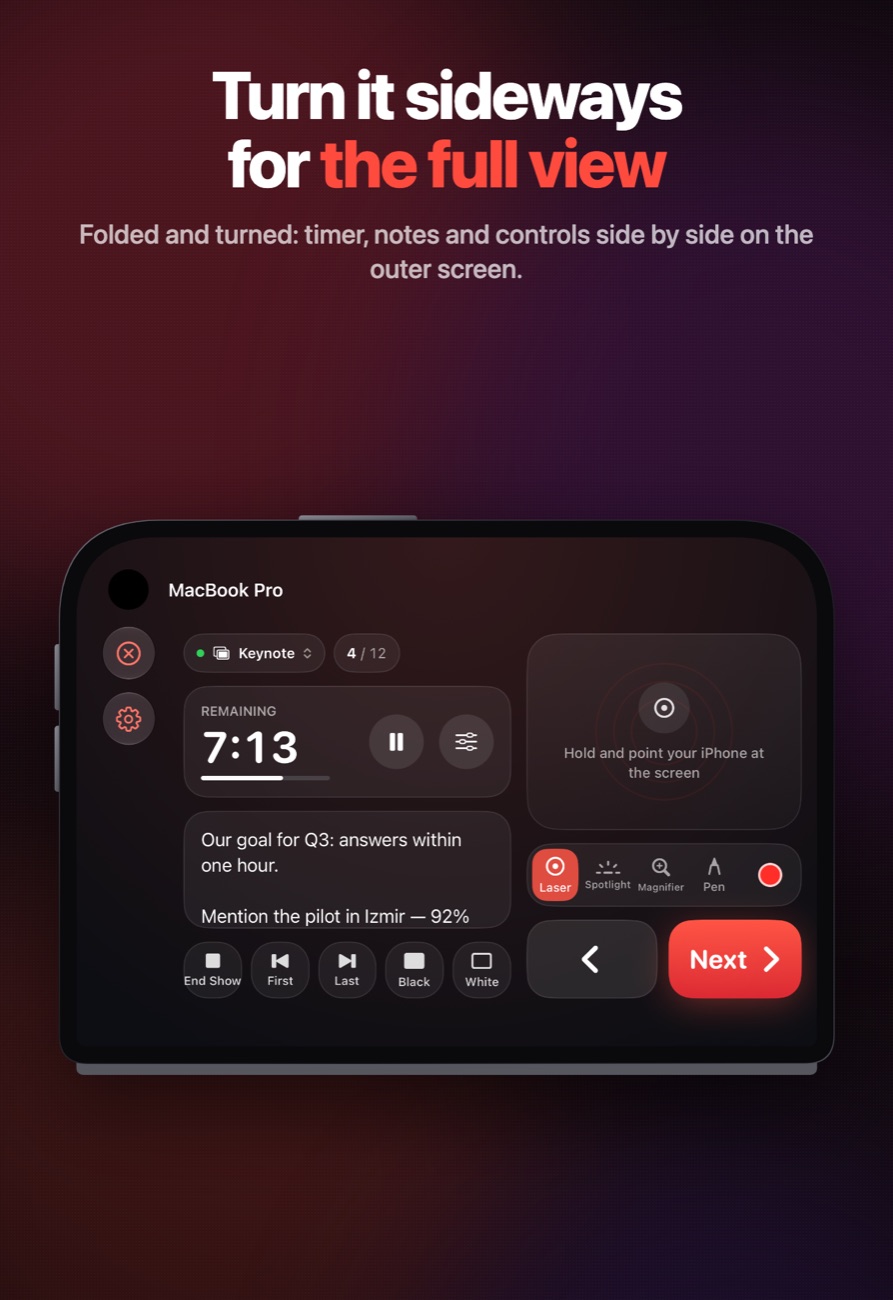
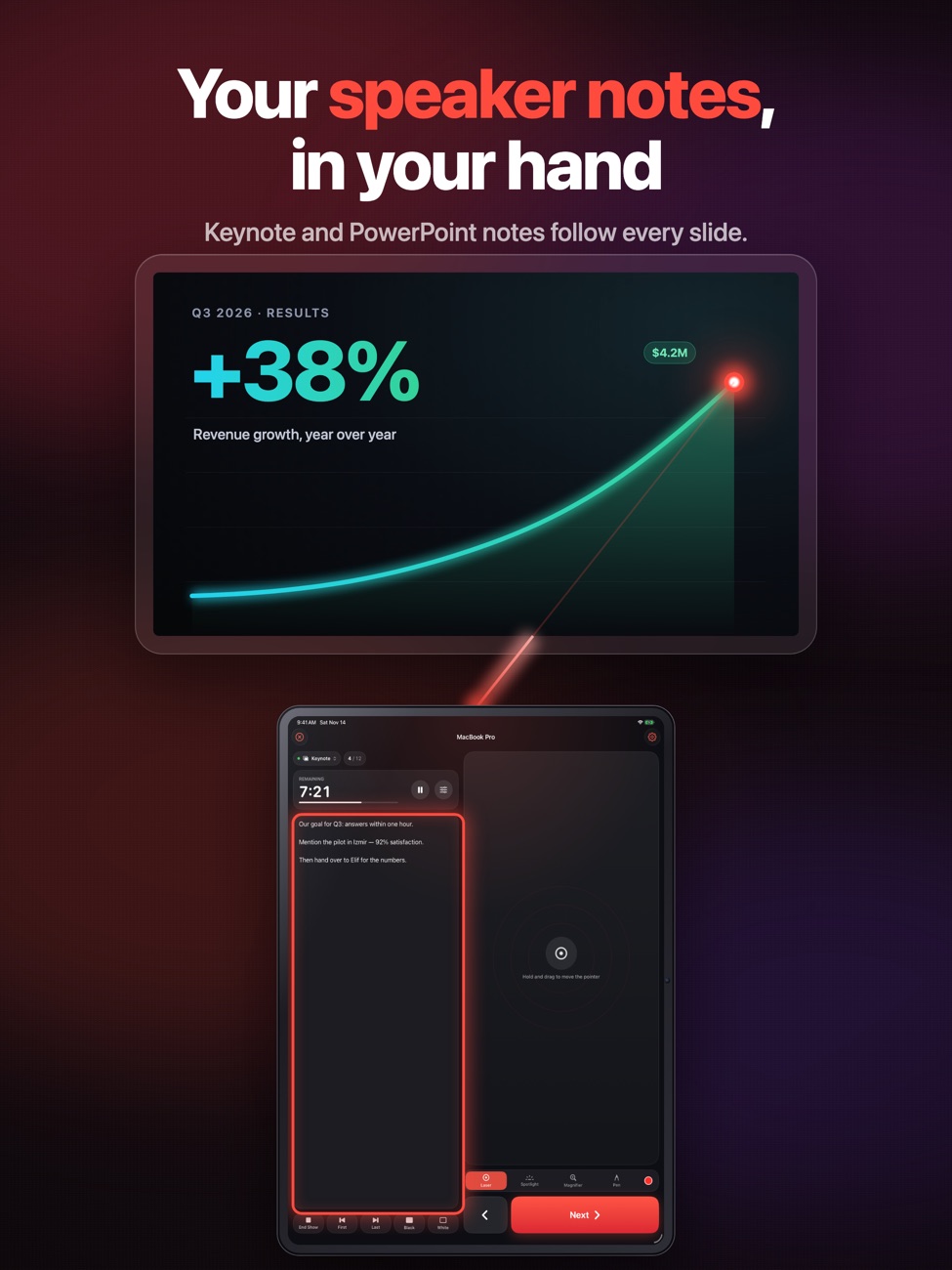
Speaker notes on your phone
Notes and slide numbers from Keynote and PowerPoint follow every slide.
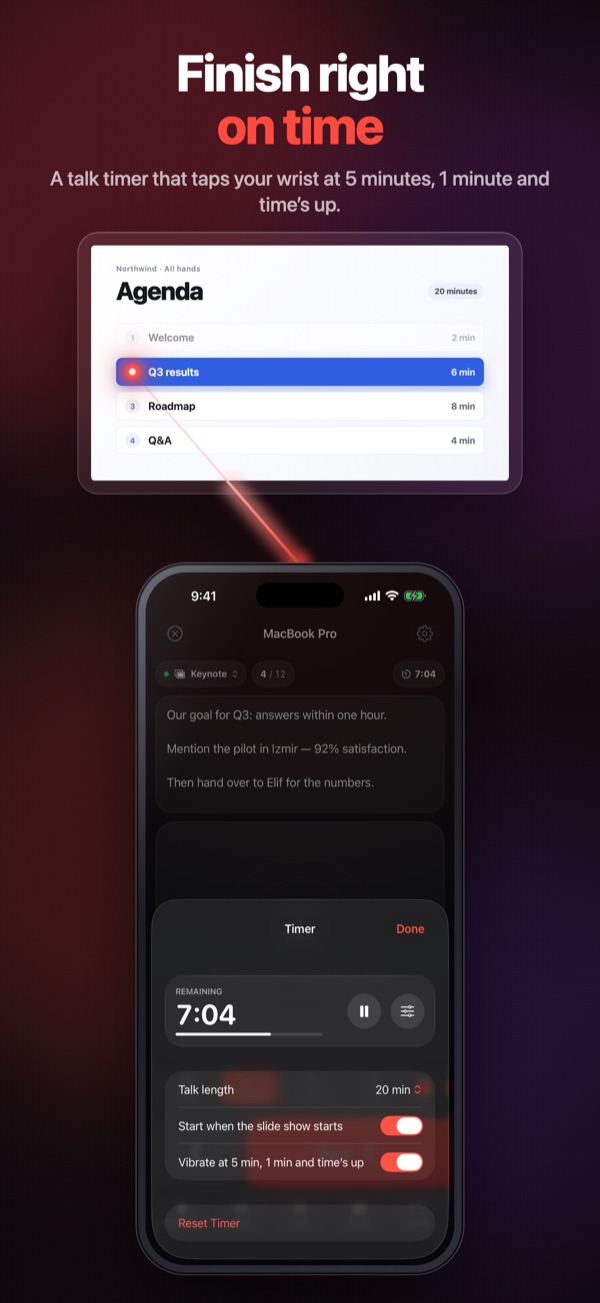
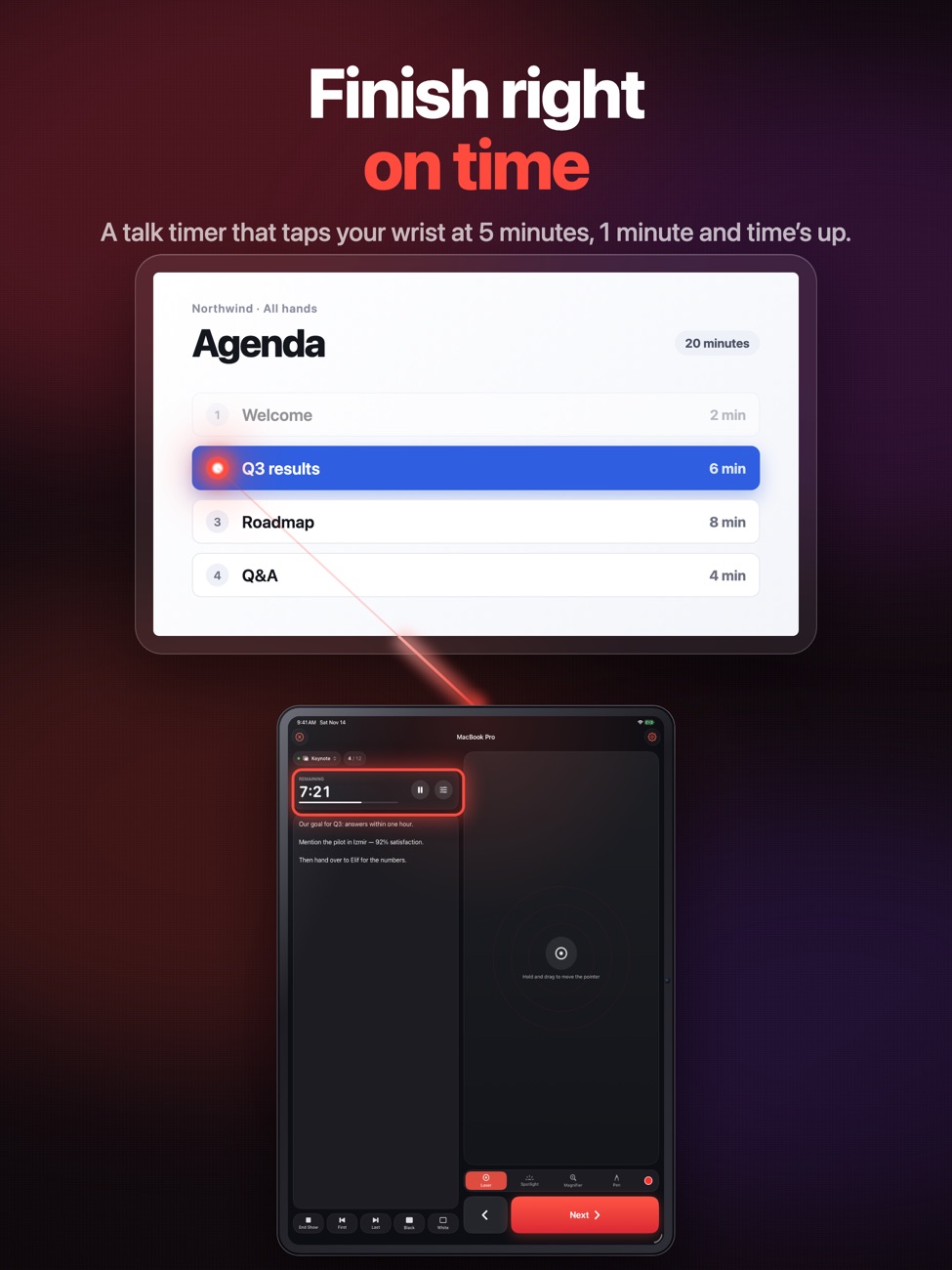
Finish on time
A talk timer that taps your wrist at 5 minutes, 1 minute and time’s up, with an Apple Watch clicker.
Works with what you use
Keynote, PowerPoint, Google Slides, PDF viewers and LibreOffice, on iPhone, iPad and iPhone Duo.
Free Mac and PC companions
Download the free companion from this page: Presentation Pointer for Mac (macOS 13 or later) or for Windows (Windows 10 or 11, 64-bit).
Get Presentation Pointer for Mac
The iPhone app needs this small helper running on your Mac. It’s free, signed with our Apple Developer ID and checked by Apple.
Download for Mac- Download and openOpen Presentation-Pointer-for-Mac.dmg and drag Presentation Pointer into your Applications folder.
- Allow accessOpen it and allow Accessibility so it can change slides and draw the laser. Screen Recording is optional, for the magnifier.
- Pair your iPhonePut both on the same Wi-Fi, pick your Mac in the iPhone app and check that the code matches on both screens.
SHA-256: 79e8339e37c087ffc410eb4cb68cc713e983c37a6d1d321f5b00d07347f9c827
Get Presentation Pointer for Windows
The iPhone app needs this small helper running on your PC. It’s free, and it installs for your user account only, with no administrator rights needed.
Download for Windows- Download and openOpen Presentation-Pointer-for-Windows.exe. If Windows shows “Windows protected your PC”, click More info, then Run anyway. It installs itself and appears in the notification area next to the clock.
- Allow accessWhen Windows Defender Firewall asks, allow Presentation Pointer on private networks. Your Wi-Fi should be set to Private in Windows network settings.
- Pair your iPhonePut both on the same Wi-Fi, pick your PC in the iPhone app and check that the code matches on both screens.
SHA-256: efb28e1e0c3438c42e5f94aaa6d62e5a4a149d1a3246b15412478ef983b5ea6d
Screenshots
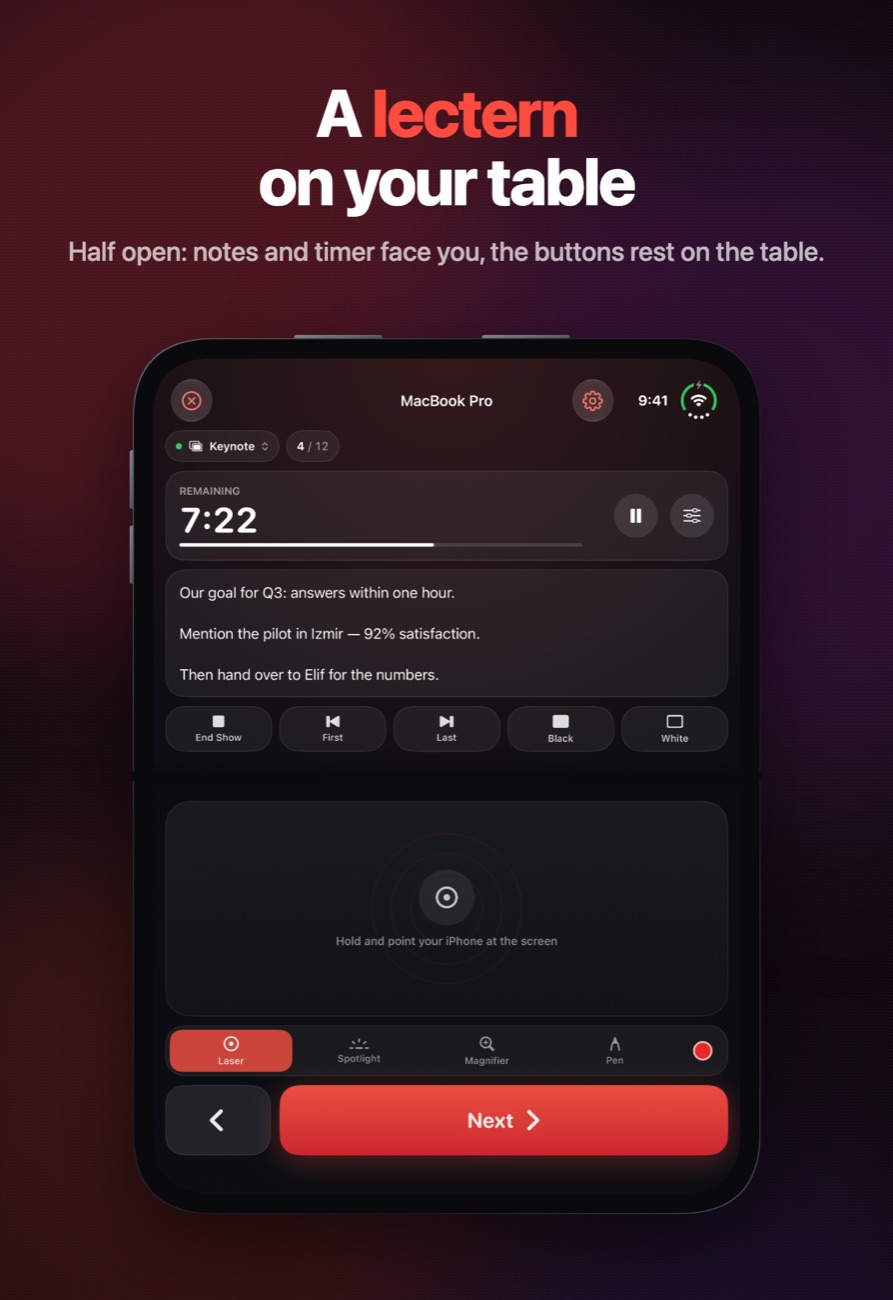
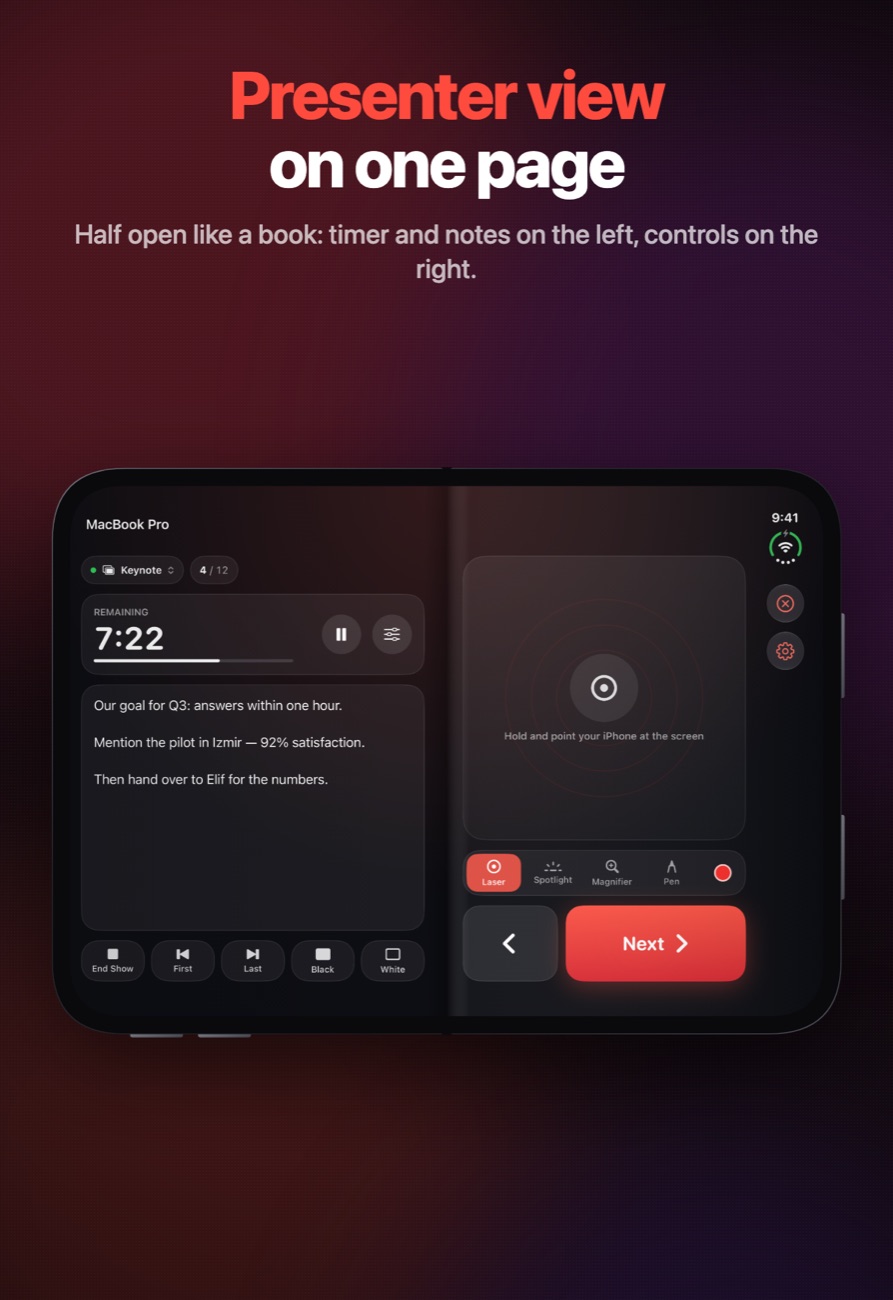
Presentation Pointer on iPhone Duo, iPhone and iPad.
Is it right for you?
An honest look at who Presentation Pointer is made for.
Great for
- Teachers and speakers
- Video calls where a real laser doesn't show
- Anyone who forgets their clicker
Look elsewhere if you need
- Presenting from a Linux computer or Chromebook
- Controlling a computer over the internet (same Wi-Fi only)
Details
- Developer
- Sensonet
- Price
- Free
- Category
- Business
- Version
- 2.0 · updated 2026-06-27
- Requires
- iOS 17.0 or later
- Languages
- 2
- Size
- 12 MB
- Age rating
- 4+
Privacy
Your iPhone pairs with your computer with a code you check on both screens, and every connection is encrypted. No accounts, no ads, no tracking.
Questions
Can I use my iPhone as a clicker for PowerPoint on Windows?
Yes. Download the free Presentation Pointer for Windows from this page, open it on your PC and pair your iPhone. PowerPoint, Google Slides in your browser, PDF viewers and LibreOffice are supported.
Does it work with Keynote?
Yes, on a Mac, along with PowerPoint, Google Slides, PDF viewers and LibreOffice. Speaker notes and slide numbers come from Keynote and PowerPoint.
Does the laser show up on Zoom or Teams?
Yes. The dot is drawn on your computer’s screen, so it appears on the projector and in Zoom, Teams and Meet screen shares.
Is Presentation Pointer free?
The app is a free download with three free tries of up to 10 minutes each. After that, Pro unlocks it: $2.99 a year with a 3-day free trial, or $9.99 once for life. If you bought Presentation Pointer before it became free, Pro is included.
I used the old version. What do I need to do?
Install the new Presentation Pointer for Mac or Windows from this page. The old Mac app doesn’t work with version 2.0 of the iPhone app.
Where do I download the computer app?
Right here on this page: Presentation Pointer for Mac (macOS 13 or later, Apple silicon and Intel) and Presentation Pointer for Windows (Windows 10 or 11, 64-bit). Both are free.
More apps from Sensonet


Presentation Pointer privacy policyPrivacy Policy — Presentation Pointer · Effective date: 14 November 2026
In short: Presentation Pointer does not collect, store or share any personal data. Your iPhone talks directly to the companion app on your Mac or Windows PC over your local network, every connection is encrypted, and nothing is sent to us.
This policy covers Presentation Pointer for iPhone, iPad and Apple Watch and its free companion apps, Presentation Pointer for Mac and Presentation Pointer for Windows, published by Sensonet (“we”, “us”).
Information we collect
None. There are no accounts, no advertising, no analytics and no third-party tracking software. We do not receive your presentations, your speaker notes, your location or any usage data.
How the connection works
The iPhone app finds the companion app on the same Wi-Fi network using Bonjour (local network discovery). The first time you connect, both screens show a code that you check, and after that the connection is encrypted. Pointer movements, slide commands and drawing travel only between your iPhone and your computer over your local network. Pairing information is kept in each device’s secure storage (the Keychain on Apple devices, and Windows data protection on a PC).
Slides and speaker notes
To show your progress on the iPhone, the companion app reads the current slide number, slide count and speaker notes from Keynote or PowerPoint, and sends them to your paired iPhone over the local connection. On a Mac it asks Keynote or PowerPoint through Automation; on Windows it asks PowerPoint directly. Notes are shown on your iPhone while you present and are not stored or sent anywhere else.
Laser, spotlight, magnifier and pen
The laser, spotlight, magnifier and pen are drawn by the companion app on your own screen. To magnify, it reads the part of the screen under the lens and shows it larger, live. Nothing is recorded, saved or sent.
Permissions the apps ask for
- Local Network (iPhone and Mac): to find and connect to your computer.
- Motion (iPhone): to move the laser as you point your phone. Motion readings are used live and never stored.
- Accessibility (Mac): so the companion can change slides and draw on your screen.
- Automation (Mac): to read the slide number and speaker notes from Keynote and PowerPoint.
- Screen Recording (Mac, optional): only for the magnifier.
- Windows Defender Firewall (Windows): to accept the connection from your iPhone on private networks.
You can turn these off at any time in Settings, System Settings or Windows Settings.
Apple Watch
If you use the Apple Watch app, slide controls and talk timer alerts pass between your iPhone and your Apple Watch through Apple’s Watch Connectivity framework. Nothing is sent to us.
Information stored on your devices
The apps store your settings, such as laser color and size, timer length and the pairing records needed to reconnect. Presentation Pointer for Windows keeps its settings and a troubleshooting log in %LocalAppData%\PresentationPointer on your PC. None of this is sent to us, and it is removed when you uninstall the app.
Free tries and Pro
Without Pro, the iPhone app can be tried three times. It counts the tries used in your device’s Keychain so the count survives reinstalling; with iCloud Keychain, the count may sync to your other Apple devices. The counter contains no personal information. Pro is sold by Apple through the App Store as a yearly subscription or a one-time purchase, and the app checks with Apple whether you bought Presentation Pointer before it became free. We do not receive your payment details or Apple ID.
Ratings
The app may occasionally show Apple’s standard rating prompt. Any rating you give is handled by Apple.
Children
The apps do not collect personal information from anyone, including children.
Changes to this policy
If the app’s data practices change, we will update this policy and its effective date before the change takes effect.
Contact
Questions about this policy or your privacy can be sent to info@theappverdict.com. If you email us, we receive your email address and whatever you choose to write, and we use it only to reply.
Published by Sensonet, the developer of Presentation Pointer. This page is the current version of the policy.