 AR Draw Kids · Drawing and tracing app for kids
AR Draw Kids: Doodle. Paint.
Wow!
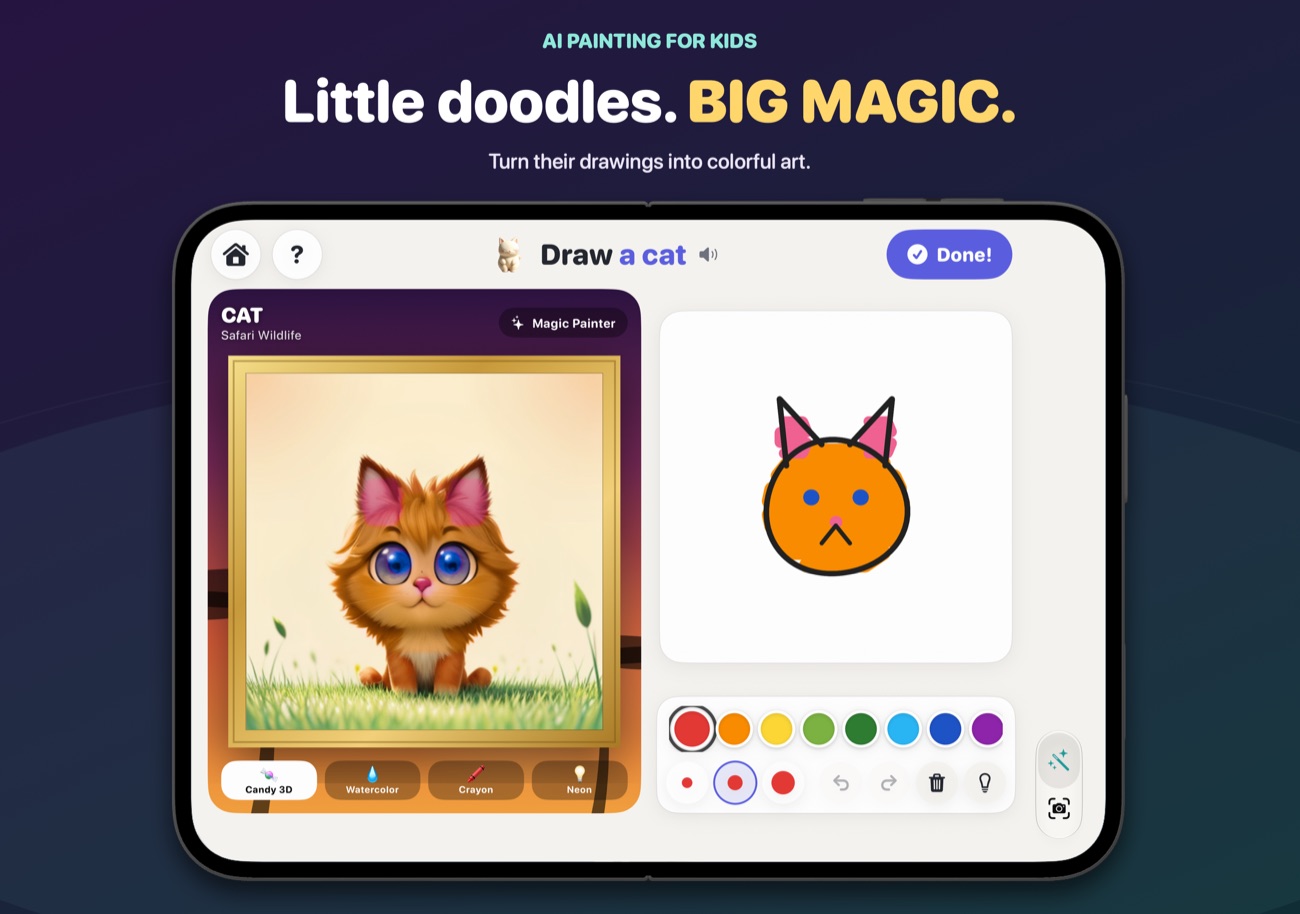
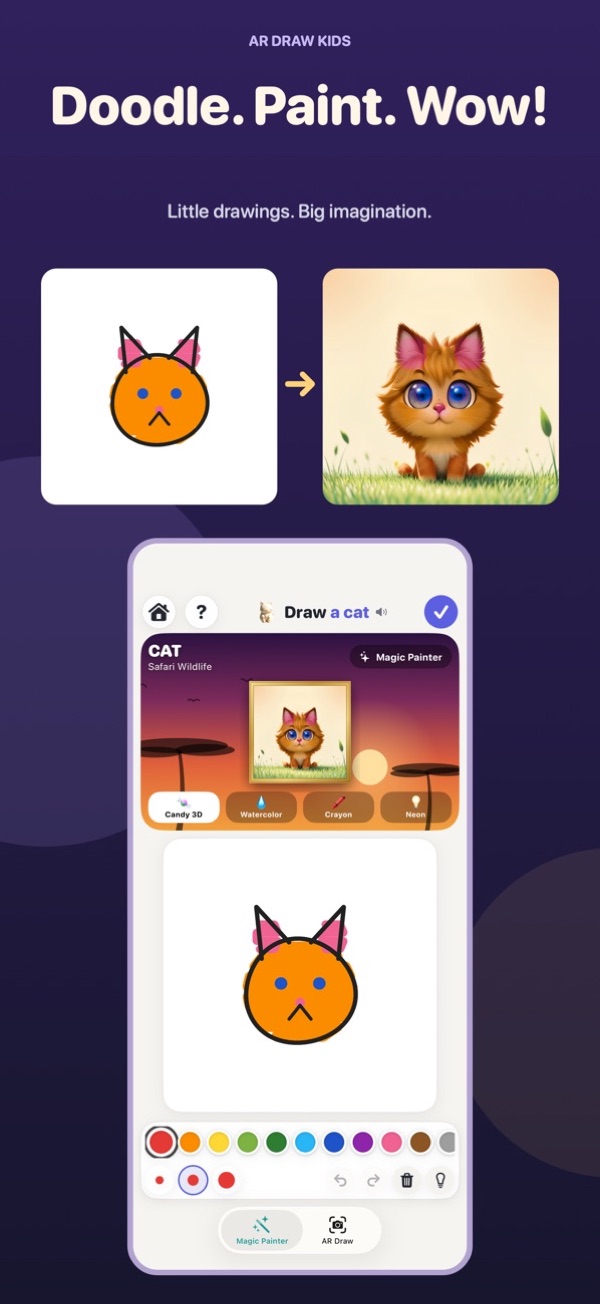
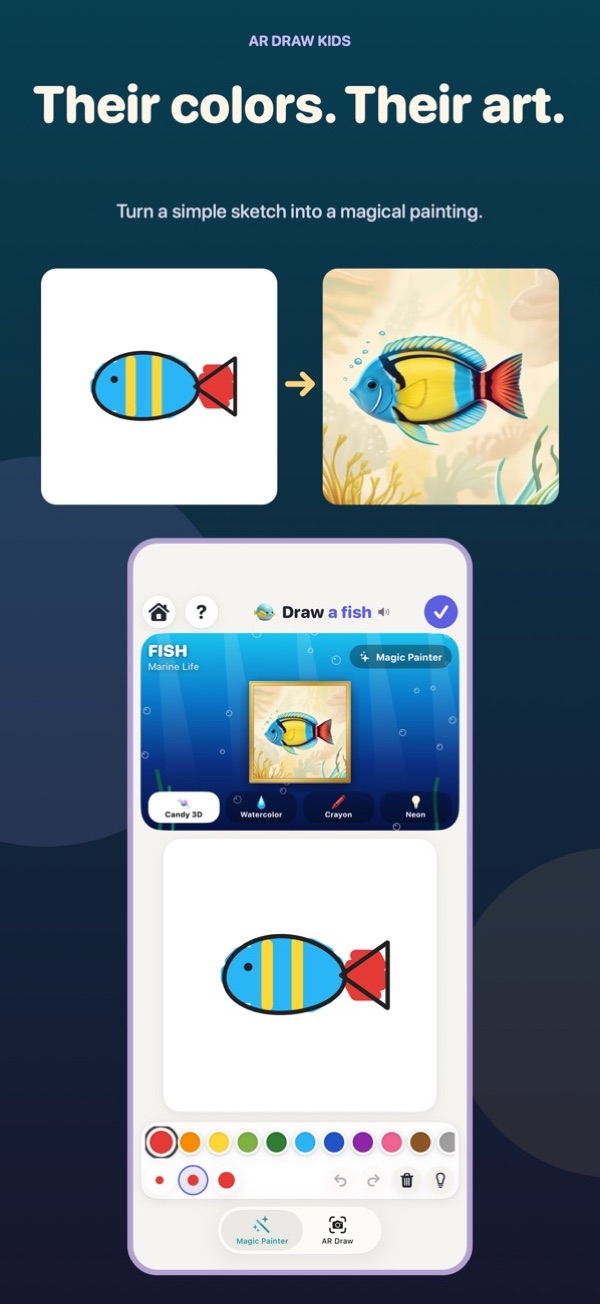
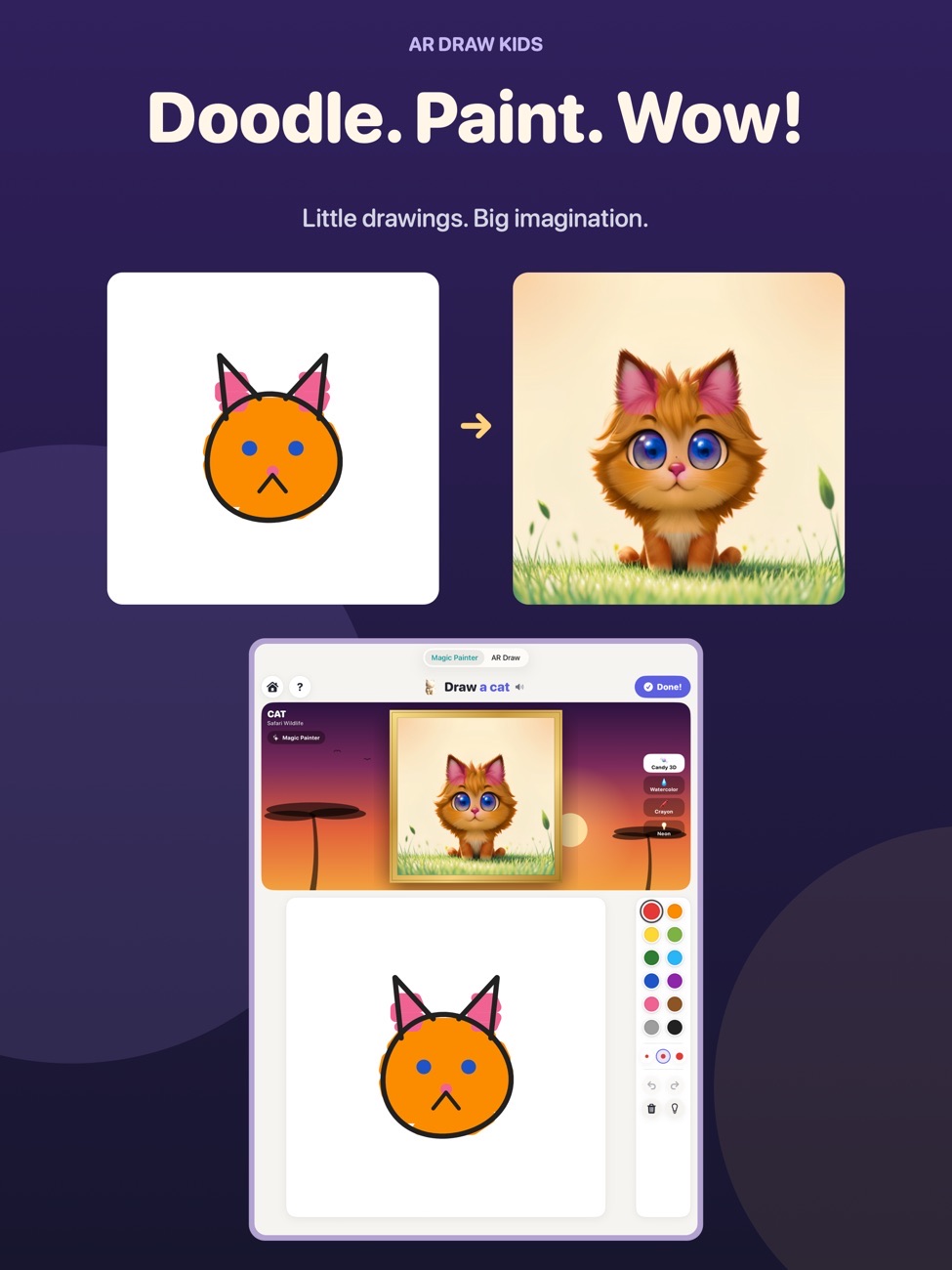
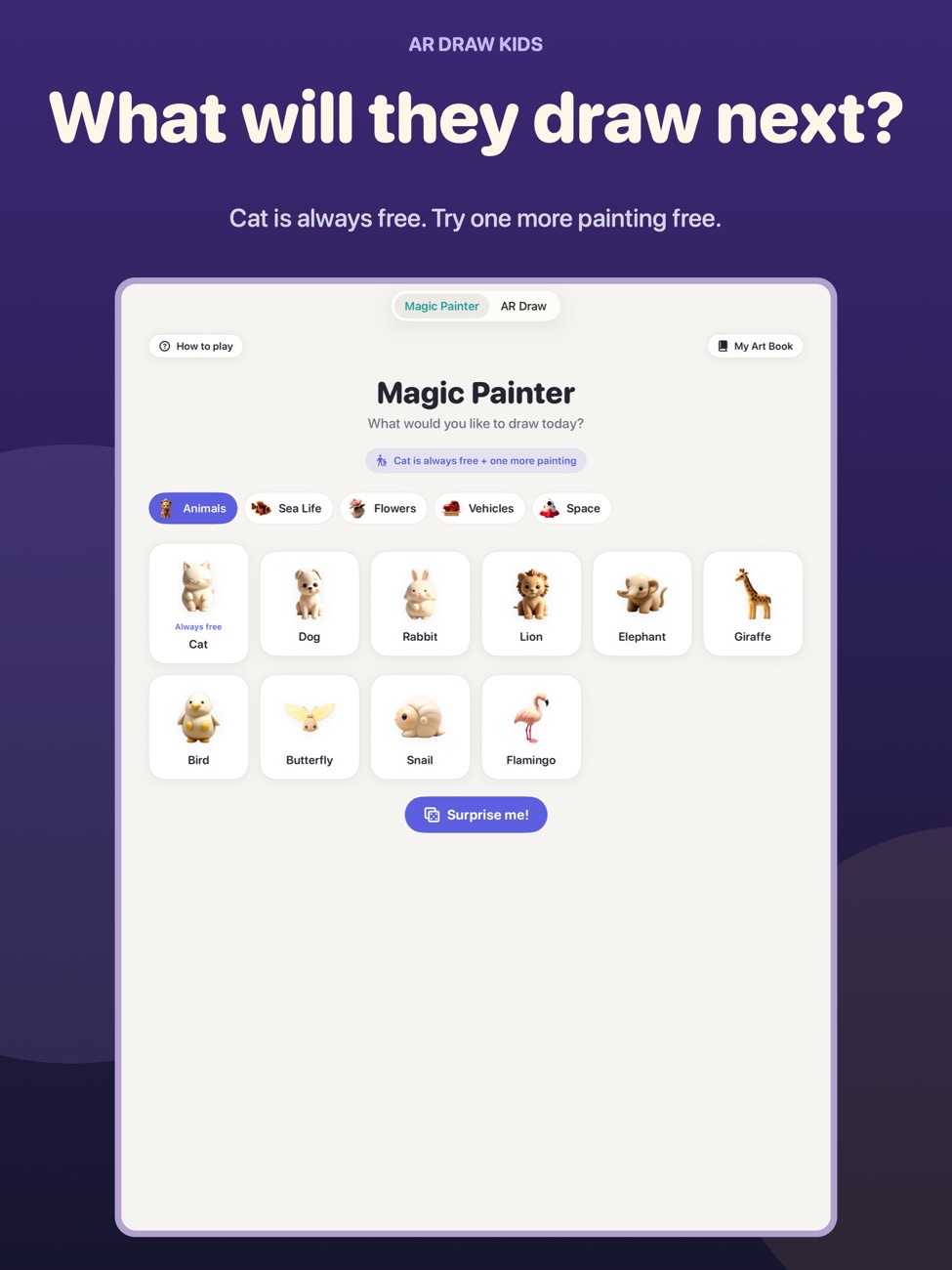
Kids trace a picture onto real paper with your iPhone above it, or draw a doodle with a finger and watch it turn into a storybook painting.
Real paper.
A little magic.
A screen-time app that ends with a drawing on the fridge.
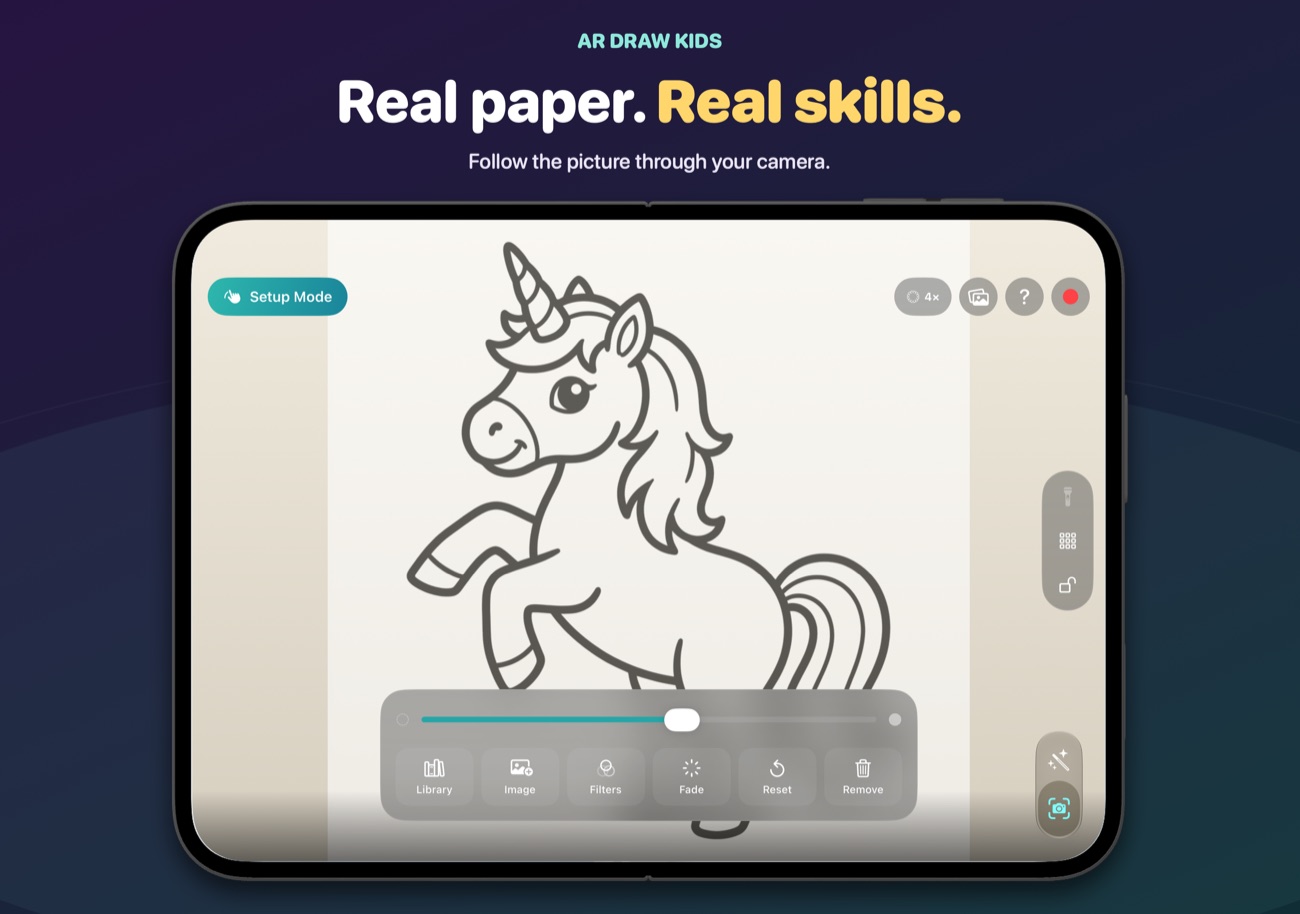
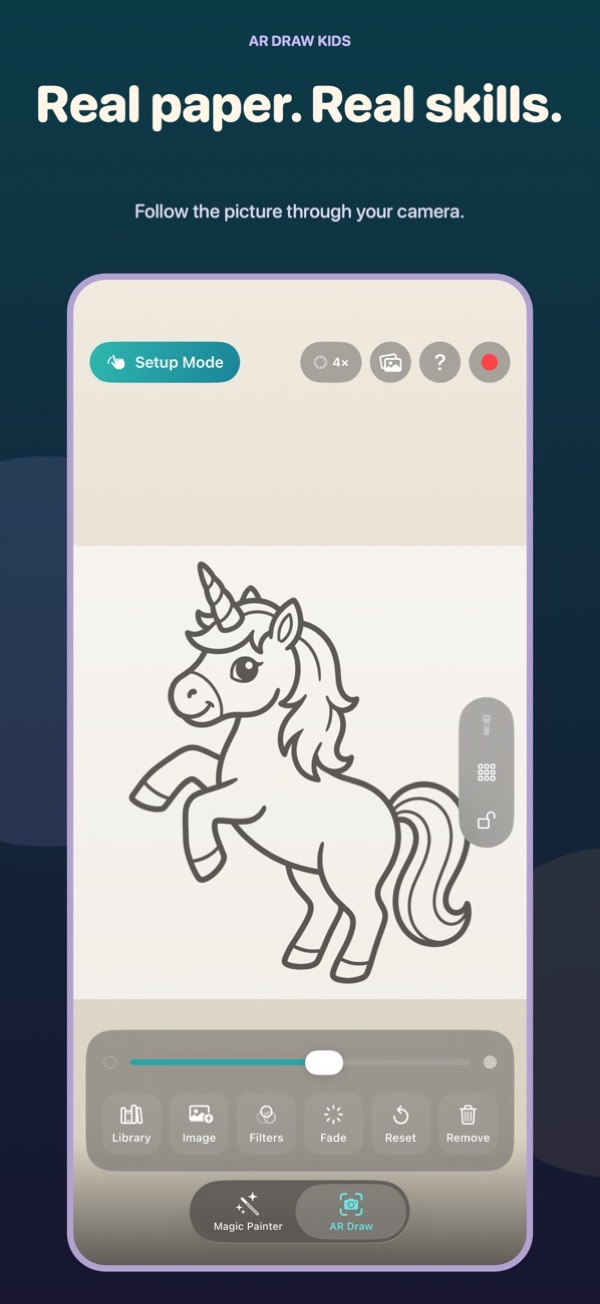
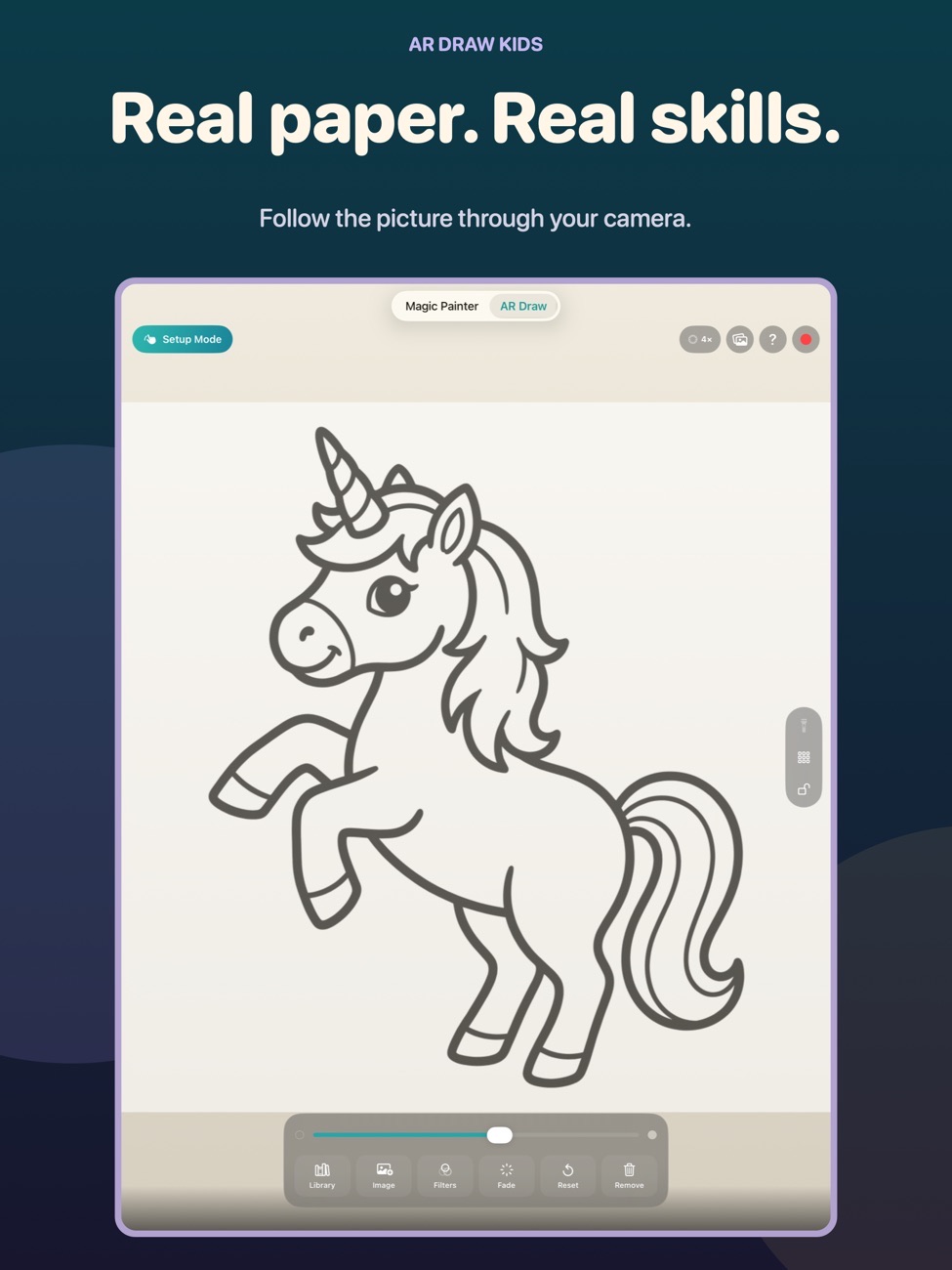
Trace onto real paper
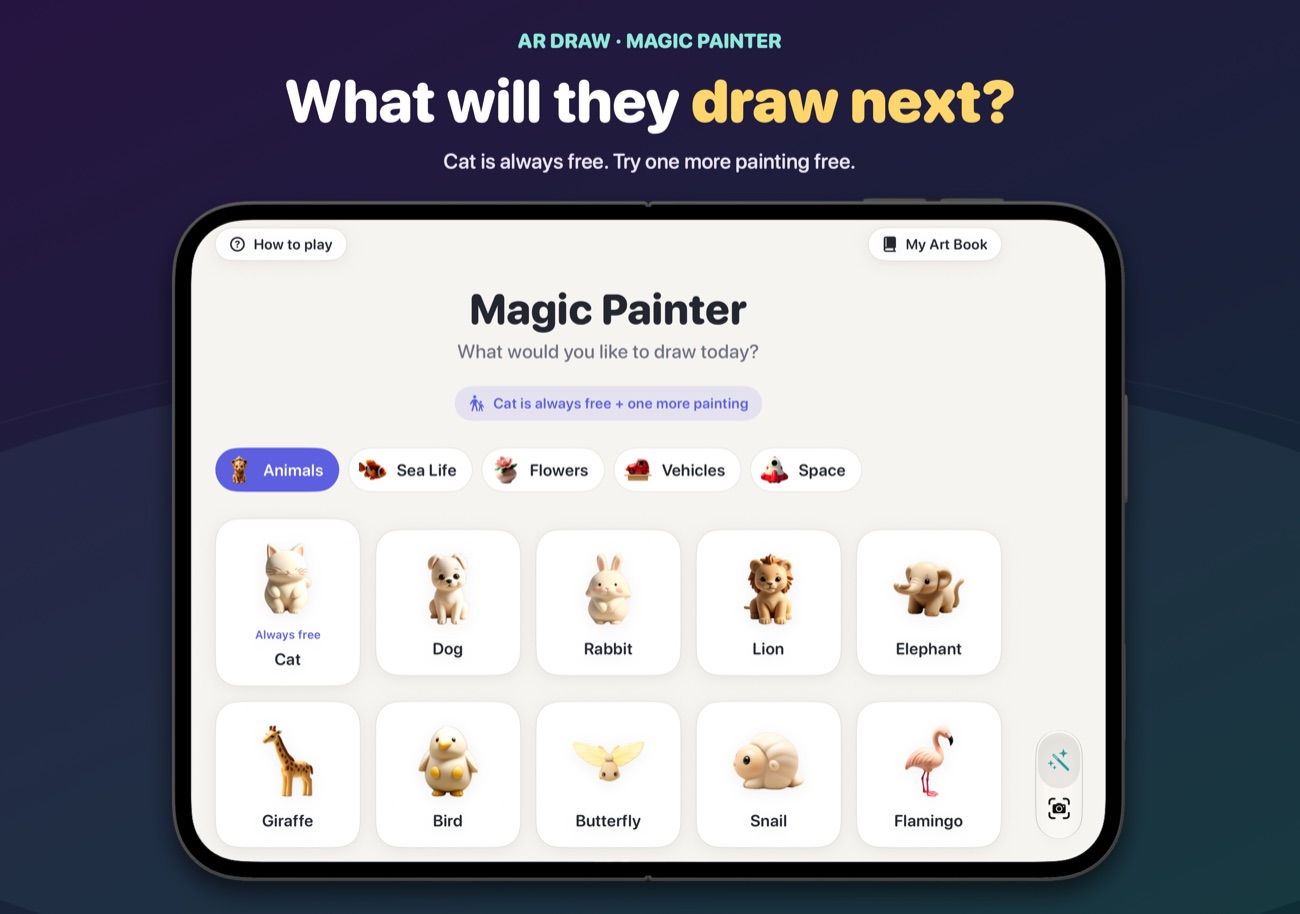
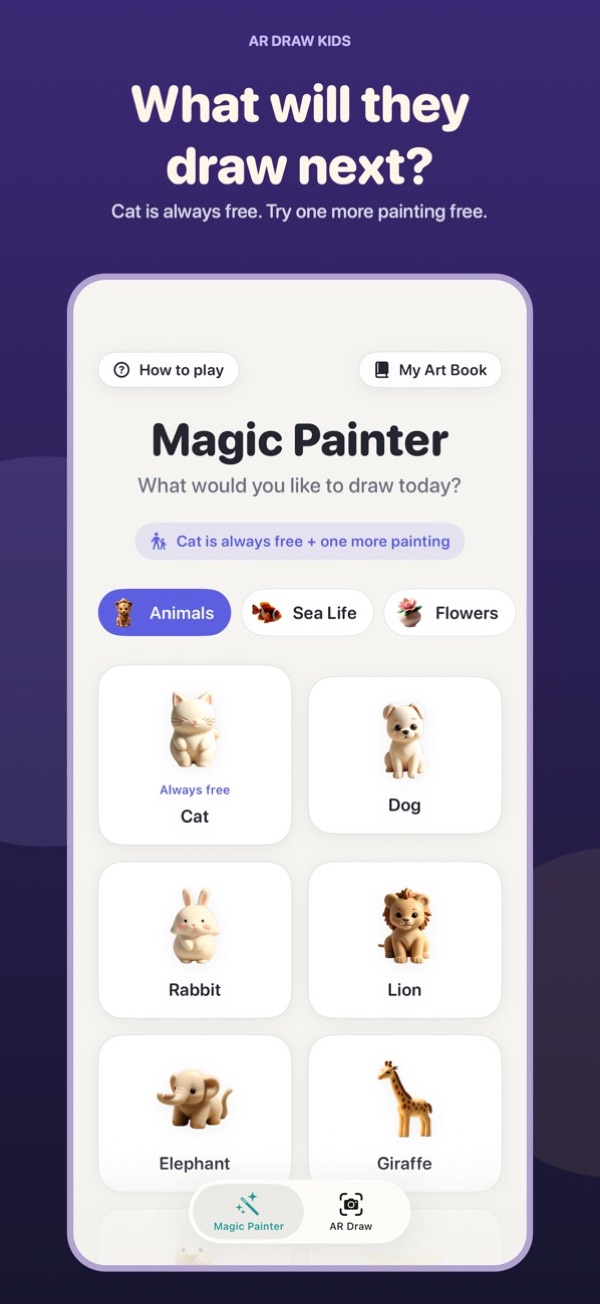
Choose from more than 50 built-in pictures (animals, rockets, castles, cupcakes) or your own photo. Fix the device above the paper, line it up and trace with a pencil.
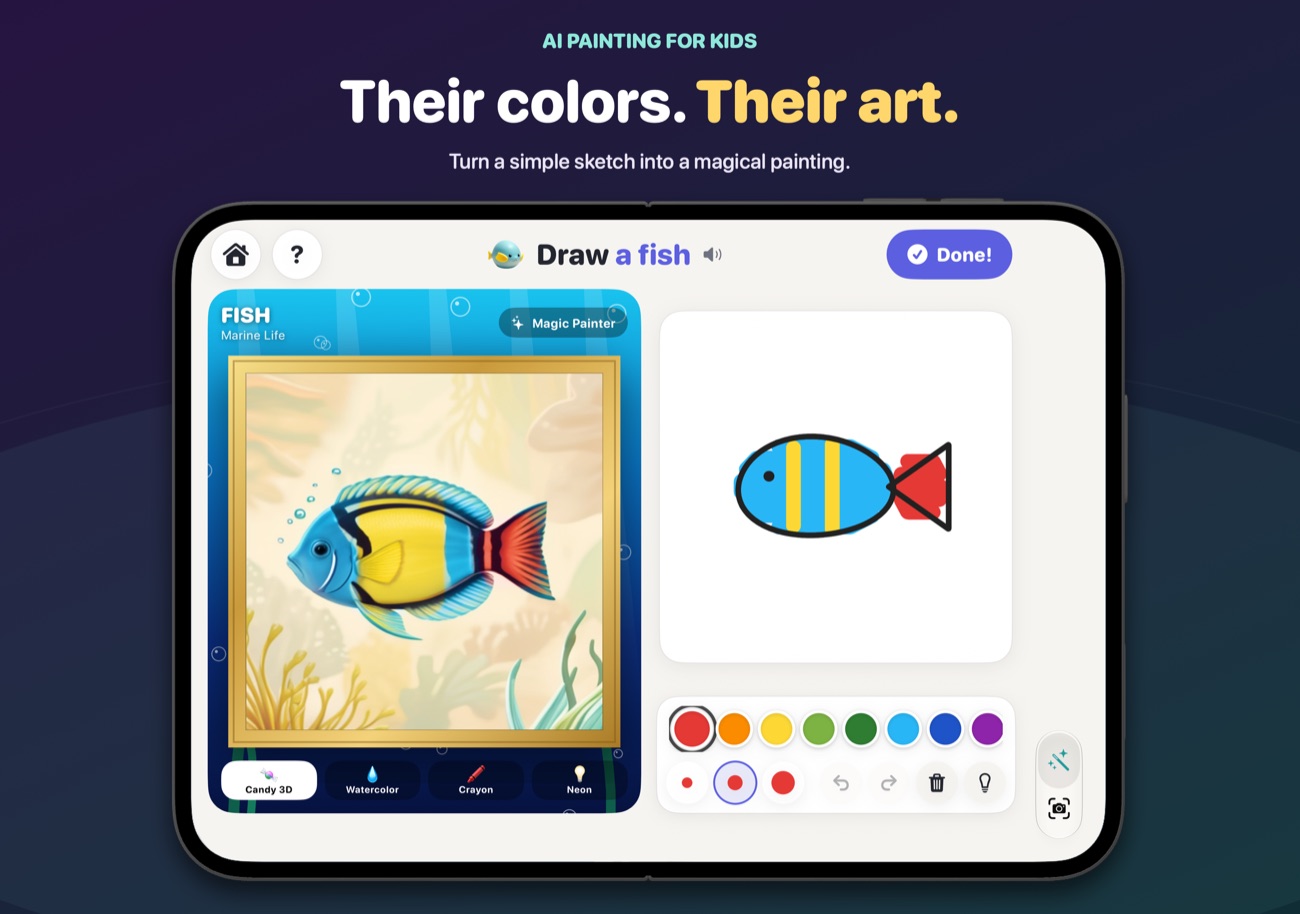
Magic Painter
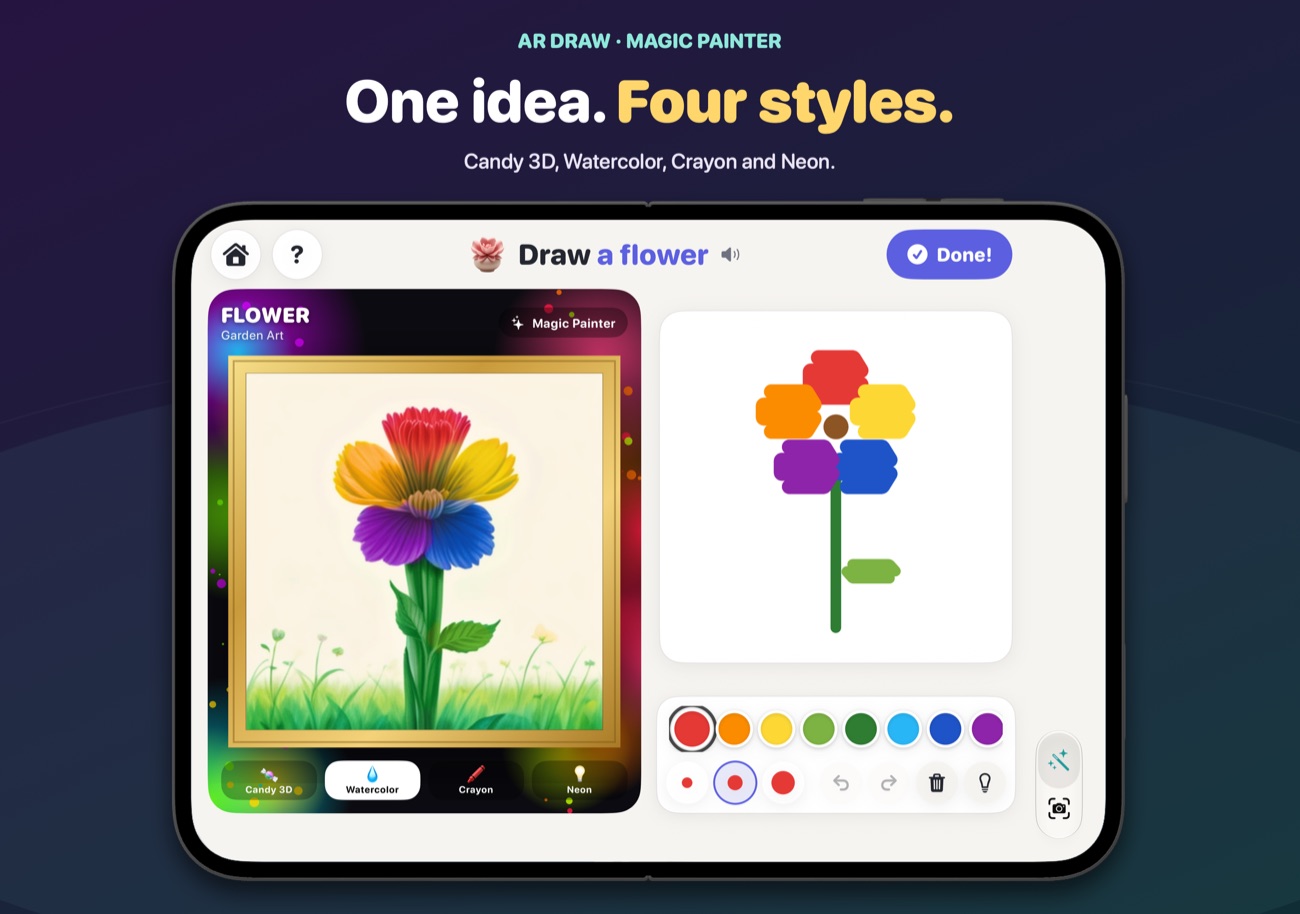
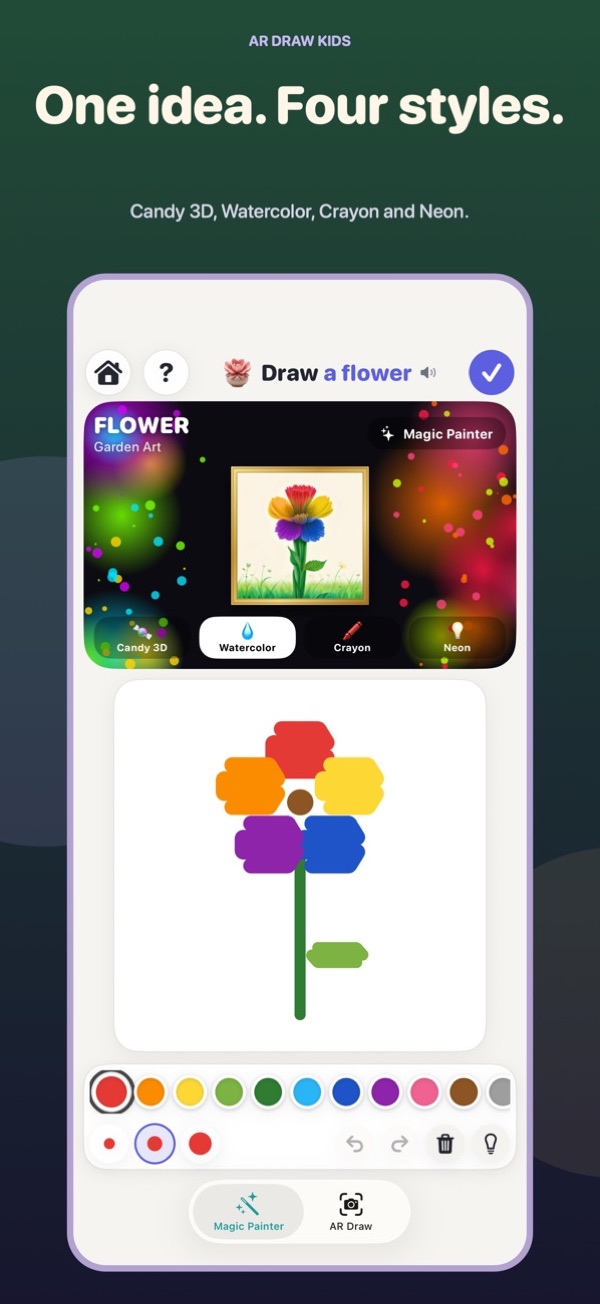
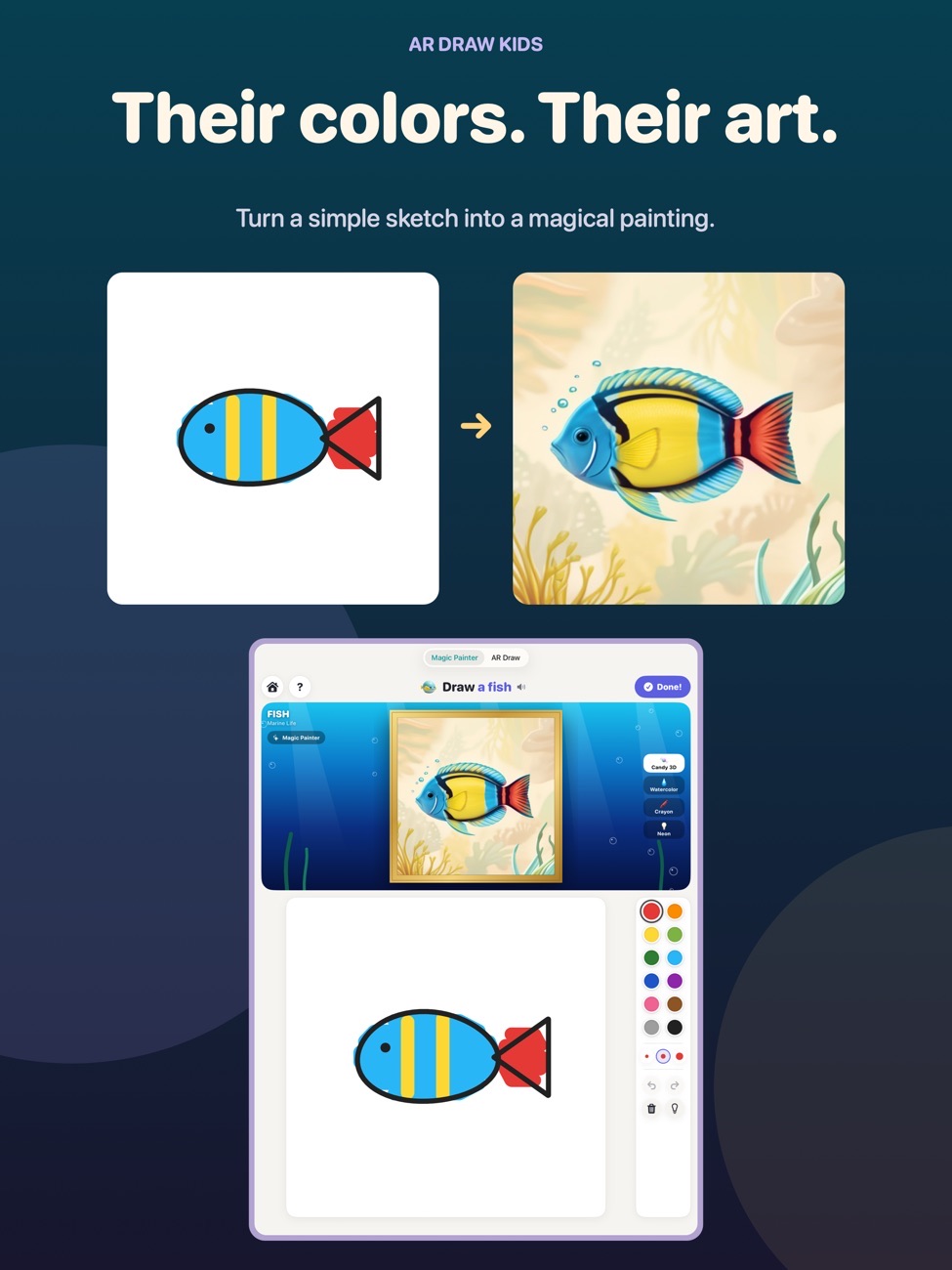
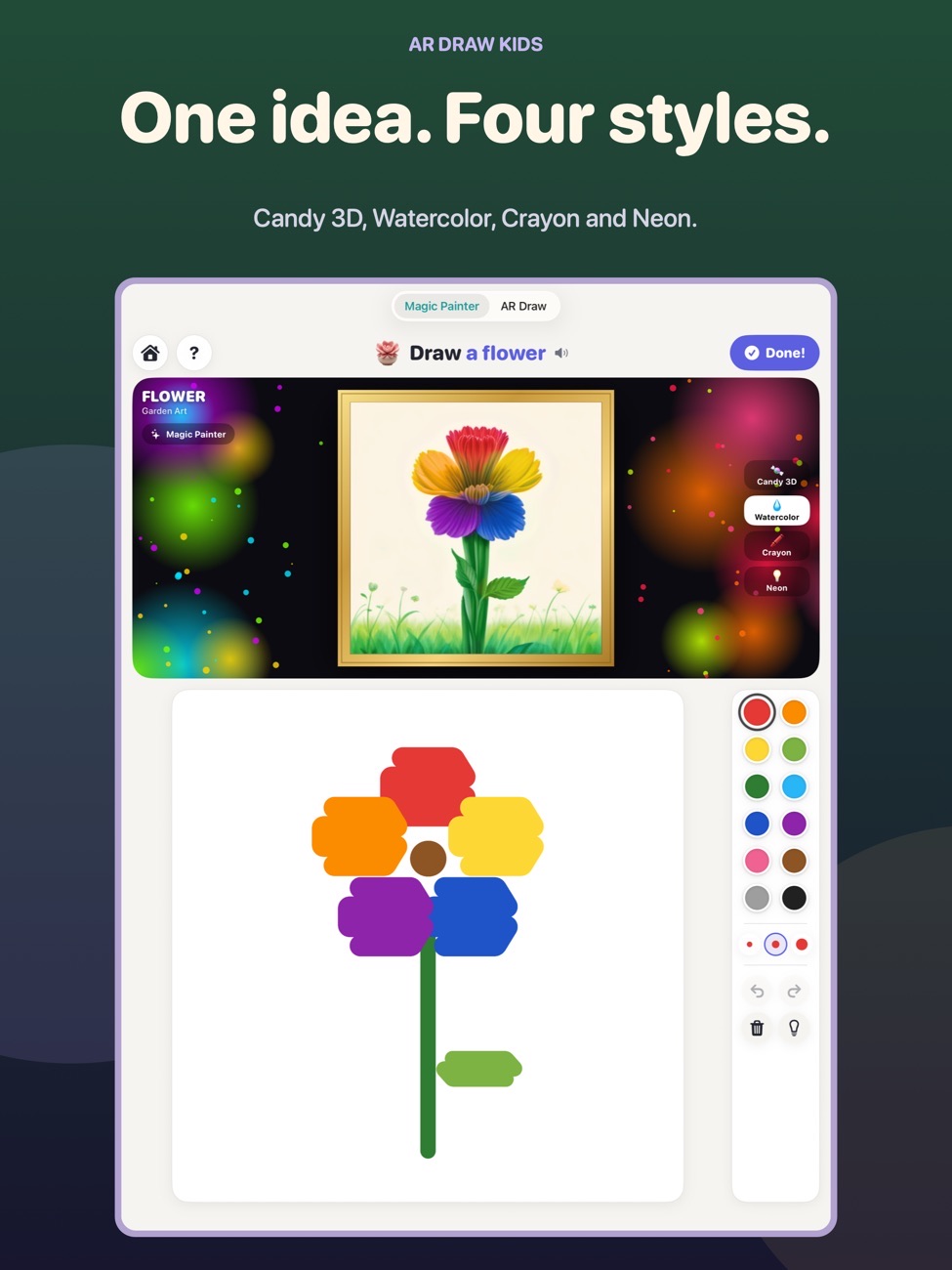
A finger doodle becomes a storybook-style painting while your child draws. The colours they choose stay where they painted them.
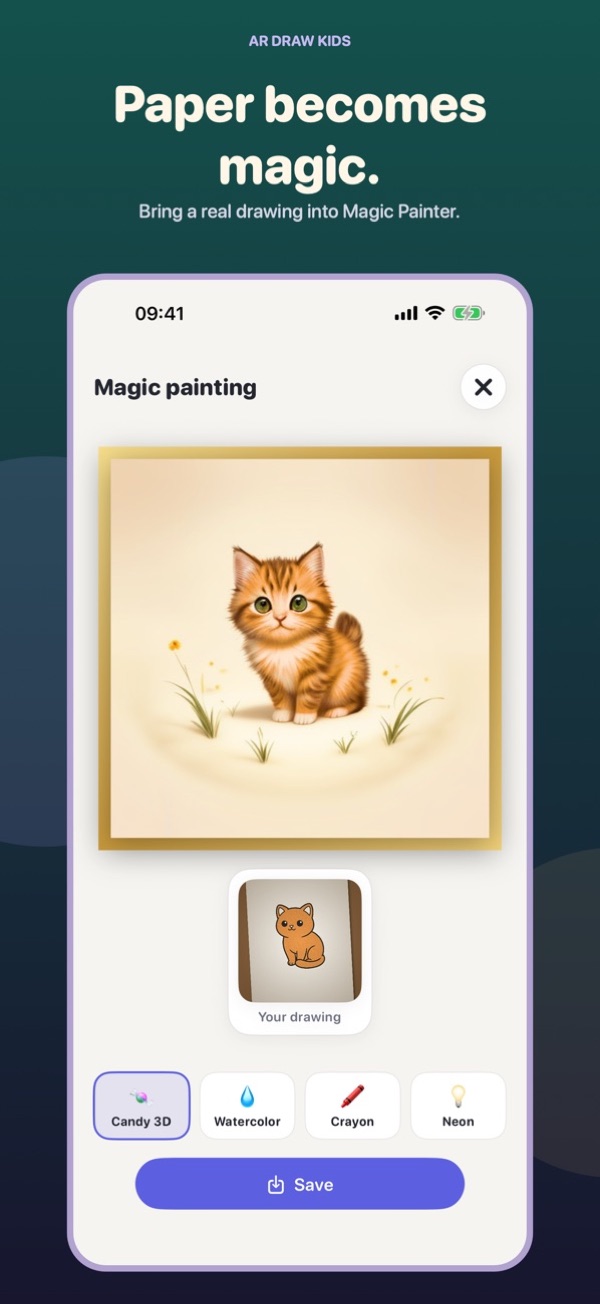
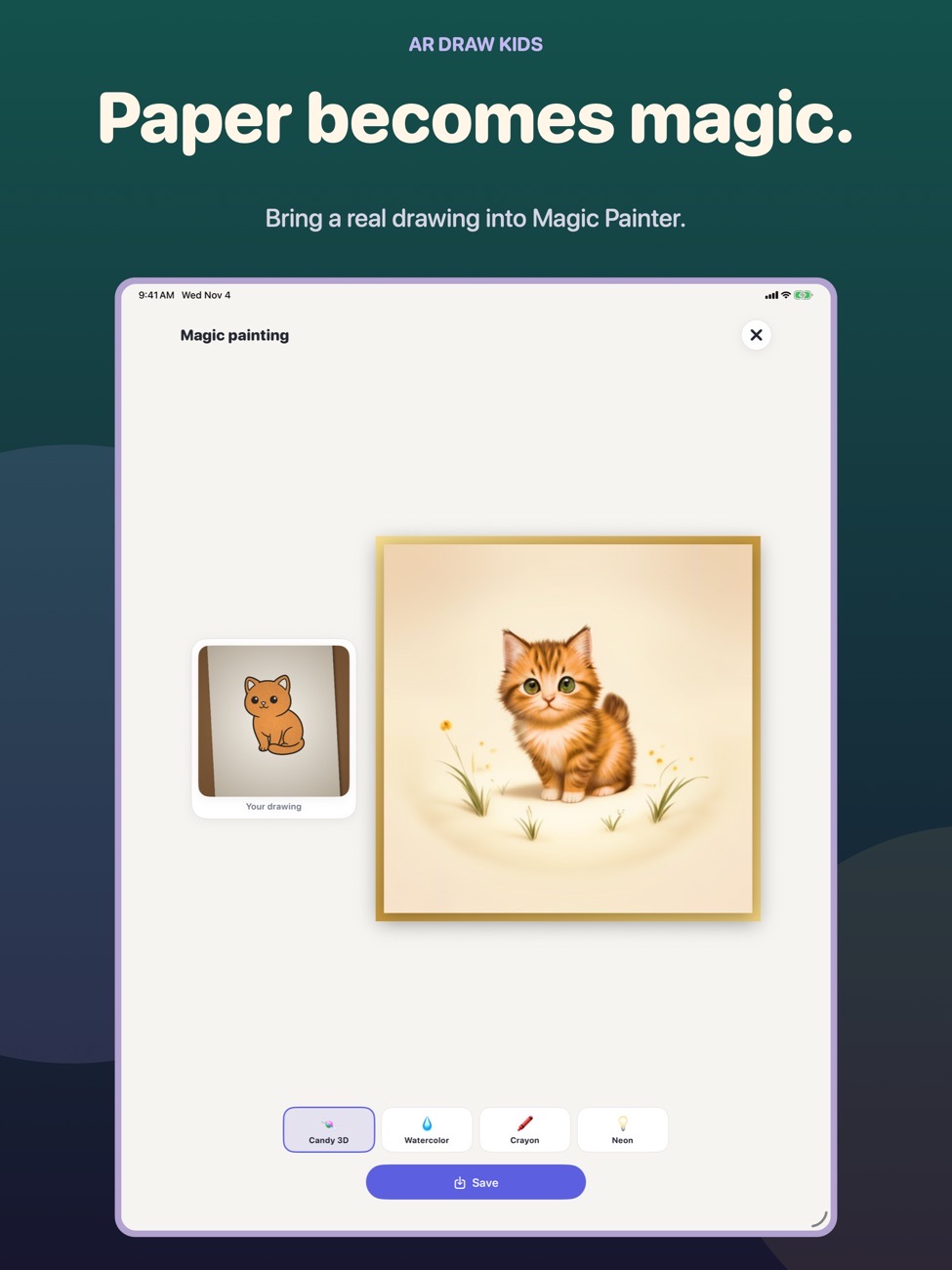
Four art styles
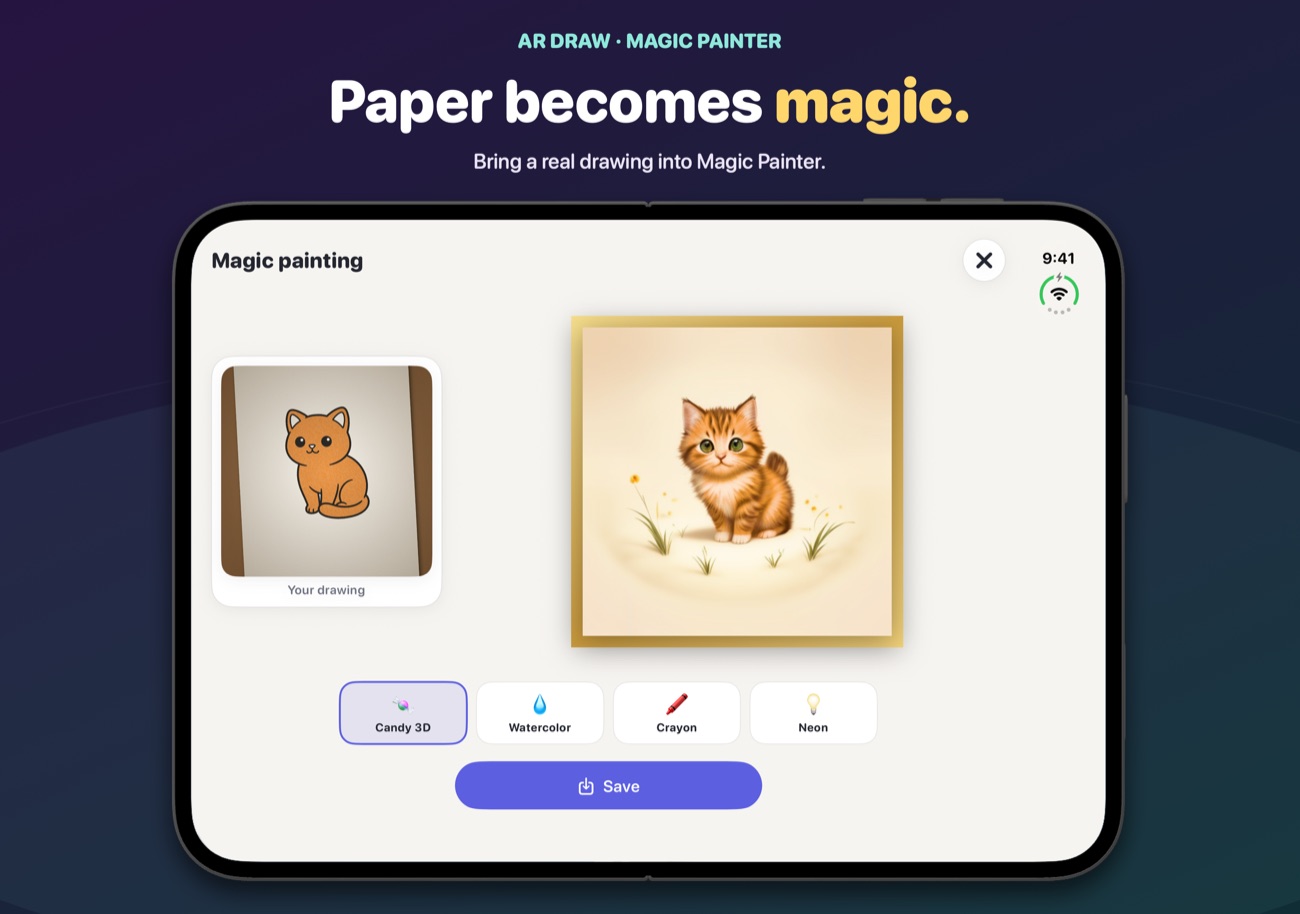
Candy 3D, Watercolor, Crayon and Neon.
Paper to painting
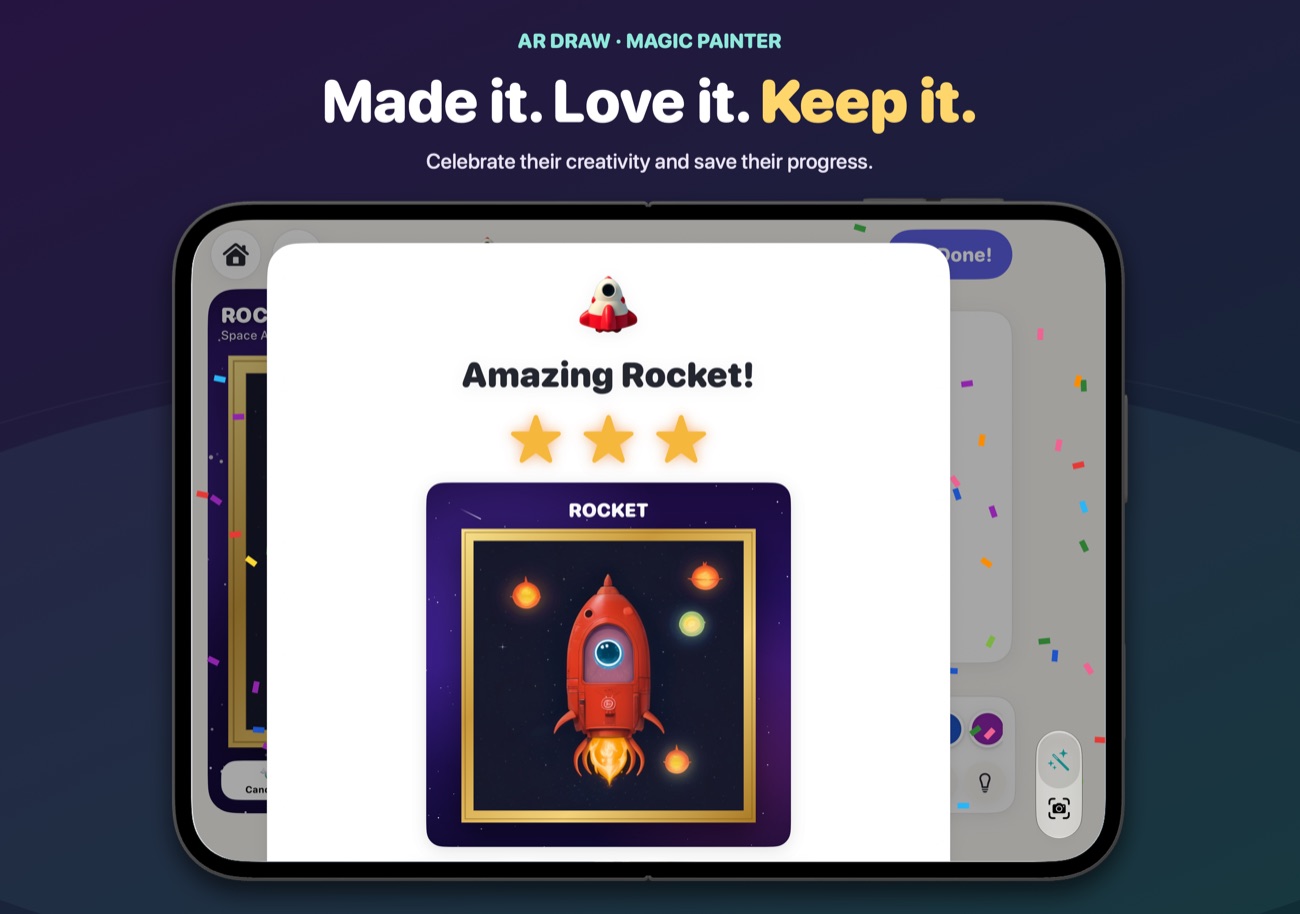
Finished a drawing on paper? Tap "Paint It with Magic" and see it painted next to the original.
Helpful tools
Opacity, grid, image lock, 14 filters and a time-lapse of the drawing.
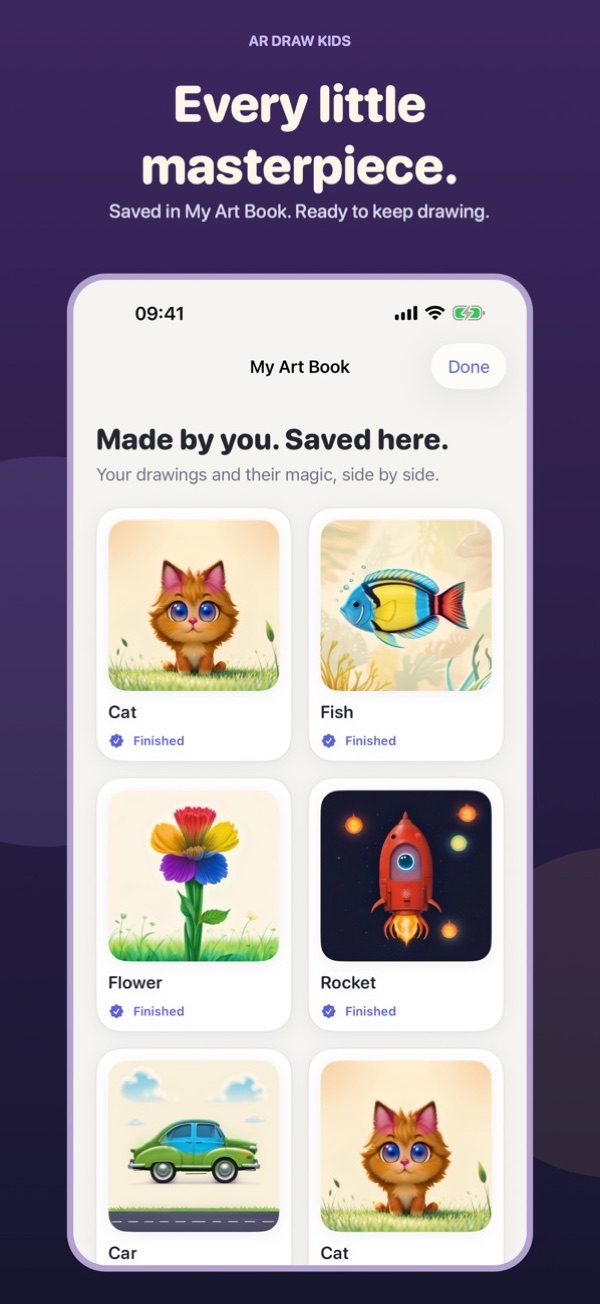
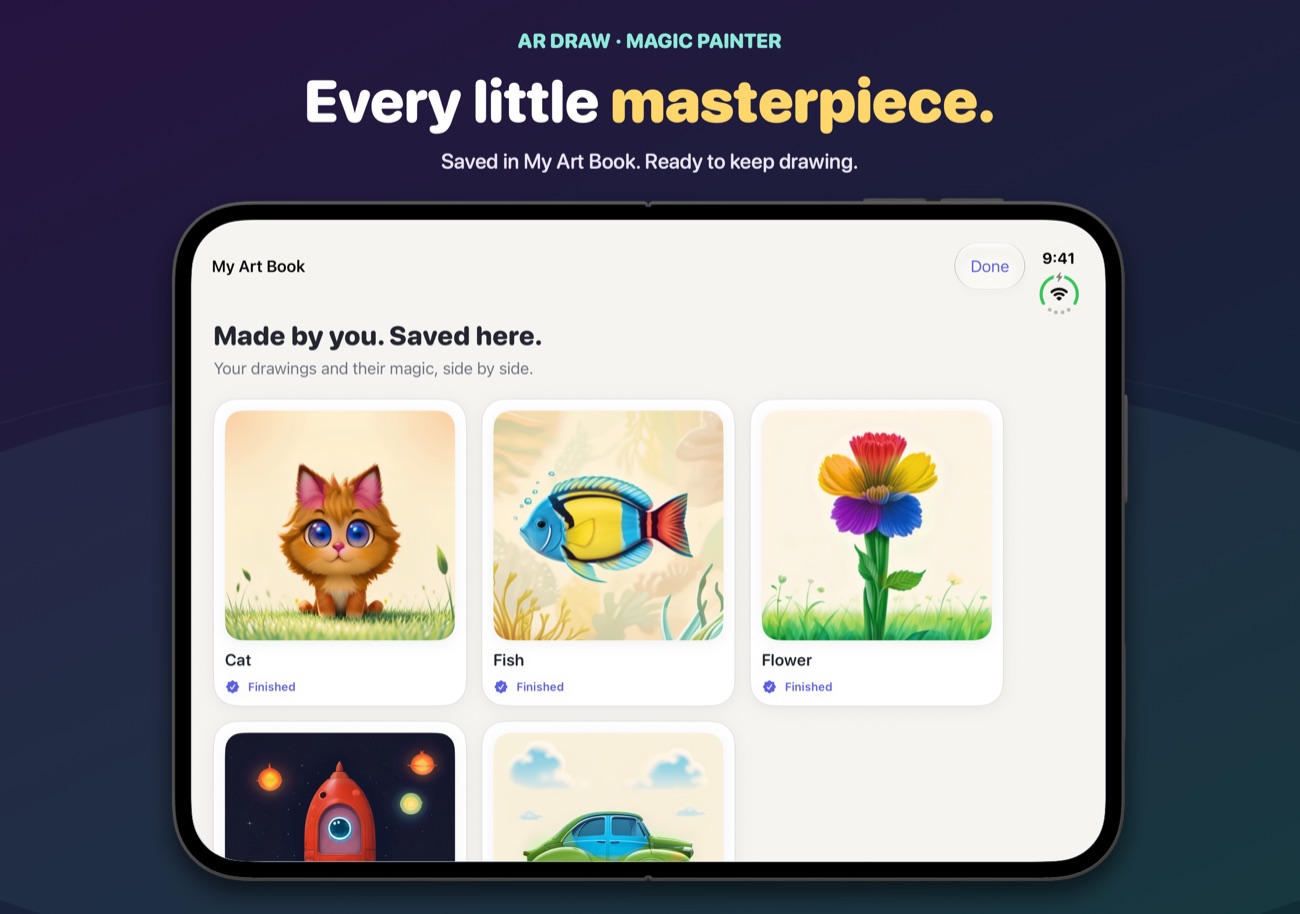
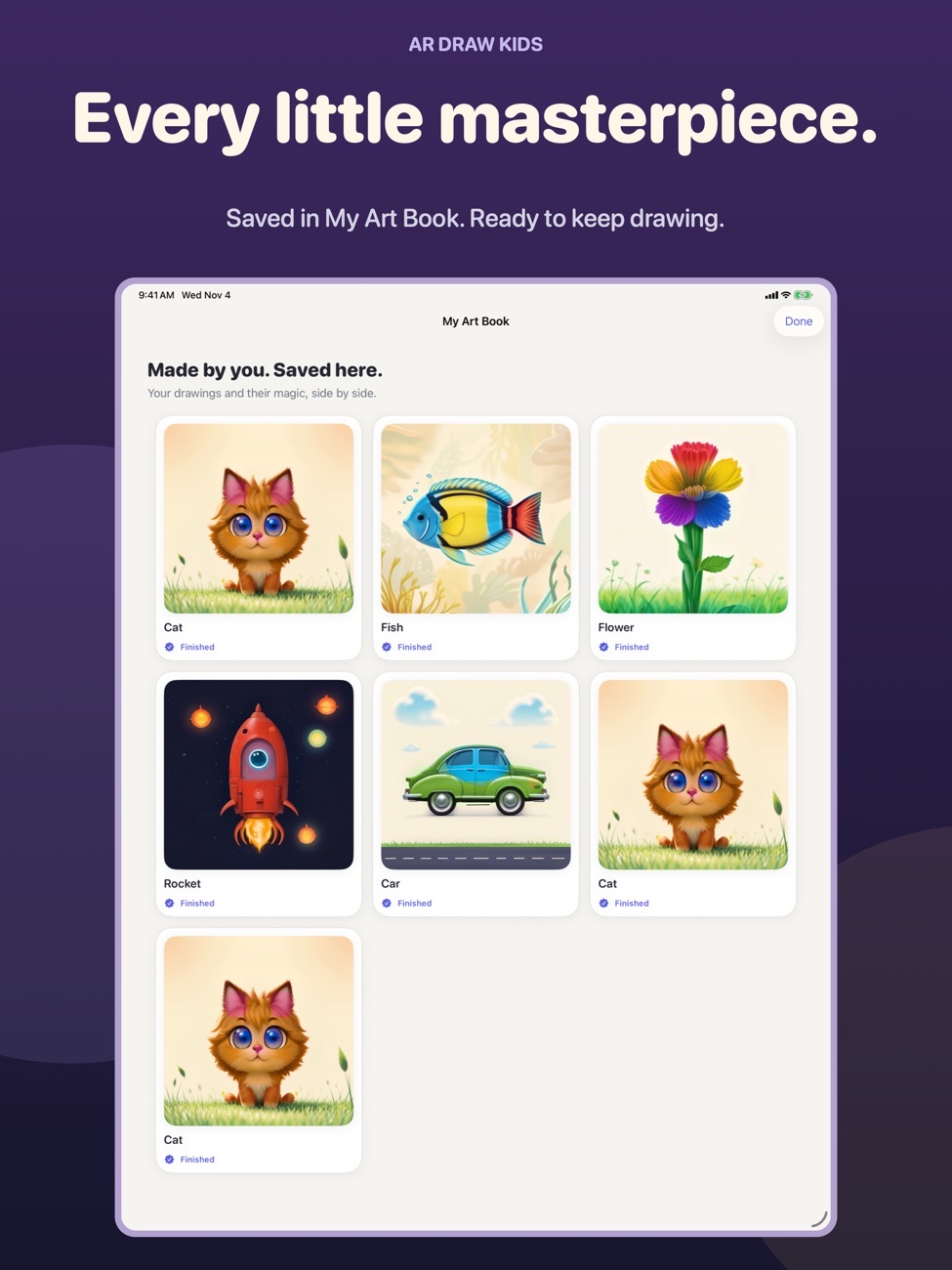
My Art Book
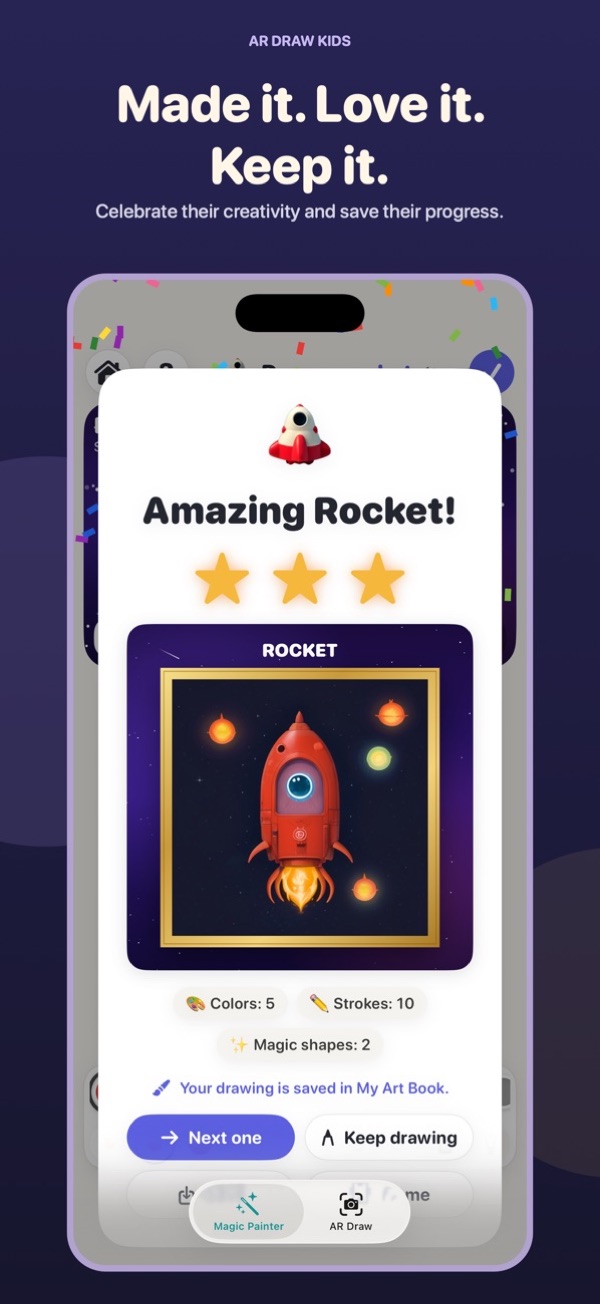
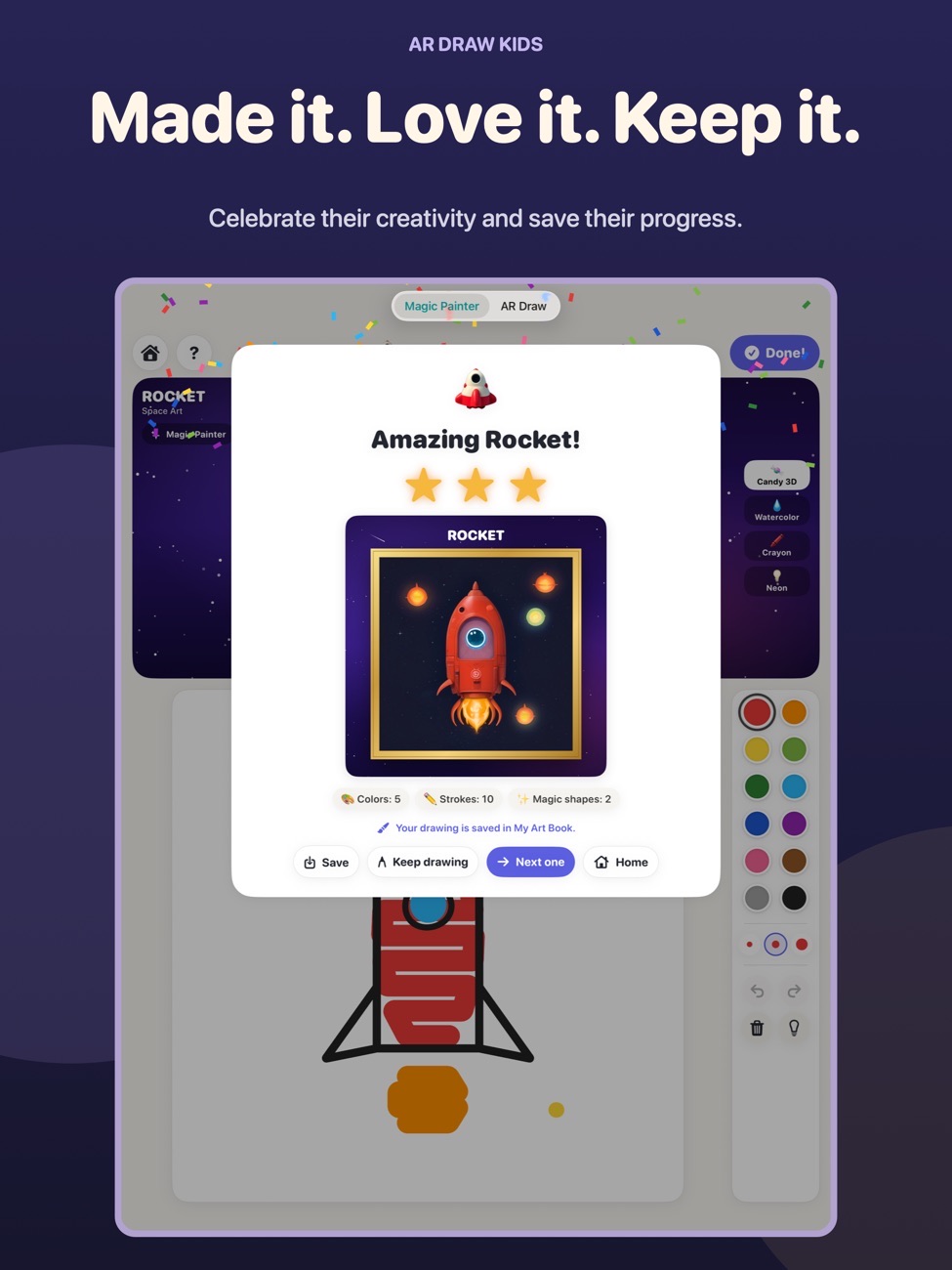
Drawings save automatically, with the original and painted version kept together.
Grown-up checks
Sharing goes through a grown-up check, and purchases are for grown-ups to choose.
Screenshots
AR Draw Kids on iPhone Duo, iPhone and iPad.
Is it right for you?
An honest look at who AR Draw Kids is made for.
Great for
- Kids learning to draw
- Rainy afternoons
- Parents who want screen time that ends on paper
Look elsewhere if you need
- Advanced artists wanting a full painting app
Details
- Developer
- Sensonet
- Price
- Free
- Category
- Education
- Version
- 1.4 · updated 2026-11-06
- Requires
- iOS 17.0 or later
- Languages
- 10
- Size
- 1088 MB
- Age rating
- 4+
Privacy
Artwork saves on your device, and sharing goes through a grown-up check.
Questions
How does AR drawing work?
The app shows a picture on top of the camera view of your paper. With the phone or iPad held steady above the paper, your child traces the lines with a real pencil.
Is AR Draw Kids free?
Kids can paint Cat as often as they like, complete one other magic painting and try two AR drawing sessions free. A grown-up can then unlock unlimited use.
What do I need to hold the phone?
Anything that keeps it steady above the paper: a phone stand, a stack of books or a glass works.


AR Draw Kids privacy policyPrivacy Policy — AR Draw Kids · Last updated: 08/01/2026
Summary
AR Draw Kids collects nothing. No accounts, no advertising, no analytics, no tracking.
The app has no ability to send information anywhere — it contains no networking code at all.
Everything your child makes stays on your device until you choose to share it.
What we collect
Nothing.
We do not collect, store, transmit, sell or share any personal information. We do not ask for a name, an email address, a date of birth, or a phone number. The app has no sign-up, no login and no user accounts.
The app also contains no advertising, no in-app purchases, and no analytics or measurement software of any kind. There are no third-party components inside it.
The camera
The app needs access to your device’s camera because that is how it works: it shows the paper in front of you on screen, with a picture floating over it to trace.
The camera image is used only on your device, and only while the app is open. It is never uploaded, never sent to us, and never sent to anyone else. We cannot see it.
Two things use the camera picture, and both stay on your device:
- Finished drawings. When your child taps “I’m finished!”, the app takes a photo of the drawing and saves it into the app’s own private gallery on the device.
- Time-lapse recordings. If you use the recording feature, the video is written to a file on the device. It captures only what the camera sees, your child’s hand and paper, and never the app’s buttons or the picture being traced.
You can refuse or withdraw camera access at any time in iOS Settings. The app will still open, but tracing will not work without it.
Photos
The app can use a picture from your photo library as something to trace. Choosing a photo is protected by a question only a grown-up can answer.
When you choose a photo, iOS shows you Apple’s own photo picker. The app never gets access to your photo library as a whole, only to the single image you pick. That image is then kept privately inside the app so it can be restored next time, and you can remove it at any time with the “Remove” button.
If you choose to save a time-lapse to your own Photos library, the app asks iOS for permission to add it. It only ever adds; it never reads your library.
What is stored on your device
All of it lives in the app’s own private storage, which no other app can read:
- The picture currently being traced, and its position, size and settings, so your work is still there next time you open the app
- Finished drawings and time-lapse recordings in the “My Drawings” gallery
- Two small preferences recording whether the setup guide and the drawing library have been shown before
None of this leaves your device.
Sharing
Nothing is shared automatically. Sharing only ever happens when someone deliberately chooses to, and only after passing a parental gate — a question designed so that a child in the app’s age range cannot answer it.
When you do share, iOS hands the file to whichever app or service you pick — Messages, Mail, a social app, or your own Photos library. From that point the privacy policy of that app or service applies, not ours. We are not involved and receive no copy.
Children’s privacy
This app is made for children, and we have designed it accordingly.
We do not knowingly collect any personal information from anyone, of any age. Because we collect nothing at all, there is nothing to disclose, sell, or use for advertising.
Specifically, the app contains:
- No behavioural or contextual advertising
- No analytics, profiling, or tracking of any kind
- No social network integrations or external links inside the app’s normal use
- No in-app purchases
- No way for a child to communicate with anyone through the app
We believe this approach meets or exceeds the requirements of the Children’s Online Privacy Protection Act (COPPA) in the United States, the UK Age Appropriate Design Code, and the GDPR’s provisions on children’s data in the UK and the EU. As we hold no data about any user, there is no children’s data for a parent to request, correct, or have erased.
Third parties
There are none. The app is built entirely with Apple’s own frameworks and includes no third-party software libraries, SDKs, trackers or services.
The one exception worth naming is Apple itself: when you download the app, Apple handles the transaction, and Apple may provide us with anonymous, aggregated statistics such as how many people downloaded the app or how many times it crashed. This comes from Apple, is governed by Apple’s privacy policy and your own device settings, and never identifies anyone.
Keeping and deleting your information
Because we never receive anything, there is nothing for us to keep or delete.
On your own device, you are in control:
- Delete any individual drawing or recording from inside the “My Drawings” gallery
- Remove the current traced picture with the “Remove” button
- Delete the app, which permanently removes everything it stored
Your rights
Privacy laws including the GDPR and the CCPA give you rights to see, correct, export or delete personal information a company holds about you. We hold none, so there is nothing for us to provide or erase. You are welcome to contact us at info@theappverdict.com with any question and we will answer honestly.
We do not sell or share personal information, because we do not have any.
Changes to this policy
If the app ever changes in a way that affects privacy, we will update this page and change the “Last updated” date above. If a future version were ever to collect anything at all, we would say so here clearly and ask for consent before doing it.
Contact
info@theappverdict.com
Published by Sensonet, the developer of AR Draw Kids. This page is the current version of the policy.