 RemoteTv · Ad-free TV remote for iPhone and iPad
RemoteTv: Your TV.
Zero distractions.
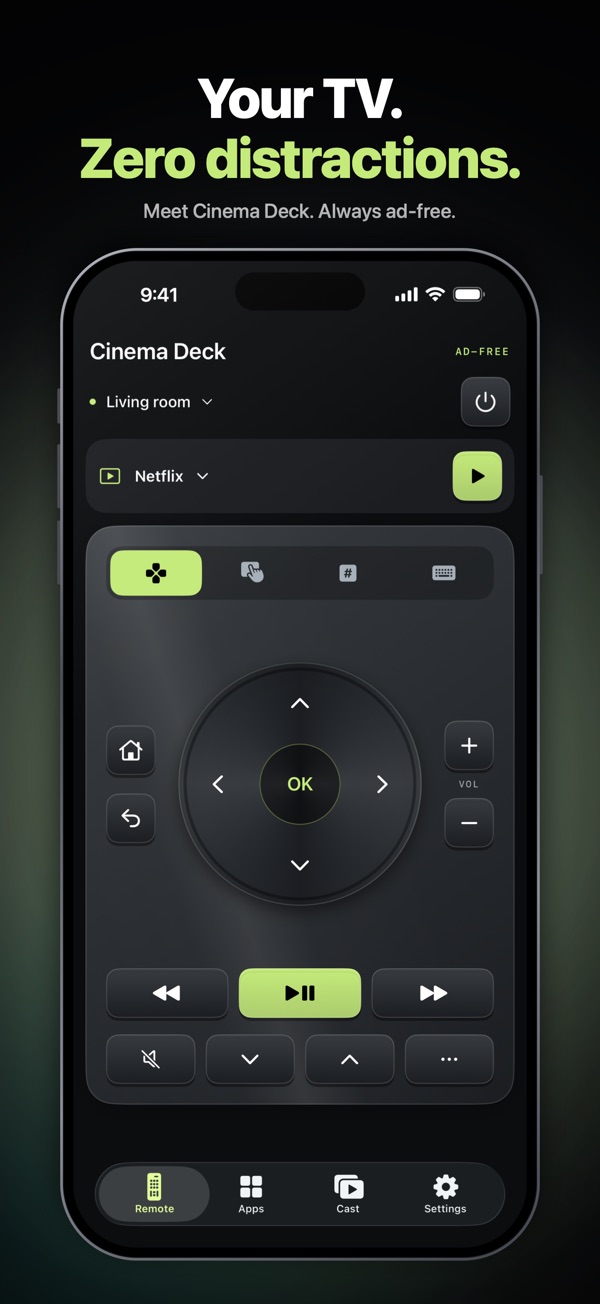
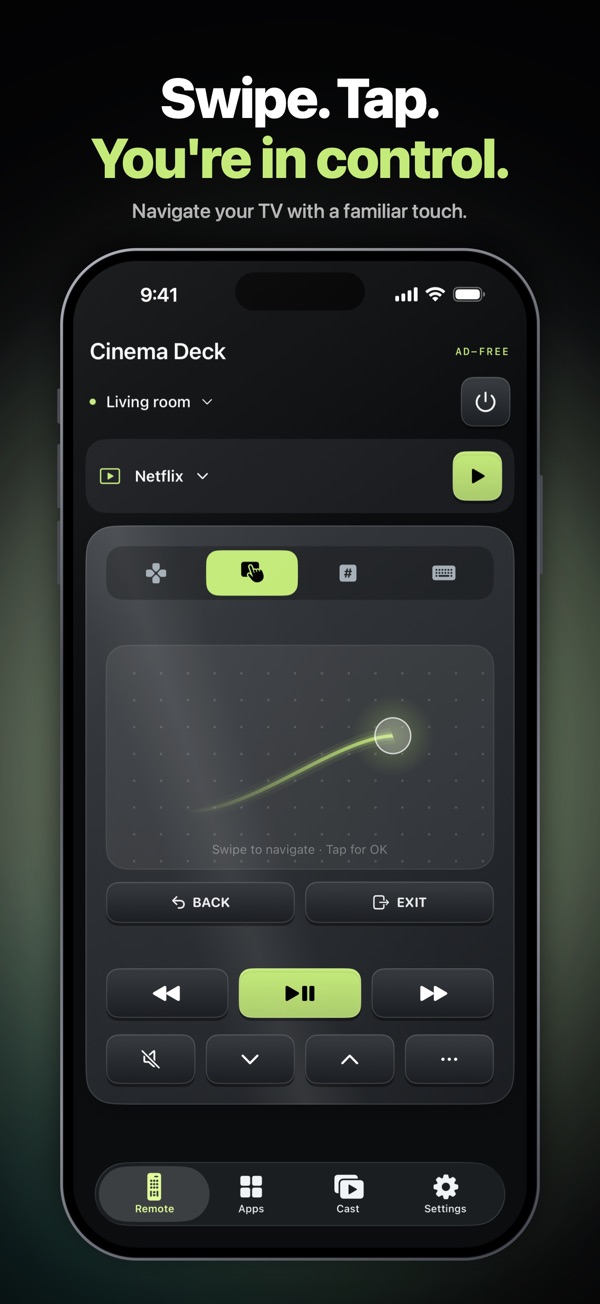
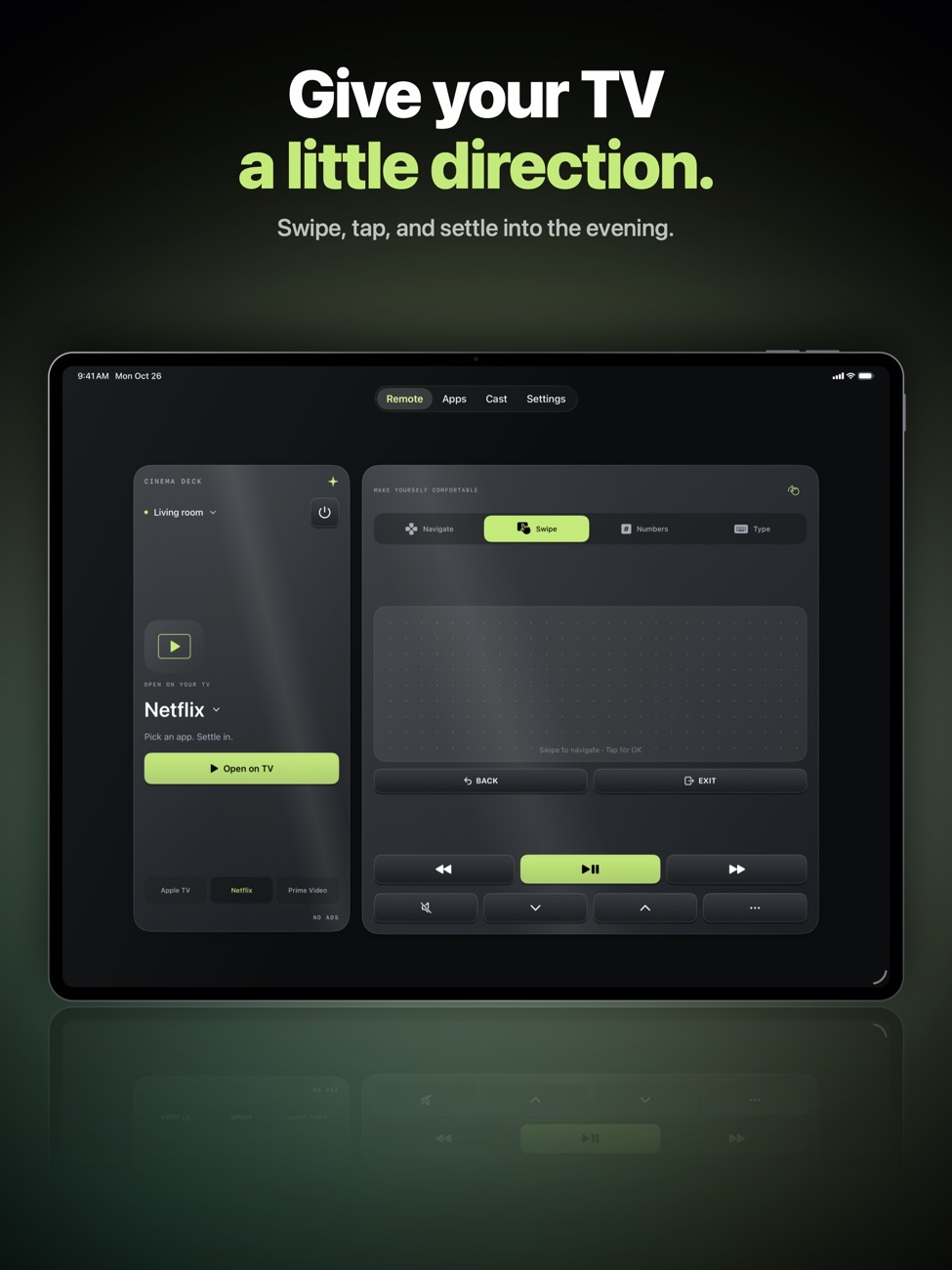
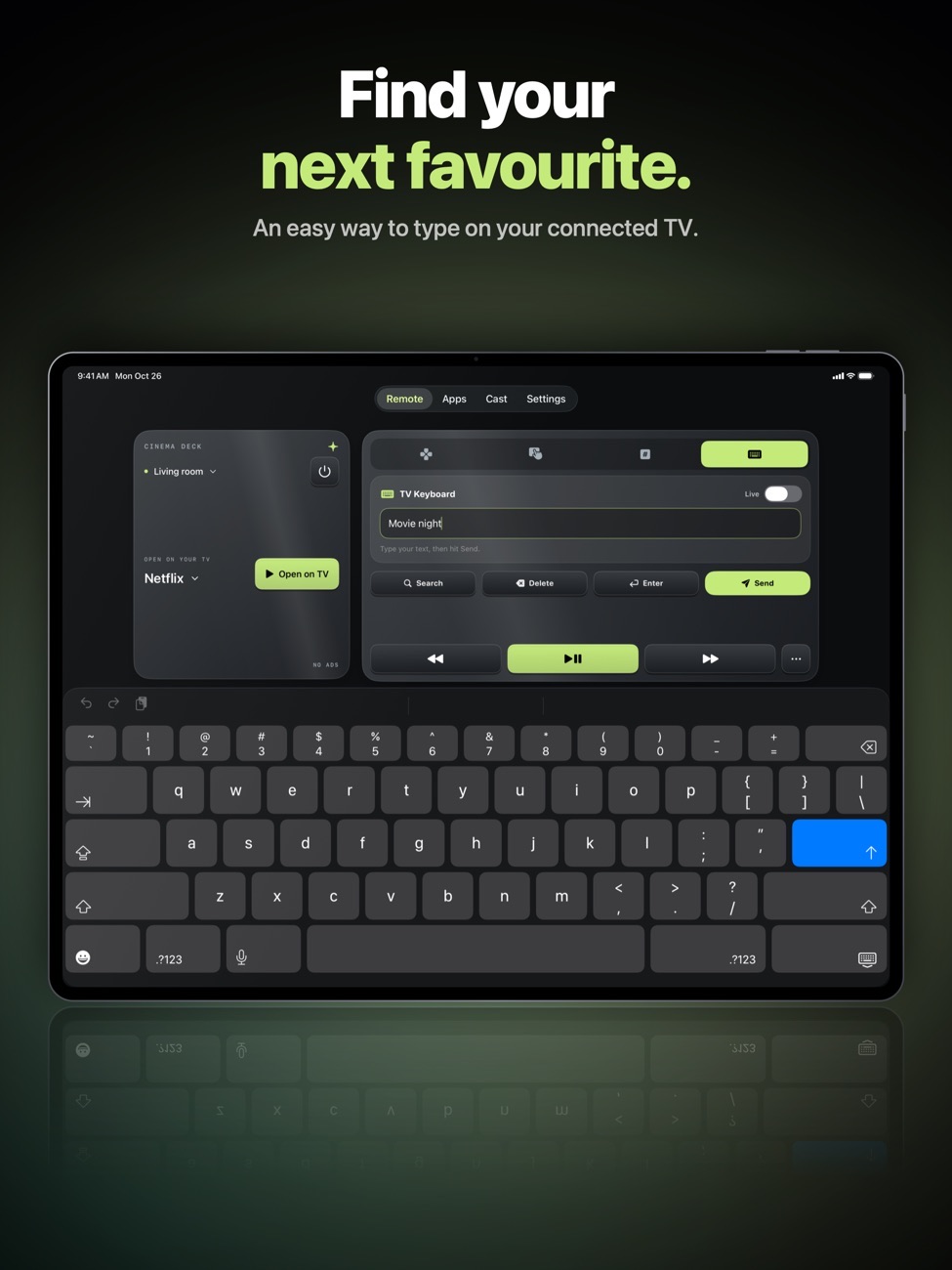
Control your TV over Wi-Fi with a remote that doesn't stop to show you an ad. Directional pad, touchpad, number pad and a real keyboard for search.
Movie night,
minus the hunt.
Find the remote? Your phone is already in your hand.
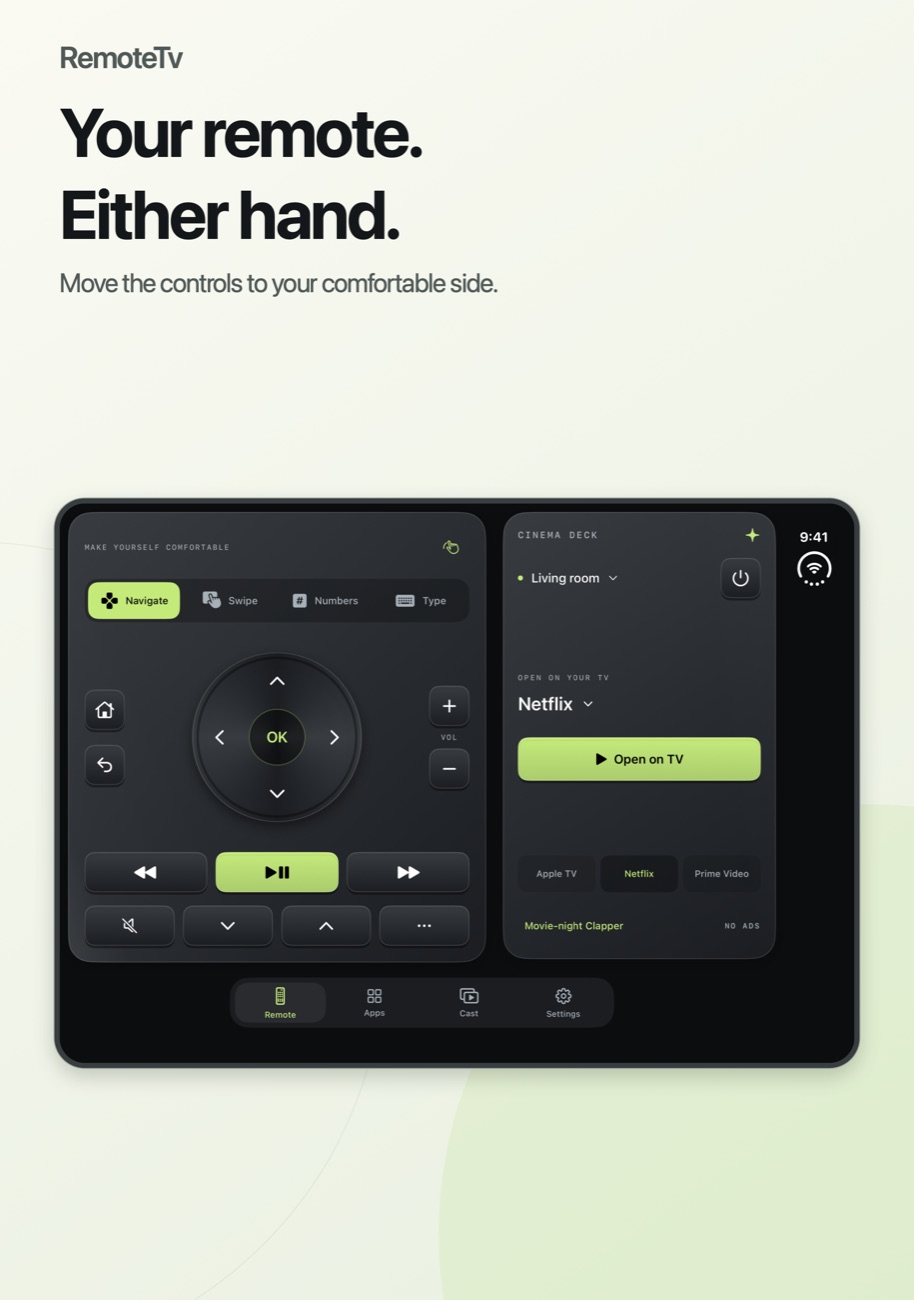
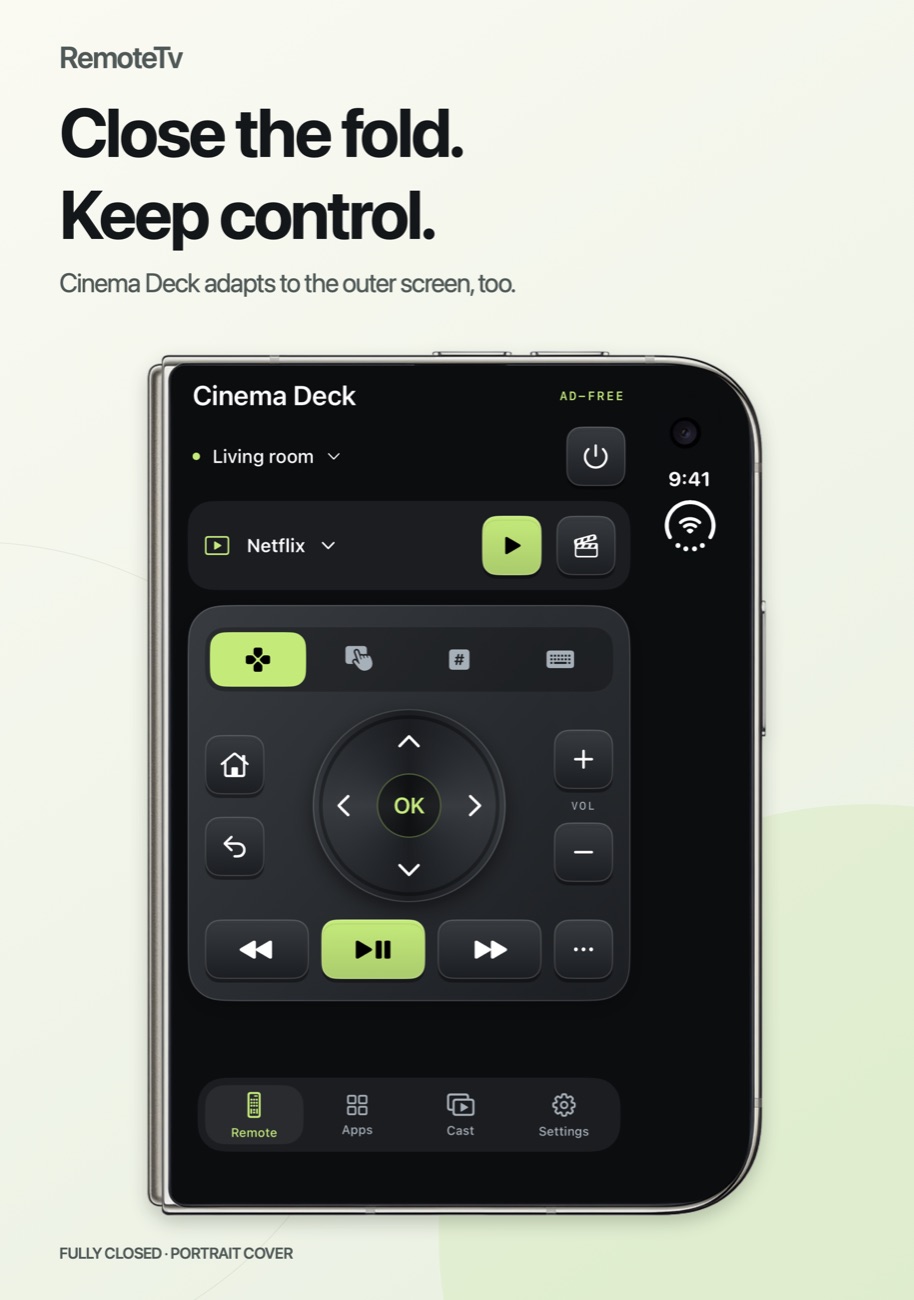
Cinema Deck
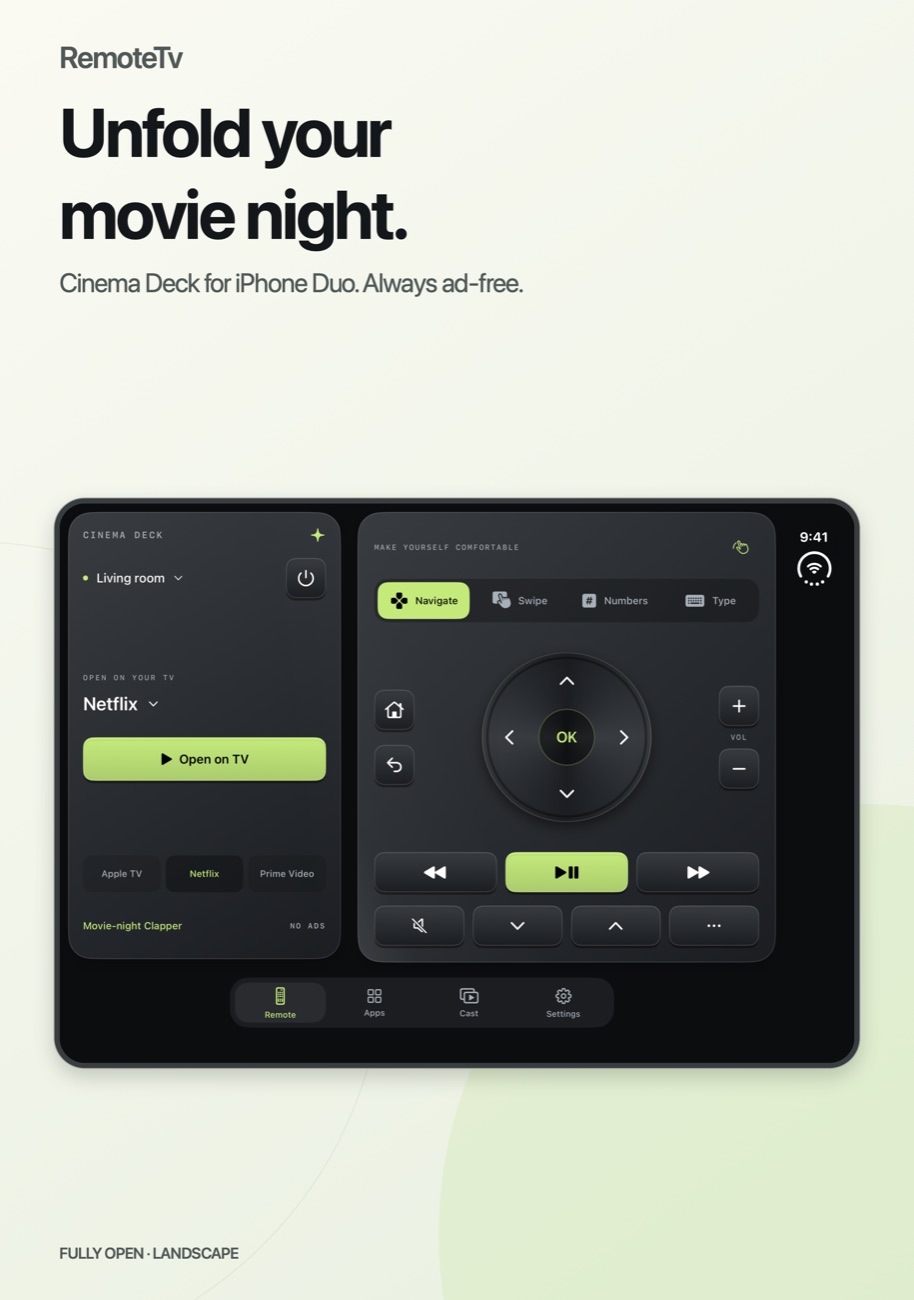
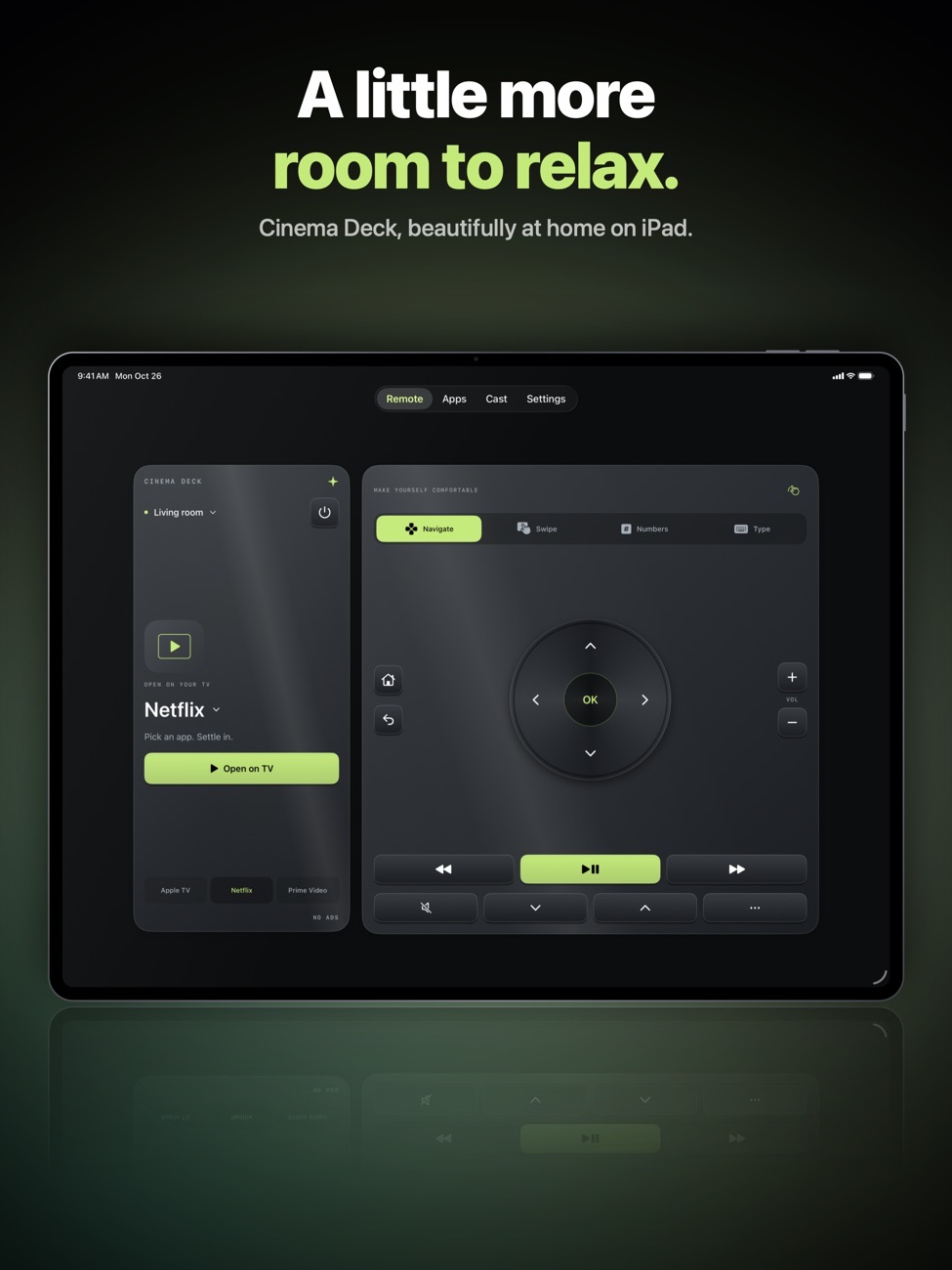
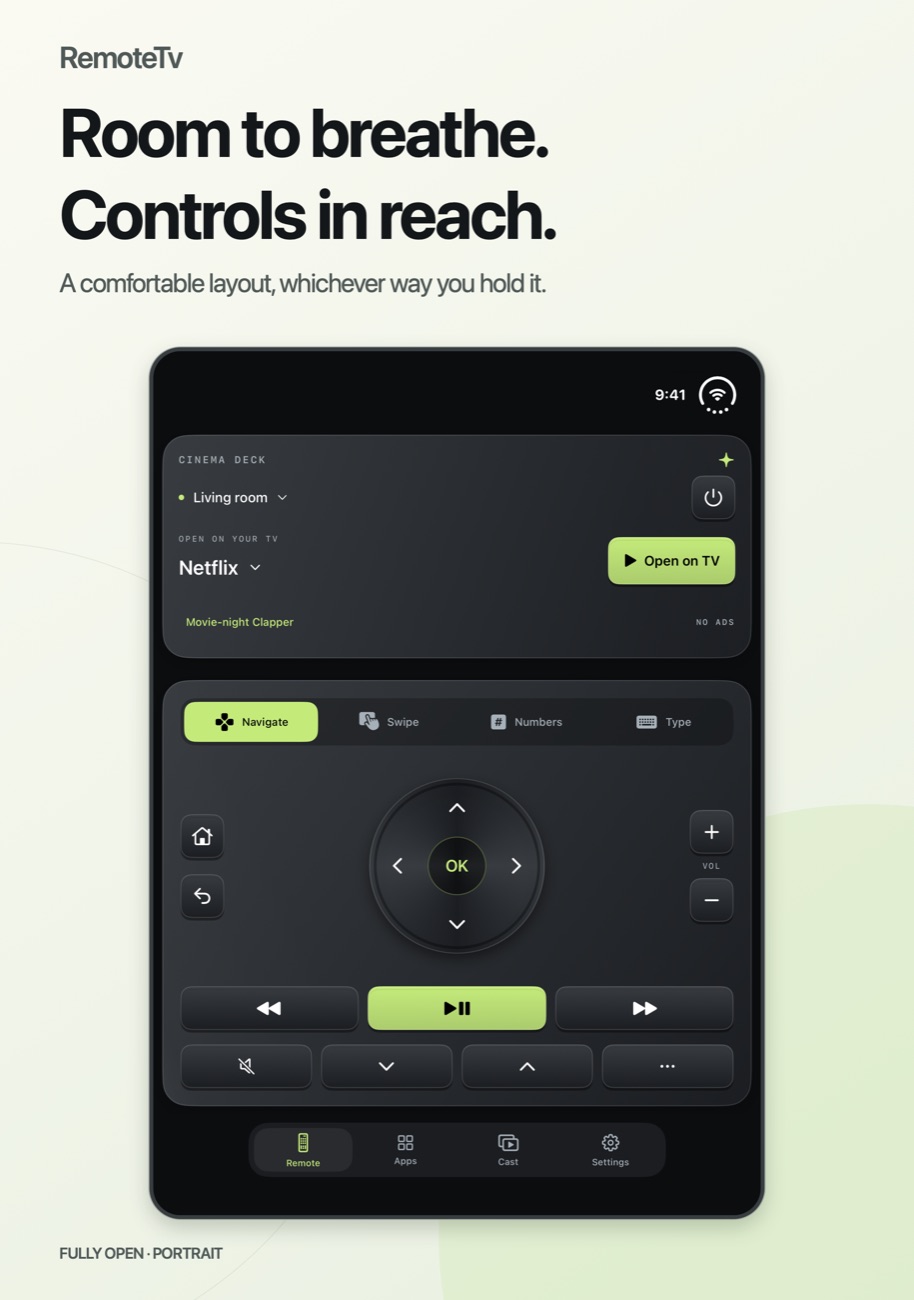
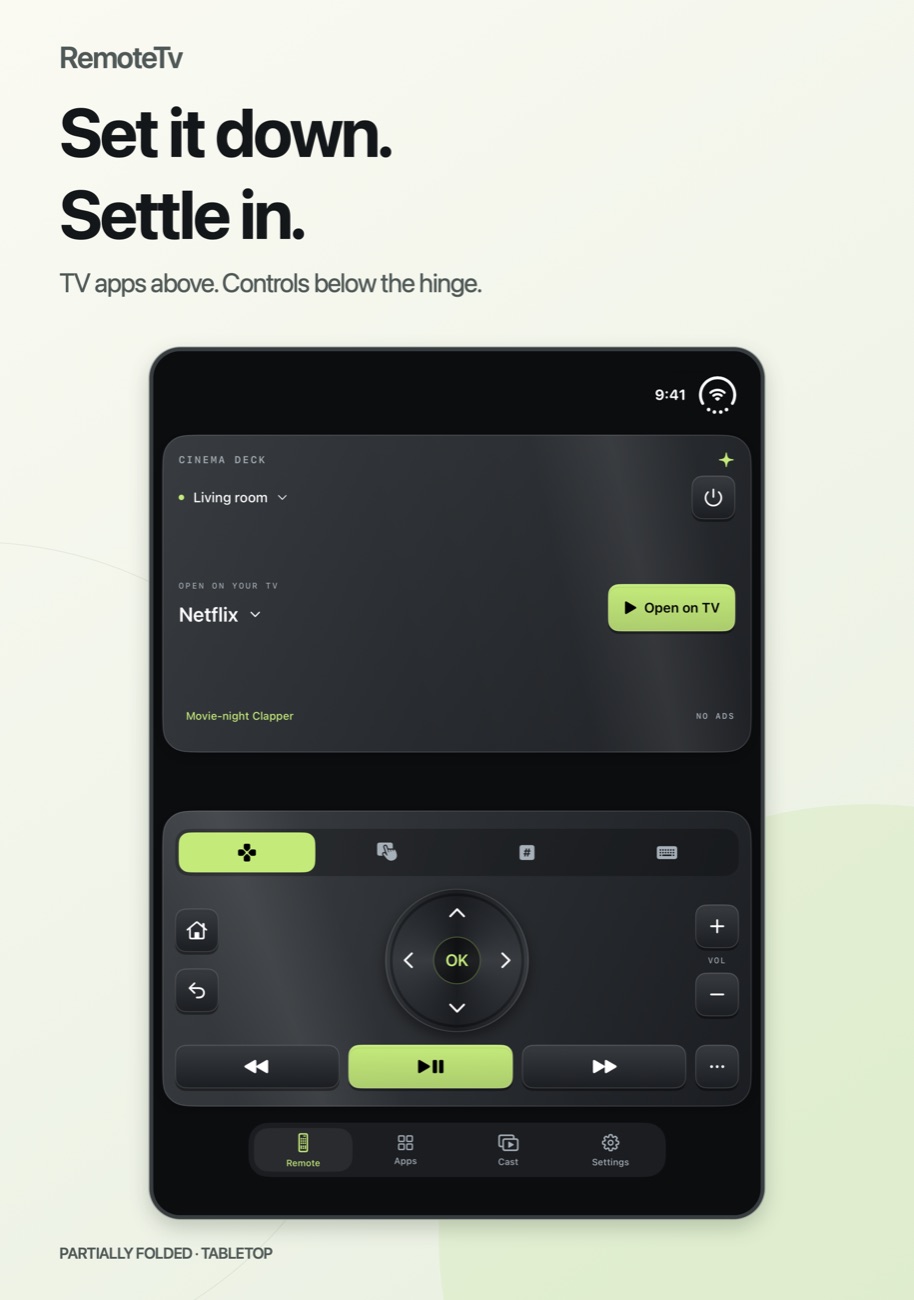
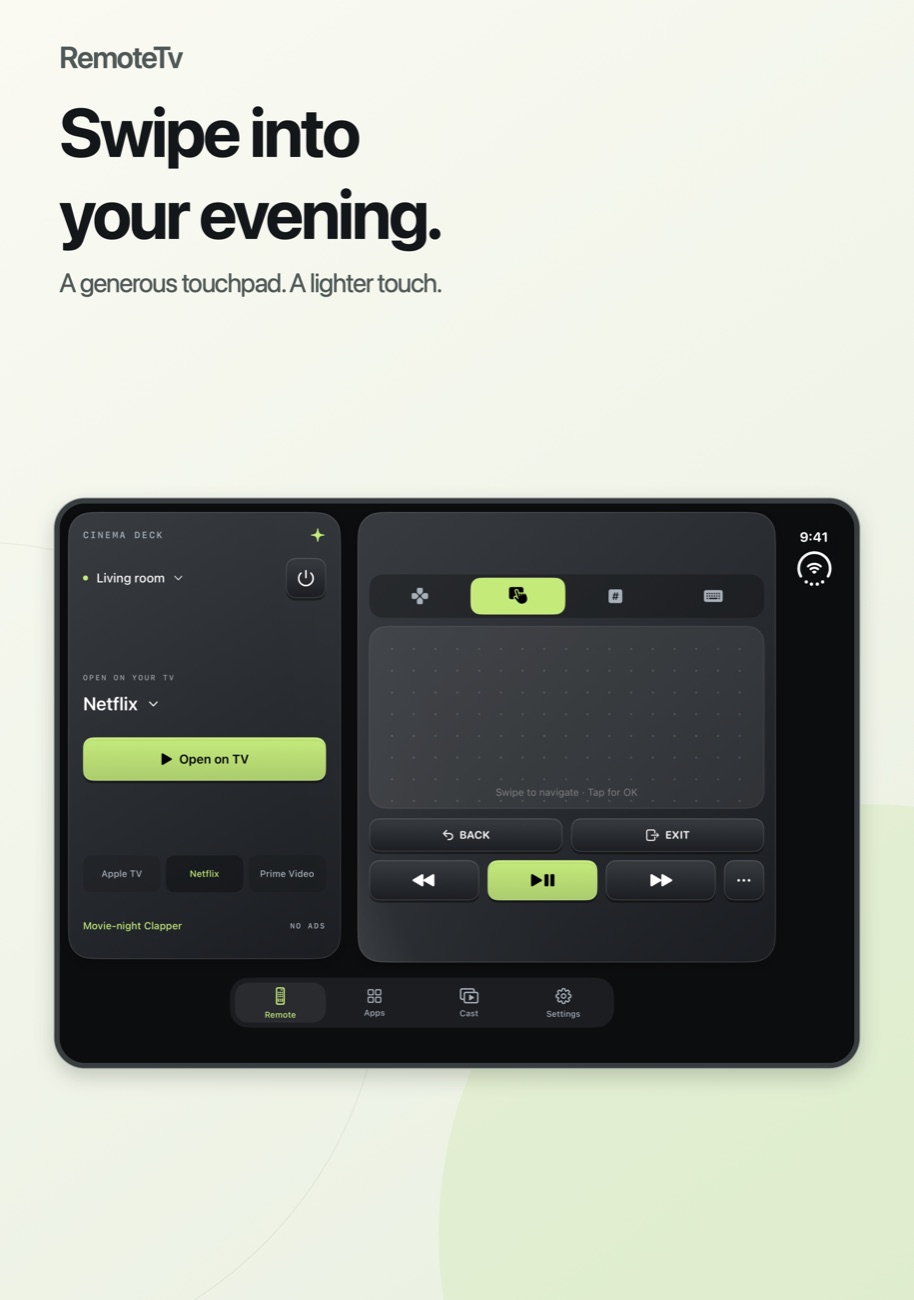
A metallic remote that adapts to your screen, from a compact remote on iPhone to separate app and control panels on iPad and iPhone Duo.
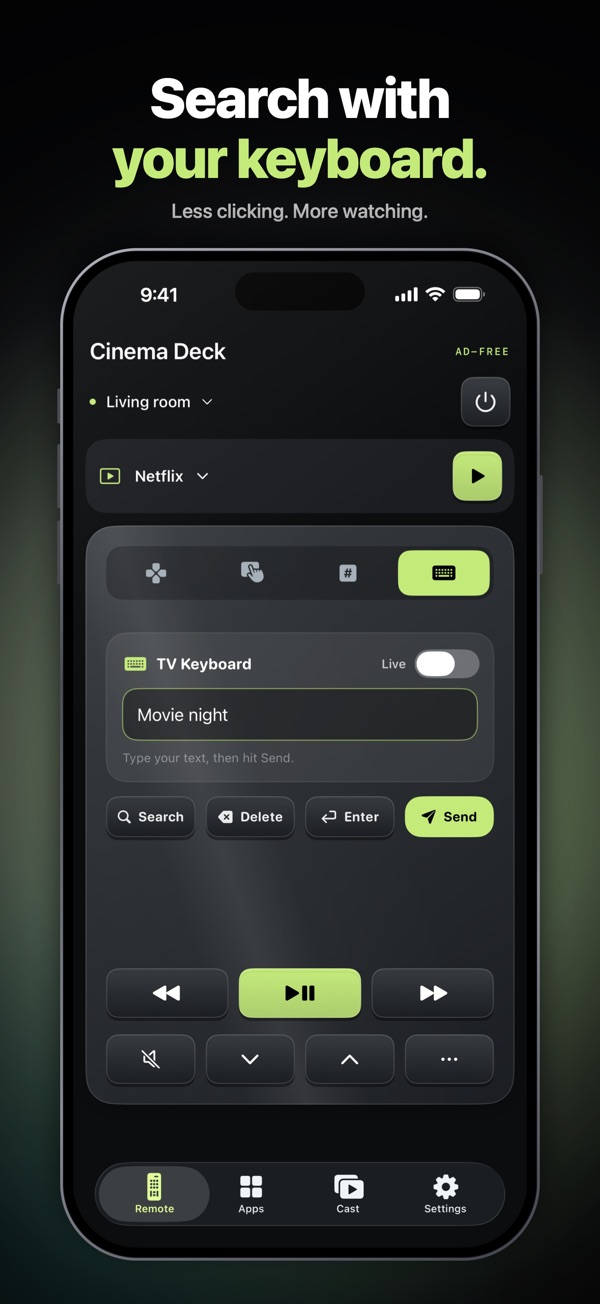
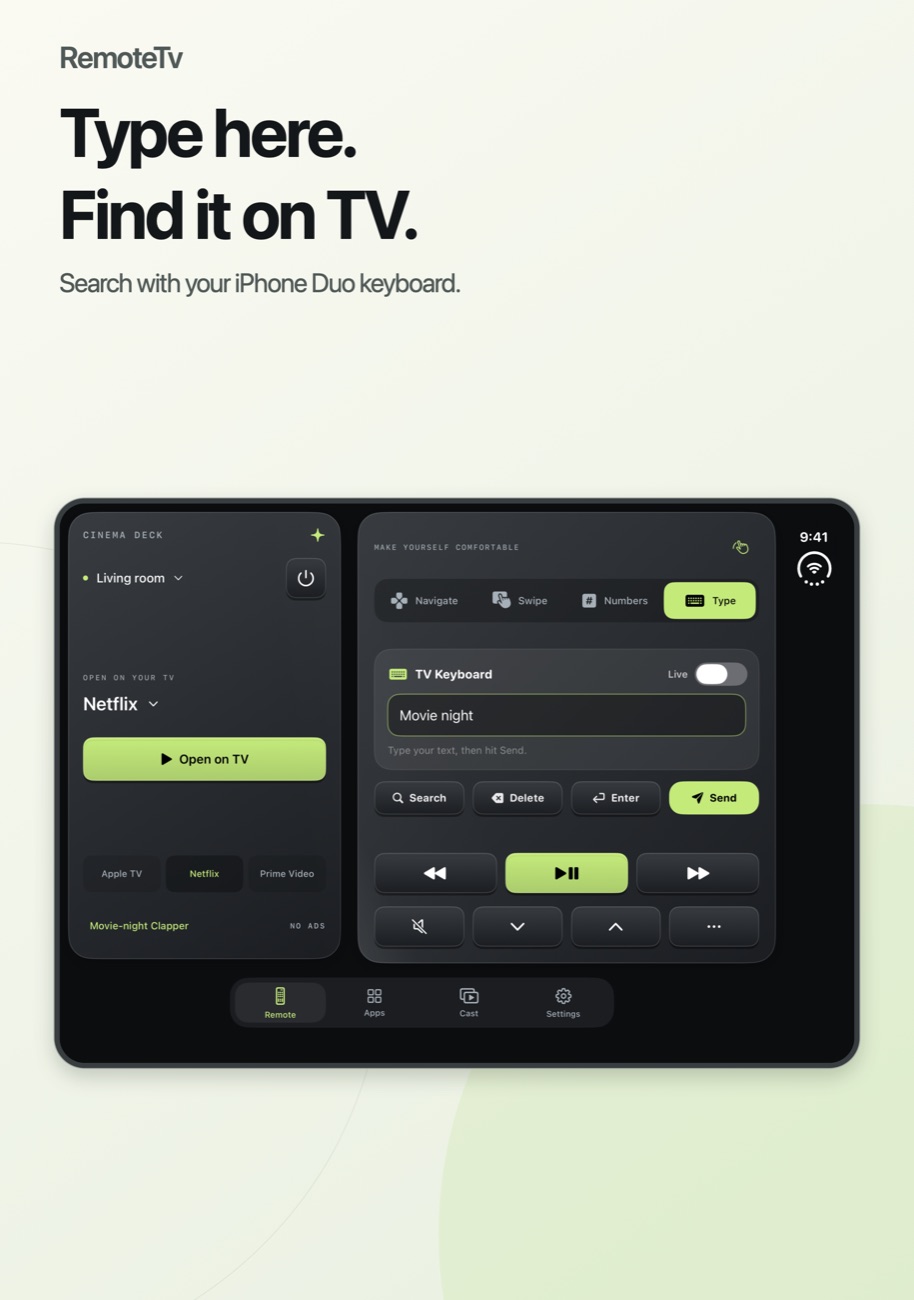
Type, don't hunt
A real keyboard for searching on your TV. Your draft stays put if the layout changes.
All the controls
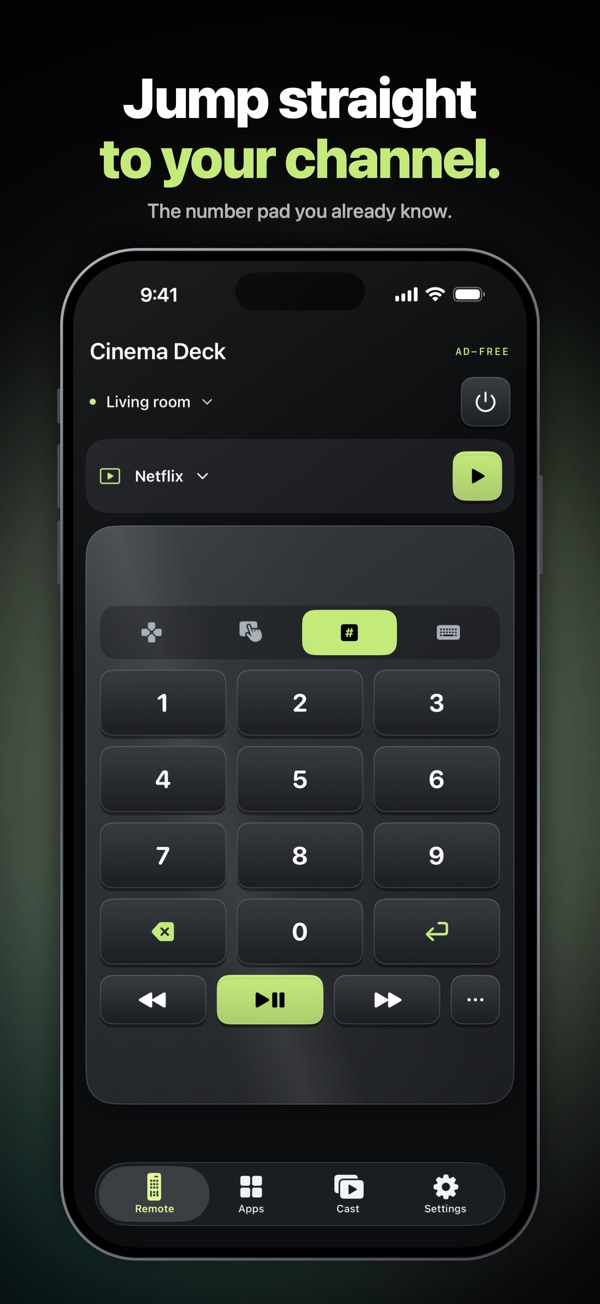
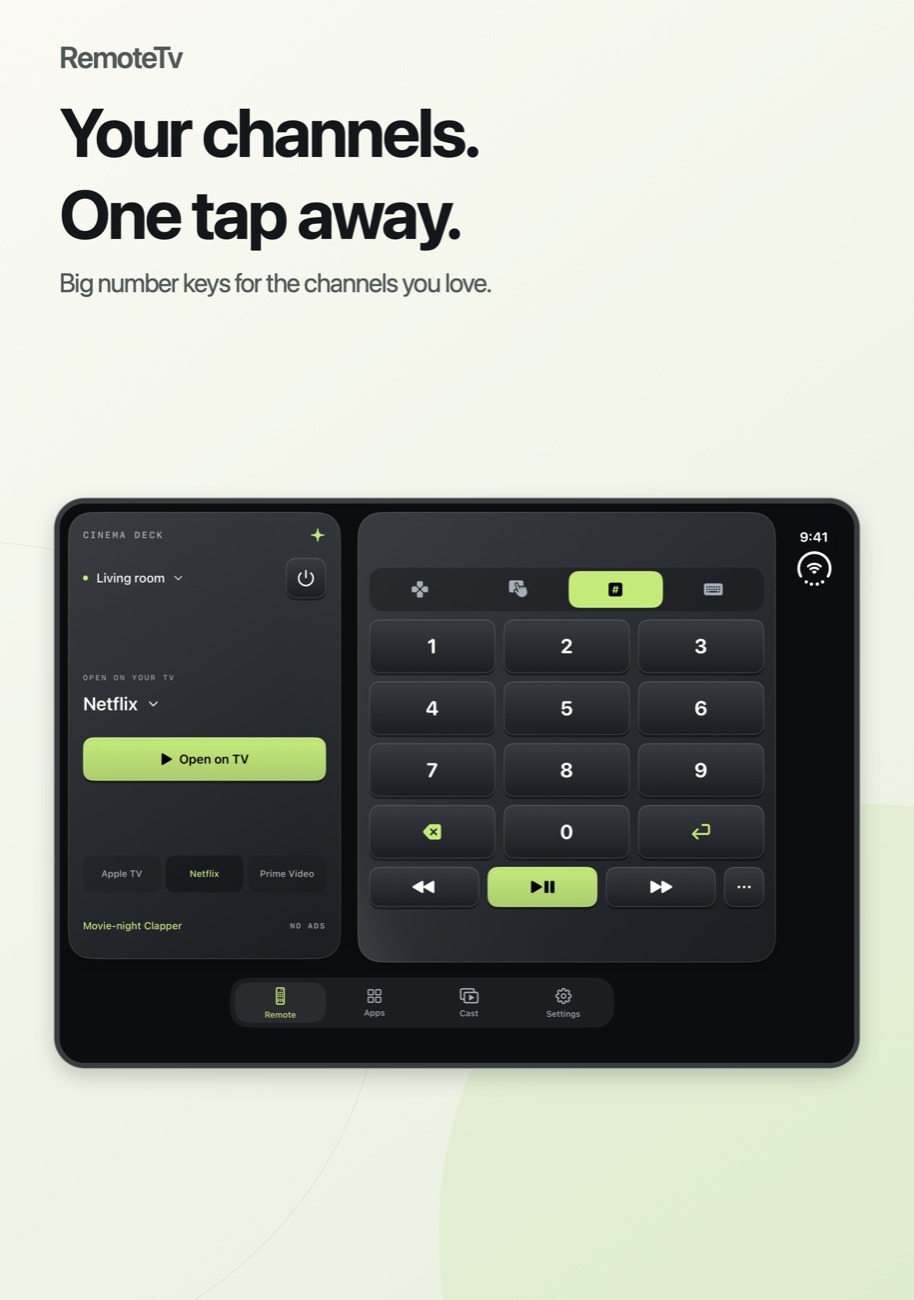
Navigation, volume, channels and playback, plus a touchpad and number pad.
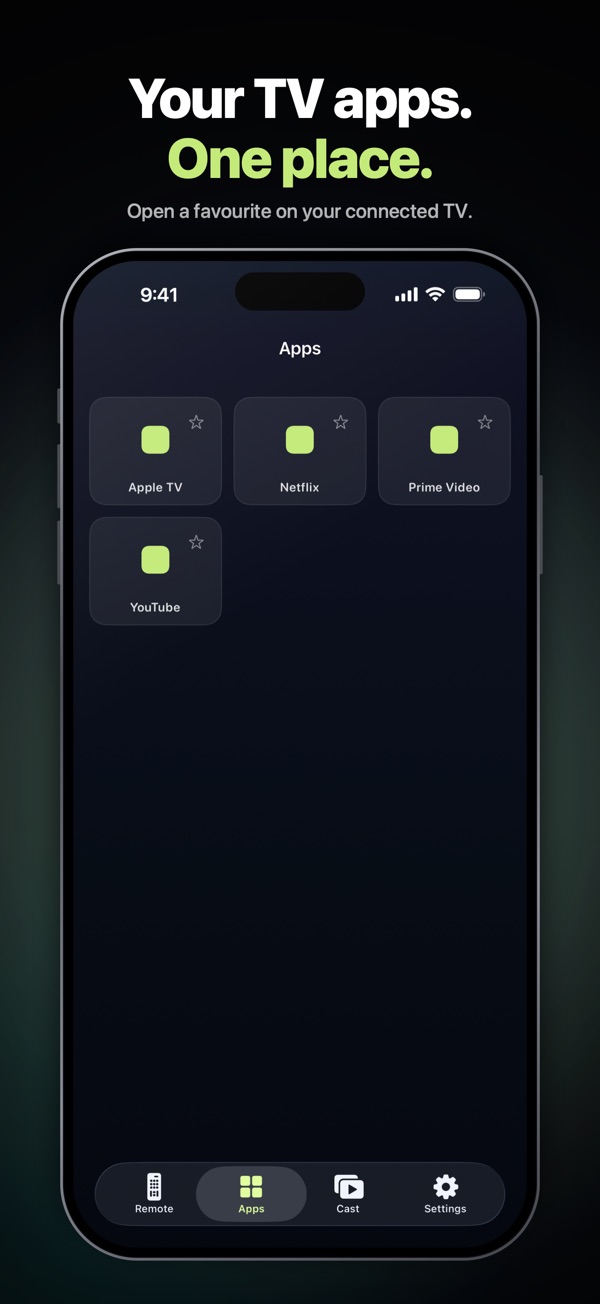
Launch TV apps
Open supported TV apps straight from your phone.
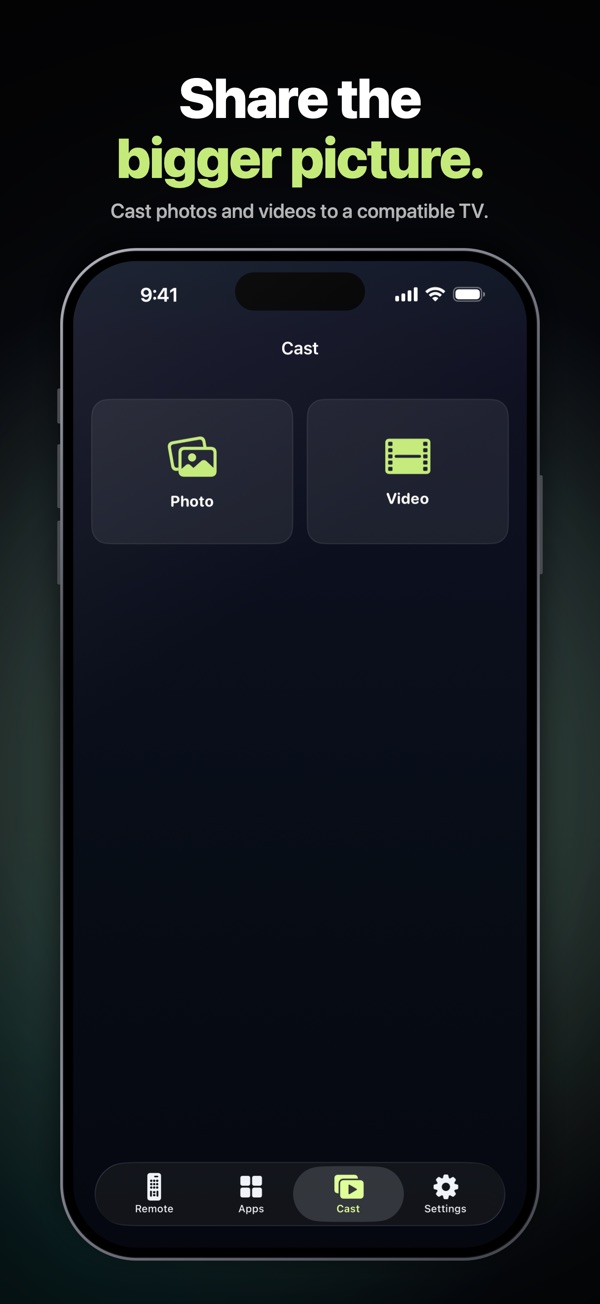
Cast photos and videos
Send photos and videos to compatible TVs.
Movie-night clapper
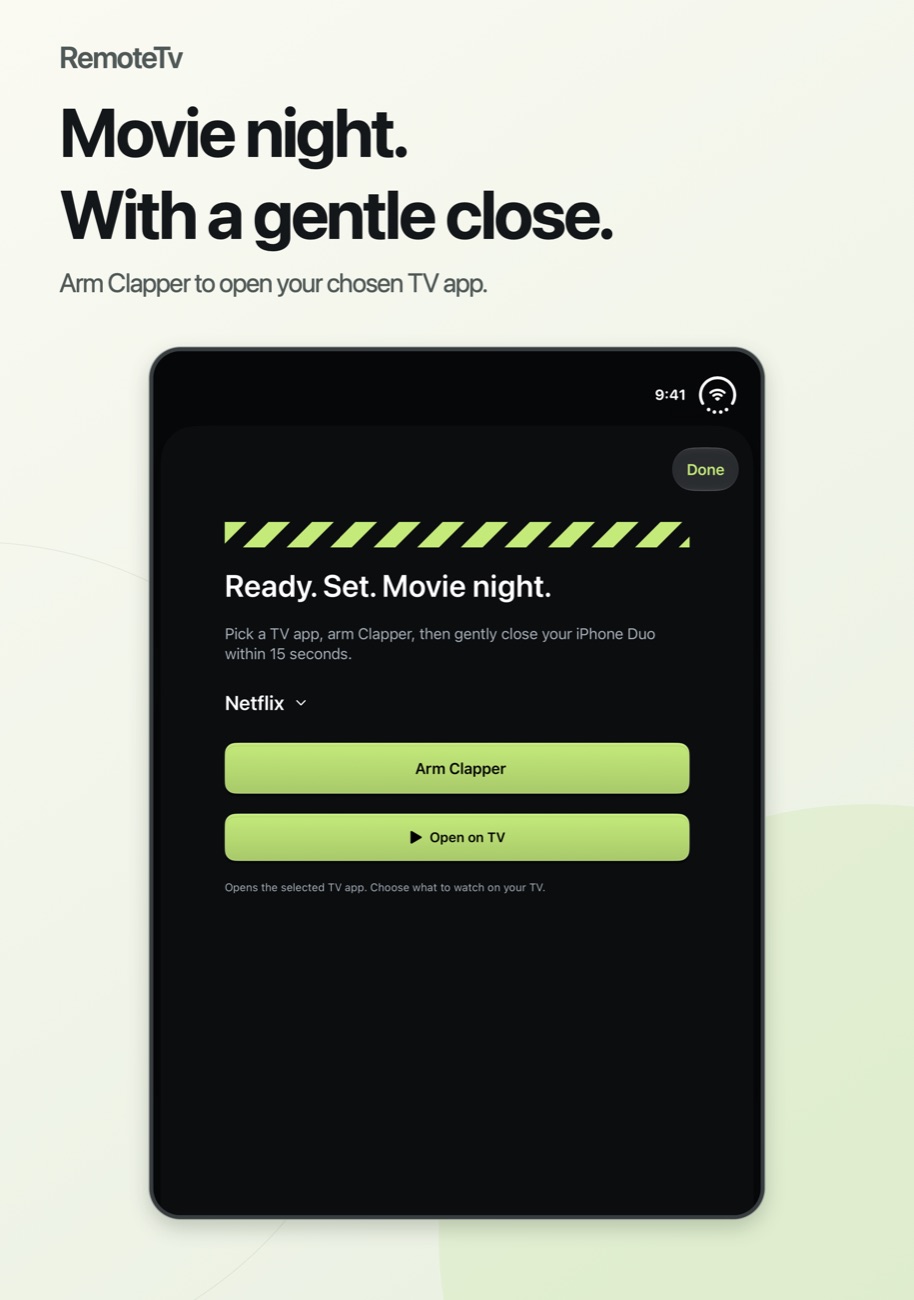
On iPhone Duo, arm the clapper and close your phone within 15 seconds to open the app you picked on your TV.
Try before you pay
Your first successful connection unlocks everything for up to 24 hours, with no automatic charge when it ends.
Screenshots
RemoteTv on iPhone Duo, iPhone and iPad.
Is it right for you?
An honest look at who RemoteTv is made for.
Great for
- Lost or broken TV remotes
- Typing search terms on the TV
- People who hate ads in remote apps
Look elsewhere if you need
- TVs that aren't on your Wi-Fi network
- Older non-smart TVs
Details
- Developer
- Sensonet
- Price
- Free
- Category
- Utilities
- Version
- 1.4 · updated 2026-11-10
- Requires
- iOS 16.0 or later
- Languages
- 14
- Size
- 4 MB
- Age rating
- 4+
Privacy
Cinema Deck is ad-free. The connection is made over your local Wi-Fi network.
Questions
Which TVs does RemoteTv work with?
Compatible smart TVs on the same Wi-Fi network as your iPhone. Features vary by TV model, so try the free first connection to check yours.
Is RemoteTv free?
Your first connection is free for up to 24 hours. After that you can choose a yearly subscription or a one-time lifetime purchase.
Does it have ads?
No. Cinema Deck is completely ad-free.
Can I use it without Wi-Fi?
No. The phone and TV need to be on the same Wi-Fi network.
See how RemoteTv compares
We compared the official TV brand apps with the most popular universal remotes on price, ads and privacy. Read: The best TV remote apps for iPhone in 2027 →
More apps from Sensonet


RemoteTv privacy policyRemoteTv — Privacy Policy · Effective date: 26 July 2026 · Last updated: 26 July 2026
In short: RemoteTv does not collect, store, or share your personal information. There is no account to create, no analytics, no advertising, and no tracking. The app works entirely on your device and your local Wi-Fi network to find and control your TVs.
This Privacy Policy explains how the RemoteTv mobile application (“RemoteTv,” the “App,” “we,” “us”) handles information when you use it. By using the App, you agree to this policy.
1. Information we collect
We do not collect any personal data. RemoteTv has no user accounts, no sign-in, and no servers that receive your information. We do not use analytics, advertising, or third-party tracking software of any kind. Under Apple’s privacy definitions, our data collection is classified as “Data Not Collected.”
2. Information the App uses on your device
To do its job, the App accesses the following on your device. This information stays on your device and your local network — it is never transmitted to us or to any third party.
Local network access
RemoteTv uses your local Wi-Fi network to discover and communicate with smart TVs and streaming devices (for example Samsung, LG, Roku, Android TV, Sony and Vizio). iOS asks for your permission to access the local network for this purpose. The App only communicates with devices on your own network in order to send remote-control commands; it does not send this activity anywhere else.
Photos and videos you choose to cast
If you use the casting feature, you select photos or videos using the standard iOS system picker. The App receives only the specific items you choose — it does not access your entire photo library. Selected media is streamed directly from your device to your TV over your local network. Your photos and videos are never uploaded to us or to any external server.
Pairing credentials stored on your device
When you pair with a TV, the App stores the pairing token or certificate needed to reconnect (for example, so a Samsung or Android TV does not ask you to approve the connection every time). These credentials are kept securely in the iOS Keychain on your device only. They are removed when you delete the App.
3. Purchases and subscriptions
RemoteTv offers an optional subscription and a one-time lifetime purchase. All payments are processed by Apple through the App Store using your Apple ID. We never see or receive your payment card details, and we do not receive any personal information about you as part of a purchase. Purchase and subscription management is handled entirely by Apple. See Apple’s Privacy Policy for how Apple processes payments.
4. Third-party services and links
RemoteTv can launch streaming apps on your TV (such as Netflix, YouTube, Prime Video, Disney+, Apple TV and Spotify) and may open their pages. These services are operated by their respective companies and are governed by their own privacy policies. We are not responsible for the practices of those third parties. The only third-party service involved in the App itself is the Apple App Store (for purchases), as described above.
5. How your information is stored and secured
Because RemoteTv has no backend servers, there is no central database of user data to protect. Everything the App stores — settings and pairing credentials — remains on your device. Sensitive credentials are stored in the iOS Keychain, and network connections to your devices use the security mechanisms provided by each TV platform.
6. Data retention and deletion
The App keeps its on-device data only for as long as the App is installed. Deleting RemoteTv from your device permanently removes all locally stored settings and pairing credentials. Because we hold no data about you, there is nothing for us to delete on our side.
7. Children’s privacy
RemoteTv is a general-purpose utility and is not directed at children. We do not knowingly collect any information from anyone, including children.
8. Your privacy rights
Privacy laws such as the EU/UK GDPR and the California Consumer Privacy Act (CCPA) give you rights over your personal data. Because RemoteTv does not collect or hold any personal data, there is no personal information for us to access, correct, delete, or export. If you have any questions about your rights, you may contact us using the details below.
9. Changes to this policy
We may update this Privacy Policy from time to time, for example if the App gains new features. When we do, we will revise the “Last updated” date at the top of this page. Significant changes will be reflected here before they take effect.
10. Contact us
If you have any questions about this Privacy Policy or the App’s privacy practices, please contact us at:
- Email: info@theappverdict.com
RemoteTv is not affiliated with, endorsed by, or sponsored by Samsung, LG, Roku, Google, Sony, Vizio, Netflix, YouTube, Amazon, Disney, Apple, Spotify, or any other TV or streaming brand. All trademarks belong to their respective owners.© 2026 RemoteTv. All rights reserved.
Published by Sensonet, the developer of RemoteTv. This page is the current version of the policy.